Mastering GSAP Interactions in Webflow: Pin a Video on Scroll (Picture-in-Picture Effect)

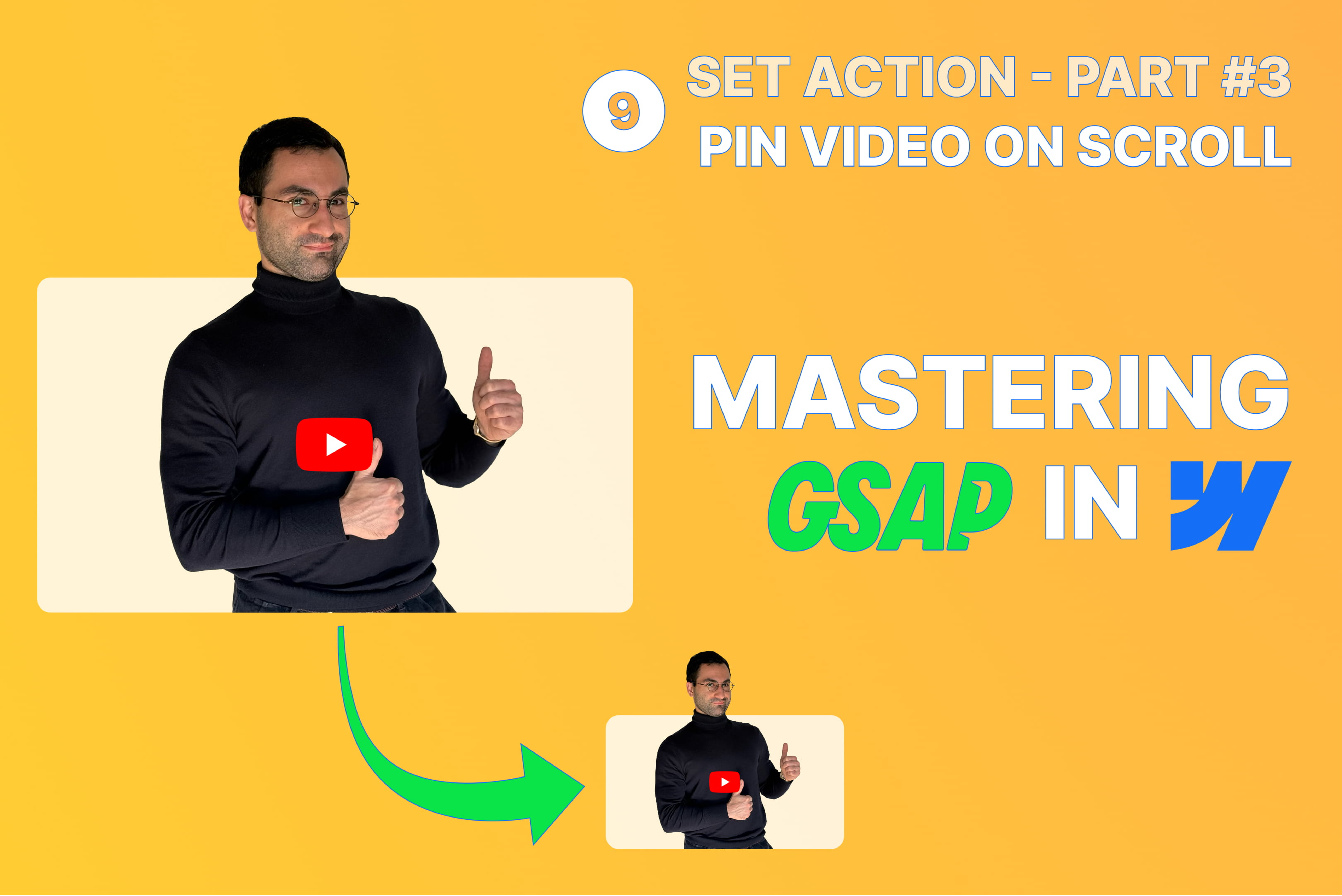
In this episode of Mastering GSAP Interactions in Webflow, we build a smooth picture-in-picture style video interaction for long-form layouts — where a video follows the user as they scroll, shrinking into the bottom-right corner of the viewport.
This tutorial is a great example of how powerful Webflow’s new GSAP-powered interactions can be when combined with sticky positioning, Webflow Variables, and a bit of smart layout logic.
We’ll cover how to:
✔ Trigger the interaction when the video starts leaving the viewport
✔ Pin the video cleanly using position: sticky
✔ Animate movement and scale using a single Animate Variable action
✔ Use Webflow Variables as a driver for multiple transforms
✔ Compensate for sticky + translateY behavior with a clean layout technique
✔ Keep the setup more thoughtful with responsive behavior and reduced motion support
👉 Watch on YouTube: https://youtu.be/7g71nPnreuY
👉 GSAP Knowledge Base: https://francescocastronuovo.com/kb/gsap-webflow/


