MapBox CMS Integration - Interactive map with filter

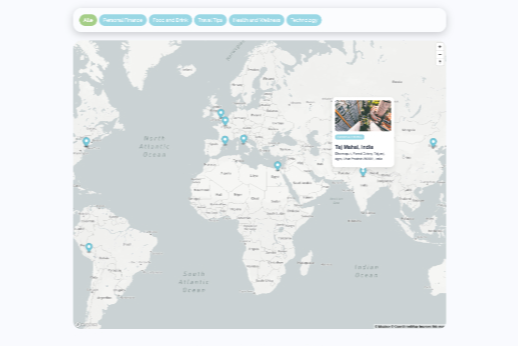
This is an easy to use mapbox CMS integration!
This clonable will allow you to integrate a mabox interactive map to your webflow project using map entries from the CMS.
In addition it integrates a filter which is although configured through the CMS.
The integration ist very easy and it is done in less than 5 Minute.
1. Create a free mapbox account
2. Create to collections in CMS
3 Clone the "section to clone" Element
4. Connect the map entries collection to the collection list
5. Connect the custom attributes to the .map-item
6. Connect the categories to the the categories collection list
7. Connect the custom attributes to the .filter-btn
8. Copy the custom css and Javascript to the page settings
9. Change the mapbox access token to your access token
10. Individualize the styling
Ready ;-)
