Trusted by teams at






.svg)
Schedule a time with a Webflow expert to customize this template. Learn more
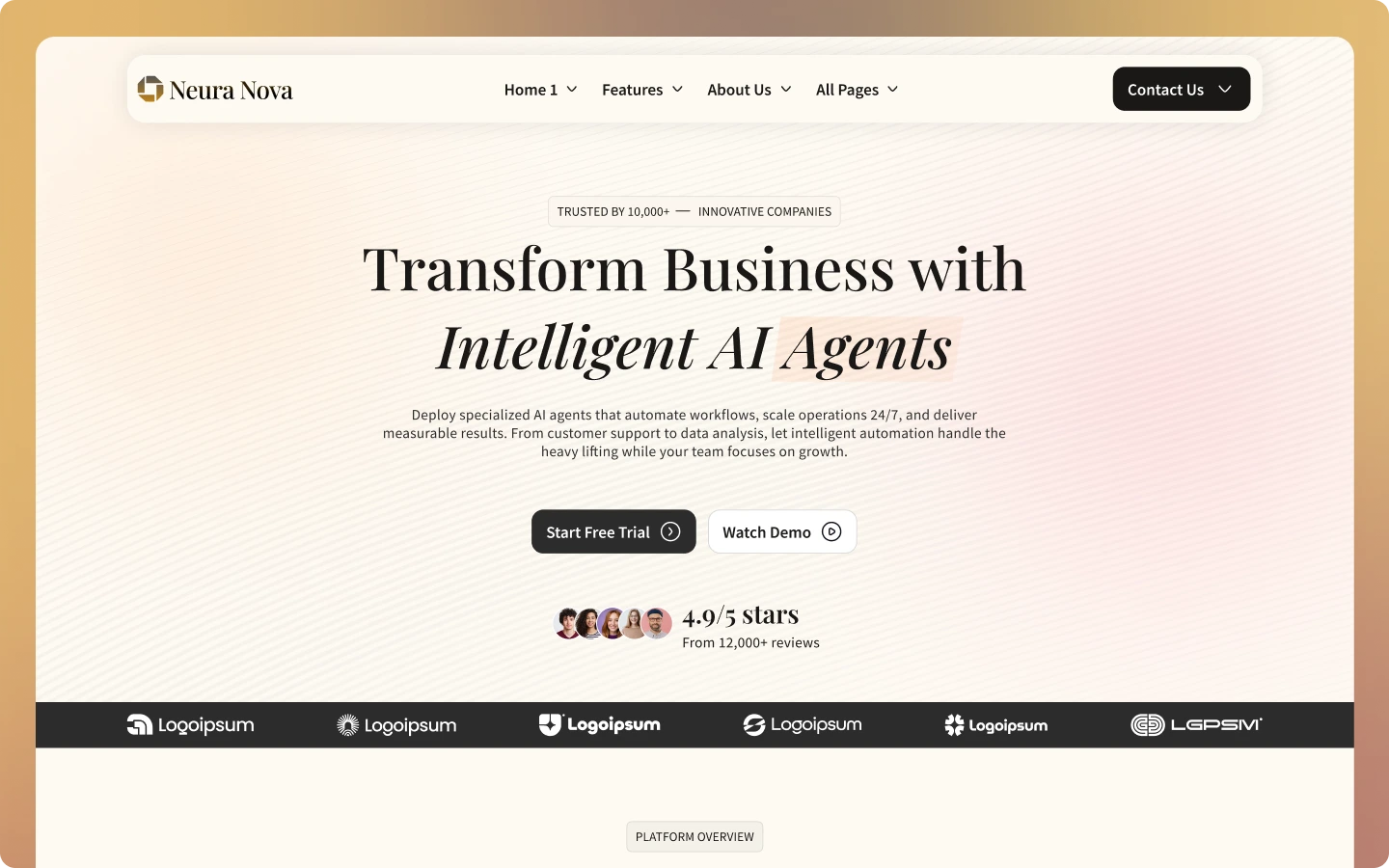
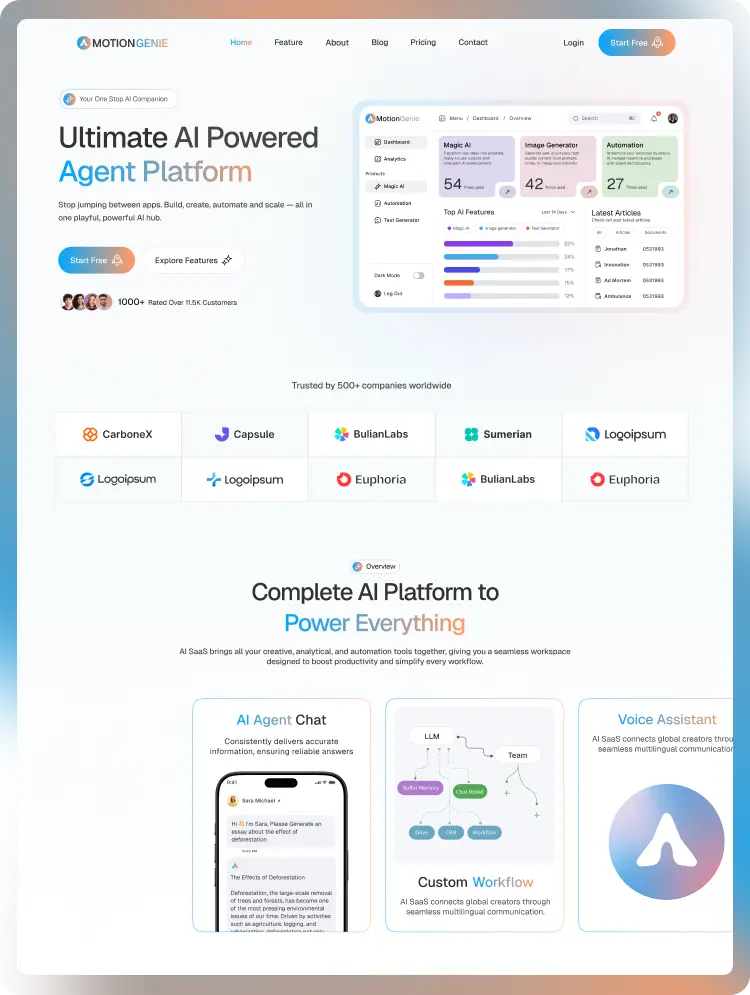
Get startedNeura Nova is a modern Webflow template for AI SaaS platforms and automation tools. Perfect for showcasing AI agents, features, case studies, and pricing with a clean, intelligent design that turns visitors into users.
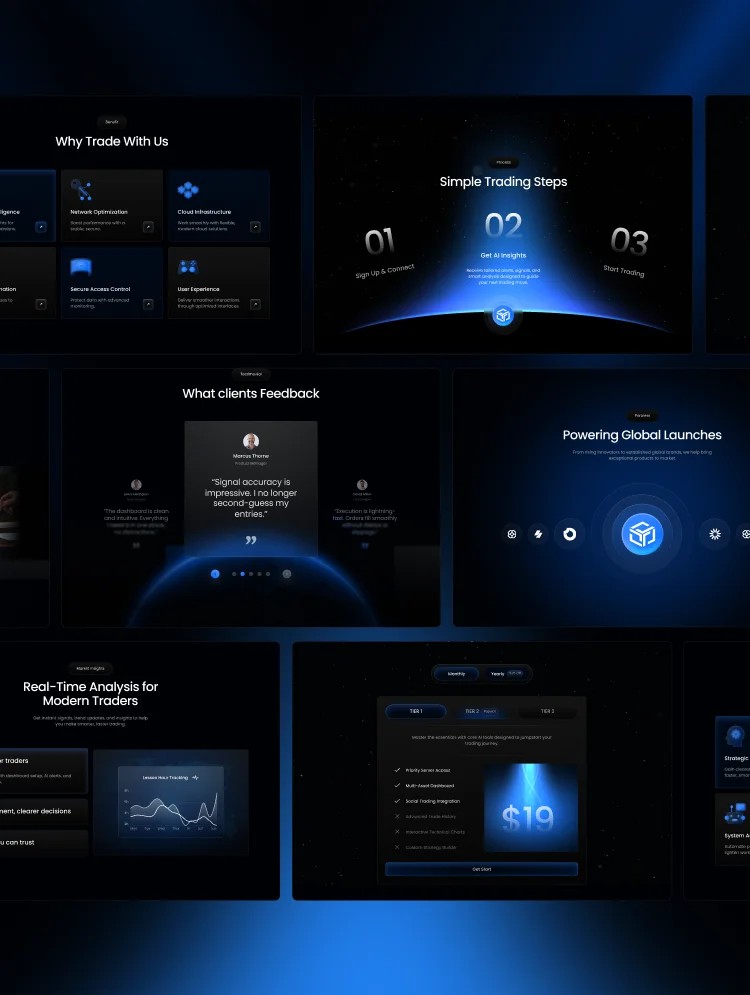
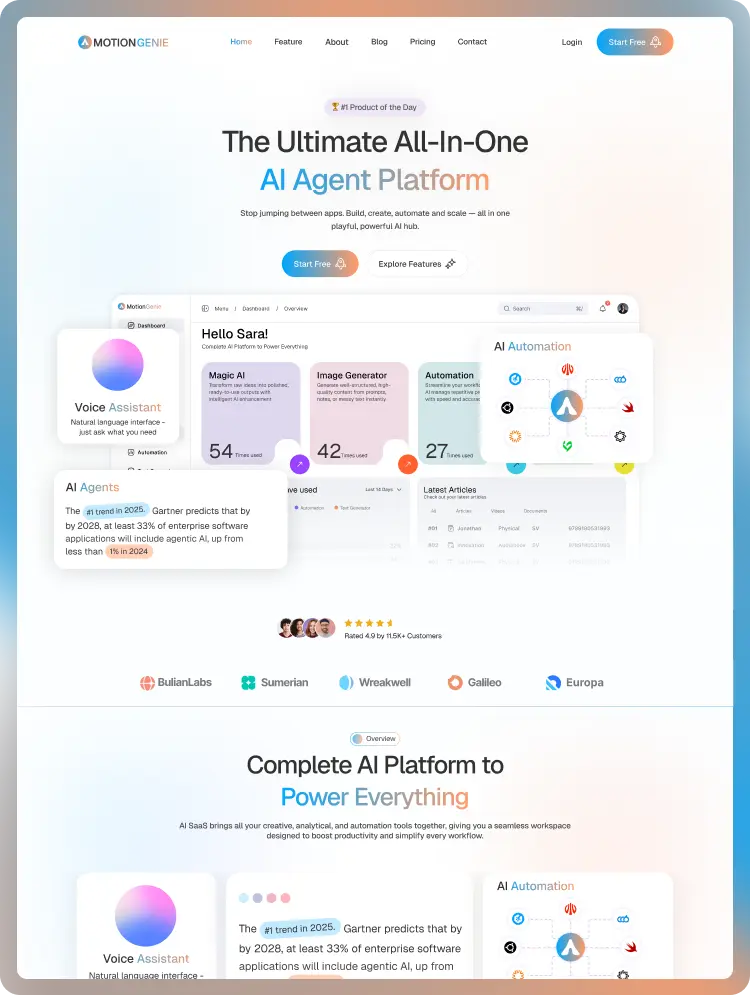
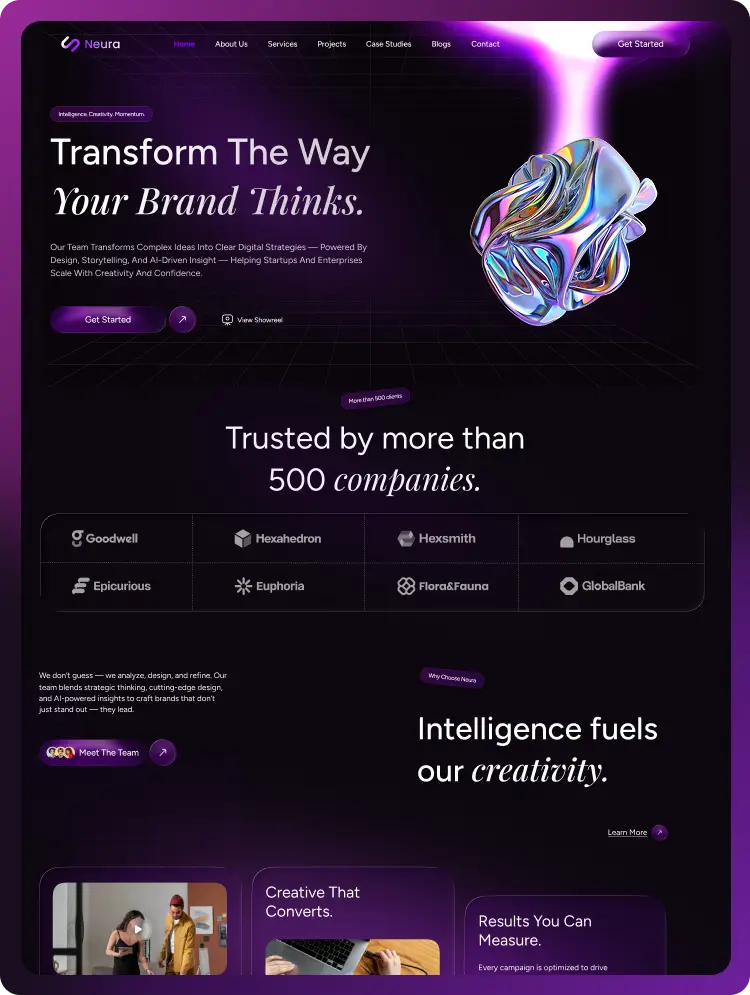
Neura Nova is a premium Webflow template built for AI SaaS platforms, intelligent automation tools, AI agent products, and next-generation software companies. It combines a modern, conversion-focused design language with a deeply structured page system giving your product the authority, clarity, and polish to attract enterprise clients, drive free trial signups, and communicate complex AI capabilities with confidence.
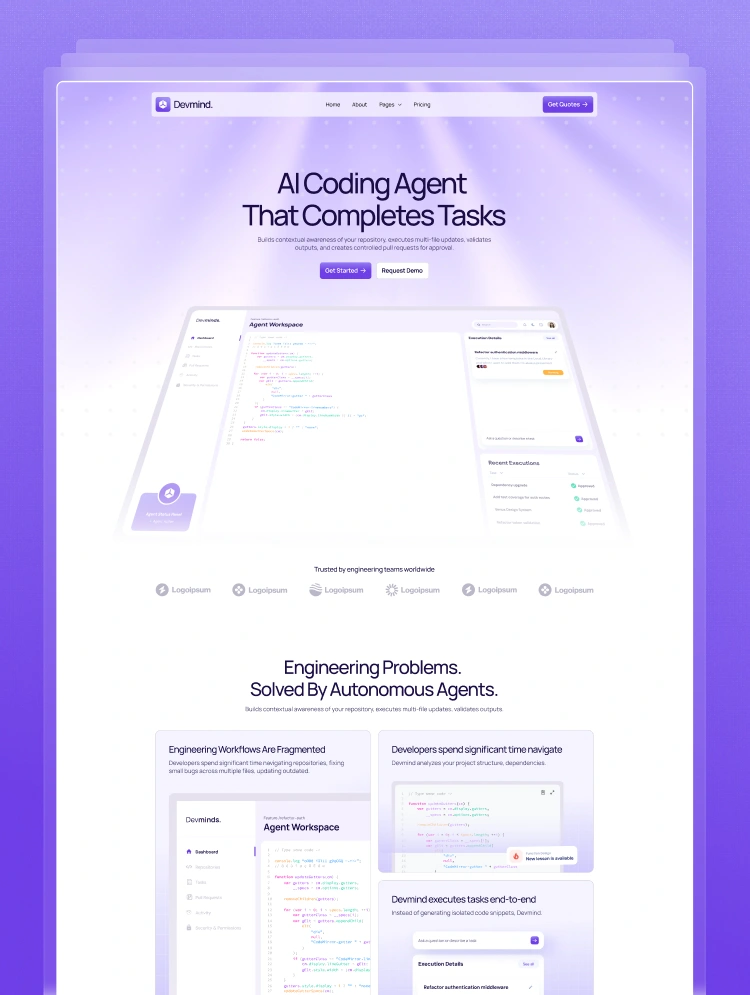
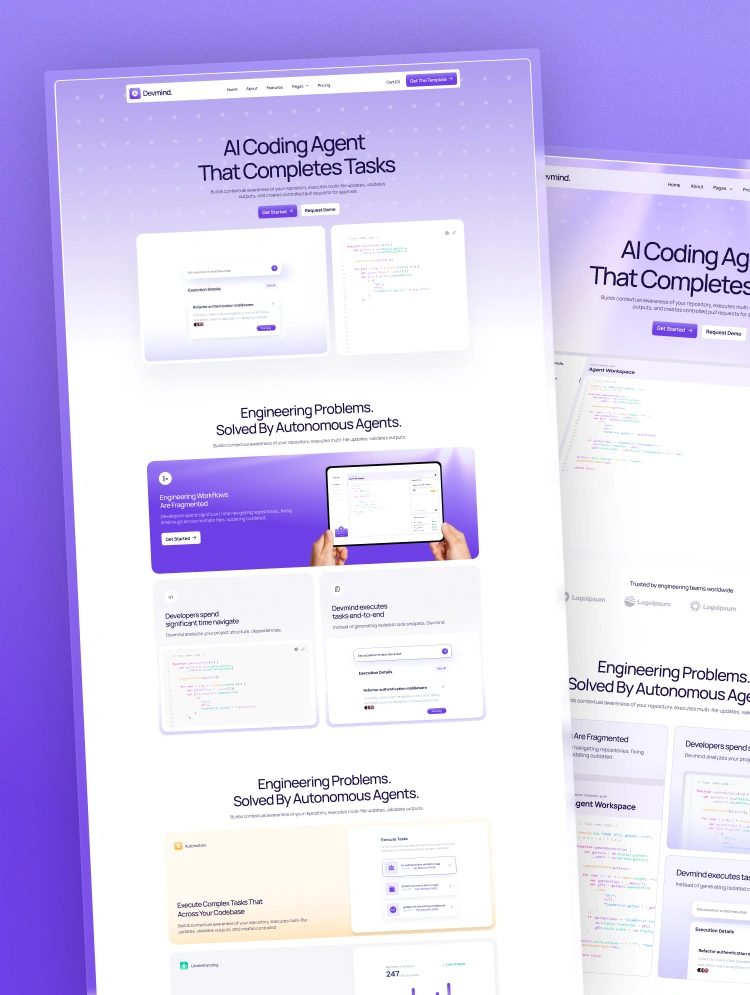
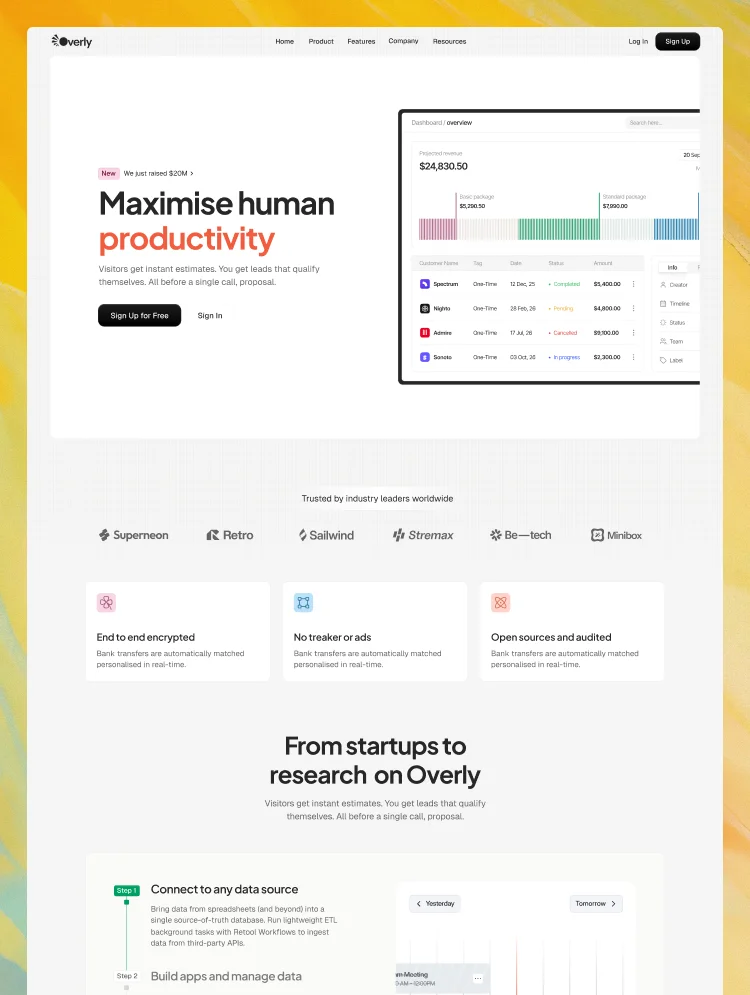
Designed with clean layouts, bold typography, product-forward UI mockups, and trust-building architecture, Neura Nova helps you present your agents, features, case studies, pricing, and content in a way that feels intelligent, premium, and unmistakably built for the future of work.
Whether you're launching a new AI platform from scratch or scaling an established product to enterprise, Neura Nova gives you everything you need to stand out in a crowded market and convert visitors into paying customers.
Neura Nova includes 37 ready-to-use pages covering every section of a professional AI SaaS website from first impression to final conversion.
Main Pages
Inner Pages
More Pages
Every page is fully designed, carefully structured, and ready to customize — so you can launch fast without building anything from scratch.
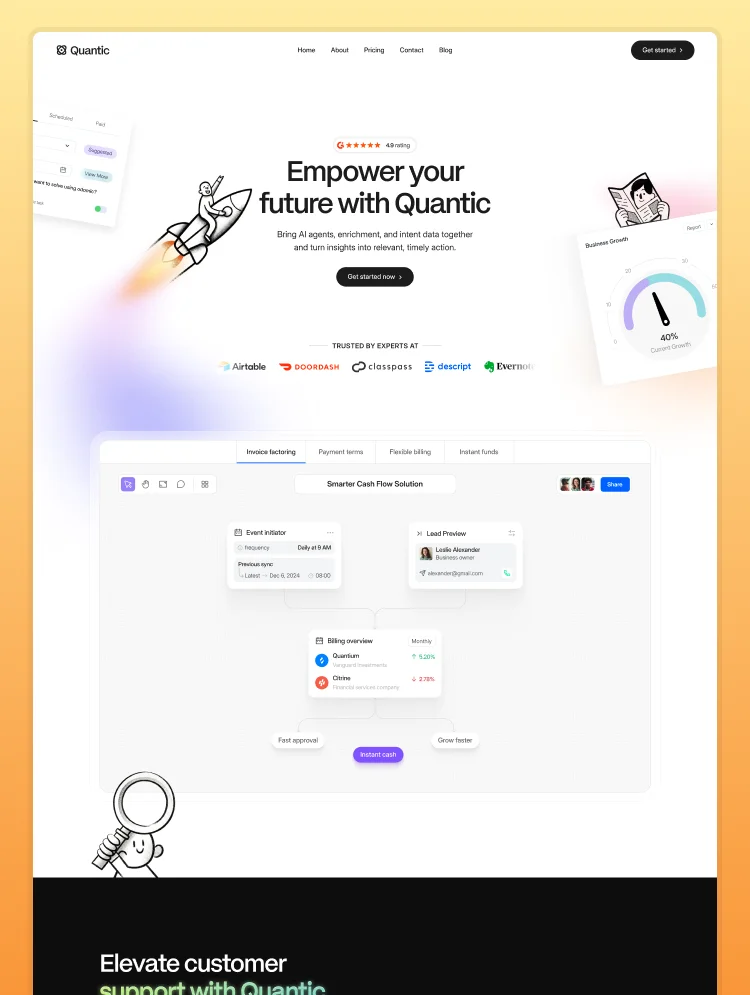
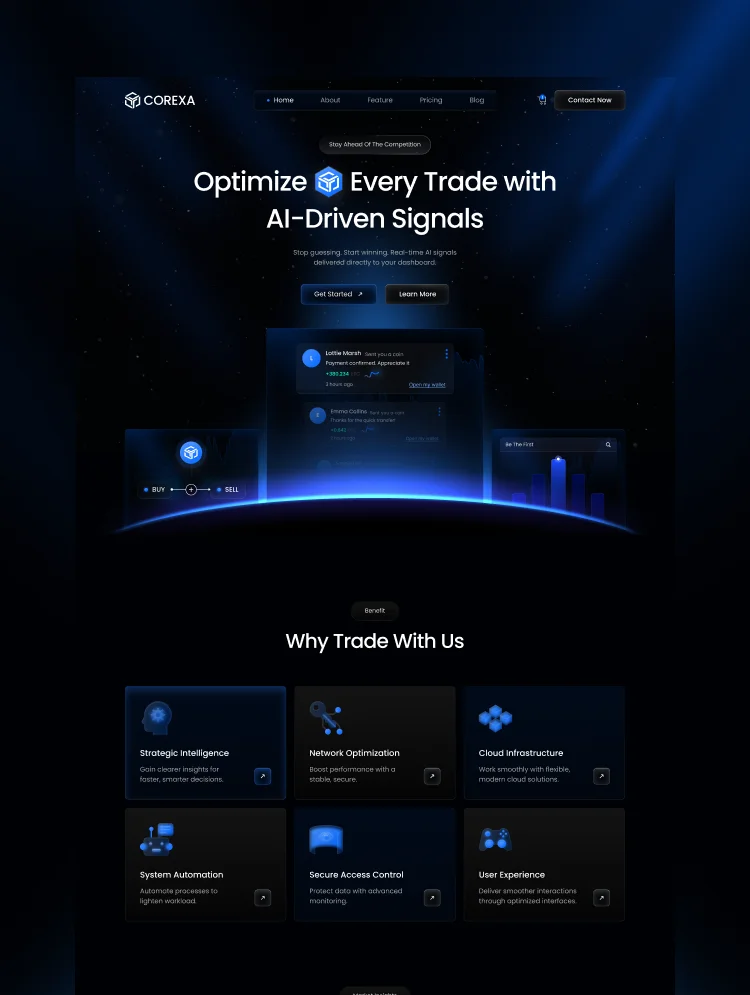
Three distinct homepage layouts give you the flexibility to choose the direction that best fits your product's brand and tone or use multiple for A/B testing. Homepage A leads with a clean, open hero built for conversions. Homepage B puts the product front and center with bold visual impact. Homepage C uses a dark, scroll-driven narrative format that builds anticipation with every section. Each homepage is independently structured with its own hero flow, feature highlights, social proof layers, and conversion path.
Neura Nova includes a dedicated Agent listing page and Agent Detail page purpose-built to present specialized AI agents in a compelling, structured format. Whether you're showcasing calling agents, chatbot agents, voice agents, or multi-support agents, this architecture communicates each agent's capabilities, use cases, and outcomes in a format that converts prospects into users. It's a feature that generic SaaS templates simply don't offer.
Three distinct Feature page layouts let you communicate your platform's capabilities in the format that best suits your content from scannable icon grids to deep-focus single-feature spotlights to UI-preview-led breakdowns. Each layout is built to take visitors from awareness to understanding to action, reducing the friction between "what is this?" and "I need this."
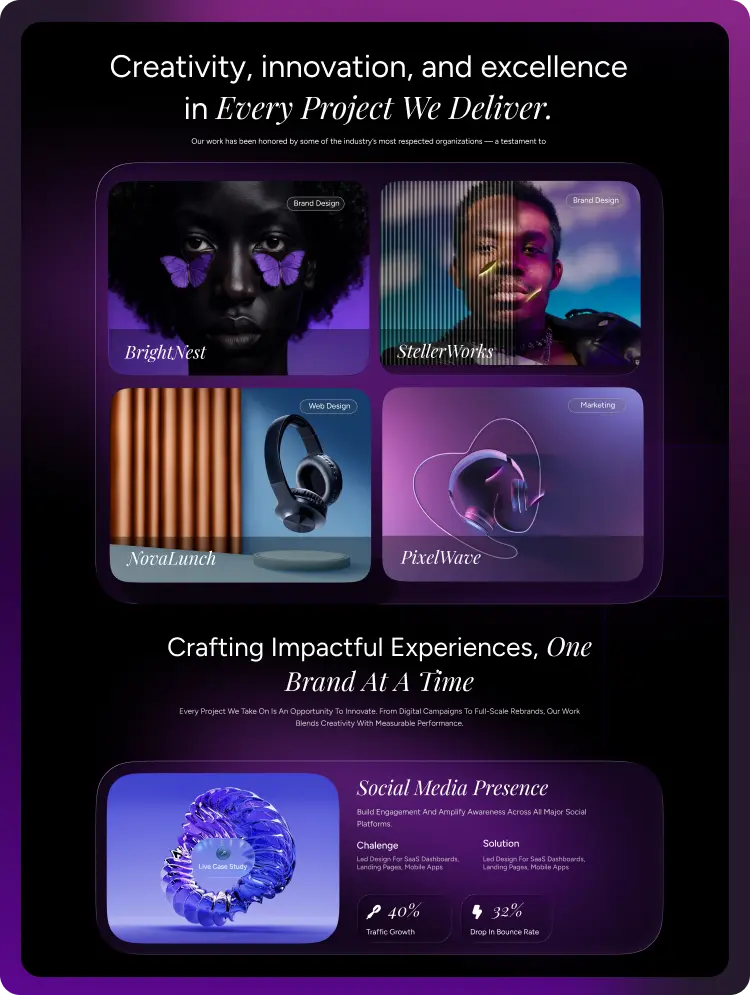
Neura Nova includes a full case study architecture — from the index listing page to the detailed project breakdown. Showcase measurable results, automation wins, and business outcomes with structured layouts that highlight key metrics like cost reductions, revenue recovered, and efficiency gains. Real numbers build real trust, and this system is designed to make those numbers impossible to ignore.
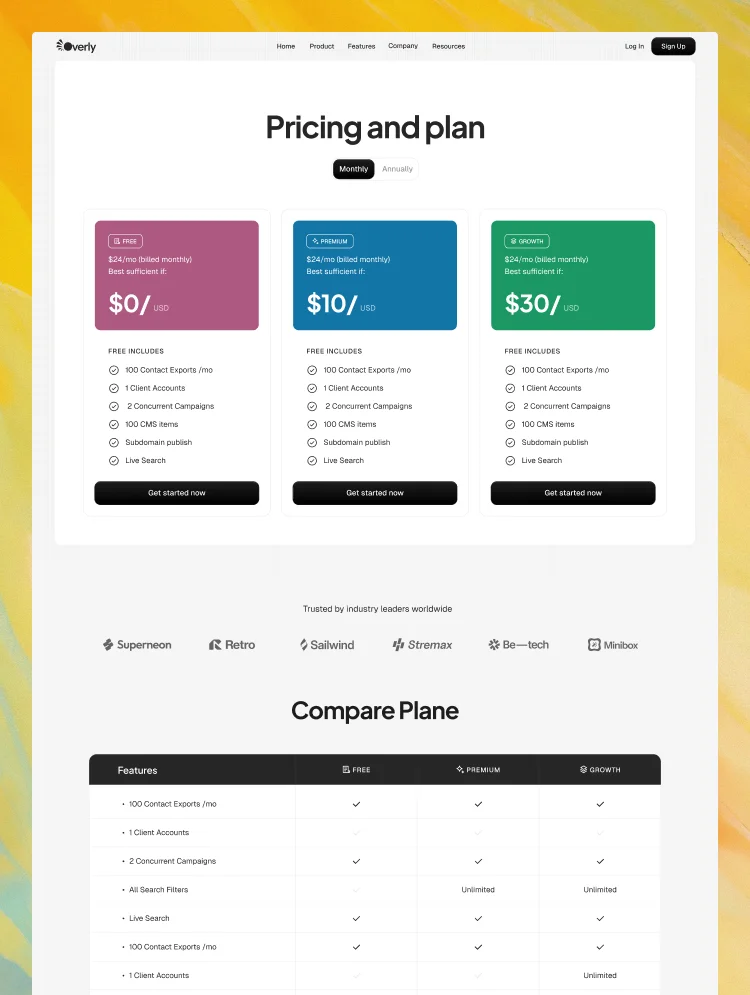
A conversion-optimized pricing page supports multiple business models with monthly and annual billing toggles, clear plan differentiation, feature lists, and CTA buttons designed to drive action. Whether you offer a free tier, professional plan, or enterprise contracts, the pricing page architecture handles it cleanly and communicates value at every level.
Three distinct contact page layouts give you flexibility depending on what you want the contact experience to feel like — a minimal no-friction form, a trust-amplified layout with testimonials flanking the form, or a bold split-screen design with a high-impact CTA. Every variant is built to reduce abandonment and increase the likelihood that a prospect follows through.
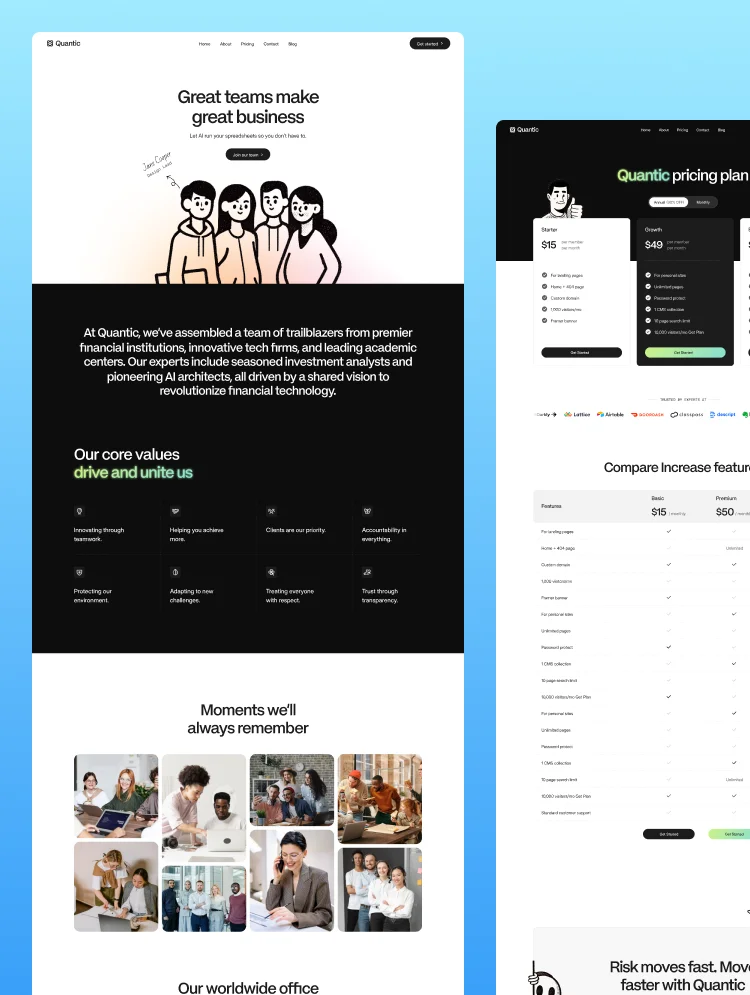
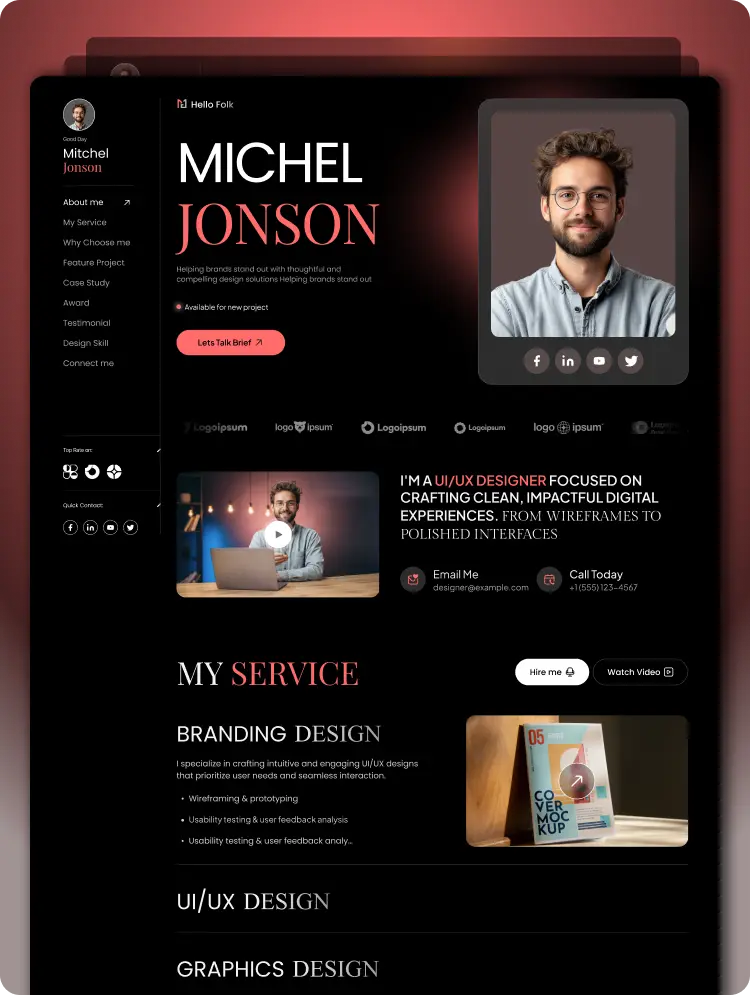
Tell your story three ways. About A leads with team, mission, and values to humanize the platform. About B anchors credibility with statistics, metrics, and growth numbers. About C lets visuals carry the narrative for a more editorial, brand-first impression. Use whichever fits your stage and audience, or use all three across different campaign landing pages.
Neura Nova is structured to build credibility at every scroll depth through:
These trust layers position your platform as a proven, enterprise-ready solution before a potential customer ever reaches out.
A dedicated platform overview section communicates your product's core capabilities — including real-time chat agents, no-code workflow builders, custom automation sequences, and 200+ tool integrations — using structured visual layouts that are easy to scan and impossible to misunderstand. This section does the heavy lifting of explaining a complex product simply.
A step-by-step process section — Choose Your Agent, Connect Your Tools, Activate & Automate — breaks down the path to value for prospective users. This reduces onboarding anxiety, sets clear expectations, and makes it easy for skeptical buyers to say yes. Simple process communication is one of the most underrated conversion tools in SaaS, and Neura Nova builds it right in.
A built-in FAQ section handles the most common prospect questions around platform functionality, data privacy, technical requirements, custom API keys, plan flexibility, and support availability — pre-qualifying leads and reducing back-and-forth before anyone hits your inbox.
A dedicated career listing page and career detail page allow you to attract top talent while simultaneously signaling company momentum to prospects. A growing team communicates a growing product.
Three distinct blog listing layouts — classic card grid, hero-anchored feed, and magazine-style image cards — paired with a fully structured Blog Details page give you a complete content marketing engine. Position your platform as a thought leader in the AI space and drive organic traffic with a blog system that's built to scale.
If your product leverages artificial intelligence, automation, or intelligent agents — and you need a template that reflects the sophistication of what you've built — Neura Nova is designed for you.
A complete Figma design file is available upon request for advanced customization needs. If you need help with customization, CMS setup, or element usage, feel free to contact: anovaflow@gmail.com
Can only be used by you or one client for one end product. You cannot resell or redistribute this template in its original or modified state.
This template is free to use in both person and commercial projects. You cannot resell, redistribute, or license this template in its original or modified state.
Questions about this template? Just reach out to the template designer and they will get back to you within 2 business days.
For advanced design guidance, please share your questions in the Webflow Forum or reach out to a Webflow Partner.
Share your feedback by leaving a comment below.
For template support, please check the Support tab.

Use the Preview in Designer option to make any edits to the template pages and preview how the layout would fit your content. Changes in preview mode won't be saved.
It isn't possible to apply a template to an already existing project. Instead, you'll need to create a new project based on the Template.
With a Core plan (or higher), you can export sites you build in Webflow, including templates, to host them anywhere you'd like.
Webflow templates are only available for purchase through Workspaces and legacy individual accounts.
CMS templates are designed to use the power of the Webflow CMS. It is possible to downgrade to a Basic Site Plan as long as all CMS content is deleted from the project.
Use the View Connections tool to understand where the CMS content is on the site and delete any dynamic listings and CMS content. We also recommend you to check Components and the Collection page Templates.
Ecommerce templates are designed to use the power of Webflow Ecommerce. It is not possible to remove Ecommerce from a template, however, deleting all Ecommerce Products and Categories from the project, will allow to select a lower Site Plan.
Membership templates are designed to use the power of Webflow Membership. It is not possible to remove Memberships from a template.