Trusted by teams at






.svg)
Schedule a time with a Webflow expert to customize this template. Learn more
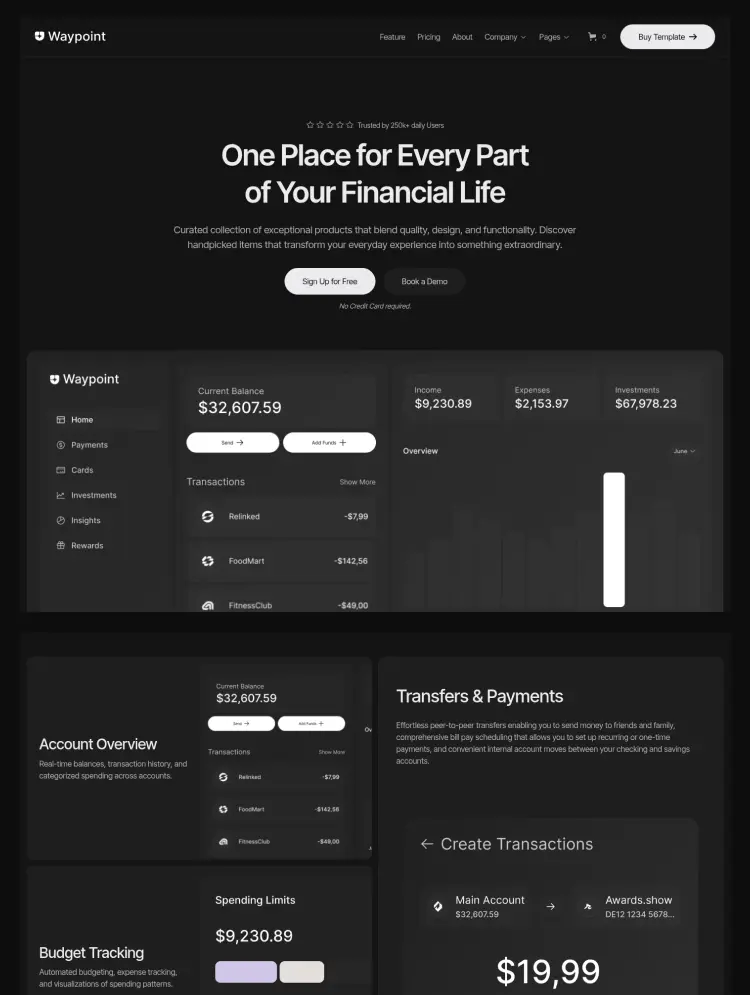
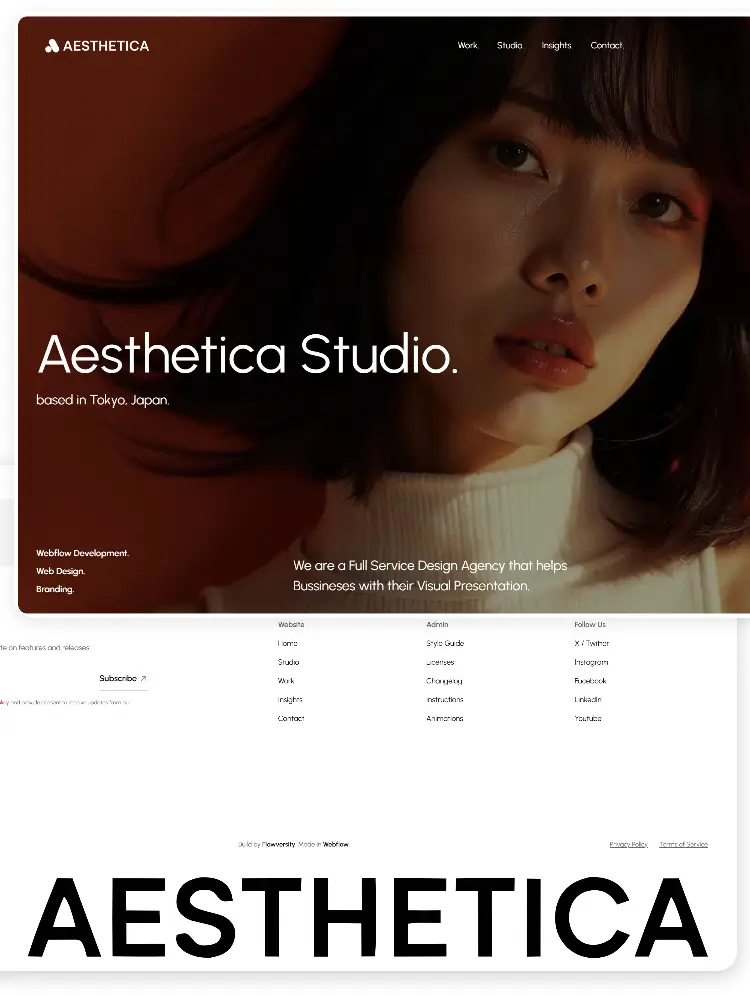
Get startedLaunch your tech startup or AI website fast with Okinawa, a premium Webflow template. Featuring 30+ responsive, pixel-perfect pages and a clean design system, it helps you build a professional site that converts visitors into customers.
Launch your tech startup or AI company website faster with Okinawa, a premium Webflow template designed specifically for modern technology businesses. With 30+ fully responsive, pixel-perfect pages and a clean design system, Okinawa provides everything you need to establish a professional online presence that converts visitors into customers.
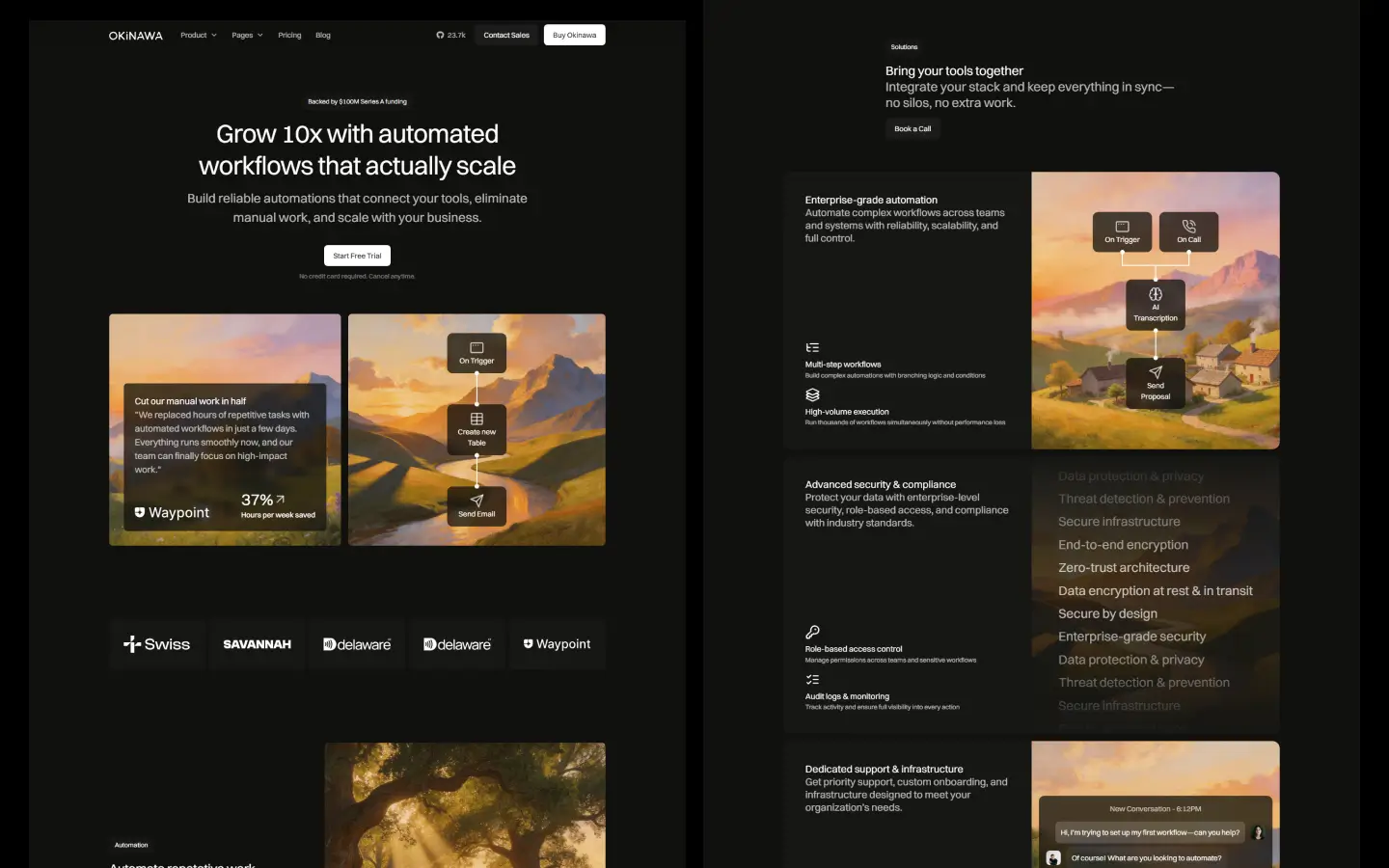
3 Homepage Variations — Choose from three distinct homepage layouts (Home V1, V2, V3) to match your brand's personality. Each version is crafted with conversion-focused sections, hero areas, feature highlights, and social proof to engage your audience from the first scroll.
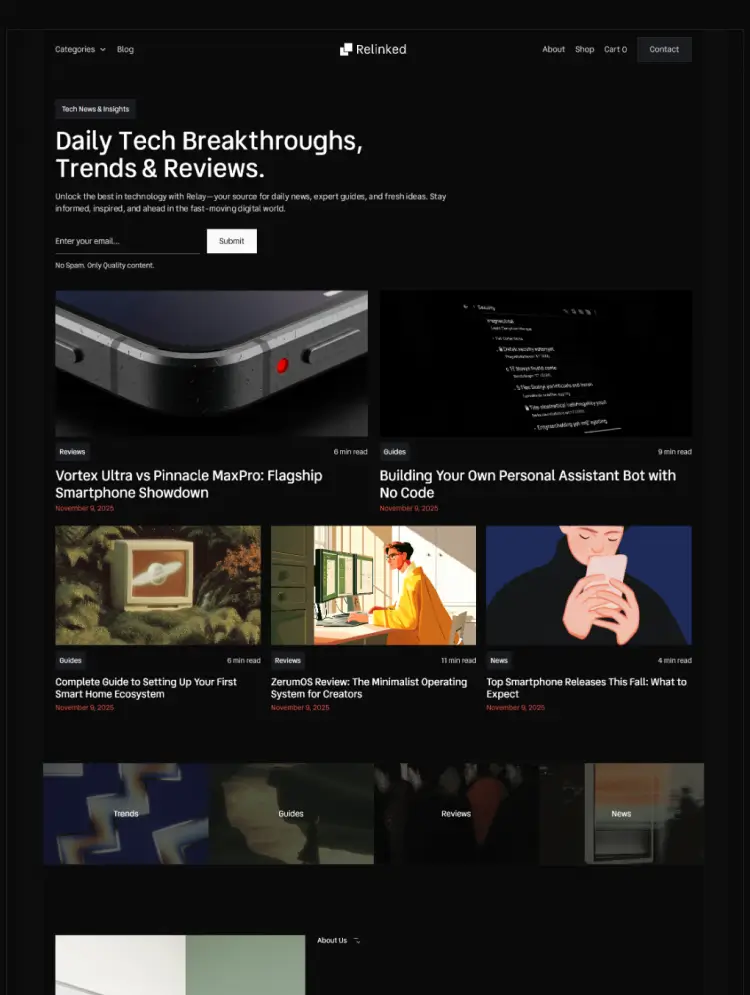
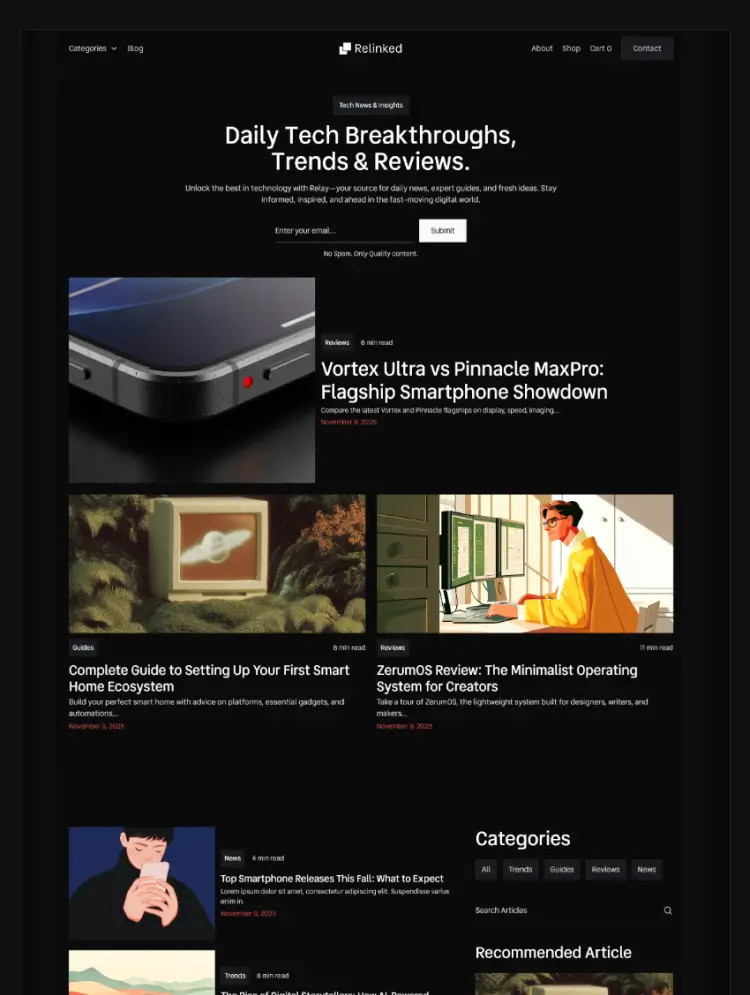
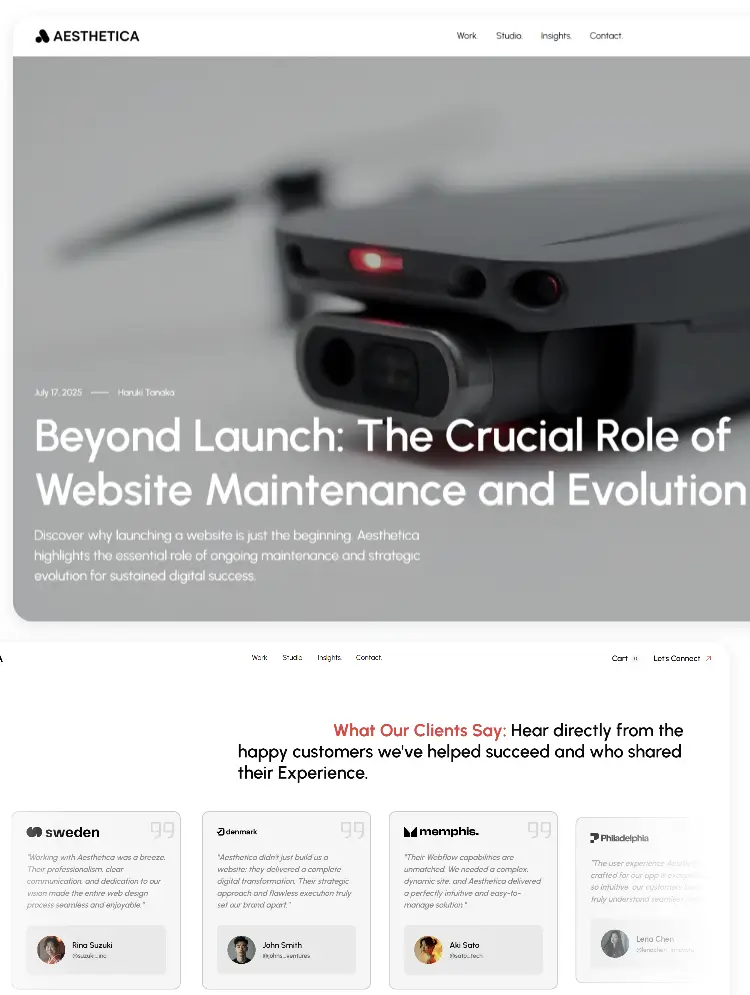
Complete Blog System — Publish thought leadership content with three blog listing layouts (Blog V1, V2, V3) backed by a full CMS. Individual blog post templates, category pages, and author profiles are all included and ready to populate with your content.
Integrations Showcase — Highlight your platform's third-party integrations with a dedicated integrations page, individual integration detail templates, and integration category pages — all powered by the Webflow CMS for effortless management.
Documentation Hub — Provide world-class support to your users with a built-in documentation section featuring a documentation listing page, individual doc detail templates, and doc category pages. Keep your knowledge base organized and accessible.
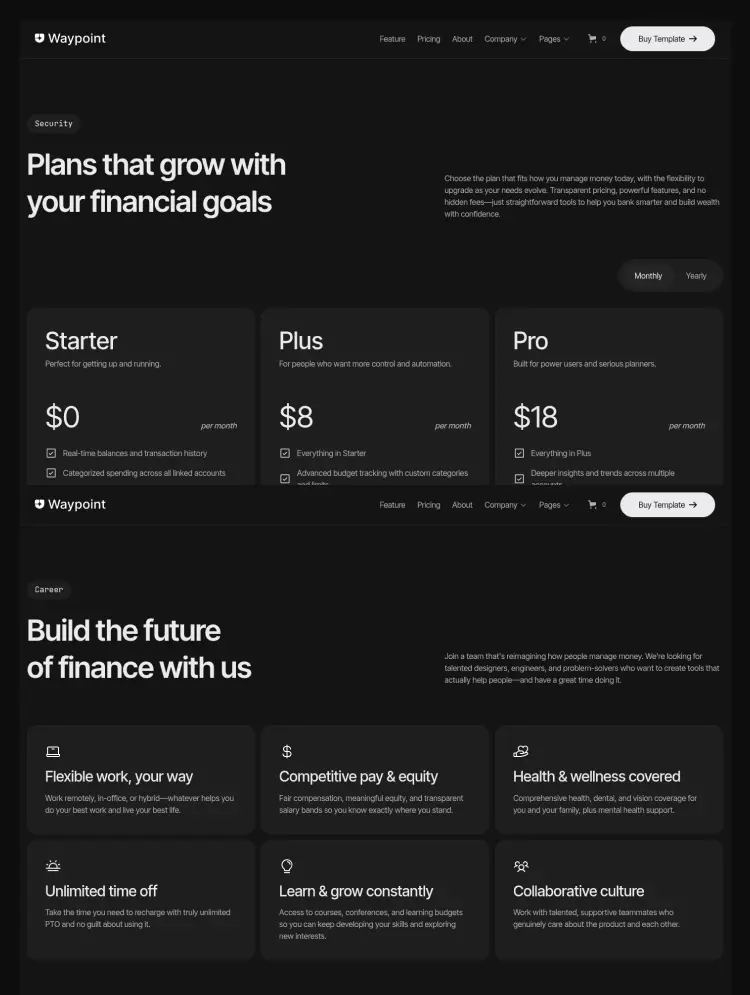
Pricing & Download Pages — Present your pricing plans with clear, transparent comparisons using the dedicated pricing page. A separate download page lets you share resources, assets, or product files with your audience.
Careers & Team Pages — Attract top talent with a careers listing page and individual job detail templates powered by the CMS. Showcase your company culture and story on the About page.
3 Contact Page Variations — Choose the contact form layout that works best for your business with three distinct contact page designs (Contact V1, V2, V3).
Changelog & Product Updates — Keep your users informed with a changelog page and individual release note templates, powered by the CMS for easy publishing.
User Authentication Pages — Professionally designed Sign In and Sign Up pages to support your product's user onboarding flow.
Customer Showcase — Highlight your best customers and case studies with the dedicated Customers template, powered by the CMS.
Legal Pages — Terms & Conditions, Privacy Policy, and Cookie Policy templates are all included, so you're covered from day one.
Utility Pages — A beautifully designed 404 Not Found page, password-protected page, search results page, and a Coming Soon page for pre-launch momentum.
Design System & Admin — A built-in Style Guide page showcases the template's typography, colors, and components. Licenses and Instructions pages are included for easy setup and reference.
Okinawa is purpose-built for:
Can only be used by you or one client for one end product. You cannot resell or redistribute this template in its original or modified state.
This template is free to use in both person and commercial projects. You cannot resell, redistribute, or license this template in its original or modified state.
Questions about this template? Just reach out to the template designer and they will get back to you within 2 business days.
For advanced design guidance, please share your questions in the Webflow Forum or reach out to a Webflow Partner.
Share your feedback by leaving a comment below.
For template support, please check the Support tab.

Use the Preview in Designer option to make any edits to the template pages and preview how the layout would fit your content. Changes in preview mode won't be saved.
It isn't possible to apply a template to an already existing project. Instead, you'll need to create a new project based on the Template.
With a Core plan (or higher), you can export sites you build in Webflow, including templates, to host them anywhere you'd like.
Webflow templates are only available for purchase through Workspaces and legacy individual accounts.
CMS templates are designed to use the power of the Webflow CMS. It is possible to downgrade to a Basic Site Plan as long as all CMS content is deleted from the project.
Use the View Connections tool to understand where the CMS content is on the site and delete any dynamic listings and CMS content. We also recommend you to check Components and the Collection page Templates.
Ecommerce templates are designed to use the power of Webflow Ecommerce. It is not possible to remove Ecommerce from a template, however, deleting all Ecommerce Products and Categories from the project, will allow to select a lower Site Plan.
Membership templates are designed to use the power of Webflow Membership. It is not possible to remove Memberships from a template.