Trusted by teams at






.svg)
Schedule a time with a Webflow expert to customize this template. Learn more
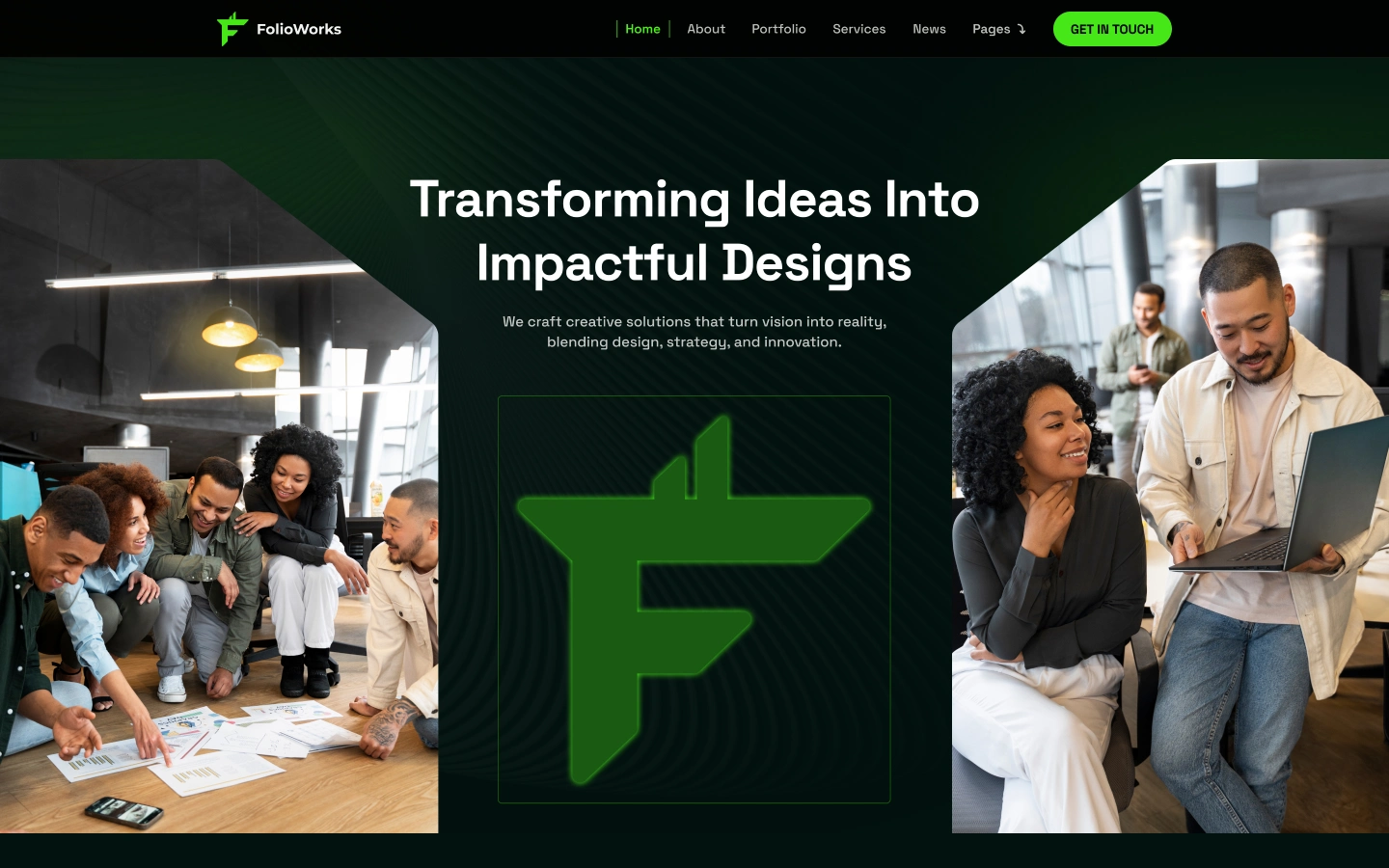
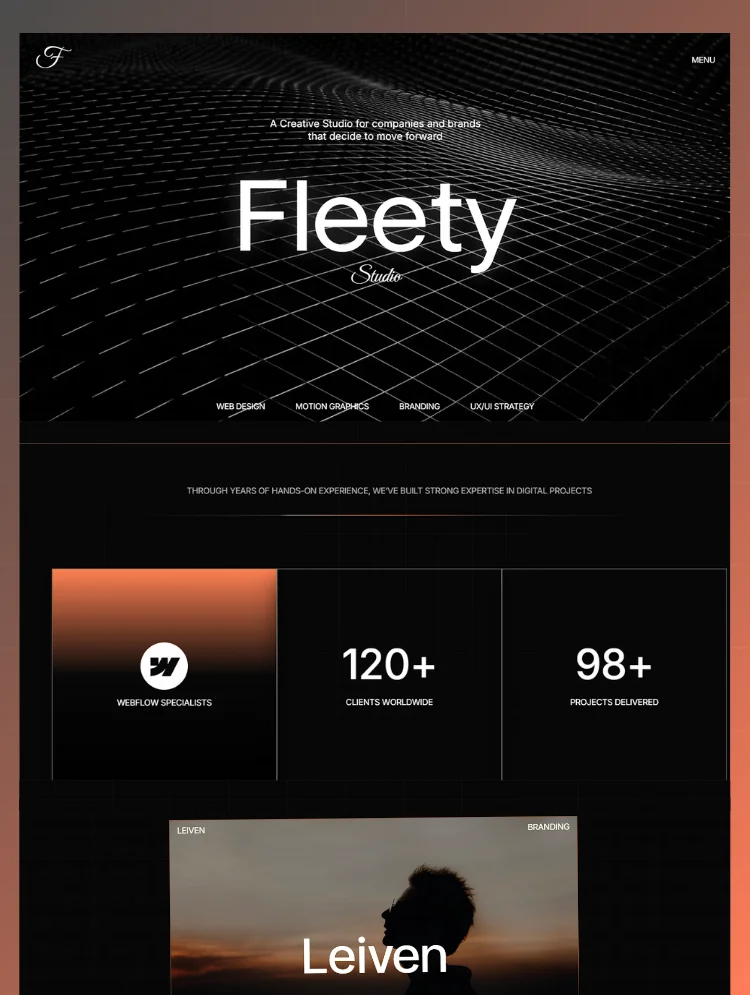
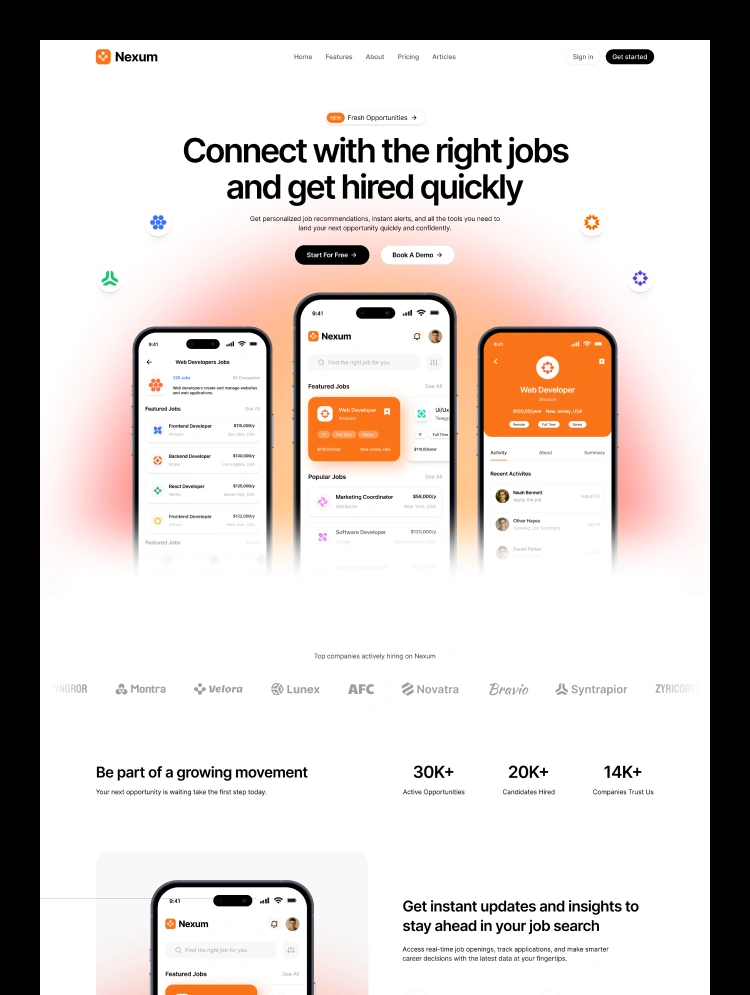
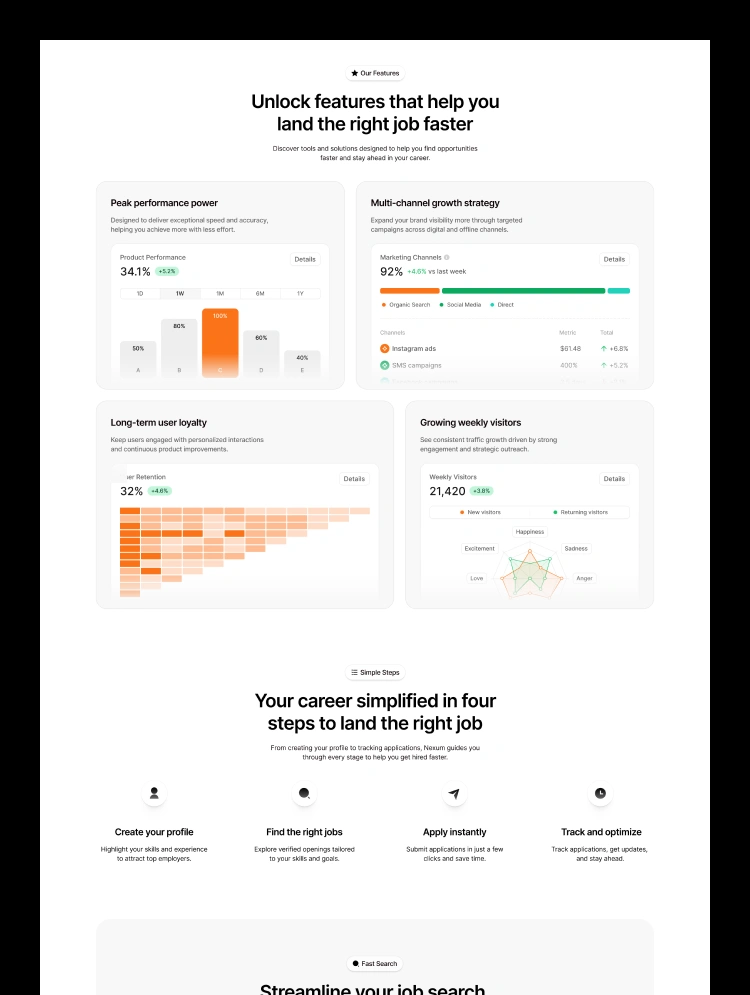
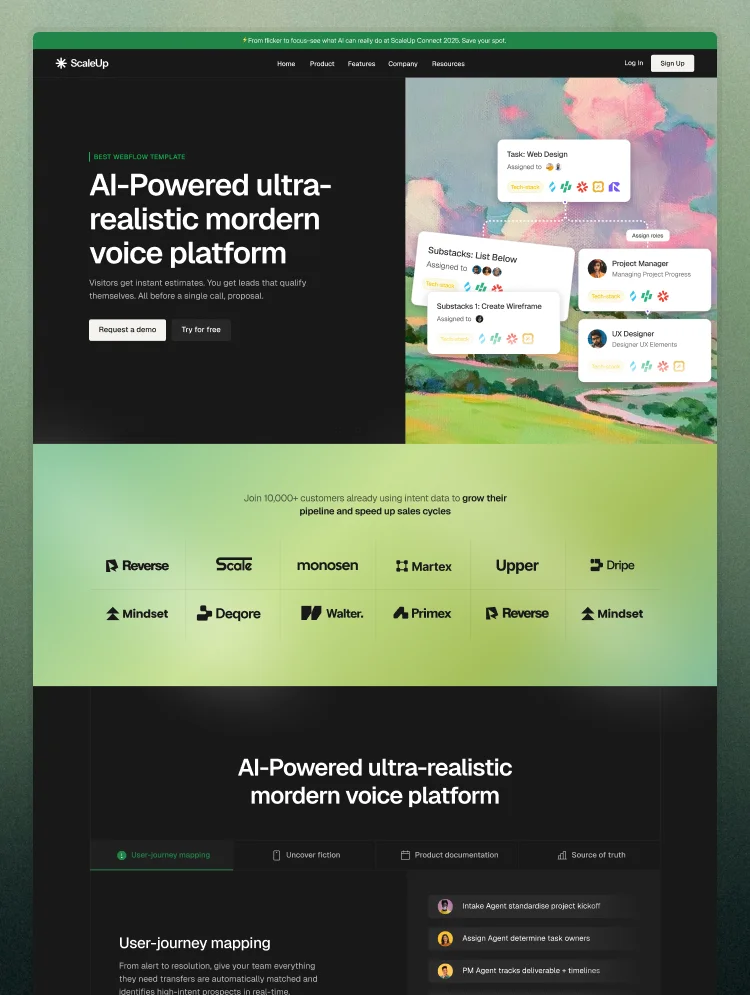
Get startedFolioworks is a modern Webflow portfolio template crafted for designers, developers, and creative professionals. With clean layouts, responsive design, and SEO-optimized structure, it helps showcase projects with impact. Built for performance.
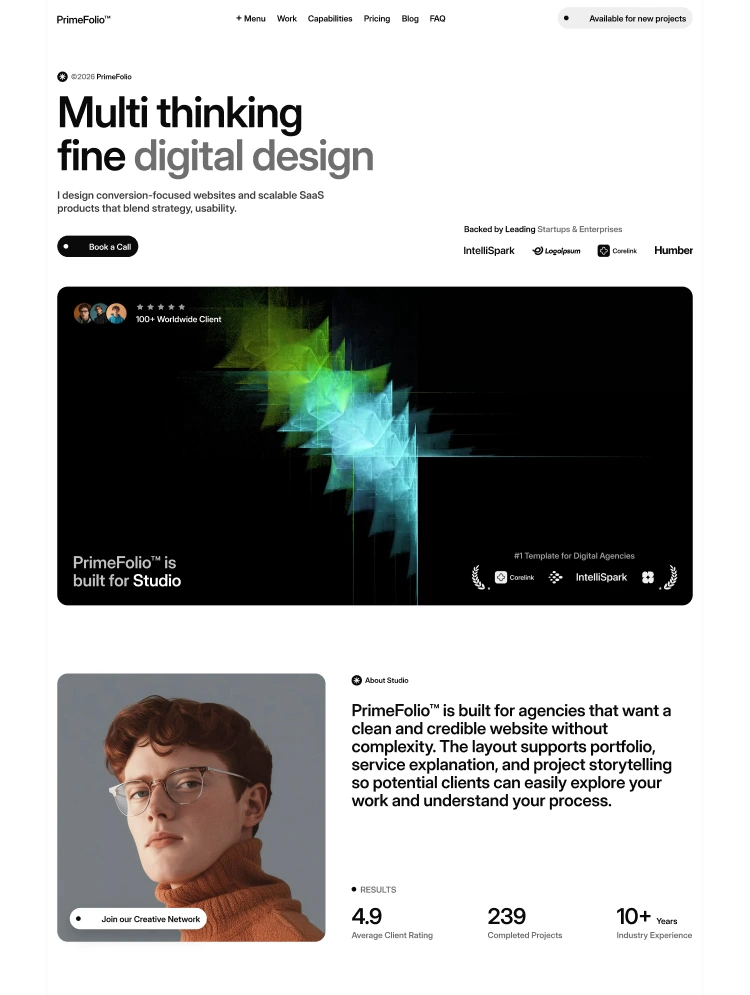
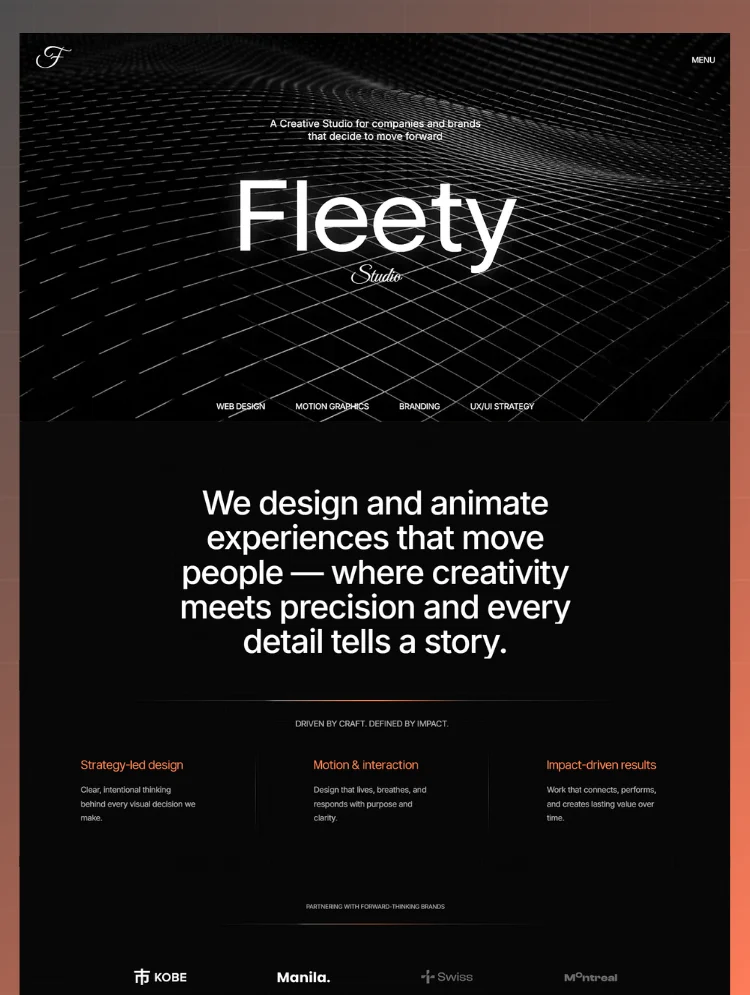
Folioworks is a premium Webflow portfolio template designed for professionals who want to showcase their creativity with style, precision, and impact. Whether you are a designer, developer, freelancer, or creative agency, Folioworks empowers you to present your work in a way that captivates clients and sets you apart in a competitive digital space. Crafted with modern design principles, intuitive navigation, and a user-friendly interface, this template offers a complete solution for building an impressive online presence.
The template focuses on clean, responsive layouts that look flawless on every device. From desktops to smartphones, Folioworks ensures seamless accessibility, giving visitors an engaging experience wherever they are. The portfolio sections are strategically built to highlight projects with clarity, using smart design elements that balance visuals with storytelling. Every component is crafted to showcase your skills, case studies, and achievements in a professional yet creative manner.
What makes Folioworks stand out is its attention to usability and strategy. The design is not only visually appealing but also conversion-driven, ensuring that potential clients, employers, or collaborators are impressed the moment they land on your site. Optimized headings, intuitive navigation menus, and clear call-to-actions guide users effortlessly, keeping them engaged while encouraging meaningful interactions.
For SEO-conscious creators, Folioworks comes fully optimized to help you rank higher on search engines and the Webflow Marketplace. From semantic HTML structure to schema-friendly layouts, every detail has been considered to boost visibility. The template’s fast loading speed, lightweight assets, and optimized code also improve search performance, ensuring that your portfolio gains maximum reach and exposure.
Customization is another strength of Folioworks. You can easily tailor fonts, colors, and layouts to align with your personal branding. Each section is flexible, allowing you to showcase services, case studies, testimonials, and blog posts without limitations. Whether you need a minimalist style or a bold creative edge, Folioworks adapts to your vision.
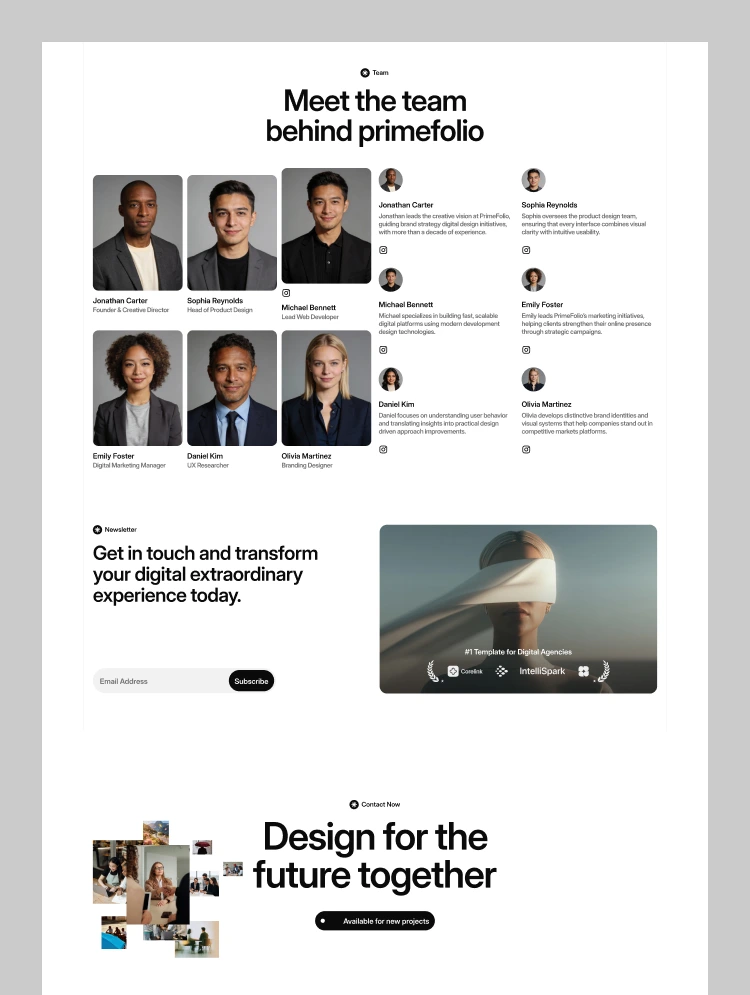
Beyond design, the template supports long-term growth. With integrated blog functionality, you can share insights, publish articles, and improve organic reach while building authority in your industry. Service detail pages and project case study layouts give you the tools to explain your work process, highlight results, and attract potential clients with credibility. Contact and lead capture forms are built to encourage direct inquiries, making it easier for opportunities to convert.
Security, compliance, and professionalism are also prioritized. Folioworks includes ready-to-use pages such as Privacy Policy, Terms and Conditions, License, and Changelog, ensuring your portfolio looks complete, trustworthy, and client-ready. These essentials not only build confidence but also demonstrate professionalism in every interaction.
Folioworks is more than just a portfolio template—it is a platform for growth. By combining elegant design, advanced SEO practices, and customizable features, it equips creatives with everything they need to showcase their talent, attract opportunities, and grow their careers. Whether you’re launching your first portfolio or redesigning an existing one, Folioworks is the smart choice for professionals who want results.
Can only be used by you or one client for one end product. You cannot resell or redistribute this template in its original or modified state.
This template is free to use in both person and commercial projects. You cannot resell, redistribute, or license this template in its original or modified state.
Questions about this template? Just reach out to the template designer and they will get back to you within 2 business days.
For advanced design guidance, please share your questions in the Webflow Forum or reach out to a Webflow Partner.
Share your feedback by leaving a comment below.
For template support, please check the Support tab.

Use the Preview in Designer option to make any edits to the template pages and preview how the layout would fit your content. Changes in preview mode won't be saved.
It isn't possible to apply a template to an already existing project. Instead, you'll need to create a new project based on the Template.
With a Core plan (or higher), you can export sites you build in Webflow, including templates, to host them anywhere you'd like.
Webflow templates are only available for purchase through Workspaces and legacy individual accounts.
CMS templates are designed to use the power of the Webflow CMS. It is possible to downgrade to a Basic Site Plan as long as all CMS content is deleted from the project.
Use the View Connections tool to understand where the CMS content is on the site and delete any dynamic listings and CMS content. We also recommend you to check Components and the Collection page Templates.
Ecommerce templates are designed to use the power of Webflow Ecommerce. It is not possible to remove Ecommerce from a template, however, deleting all Ecommerce Products and Categories from the project, will allow to select a lower Site Plan.
Membership templates are designed to use the power of Webflow Membership. It is not possible to remove Memberships from a template.
.svg)


Site navigation automatically collapses into a mobile-friendly menu on smaller devices.
All graphics are optimized for devices with high DPI screens.
Custom design for the 404 page of your website
Reposition and resize items anywhere within the grid to produce powerful, responsive layouts — faster and without code.
Customize the built-in database for your project or just add new content.
Displays perfectly on desktops, tablets, and phones.
Build your lead lists and subscriber base with beautiful forms.
Comes with animations and interactions for additional polish and usability.