Trusted by teams at






.svg)
Schedule a time with a Webflow expert to customize this template. Learn more
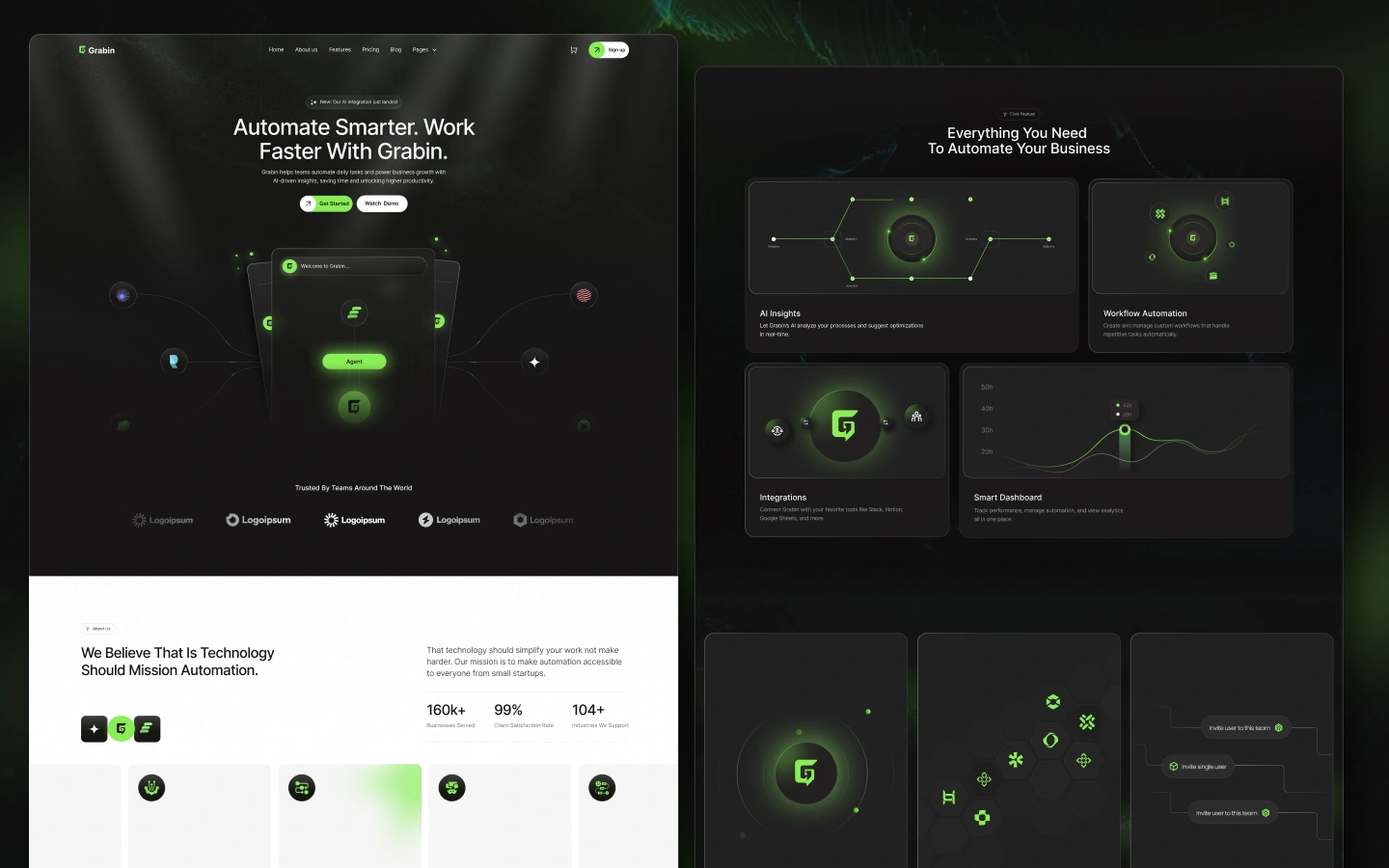
Get startedAutomate daily operations and unlock smarter productivity with AI-driven workflows built for modern teams. Grabin helps businesses streamline tasks, generate insights, and scale faster through intelligent automation.
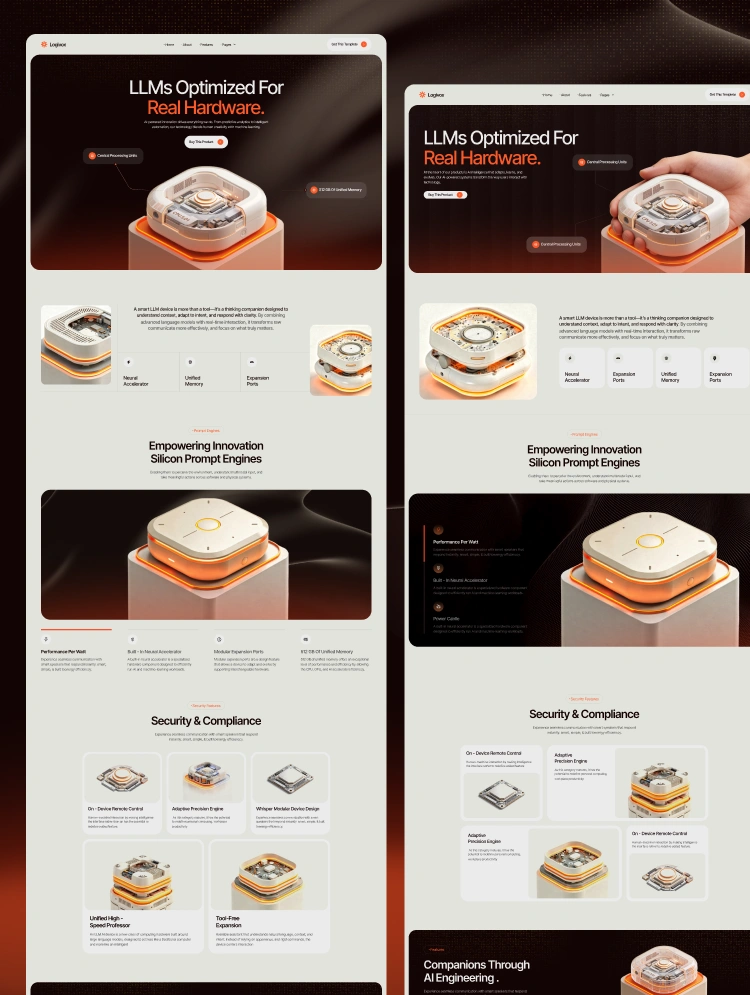
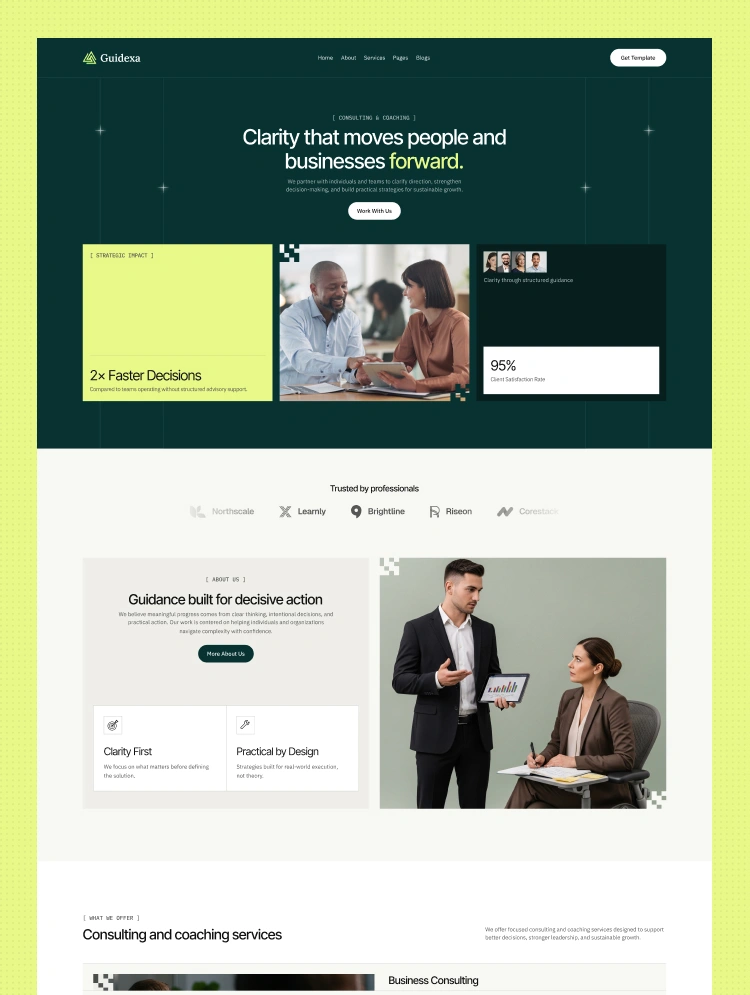
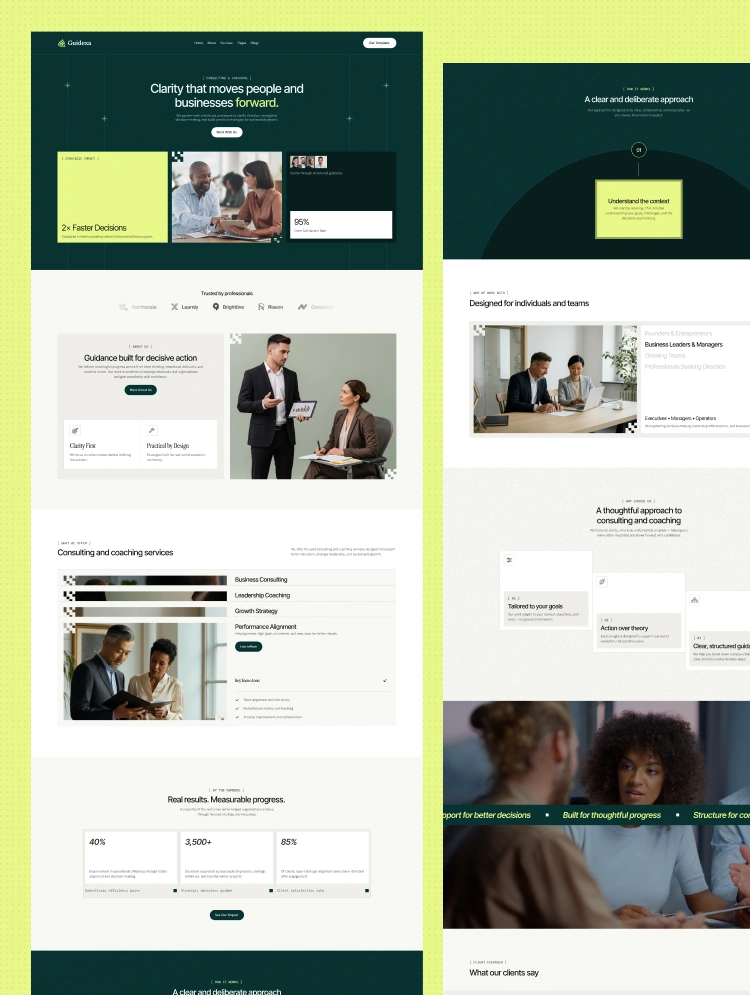
Grabin - AI Powered Automation Saas Webflow Website.
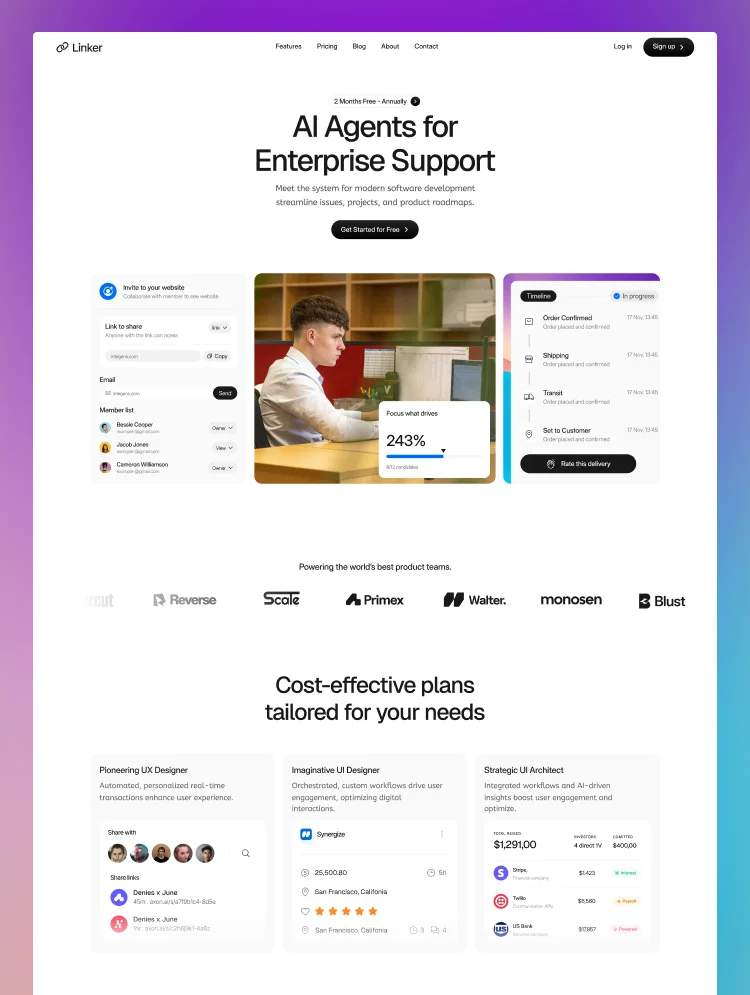
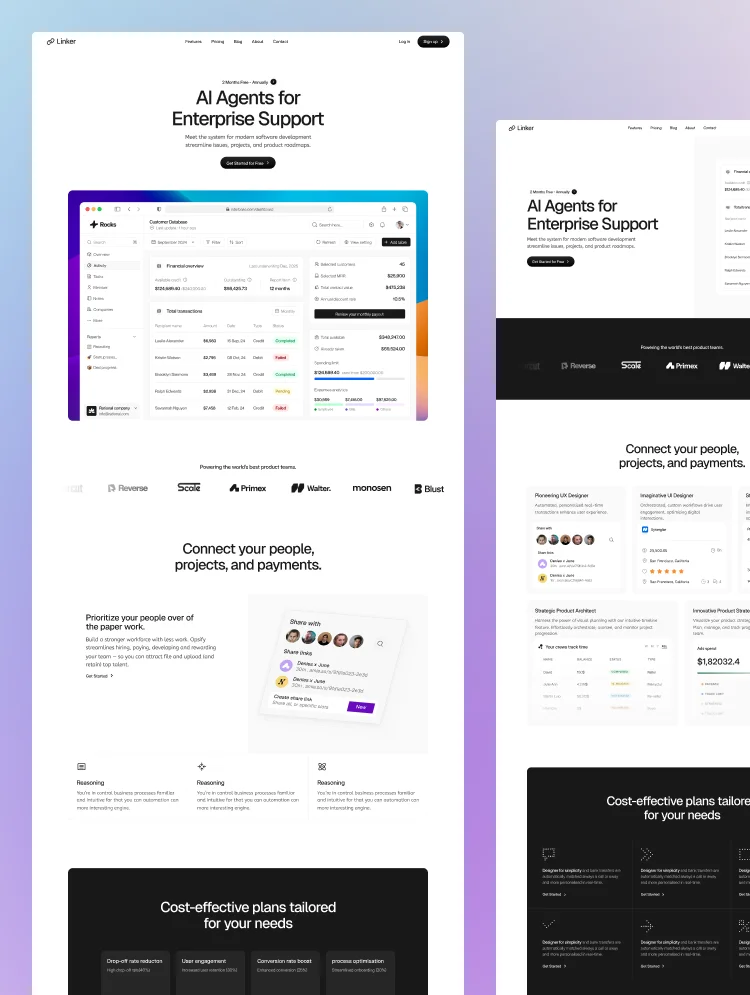
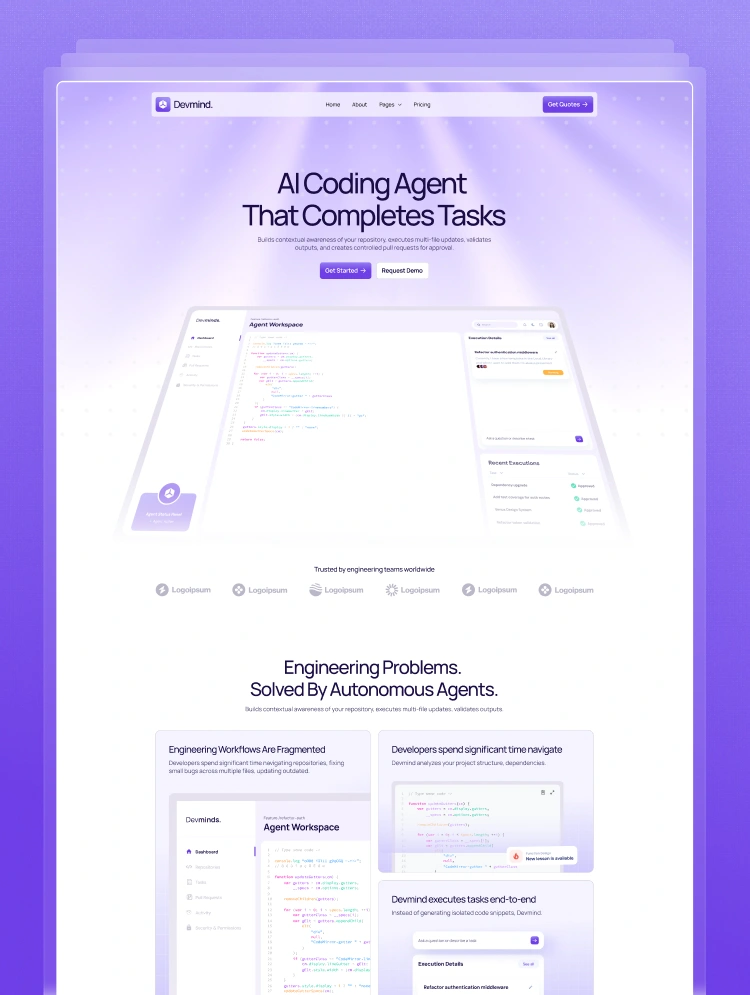
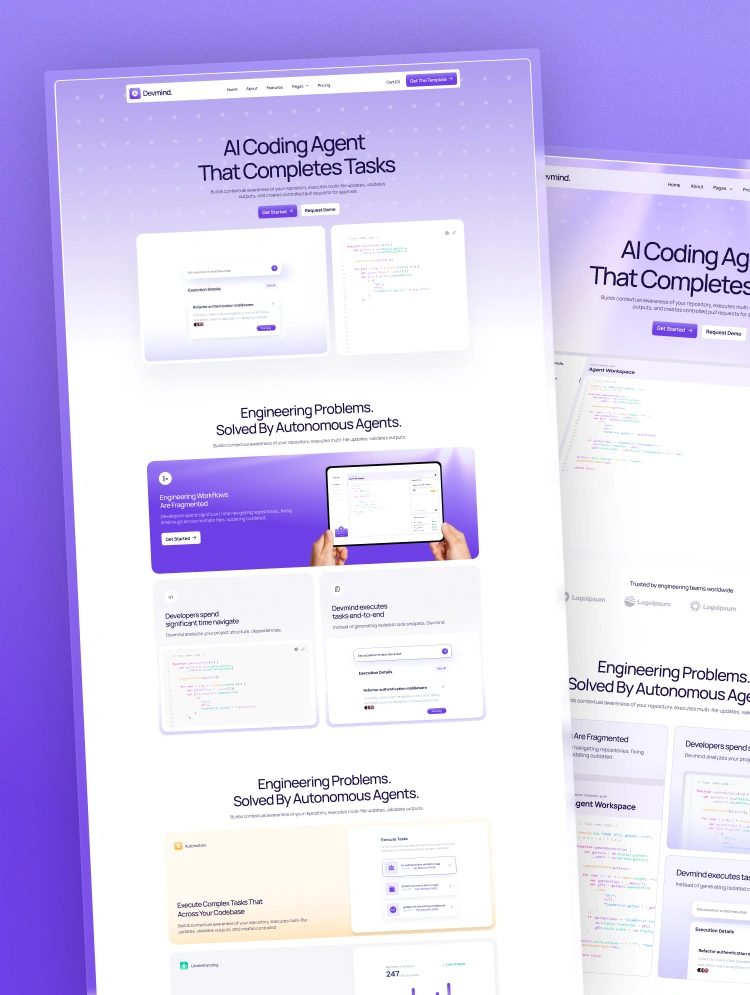
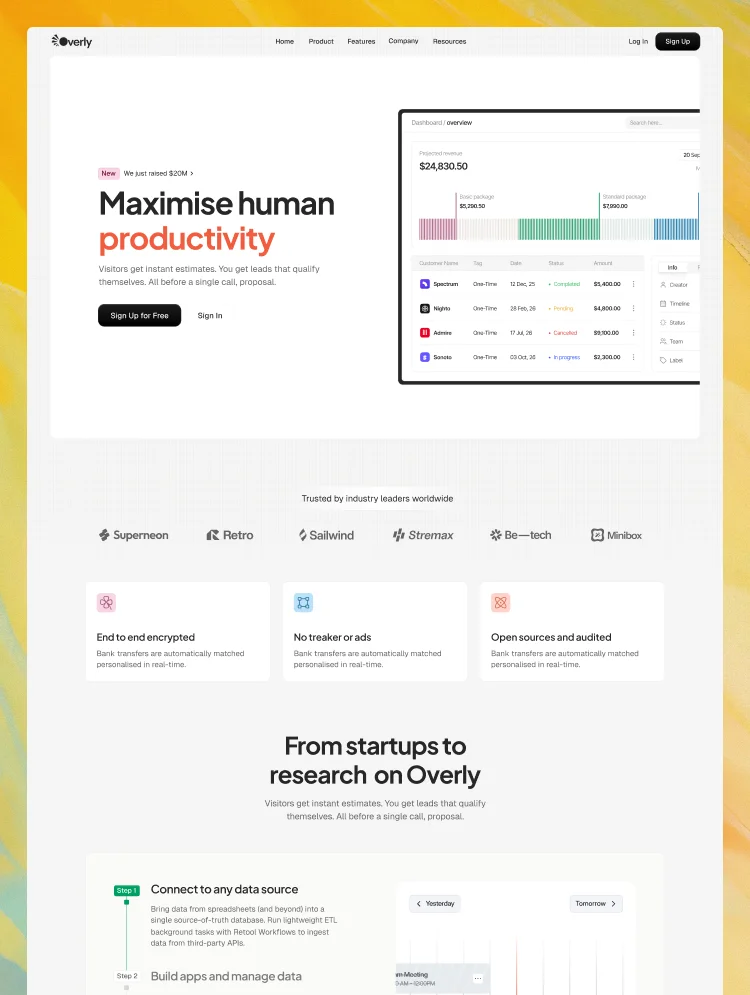
Grabin is designed for modern teams that want to simplify work through intelligent automation. Built with a clean, product-focused layout, the template helps showcase AI-powered tools that automate repetitive tasks, improve workflows, and support smarter business operations.
Focused on accessibility and flexibility, Grabin highlights how automation can save time, reduce manual effort, and unlock valuable insights for growing businesses. From task automation to AI-driven productivity tools, the template provides a clear structure for presenting features, integrations, and benefits that help teams work faster and scale with confidence. Grabin makes it easier to communicate the value of technology that simplifies work rather than complicates it.
Who it’s for:
⊙ AI workflow and automation SaaS platforms.
⊙ Productivity and operations management tools.
⊙ Business automation startups.
⊙ Workflow integration and task automation software.
⊙ Teams building AI-powered business assistants.
⊙ Platforms helping companies automate daily operations.
Key Features:
⚡ Precision-Driven, Clean UI
Purpose-built sections engineered for clarity, impact, and high engagement.
📡 Fully Customizable Workflow
Flexible layouts and global styles for fast editing—even for non-technical users.
🎞 Dynamic Animations & Micro-Interactions
Smooth, modern motion design that enhances the browsing experience.
📱 Fully Responsive Architecture
Pixel-perfect on all devices with optimized performance and fast load times.
🧩 CMS & Dynamic Content Engine
Publish blogs, showcase services, and manage projects effortlessly.
🎥 Video Support for Non-Tech Users
Easy, clear setup videos to help anyone customize without code.
🎨 Complete Style Guide System
Global typography, colors, spacing, and components for streamlined design control.
Included Pages:
👍 Home
👍 About
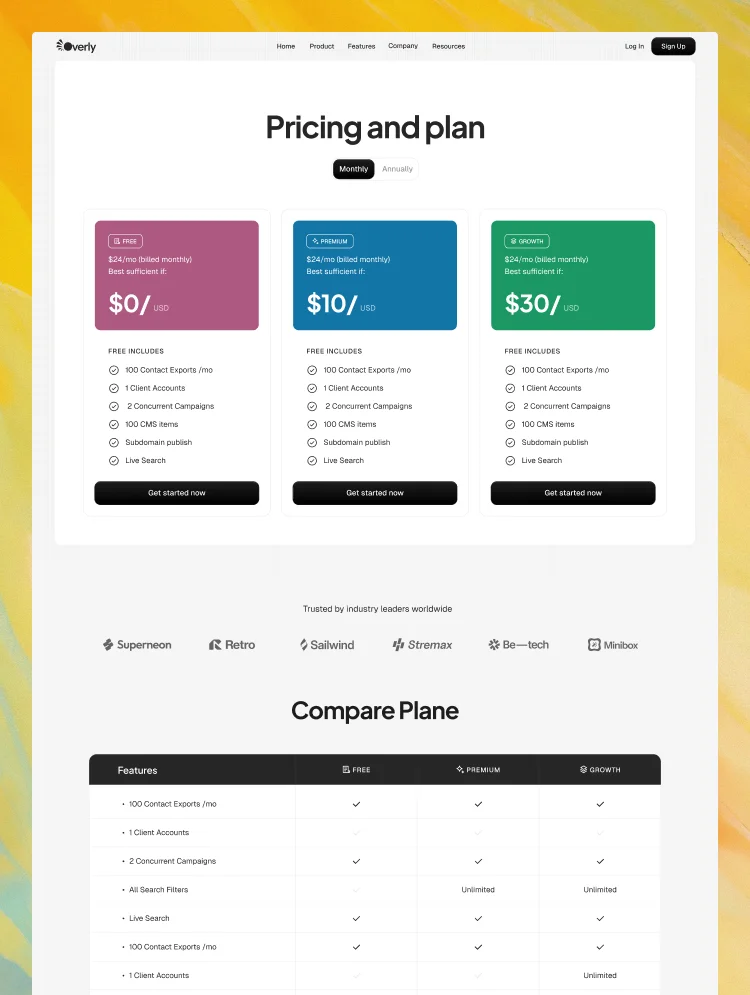
👍 Pricing
👍 Pricing Details
👍 Blog
👍 Blog Details
👍 Career
👍 Career Details
👍 Integrations
👍 Integrations Details
👍 Contact Us
👍 Features
👍 Team Single
👍 Sign In
👍 Sign Up
👍 Forgot Password
👍 Reset Password
Utility Pages
👍 Style Guide
👍 License
👍 Changelog
👍 404 Not Found
👍 Password Protected
Support:
Need help? Email us at flowzaiofficial@gmail.com (response within 24-48 hours).
You don't need to worry about editing the template; we have detailed video documentation and tutorials available. You can easily modify and customize our template using these resources.
Check out the video here: https://ln.run/HHNYv
More Templates: Check out our other templates on Flowzai.
Can only be used by you or one client for one end product. You cannot resell or redistribute this template in its original or modified state.
This template is free to use in both person and commercial projects. You cannot resell, redistribute, or license this template in its original or modified state.
Questions about this template? Just reach out to the template designer and they will get back to you within 2 business days.
For advanced design guidance, please share your questions in the Webflow Forum or reach out to a Webflow Partner.
Share your feedback by leaving a comment below.
For template support, please check the Support tab.

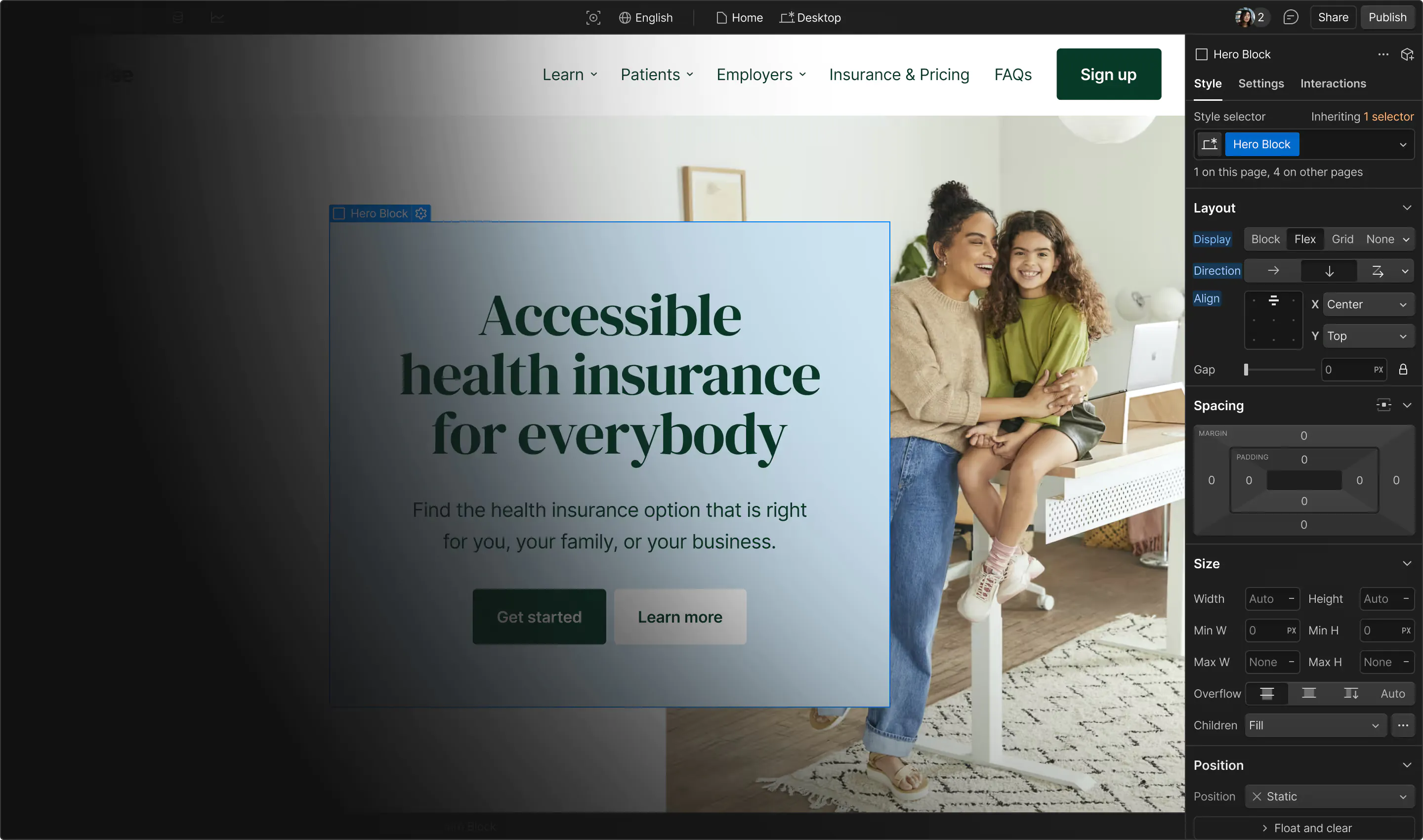
Use the Preview in Designer option to make any edits to the template pages and preview how the layout would fit your content. Changes in preview mode won't be saved.
It isn't possible to apply a template to an already existing project. Instead, you'll need to create a new project based on the Template.
With a Core plan (or higher), you can export sites you build in Webflow, including templates, to host them anywhere you'd like.
Webflow templates are only available for purchase through Workspaces and legacy individual accounts.
CMS templates are designed to use the power of the Webflow CMS. It is possible to downgrade to a Basic Site Plan as long as all CMS content is deleted from the project.
Use the View Connections tool to understand where the CMS content is on the site and delete any dynamic listings and CMS content. We also recommend you to check Components and the Collection page Templates.
Ecommerce templates are designed to use the power of Webflow Ecommerce. It is not possible to remove Ecommerce from a template, however, deleting all Ecommerce Products and Categories from the project, will allow to select a lower Site Plan.
Membership templates are designed to use the power of Webflow Membership. It is not possible to remove Memberships from a template.








.webp)