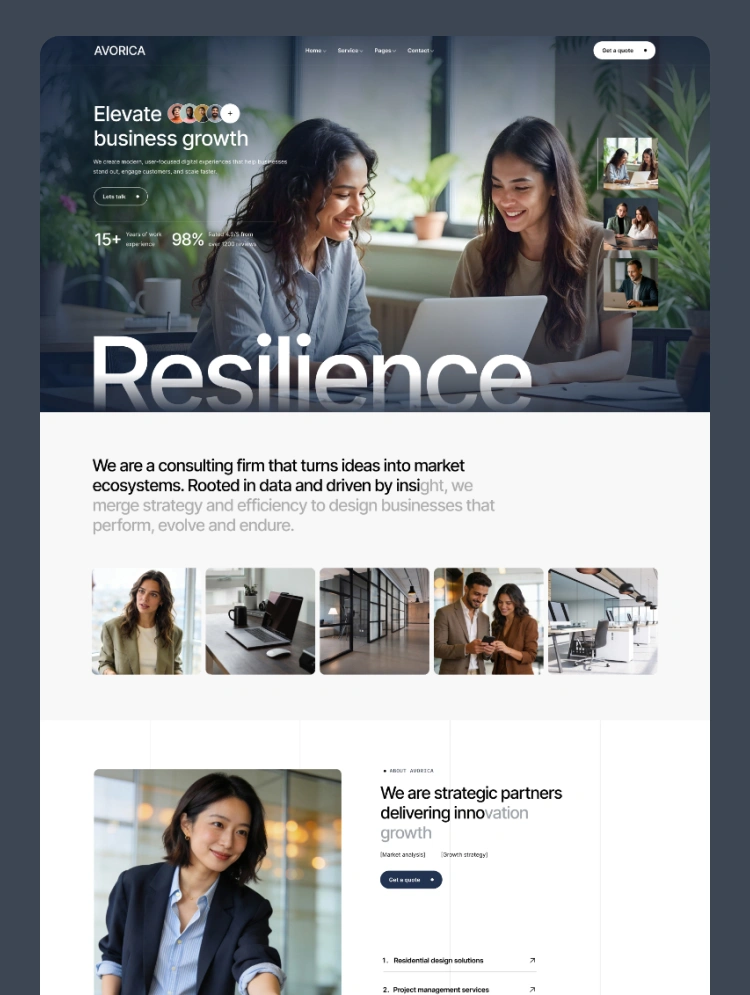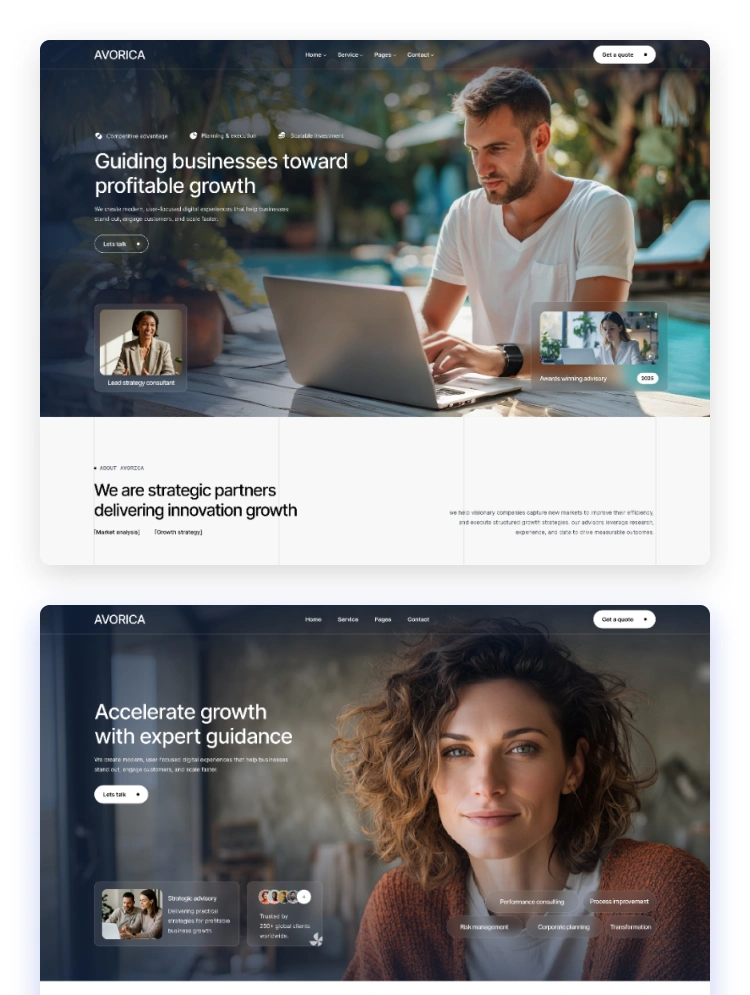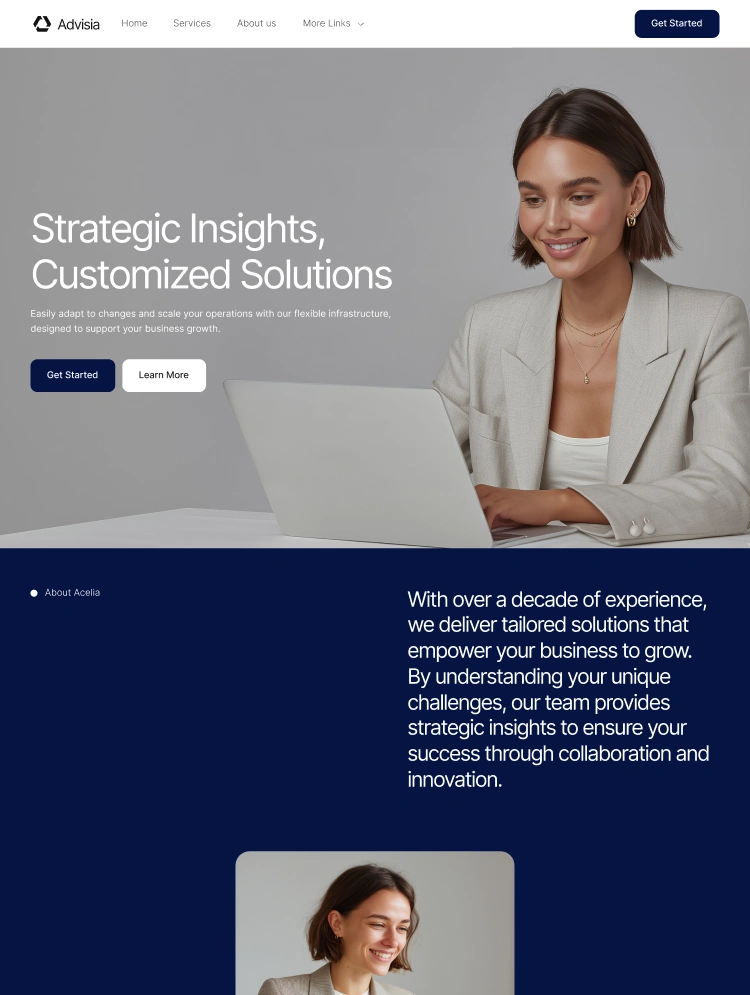
Trusted by teams at






.svg)
Schedule a time with a Webflow expert to customize this template. Learn more
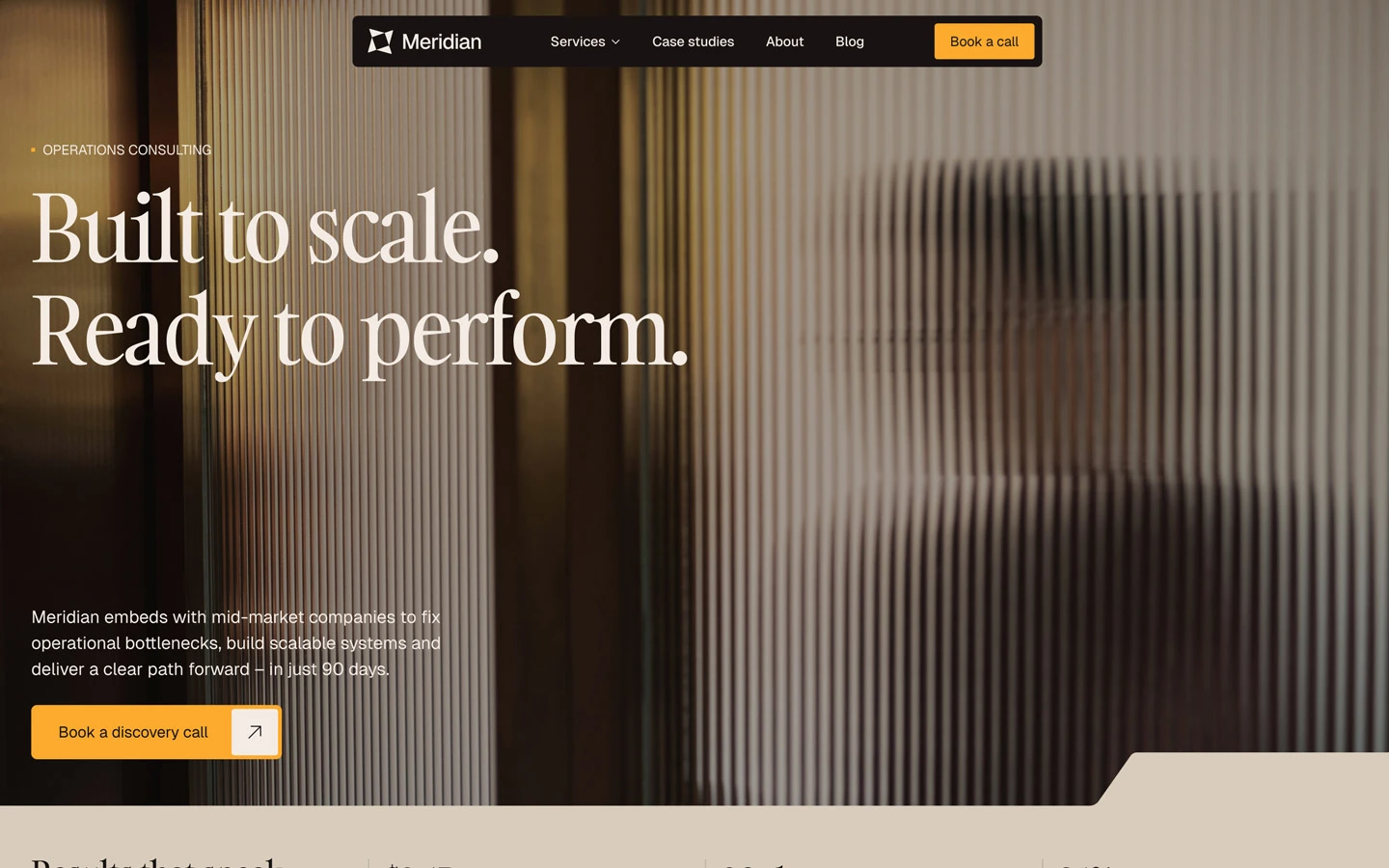
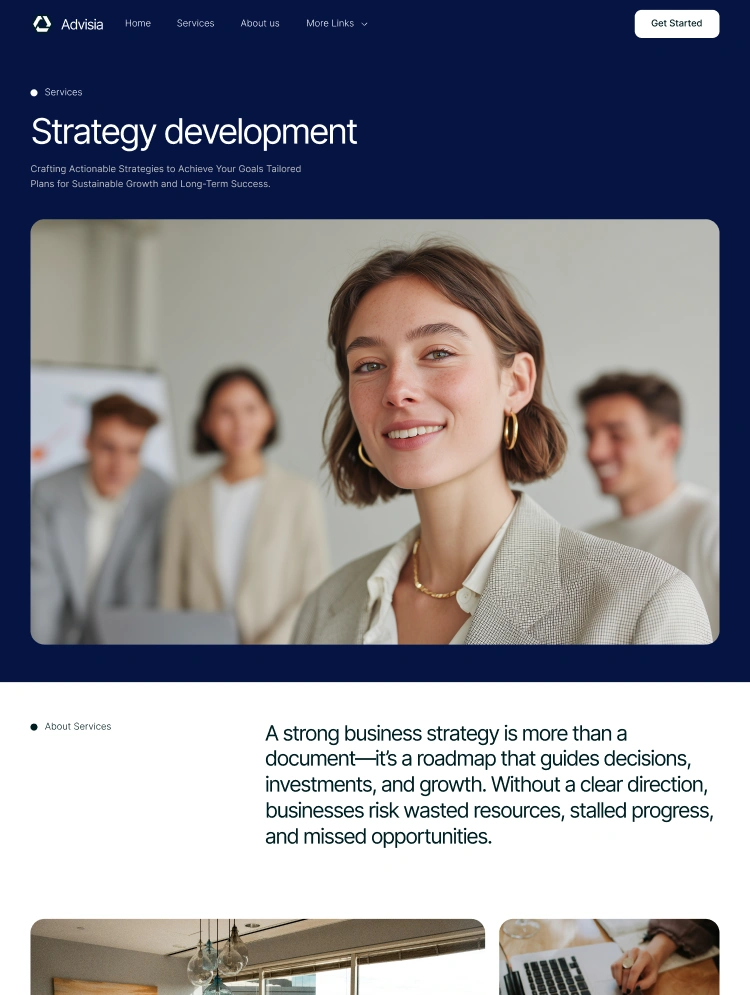
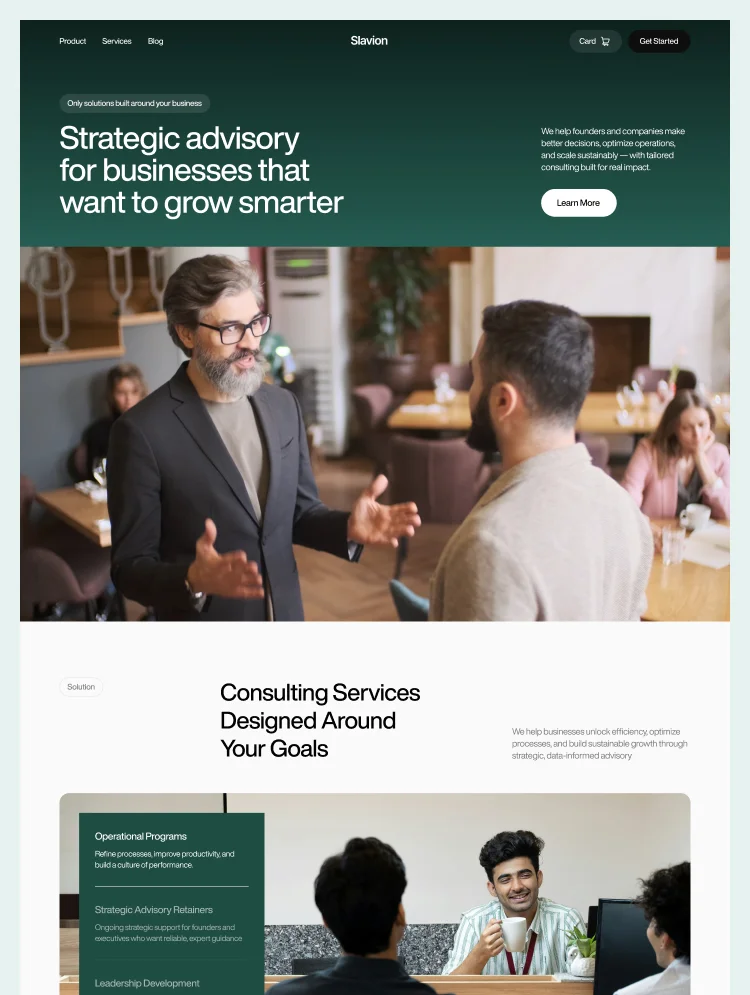
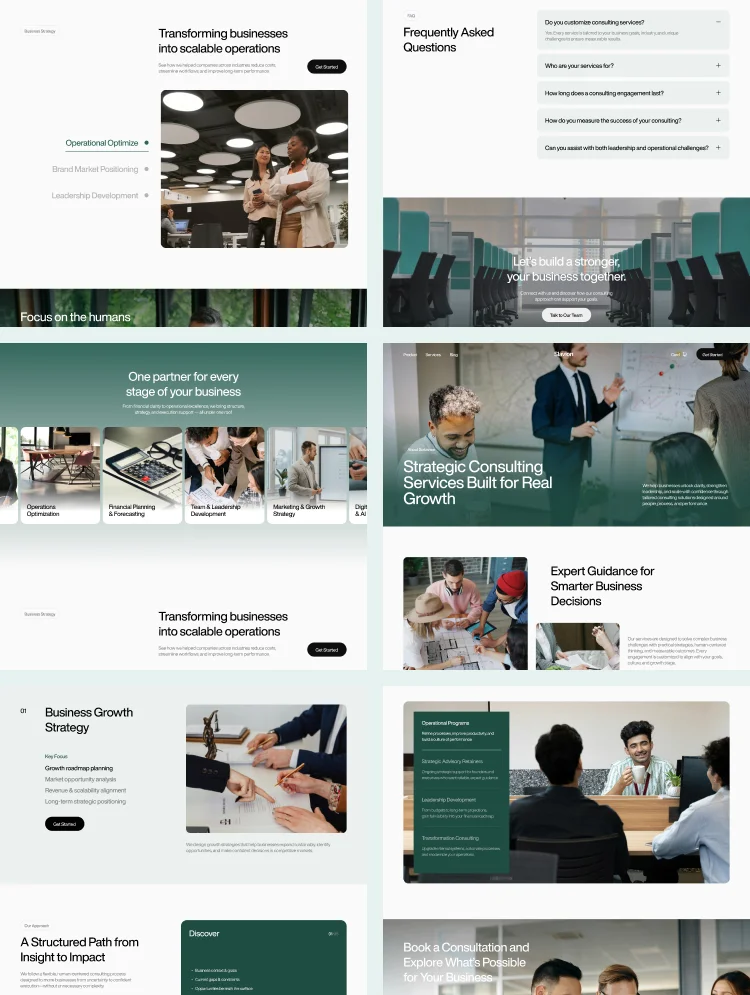
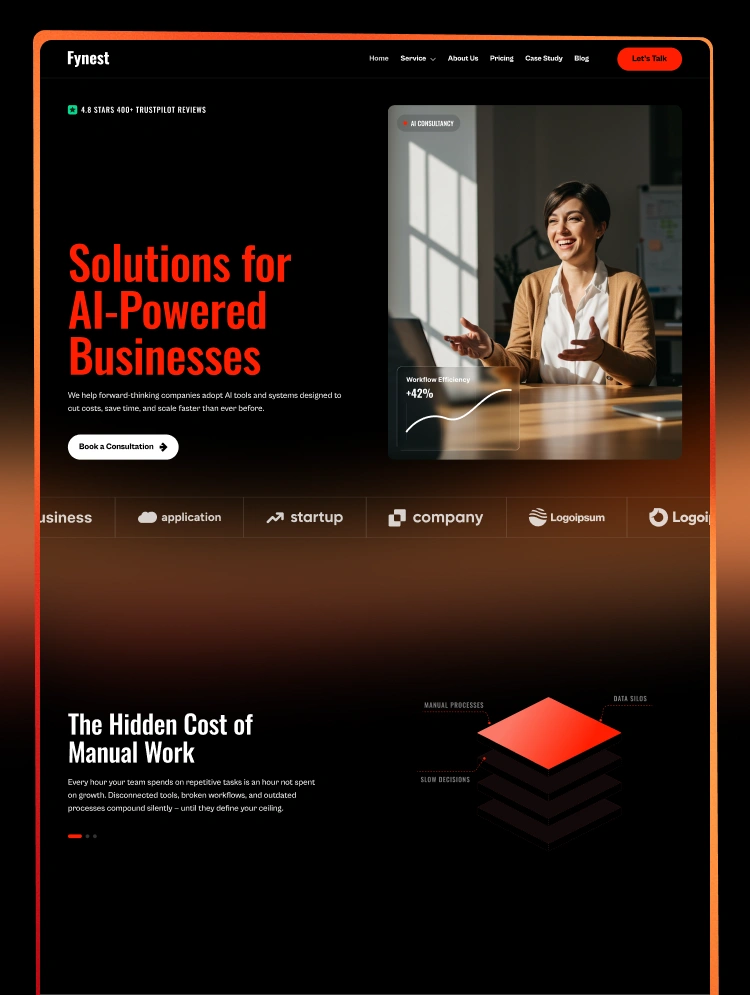
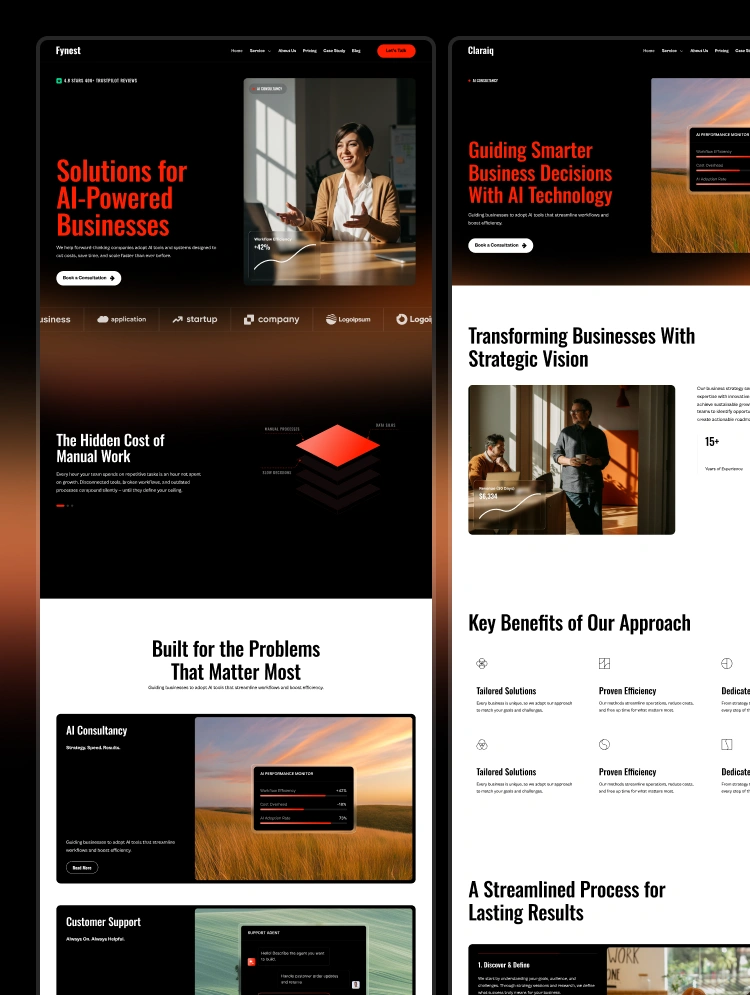
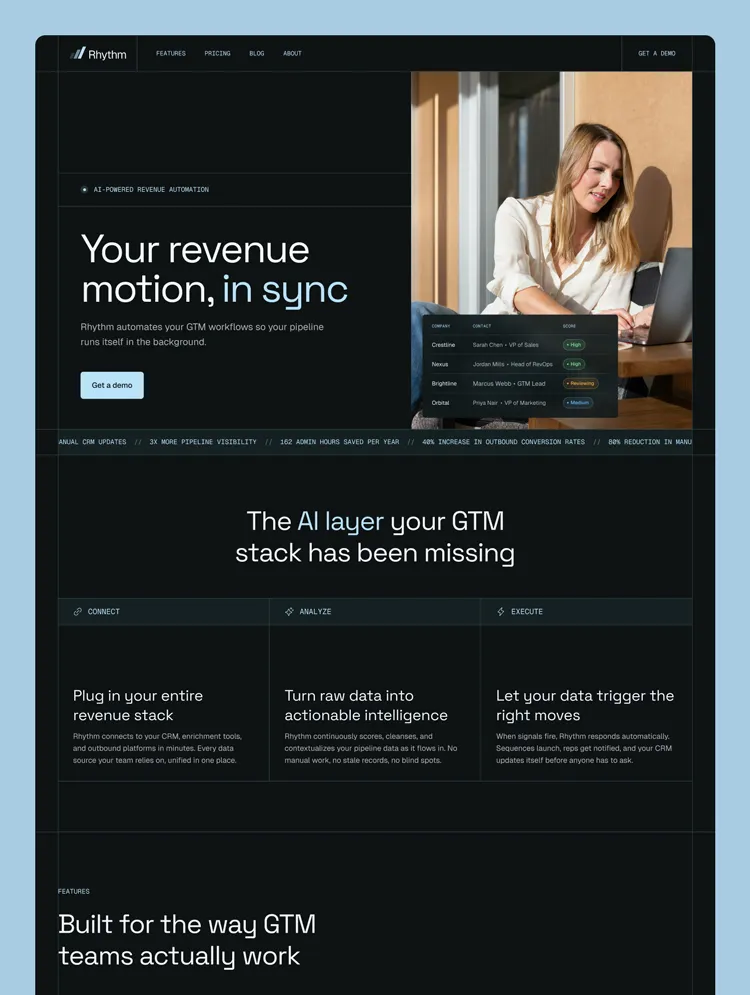
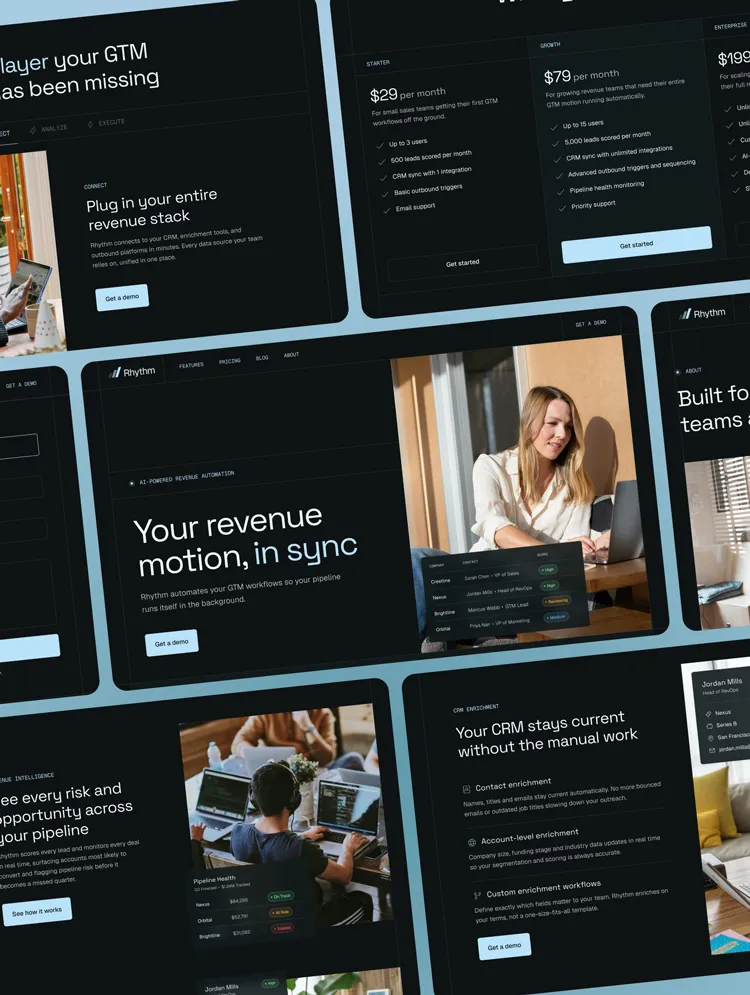
Get startedMeridian is a premium Webflow template built for consulting firms and professional service businesses. Featuring a full component library, 14 unique pages and immersive GSAP animations, it has everything you need to launch.
Meridian was designed for consulting firms and service businesses that need a premium, authoritative aesthetic without sacrificing clarity or conversion. Featuring a warm minimal design and engaging animations, Meridian strikes the right balance between sophistication and professionalism. Whether you're launching a consulting firm, coaching practice or professional service business, this template is built for flexibility, scalability and effortless customization.
🎨 Full design system: Colors, fonts and spacing can all be controlled from a single place. Update the look of the entire template just by changing a handful of variables.
🧰 Component-based architecture: The entire template is built using modular components that leverage properties, allowing you to quickly and easily edit content and make larger design adjustments.
📱 Fully responsive: All layouts are fully optimized across all breakpoints so it looks great on desktop, tablet and mobile.
🖥️ Figma file included: Want to make design changes before building? Simply email me with your proof of purchase to receive the Figma file!
Meridian ships with a complete library of reusable components covering every section and element you need to launch your website. Take a look at all the available components here.
🧩 30 sections: Modular, mix-and-match layouts for building and extending pages without starting from scratch.
🃏 9 cards: Pre-built card components for services, blog posts, team members, testimonials and more.
⚡️ 74 icons: A collection of icons from the Phosphor Icon library imported as components, allowing you to quickly swap out icons to better tell your brand story.
Meridian uses GSAP throughout for smooth scroll animation reveals, unique headline animations and immersive load animations. All animations are fully documented on the GSAP Guide page.
🏢 Operations consulting firms
📋 Strategy and management consultancies
🤝 Fractional COO and advisory practices
💼 Professional service businesses
📈 Mid-market service providers
All images, iconography and fonts used in this template are free to use for personal and commercial use. Read more on the Licenses page.
Meridian Template Instructions
Components Overview Help Guide
Can only be used by you or one client for one end product. You cannot resell or redistribute this template in its original or modified state.
This template is free to use in both person and commercial projects. You cannot resell, redistribute, or license this template in its original or modified state.
Questions about this template? Just reach out to the template designer and they will get back to you within 2 business days.
For advanced design guidance, please share your questions in the Webflow Forum or reach out to a Webflow Partner.
Share your feedback by leaving a comment below.
For template support, please check the Support tab.

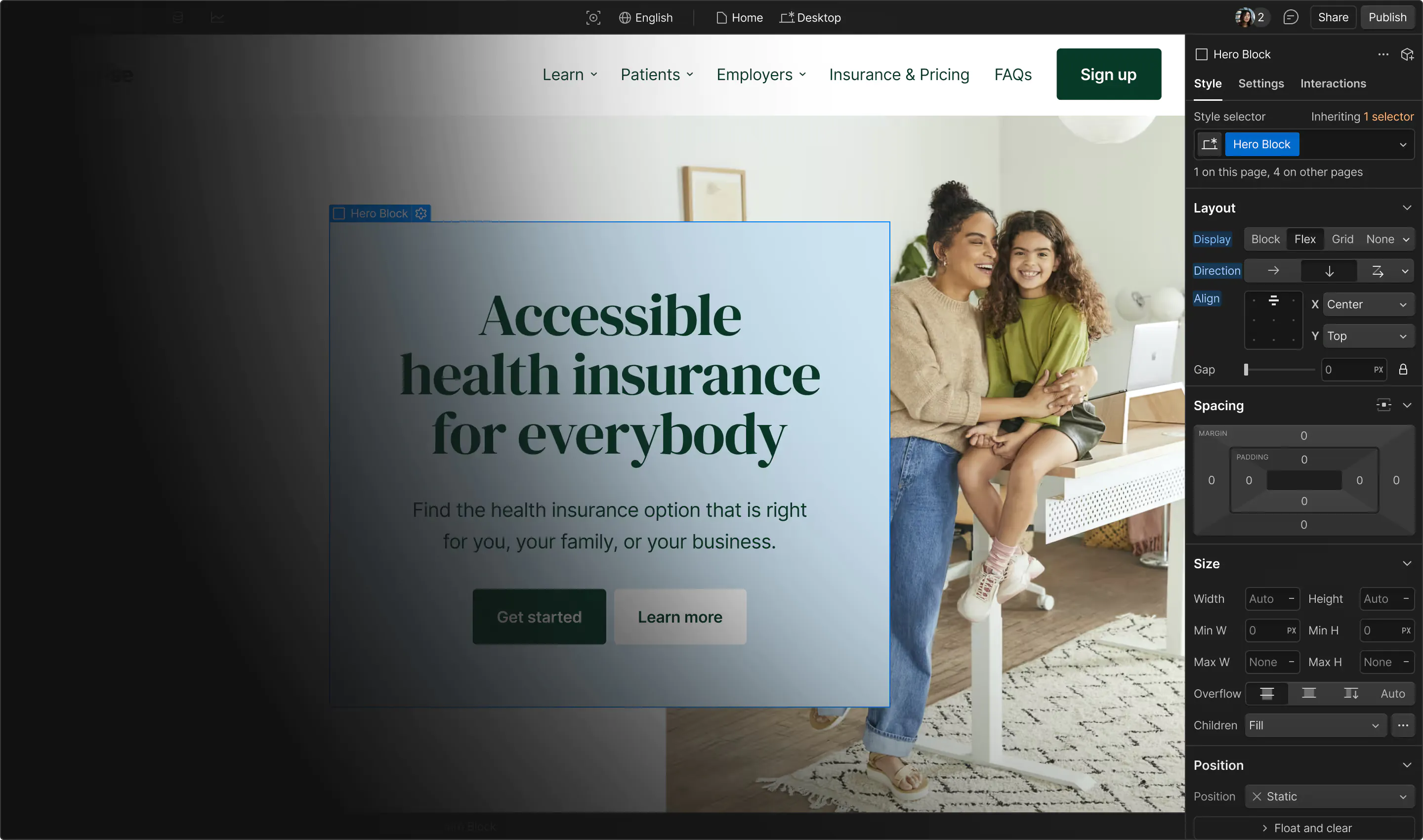
Use the Preview in Designer option to make any edits to the template pages and preview how the layout would fit your content. Changes in preview mode won't be saved.
It isn't possible to apply a template to an already existing project. Instead, you'll need to create a new project based on the Template.
With a Core plan (or higher), you can export sites you build in Webflow, including templates, to host them anywhere you'd like.
Webflow templates are only available for purchase through Workspaces and legacy individual accounts.
CMS templates are designed to use the power of the Webflow CMS. It is possible to downgrade to a Basic Site Plan as long as all CMS content is deleted from the project.
Use the View Connections tool to understand where the CMS content is on the site and delete any dynamic listings and CMS content. We also recommend you to check Components and the Collection page Templates.
Ecommerce templates are designed to use the power of Webflow Ecommerce. It is not possible to remove Ecommerce from a template, however, deleting all Ecommerce Products and Categories from the project, will allow to select a lower Site Plan.
Membership templates are designed to use the power of Webflow Membership. It is not possible to remove Memberships from a template.