Trusted by teams at






.svg)
Schedule a time with a Webflow expert to customize this template. Learn more
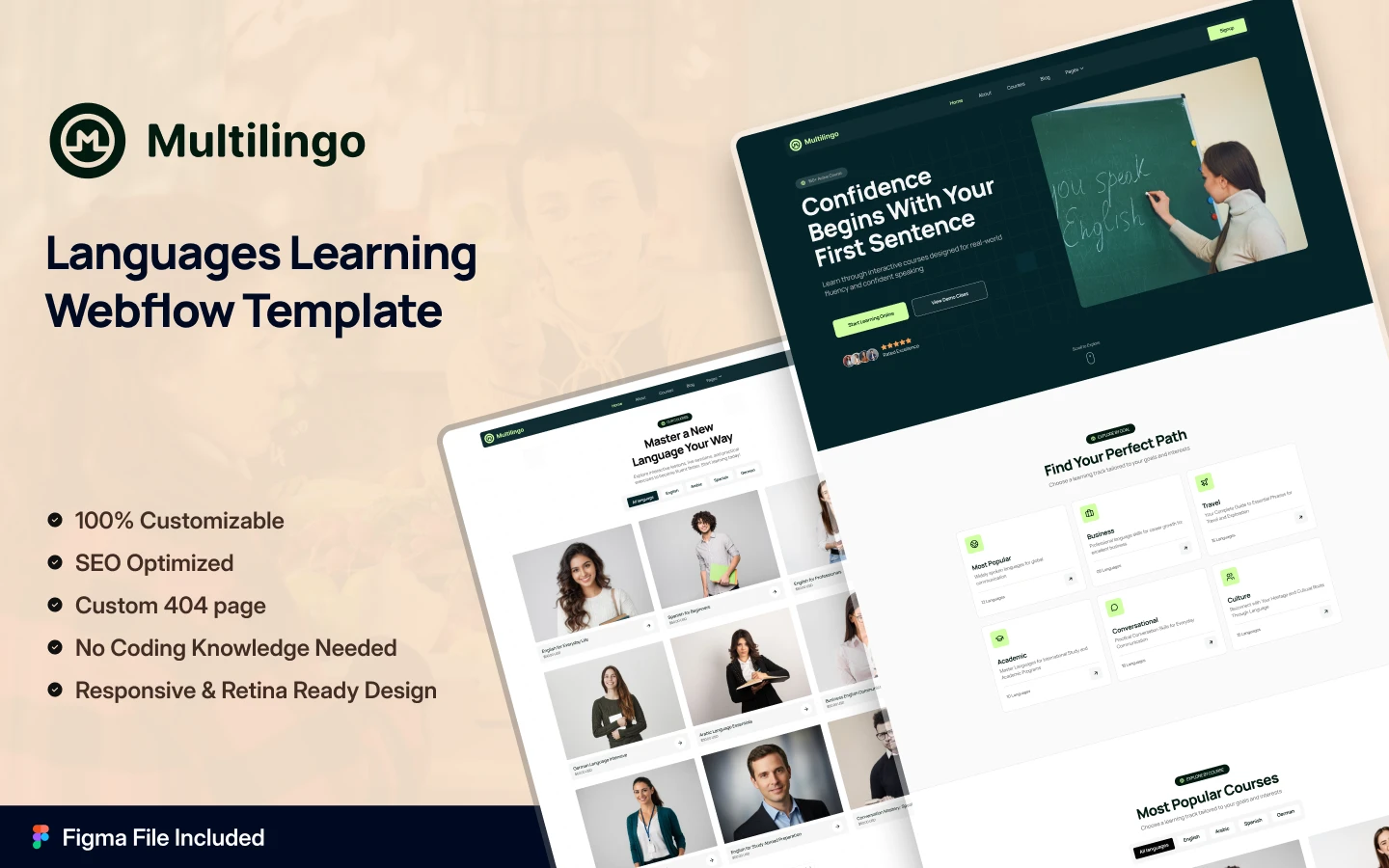
Get startedLaunch your professional language learning platform instantly with Multilingo, an impressive Webflow template with course catalogs, tutor profiles & enrollment funnels. Made for language schools, course creators & any language learning platform.
Over 1.2 billion people worldwide are learning new languages online, and the first thing they judge is your course platform. Let me introduce Multilingo, a vibrant and conversion-focused Webflow website template that makes your language learning platform look professional and trustworthy.
Multilingo is a modern and premium Webflow template designed for language learning platforms, online language tutors, language schools, language course creators, corporate training programs, and online education brands. It includes a dynamic CMS for courses, tutors, levels, and certifications. You get professional layouts for every section. Multilingo builds instant enrollment trust with a striking hero section, filterable course catalogs, tutor profiles, language level badges, testimonial carousels, flexible pricing plans, and enrollment funnels. Visitors love the intuitive navigation, interactive course cards and fully responsive design that works perfectly on every device.
Explore the live preview now!
Multilingo fits online language schools, ESL tutors, Duolingo alternatives, corporate language training, language immersion programs, language learning platforms, EdTech SaaS platforms, language course marketplaces, certification providers, conversation practice platforms, pronunciation coaches, and any language education brand that needs a beautiful home on the web.
Dynamic Courses Archive: Multilingo gives you a fully CMS-powered courses library with filter tabs by language. Each course card shows language information, level badge, duration, enrollment count and preview video thumbnail. Visitors can instantly browse and filter your entire course catalog, making your content feel organized, discoverable, and irresistibly clickable.
Impressive Design: Multilingo's vibrant gradient design, high-contrast CTAs, and language-specific imagery put your courses front and center. The design system communicates authority, approachability, and professionalism.
CMS Collections: Courses, course categories, languages, tutors, student testimonials, pricing plans, FAQ items, blog posts, enrollment forms and newsletter signups. Every content type is fully editable through CMS.
Tutor Profiles System: Individual dynamic tutor profile pages let you spotlight every instructor. Each tutor card includes photo, languages taught and booking links. Perfect for multi-tutor platforms and 1:1 coaching services.
Subscription Pricing Page: A ready-built pricing section with clear tiers. Designed for course memberships, tiered access, certification bundles, and recurring revenue platforms.
Testimonials Marquee Carousel: A dual-row, auto-scrolling testimonials section with video featuring student success stories, business professionals, travelers, immigrants, and corporate trainees.
Featured Courses Section: A visually rich hero grid linking top courses directly to enrollment pages. Ideal for surfacing bestseller courses and keeping visitors deep in your course library.
FAQ Accordion: An expandable FAQ section for answering common questions about course formats and enrollment processes.
Perfect Responsiveness: Every page and section is built and tested across desktop, tablet, and mobile breakpoints. Retina-optimized course thumbnails, fluid typography, and CSS Grid layouts
Advanced Animations: Scroll reveals, hover effects on course cards, smooth progress bar animations, typing hero headlines, interactive language flags, Lottie icons, micro-interactions.
Complete Utility Pages: Style guide, instructions, changelog, license, 404 error page, privacy policy, terms of service. Everything needed to launch cleanly and maintain long-term.
Message us after purchase for the Figma source file delivered instantly.
Multilingo follows Webflow Marketplace standards with complete CMS setup, clean structure, and mobile-first design. Duplicate to your workspace, swap content through simple CMS panels, customize colors/fonts, then publish in hours. Every page is tested across devices for perfect results.
Can only be used by you or one client for one end product. You cannot resell or redistribute this template in its original or modified state.
This template is free to use in both person and commercial projects. You cannot resell, redistribute, or license this template in its original or modified state.
Questions about this template? Just reach out to the template designer and they will get back to you within 2 business days.
For advanced design guidance, please share your questions in the Webflow Forum or reach out to a Webflow Partner.
Share your feedback by leaving a comment below.
For template support, please check the Support tab.

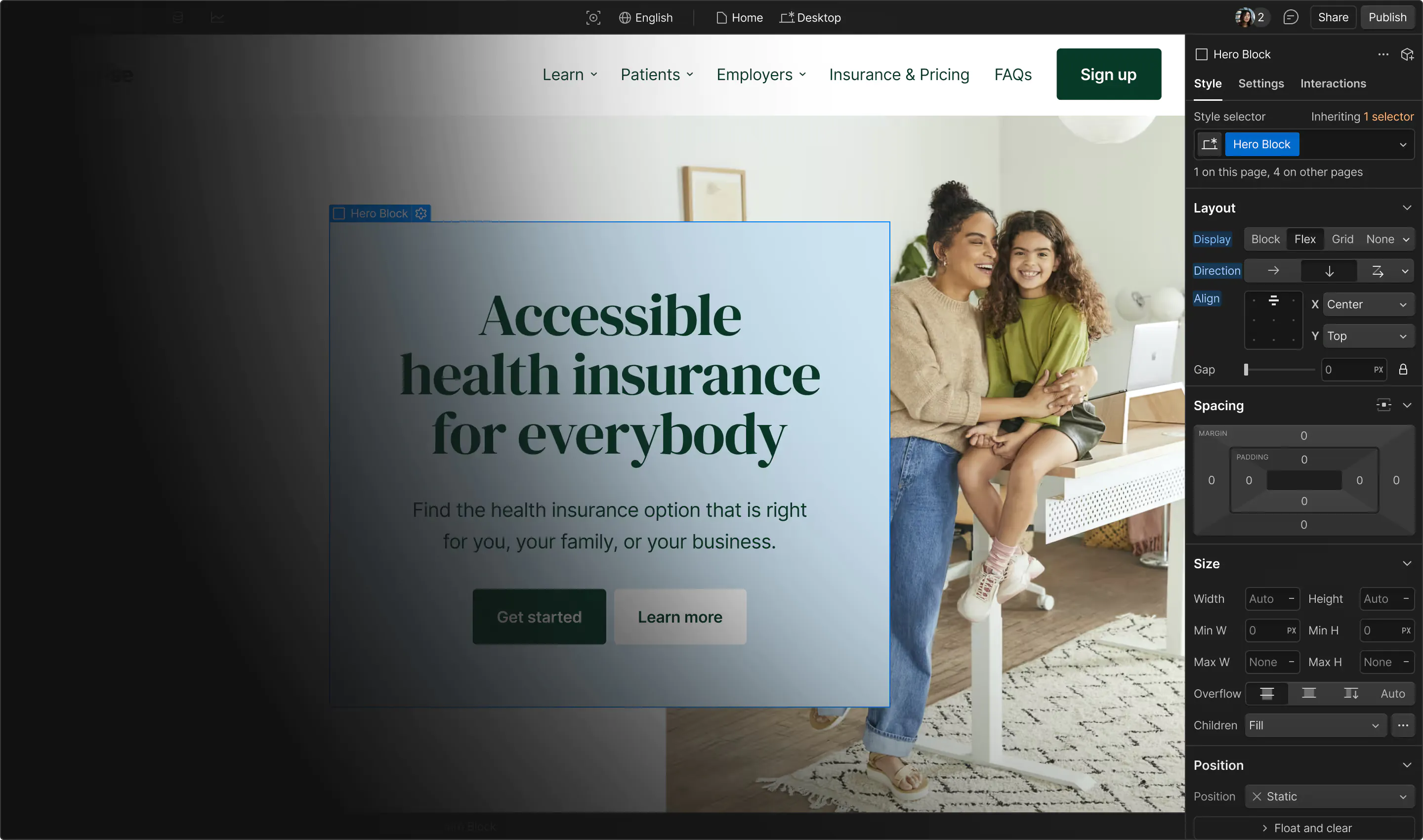
Use the Preview in Designer option to make any edits to the template pages and preview how the layout would fit your content. Changes in preview mode won't be saved.
It isn't possible to apply a template to an already existing project. Instead, you'll need to create a new project based on the Template.
With a Core plan (or higher), you can export sites you build in Webflow, including templates, to host them anywhere you'd like.
Webflow templates are only available for purchase through Workspaces and legacy individual accounts.
CMS templates are designed to use the power of the Webflow CMS. It is possible to downgrade to a Basic Site Plan as long as all CMS content is deleted from the project.
Use the View Connections tool to understand where the CMS content is on the site and delete any dynamic listings and CMS content. We also recommend you to check Components and the Collection page Templates.
Ecommerce templates are designed to use the power of Webflow Ecommerce. It is not possible to remove Ecommerce from a template, however, deleting all Ecommerce Products and Categories from the project, will allow to select a lower Site Plan.
Membership templates are designed to use the power of Webflow Membership. It is not possible to remove Memberships from a template.
.svg)


Uses fonts from Google's Web Font collection.
Display images and text elegantly on every device with our touch-friendly slider.
Bring life and motion to your design with background videos
Site navigation automatically collapses into a mobile-friendly menu on smaller devices.
All graphics are optimized for devices with high DPI screens.
Custom design for the 404 page of your website
Showcase high-res photos and videos on a black backdrop.
Reposition and resize items anywhere within the grid to produce powerful, responsive layouts — faster and without code.
Customize the built-in database for your project or just add new content.
Displays perfectly on desktops, tablets, and phones.
Build your lead lists and subscriber base with beautiful forms.
Comes with animations and interactions for additional polish and usability.