Trusted by teams at






.svg)
Schedule a time with a Webflow expert to customize this template. Learn more
Get startedLaunch your professional podcast website instantly with Podtalk, an impressive dark variant website template. It comes with a filterable episode archive, host profile, sponsor showcase, waveform visualizer & more that work
Over 120 million podcast listeners are actively searching for their next favourite show online, and the first thing they judge is your website. Let me introduce PodTalk, a bold and dark variant Webflow website template that makes your podcast brand look professional, credible, and impossible to scroll past.
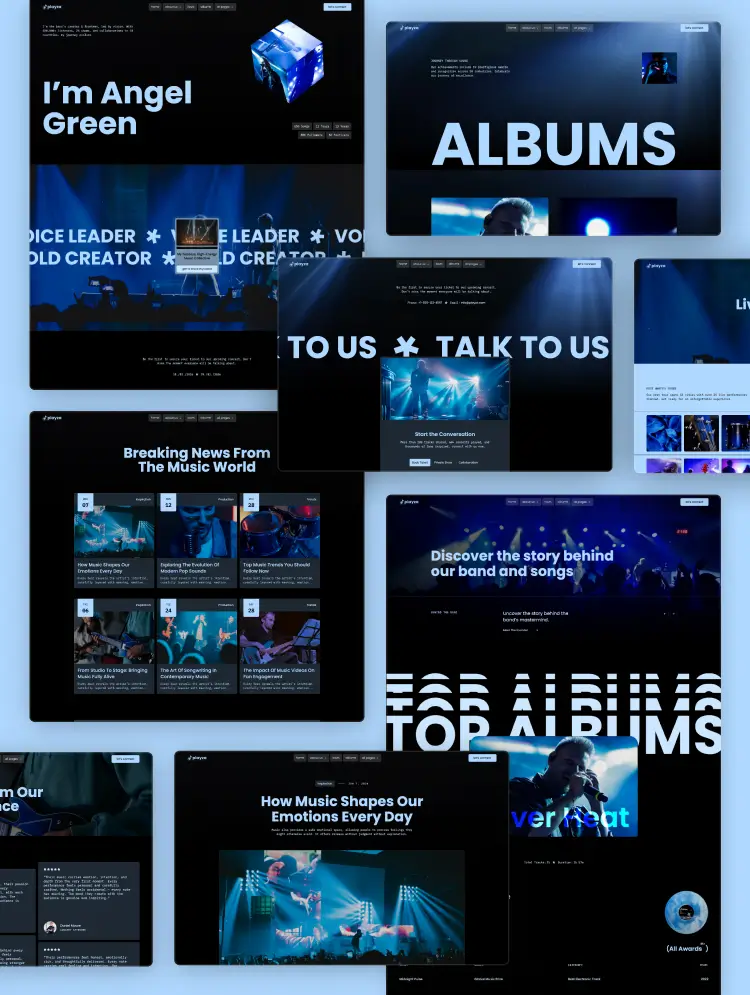
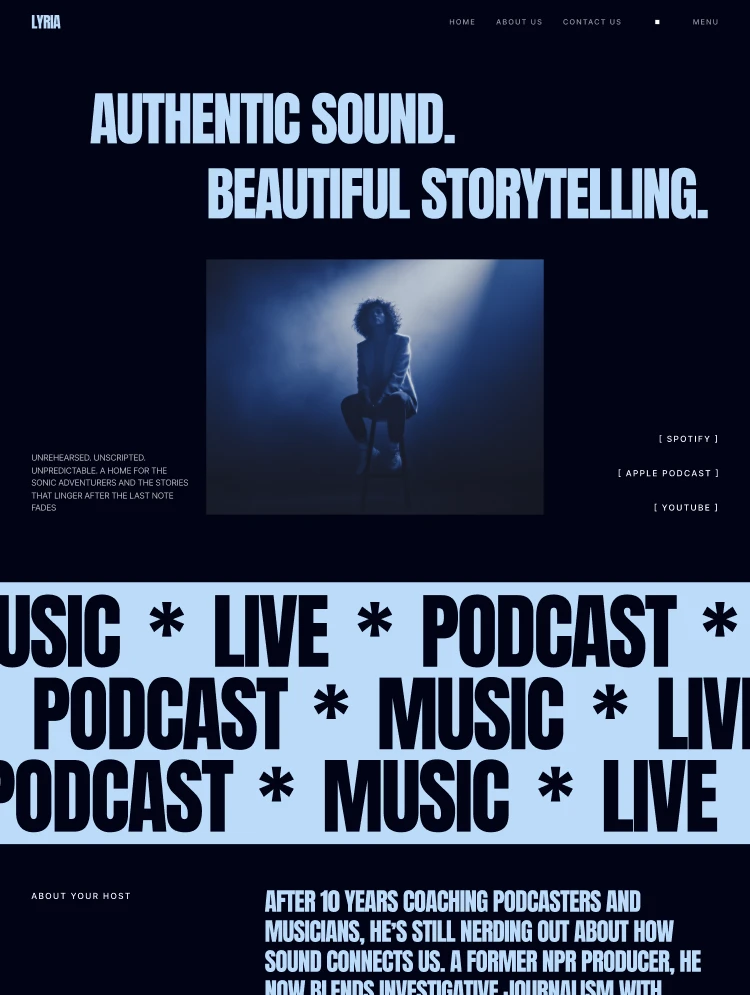
PodTalk is a modern and premium Webflow template designed for podcast hosts, radio stations, audio content creators, podcast networks, music promoters, and online show brands. It includes a dynamic CMS for episodes, hosts, blogs, and categories. You get professional layouts for every section. PodTalk builds instant listener trust with a striking hero section, episode archives, host profiles, trending show cards, animated marquee strips, testimonial carousels, flexible pricing plans, and newsletter opt-ins. Visitors love the intuitive navigation, wave-animation episode cards, category filtering, and the fully responsive design that works perfectly on every device.
Explore the live preview now!
PodTalk fits independent podcast websites, radio station websites, podcast hosts, podcast co-hosts and interview shows, internet radio brands, audio streaming platforms, music industry promoters, motivational speakers, business and entrepreneur shows, technology and academic podcasts, storytelling and true crime shows, podcast networks, media companies, content creators, and any audio-first brand that needs a beautiful home on the web.
Dynamic Episodes Archive: PodTalk gives you a fully CMS-powered episodes library with category filter tabs. These are Academics, Business, Motivation, and Technology. Each episode card shows the episode number, category tag, cover artwork, title, and a signature wave-animation play button. Visitors can instantly browse and filter your entire episode catalogue, making your content feel organized, discoverable, and endlessly bingeable.
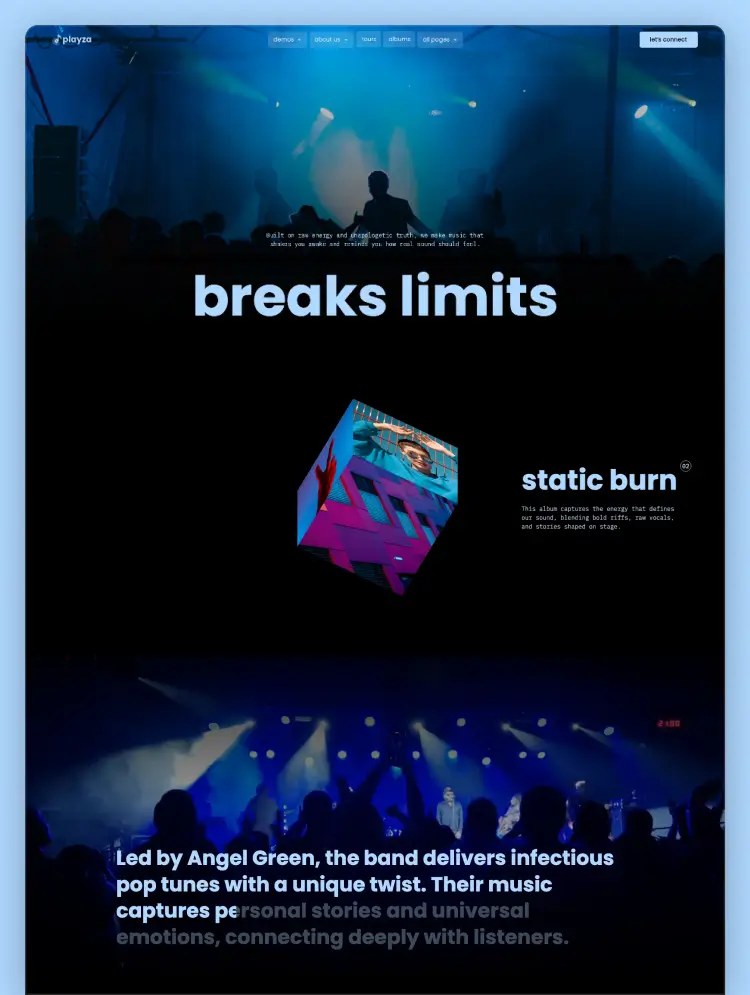
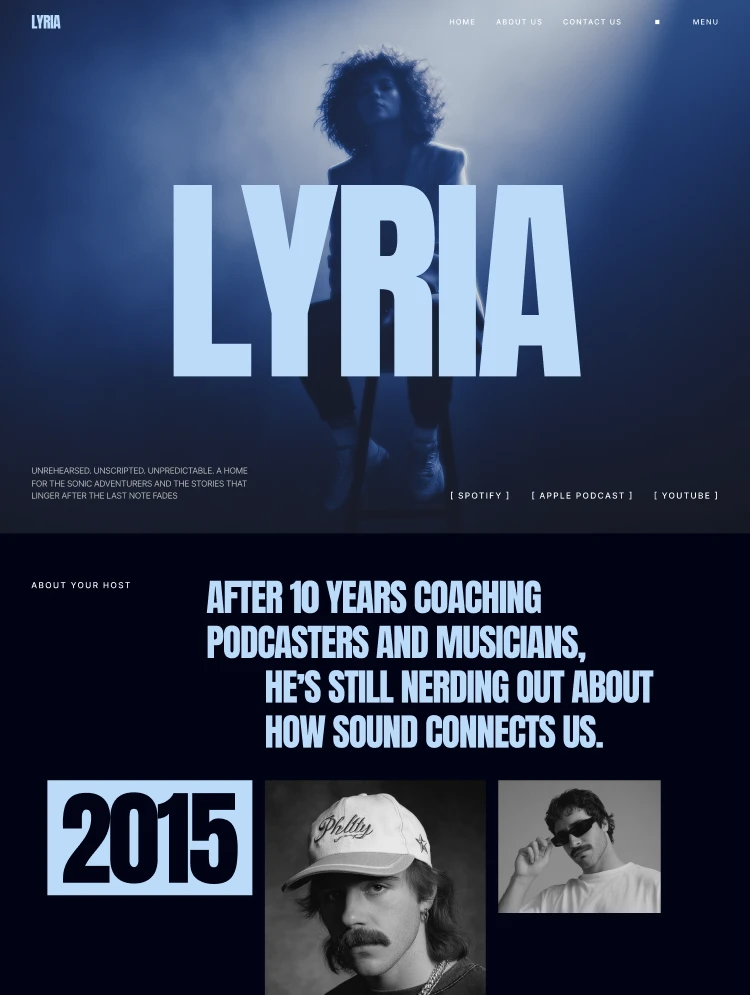
Modern Dark-Mode Design: PodTalk's bold dark design, high-contrast typography, and vibrant cover art imagery put your podcast content front and centre. The design system communicates authority, creativity, and professionalism across every page and every niche.
CMS Collections: Episodes, episode categories, host profiles, blog posts, blog categories, testimonials, pricing plans, FAQ items, and newsletter signups. Every content type is fully editable through the CMS.
Host Profiles System: A dedicated Hosts page and individual dynamic host profile pages let you spotlight every voice behind the mic. Each host card includes name, role, photo, and a linked show. Perfect for multi-host shows, guest speaker series, and podcast networks, building personal authority.
Subscription Pricing Page: A ready-built pricing section with a smooth monthly/annual billing toggle and three clear subscription tiers. Designed for podcast membership platforms, premium content paywalls, ad-free listening upgrades, and subscriber-first audio communities.
Testimonials Marquee Carousel: A dual-row, auto-scrolling testimonials section featuring listener and community reviews from creative strategists, product designers, startup founders, content creators, and UX researchers.
Trending Podcast Section: A visually rich featured shows grid linking trending episodes directly to host profile pages. This is ideal for surfacing your most popular content and keeping visitors deep in your episode library.
Blog with Category Filtering: A CMS-powered blog with category tags for publishing episode recaps, show notes, industry articles, and thought leadership content that drives SEO traffic and audience growth.
FAQ Accordion: An expandable FAQ section for answering common questions about episode releases, guest appearances, platform availability, and sponsorship opportunities.
Newsletter Subscription Form: A built-in email opt-in form with live success and error state handling, ready to connect to Mailchimp, ConvertKit, Kit, Beehiiv, or any third-party email marketing platform.
Contact Page: A dedicated contact form page designed for listener inquiries, guest pitches, sponsorship proposals, and media collaboration requests.
Perfect Responsiveness: Every page and section is built and tested across desktop, tablet, and mobile breakpoints. Retina-optimized images, fluid typography, and CSS Grid layouts ensure a flawless experience no matter how your audience tunes in.
Advanced Animations: Scroll reveals, hover effects on doc cards, smooth transitions, Lottie icons, micro-interactions.
Complete Utility Pages: Style guide, instructions, change-log, license, 404 error page, privacy policy, and external link utility. You will get everything you need to launch cleanly and maintain the template long-term.
Message us after purchase for the Figma source file delivered instantly.
PodTalk follows Webflow Marketplace standards with a complete CMS setup, clean semantic code, and mobile-first design. Duplicate to your workspace, swap all content through simple CMS panels, customize your colors and fonts, then publish in hours. Every page is tested across devices for perfect results.
Can only be used by you or one client for one end product. You cannot resell or redistribute this template in its original or modified state.
This template is free to use in both person and commercial projects. You cannot resell, redistribute, or license this template in its original or modified state.
Questions about this template? Just reach out to the template designer and they will get back to you within 2 business days.
For advanced design guidance, please share your questions in the Webflow Forum or reach out to a Webflow Partner.
Share your feedback by leaving a comment below.
For template support, please check the Support tab.

Use the Preview in Designer option to make any edits to the template pages and preview how the layout would fit your content. Changes in preview mode won't be saved.
It isn't possible to apply a template to an already existing project. Instead, you'll need to create a new project based on the Template.
With a Core plan (or higher), you can export sites you build in Webflow, including templates, to host them anywhere you'd like.
Webflow templates are only available for purchase through Workspaces and legacy individual accounts.
CMS templates are designed to use the power of the Webflow CMS. It is possible to downgrade to a Basic Site Plan as long as all CMS content is deleted from the project.
Use the View Connections tool to understand where the CMS content is on the site and delete any dynamic listings and CMS content. We also recommend you to check Components and the Collection page Templates.
Ecommerce templates are designed to use the power of Webflow Ecommerce. It is not possible to remove Ecommerce from a template, however, deleting all Ecommerce Products and Categories from the project, will allow to select a lower Site Plan.
Membership templates are designed to use the power of Webflow Membership. It is not possible to remove Memberships from a template.
.svg)


Uses fonts from Google's Web Font collection.
Display images and text elegantly on every device with our touch-friendly slider.
Bring life and motion to your design with background videos
Site navigation automatically collapses into a mobile-friendly menu on smaller devices.
All graphics are optimized for devices with high DPI screens.
Custom design for the 404 page of your website
Showcase high-res photos and videos on a black backdrop.
Reposition and resize items anywhere within the grid to produce powerful, responsive layouts — faster and without code.
Customize the built-in database for your project or just add new content.
Displays perfectly on desktops, tablets, and phones.
Build your lead lists and subscriber base with beautiful forms.
Comes with animations and interactions for additional polish and usability.