Trusted by teams at






.svg)
Schedule a time with a Webflow expert to customize this template. Learn more
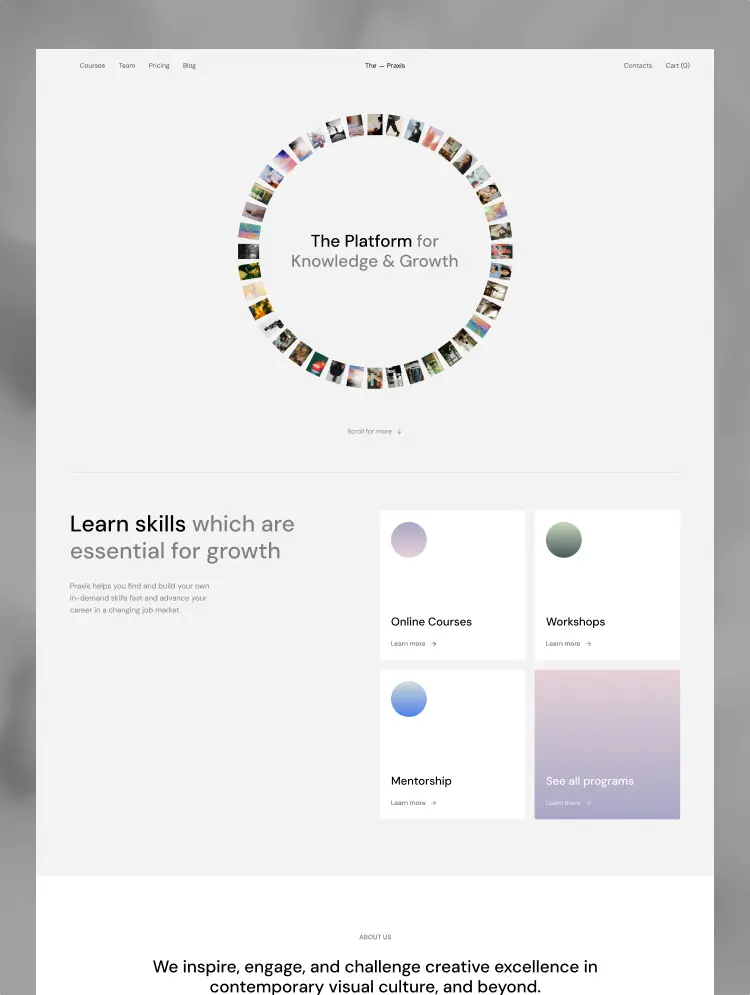
Get startedCreate a website that reflects the spirit of your university, faculty expertise and vibrant campus life. Easily manage website content and inspire students with unique features and responsive design with Versity TNC.
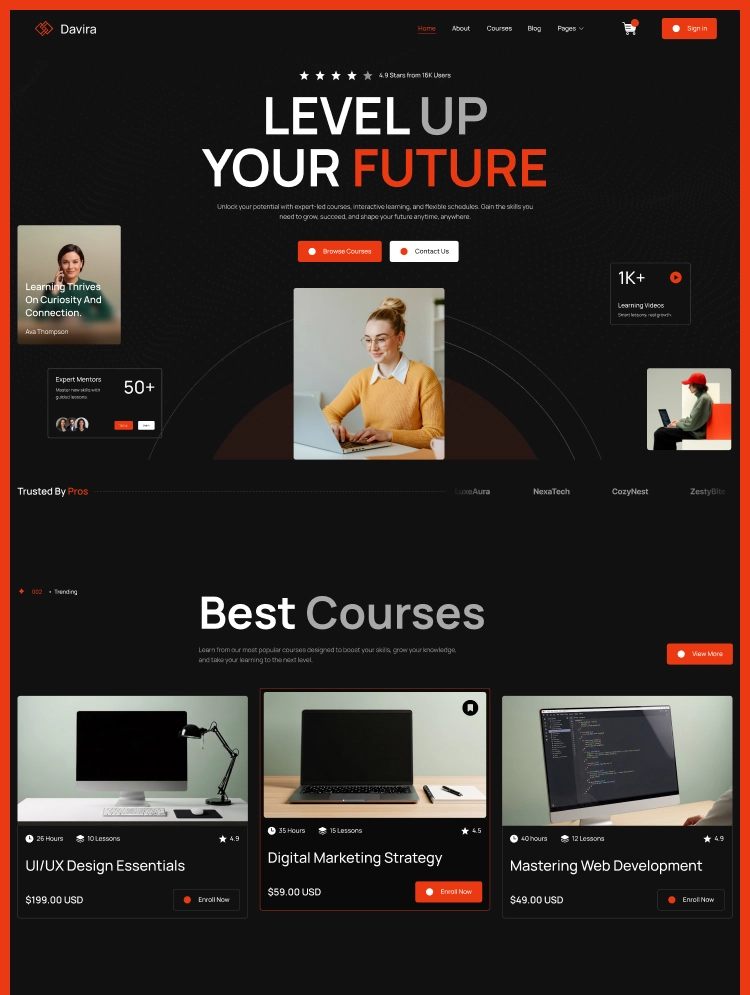
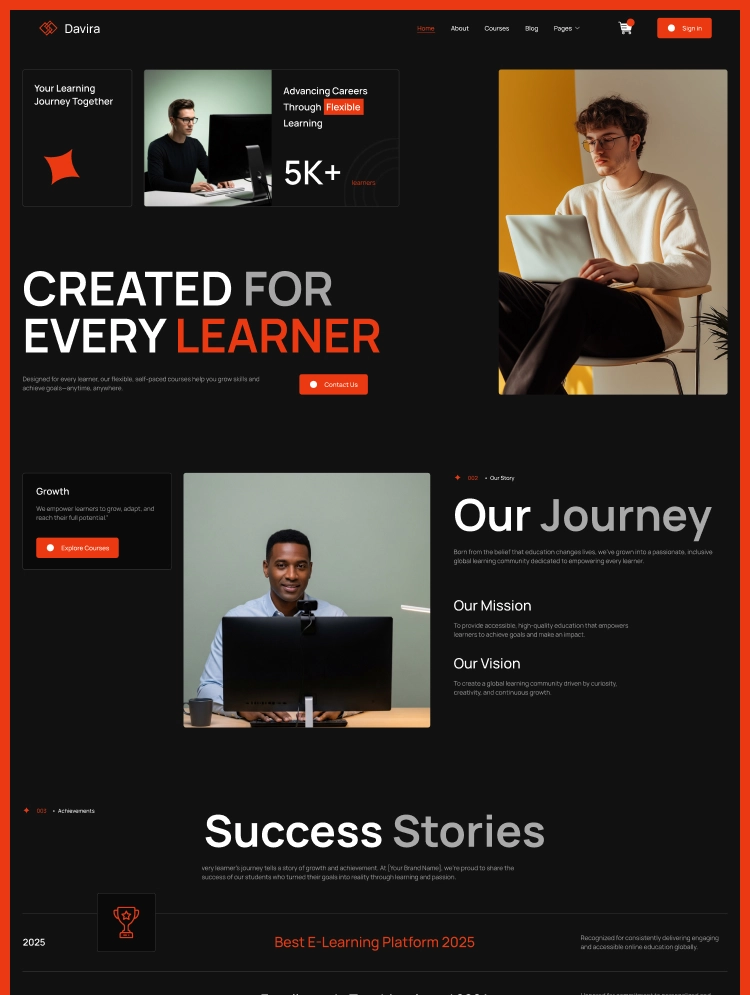
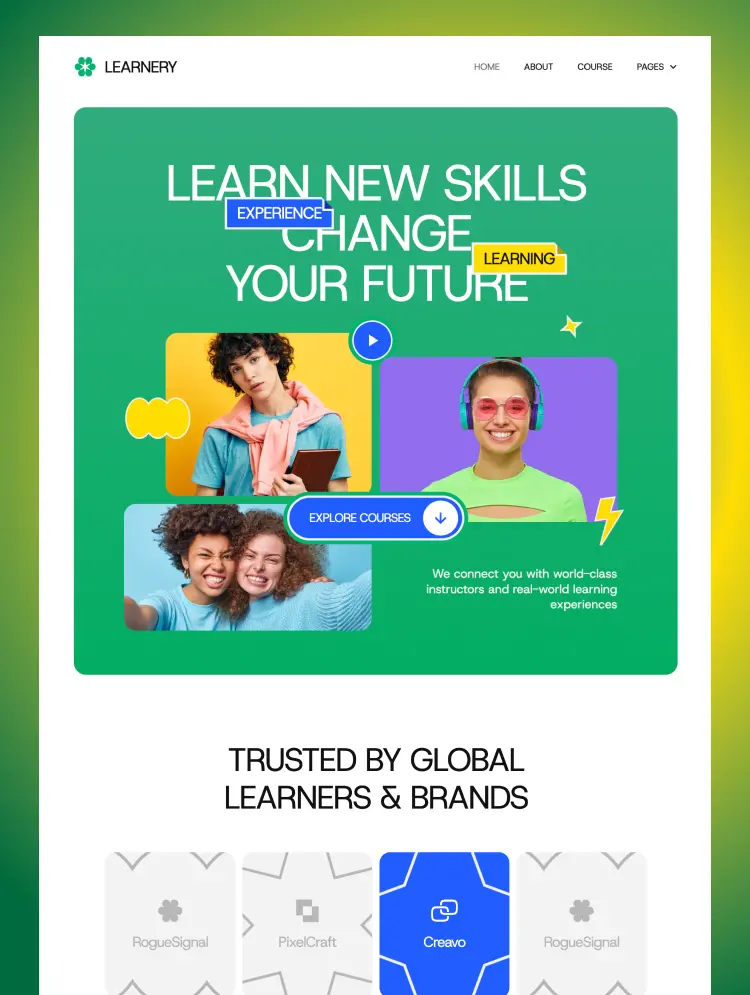
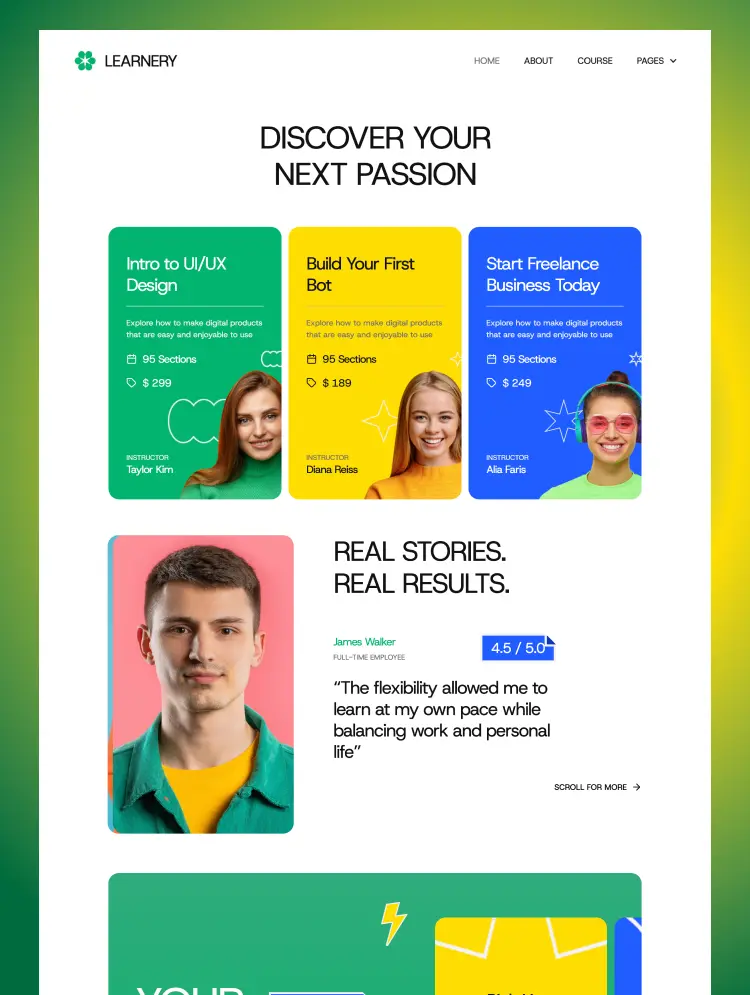
Versity TNC is a top-quality and highly professional university webflow template that is tailored to meet the needs of universities, educators, academics, and educational institutions alike. Versity TNC combines modernity, clean aesthetics, flexibility, customization and inviting colors to create an online environment that is informative and welcoming. You get a perfect combination of integrated e-commerce functionality, a powerful CMS and a sleek and responsive design.
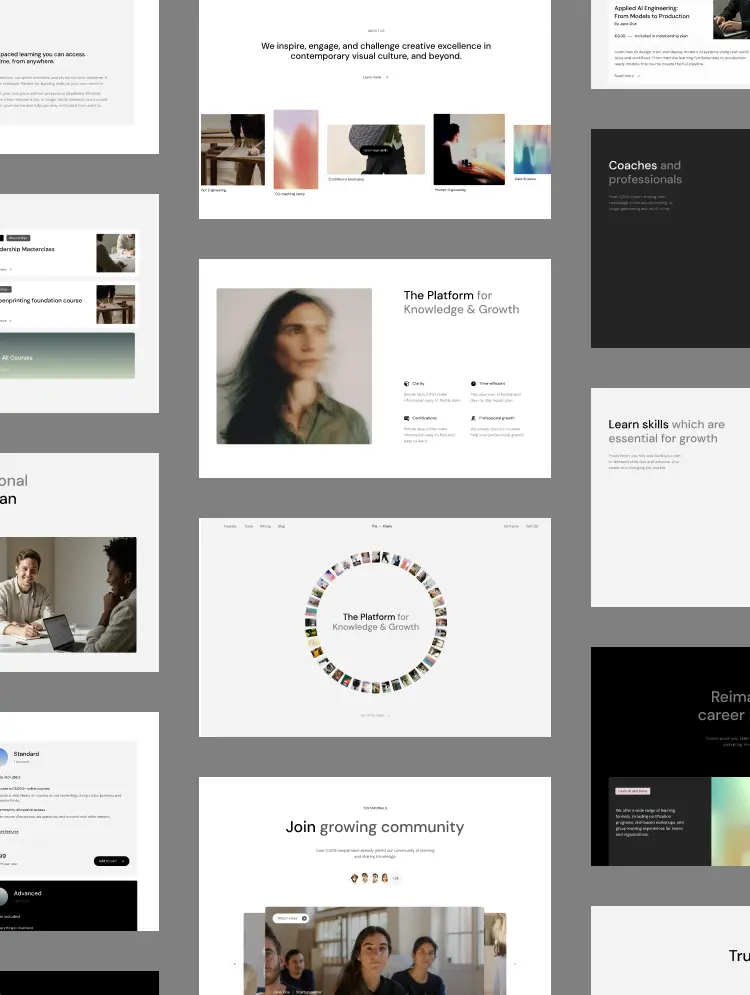
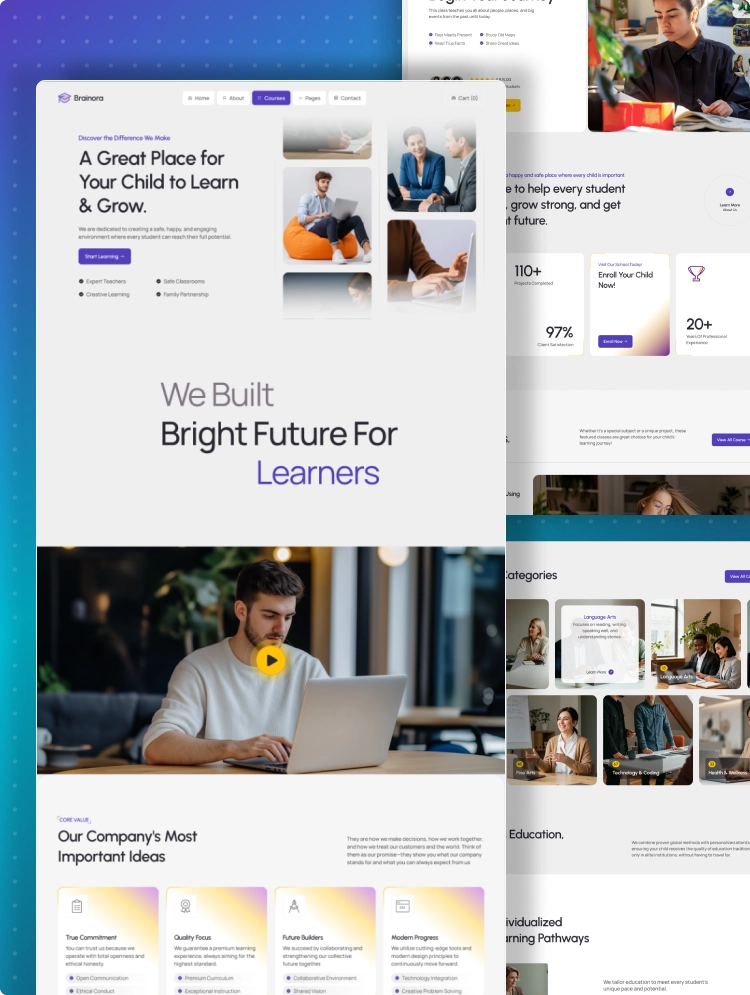
Our perfect layouts are specifically designed to showcase all the essential information about your university including courses, campus details, and contact information. Whether you're looking to attract prospective students or simply provide current ones with valuable information, Versity TNC has everything you need to create a stunning university website. This template is primarily created as a webflow university template, it can be used for various other needs.
Explore the live preview now!
The Versity TNC Webflow template has a simple, clean and minimal, yet modern design style. It follows the latest design trends, so your website will have a modern and premium website design.
Versity TNC is built using Webflow CMS and Webflow eCommerce functionality. This template allows you to publish informative blog posts, news and testimonials with powerful CMS integration. E-commerce features ensure that educational materials and services can be easily distributed and accessed online.
Department pages are the lifeblood of any university website. They are where prospective students can find an in-depth academic program, faculty expertise and research efforts. Versity TNC gives you the ability to create department pages that are dynamic hubs of engagement.
Course pages are the battleground where you capture student interest and convert them into learners. Versity TNC highlights each course description, allowing you to create engaging course pages that truly capture the importance of your course.
The admissions page is the first impression you make on potential students. Versity TNC empowers you to create an admissions page that not only informs students but also welcomes them into your university's vibrant community. Attract top talent, flow to join your organization.
Versity TNC empowers you to create dynamic job posting pages that showcase your university's unique culture, highlight exciting opportunities, and entice the best and brightest minds to join your team.
The blog page is designed with precision to make it easy for visitors to find and read the blog they are looking for.
Highlight your university or institution's facilities with high-quality video segments and navigate your university schedule and showcase your promotions with responsive sliders.
Need Figma file? Simply send us a message asking for the Figma file after purchasing the Template, We’ll send it to you asap.
If you face any problem using Versity TNC, you can watch our video tutorial which makes your journey with this template easier.
Versity TNC Webflow template is a product of ThemeNcode. This ensures that your website attracts attention and compels action. Create a vibrant online presence that reflects the spirit of your university and educational institution. ThemeNcode has several other webflow templates, as well as templates covering various other niches. All templates are modern, trendy, and speed-optimized. The most perfect user experience is always guaranteed by ThemeNcode.
Can only be used by you or one client for one end product. You cannot resell or redistribute this template in its original or modified state.
This template is free to use in both person and commercial projects. You cannot resell, redistribute, or license this template in its original or modified state.
Questions about this template? Just reach out to the template designer and they will get back to you within 2 business days.
For advanced design guidance, please share your questions in the Webflow Forum or reach out to a Webflow Partner.
Share your feedback by leaving a comment below.
For template support, please check the Support tab.

Use the Preview in Designer option to make any edits to the template pages and preview how the layout would fit your content. Changes in preview mode won't be saved.
It isn't possible to apply a template to an already existing project. Instead, you'll need to create a new project based on the Template.
With a Core plan (or higher), you can export sites you build in Webflow, including templates, to host them anywhere you'd like.
Webflow templates are only available for purchase through Workspaces and legacy individual accounts.
CMS templates are designed to use the power of the Webflow CMS. It is possible to downgrade to a Basic Site Plan as long as all CMS content is deleted from the project.
Use the View Connections tool to understand where the CMS content is on the site and delete any dynamic listings and CMS content. We also recommend you to check Components and the Collection page Templates.
Ecommerce templates are designed to use the power of Webflow Ecommerce. It is not possible to remove Ecommerce from a template, however, deleting all Ecommerce Products and Categories from the project, will allow to select a lower Site Plan.
Membership templates are designed to use the power of Webflow Membership. It is not possible to remove Memberships from a template.
.svg)


Uses fonts from Google's Web Font collection.
Display images and text elegantly on every device with our touch-friendly slider.
Bring life and motion to your design with background videos
Site navigation automatically collapses into a mobile-friendly menu on smaller devices.
All graphics are optimized for devices with high DPI screens.
Custom design for the 404 page of your website
Reusable elements you can use across your site. Edit a component and all copies update instantly.
Reposition and resize items anywhere within the grid to produce powerful, responsive layouts — faster and without code.
Shape your customer's experience and customize everything, from the home page to product page, cart to checkout.
Customize the built-in database for your project or just add new content.
Displays perfectly on desktops, tablets, and phones.
Build your lead lists and subscriber base with beautiful forms.
Comes with animations and interactions for additional polish and usability.






px.jpeg)