Trusted by teams at






.svg)
Schedule a time with a Webflow expert to customize this template. Learn more
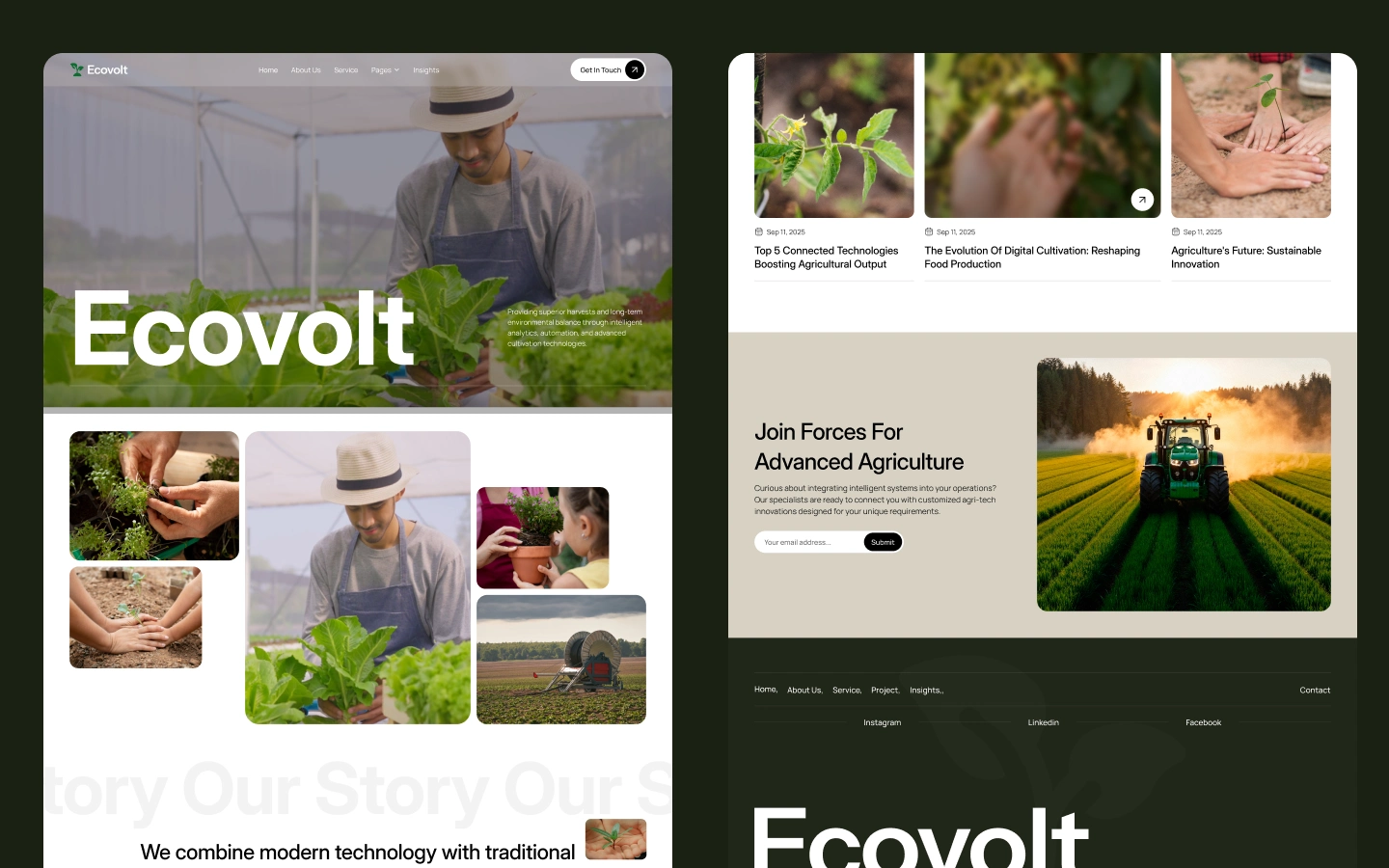
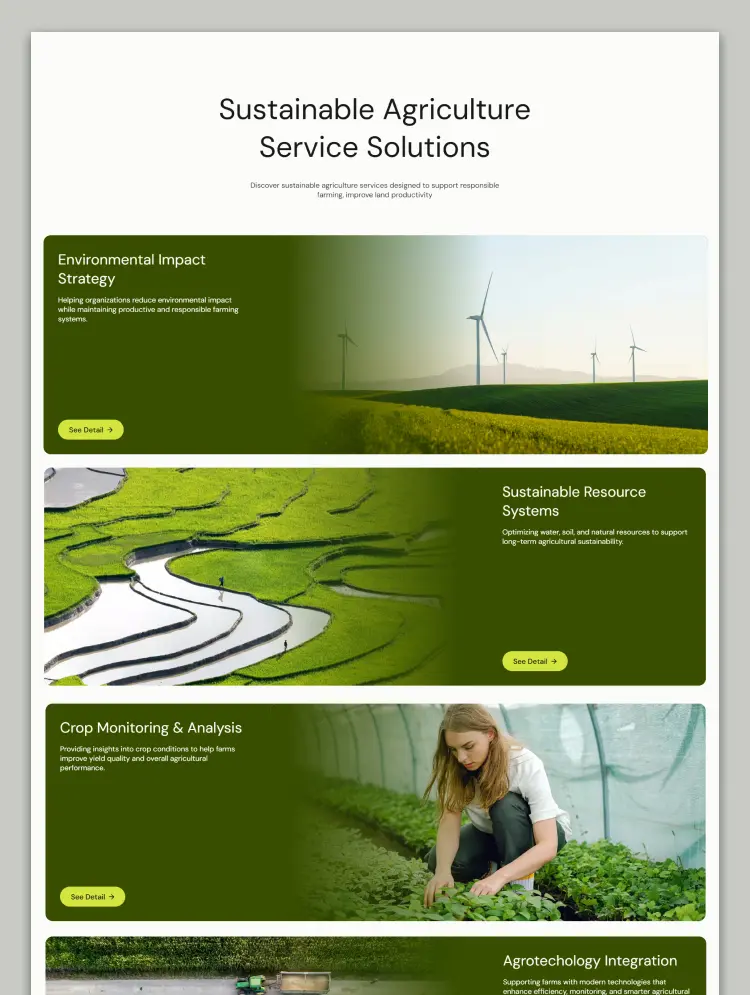
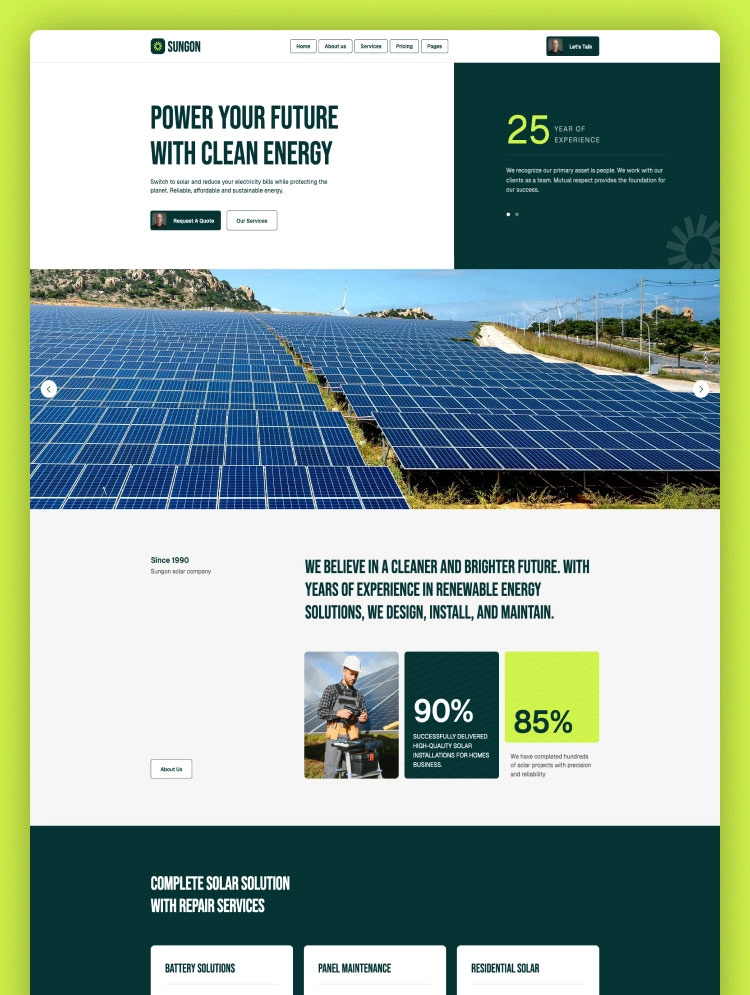
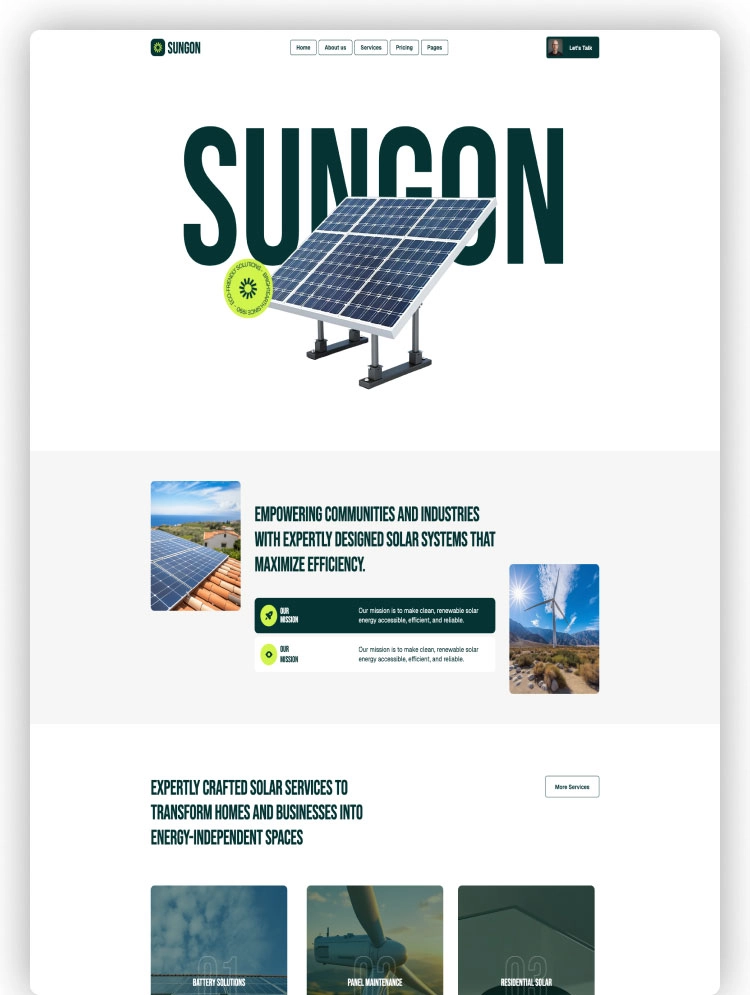
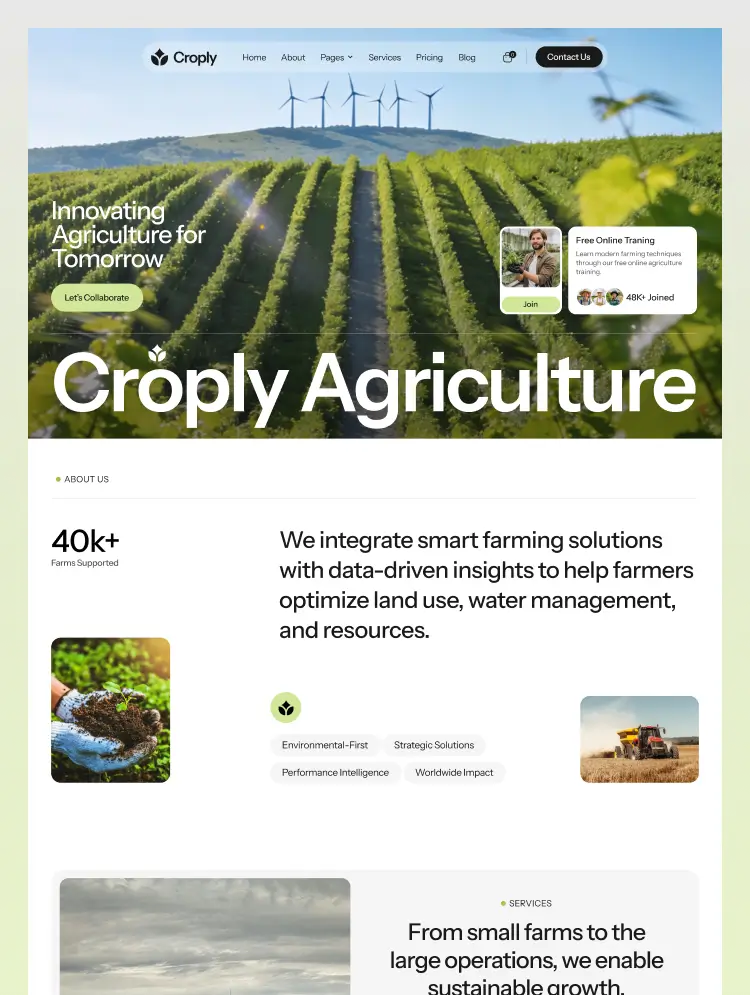
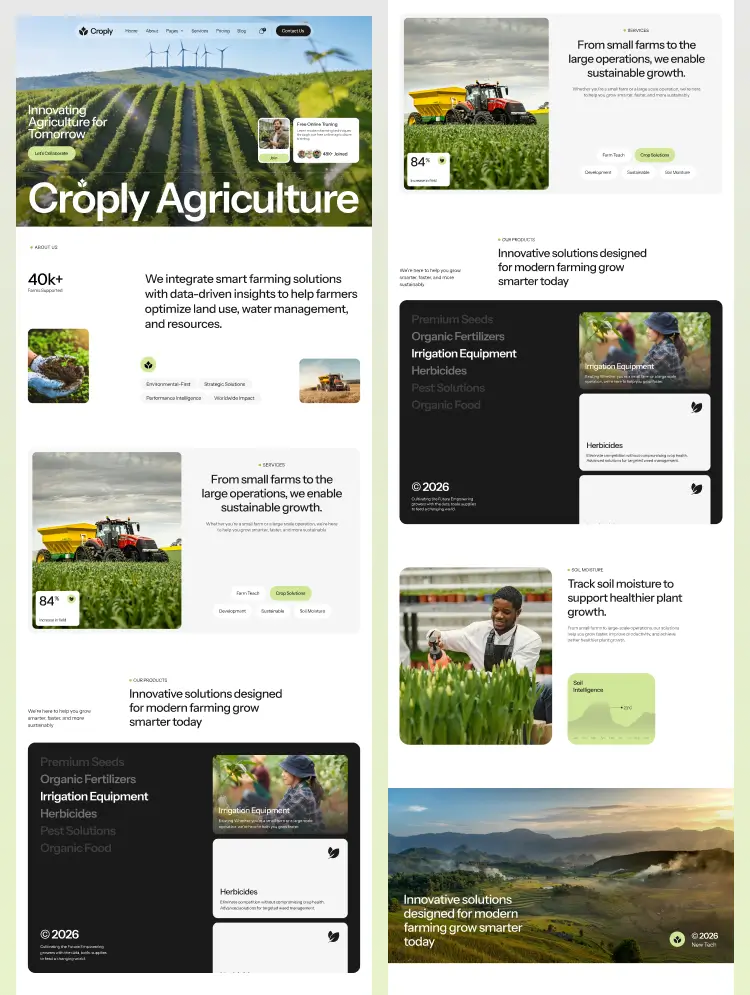
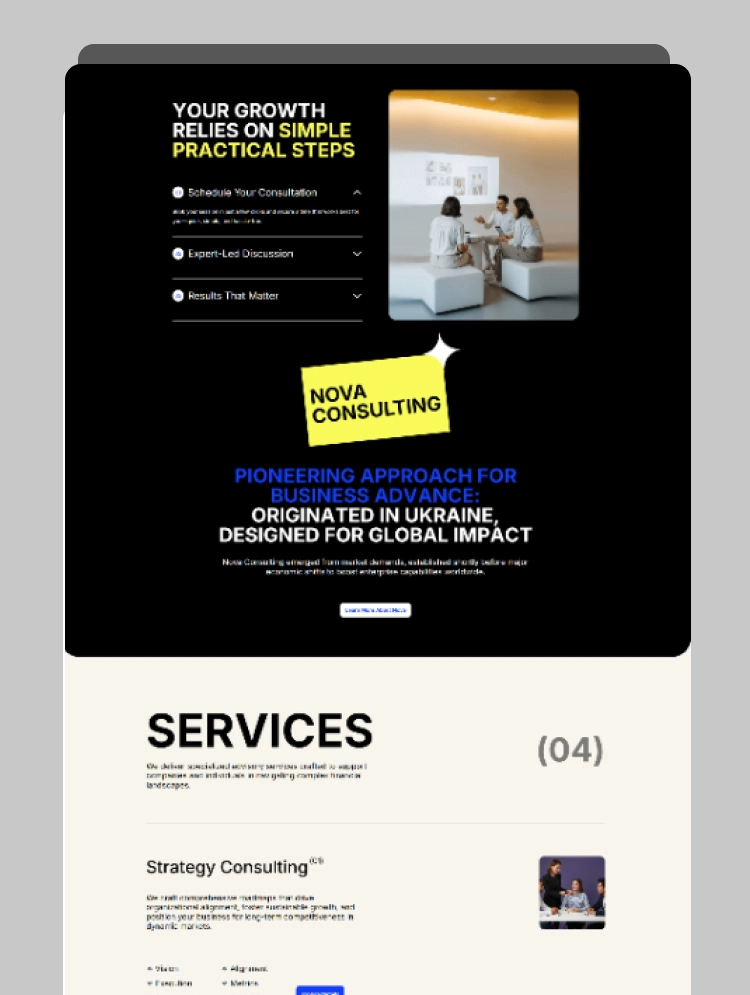
Get startedEcovolt is a modern Webflow template designed for agritech and sustainable farming businesses. It helps you showcase intelligent analytics, automation, and advanced cultivation technologies with a clean, professional, and fully responsive design.
Ecovolt is a modern and professional Webflow template designed for agritech companies, sustainable farming startups, greenhouse operators, and agricultural technology providers. With a clean layout and structured content flow, it helps you showcase intelligent analytics, automation systems, and advanced cultivation technologies with clarity and confidence.
Built with performance and usability in mind, Ecovolt features responsive layouts, smooth interactions, and a flexible structure—ensuring a seamless user experience across all devices. It is crafted to support businesses focused on delivering superior harvests and long-term environmental balance through smart, data-driven solutions.
A fully organized and professionally structured Figma file is included with your purchase. To receive it, please email us at zorionstudio@gmail.com with your Webflow purchase receipt, and we will promptly send the Figma file to you.
If you have any questions or need assistance with the template, feel free to contact us at zorionstudio@gmail.com. We strive to respond to all inquiries within 24 hours.
Be sure to explore our other premium website templates to find the perfect fit for your next project.
Can only be used by you or one client for one end product. You cannot resell or redistribute this template in its original or modified state.
This template is free to use in both person and commercial projects. You cannot resell, redistribute, or license this template in its original or modified state.
Questions about this template? Just reach out to the template designer and they will get back to you within 2 business days.
For advanced design guidance, please share your questions in the Webflow Forum or reach out to a Webflow Partner.
Share your feedback by leaving a comment below.
For template support, please check the Support tab.

Use the Preview in Designer option to make any edits to the template pages and preview how the layout would fit your content. Changes in preview mode won't be saved.
It isn't possible to apply a template to an already existing project. Instead, you'll need to create a new project based on the Template.
With a Core plan (or higher), you can export sites you build in Webflow, including templates, to host them anywhere you'd like.
Webflow templates are only available for purchase through Workspaces and legacy individual accounts.
CMS templates are designed to use the power of the Webflow CMS. It is possible to downgrade to a Basic Site Plan as long as all CMS content is deleted from the project.
Use the View Connections tool to understand where the CMS content is on the site and delete any dynamic listings and CMS content. We also recommend you to check Components and the Collection page Templates.
Ecommerce templates are designed to use the power of Webflow Ecommerce. It is not possible to remove Ecommerce from a template, however, deleting all Ecommerce Products and Categories from the project, will allow to select a lower Site Plan.
Membership templates are designed to use the power of Webflow Membership. It is not possible to remove Memberships from a template.
.svg)


Uses fonts from Google's Web Font collection.
Display images and text elegantly on every device with our touch-friendly slider.
Bring life and motion to your design with background videos
Site navigation automatically collapses into a mobile-friendly menu on smaller devices.
Custom design for the 404 page of your website
Reposition and resize items anywhere within the grid to produce powerful, responsive layouts — faster and without code.
Customize the built-in database for your project or just add new content.
Displays perfectly on desktops, tablets, and phones.
Build your lead lists and subscriber base with beautiful forms.
Comes with animations and interactions for additional polish and usability.