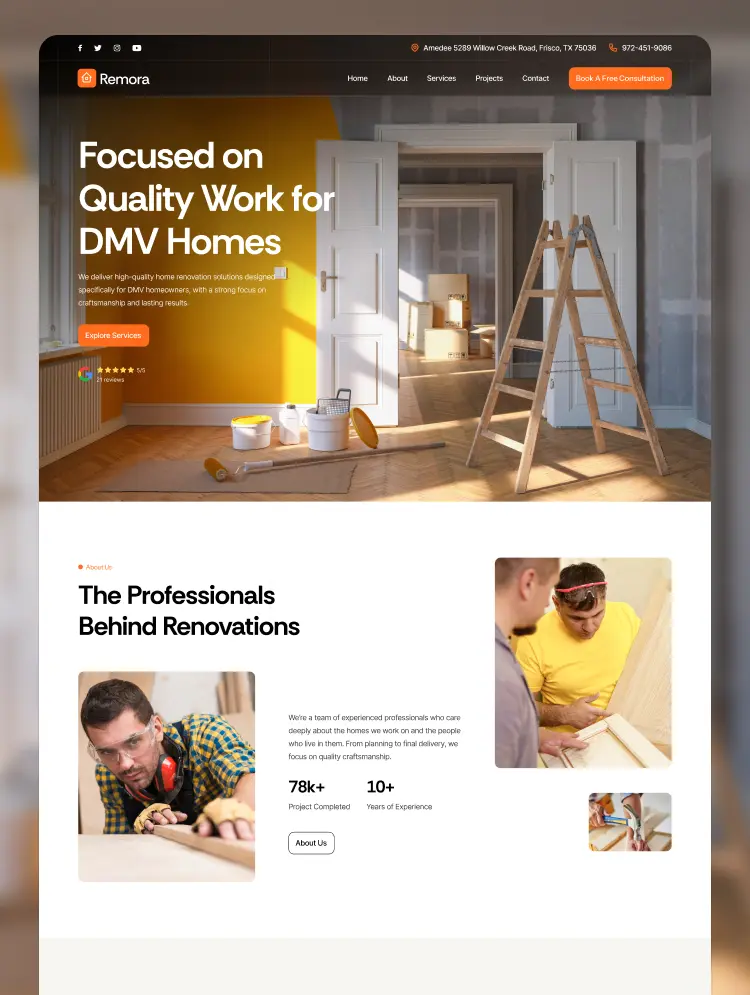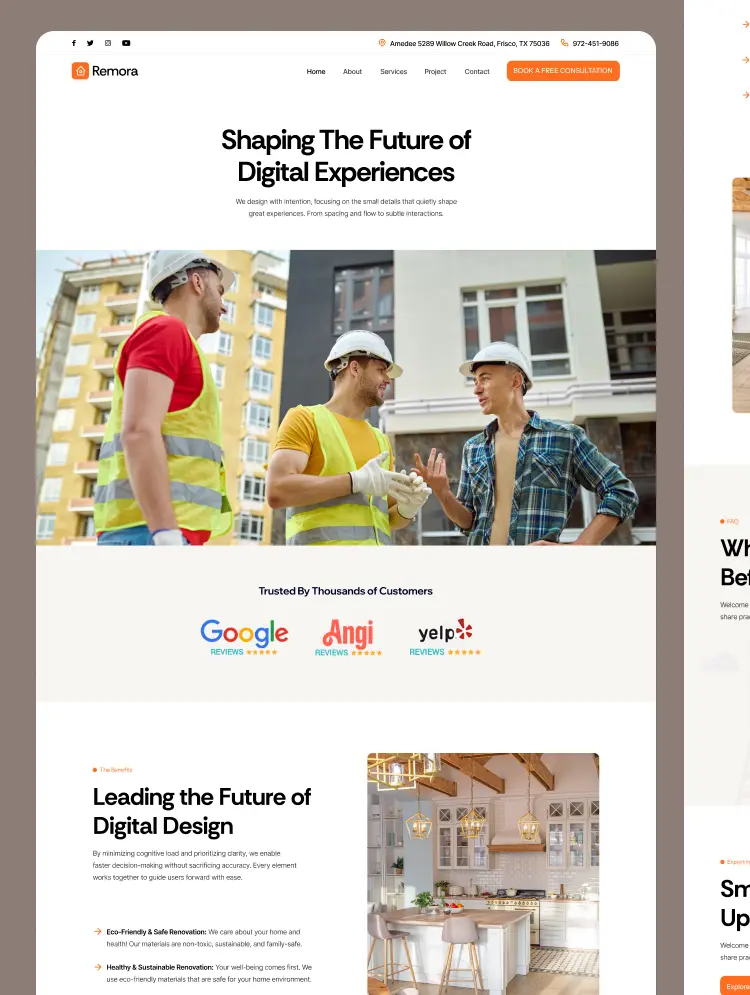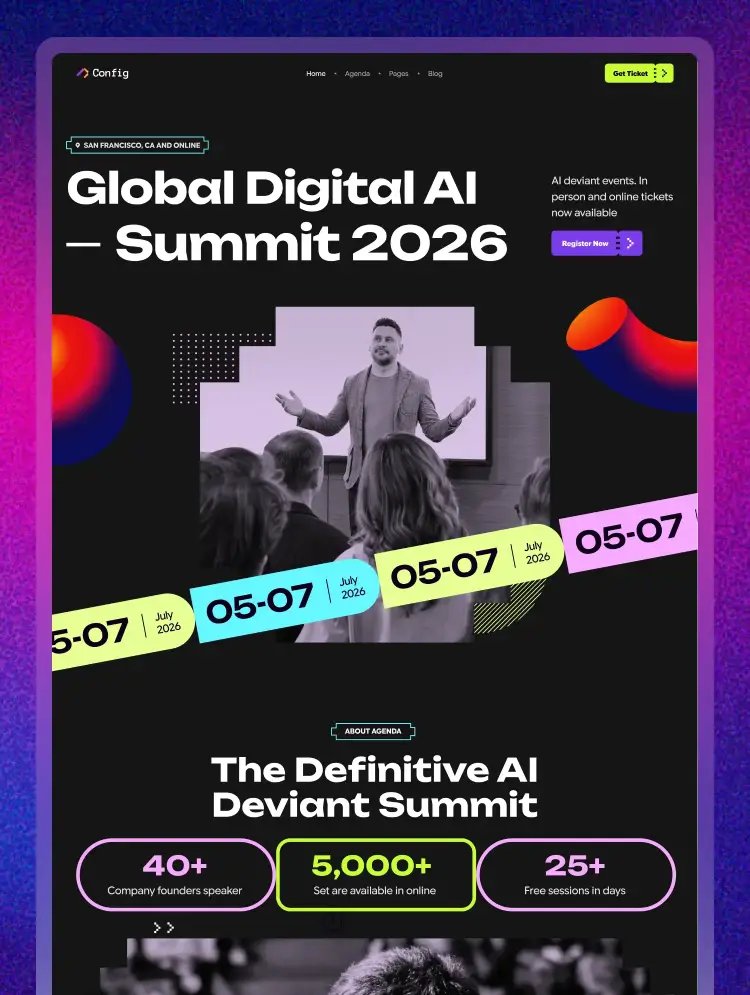
Trusted by teams at






.svg)
Schedule a time with a Webflow expert to customize this template. Learn more
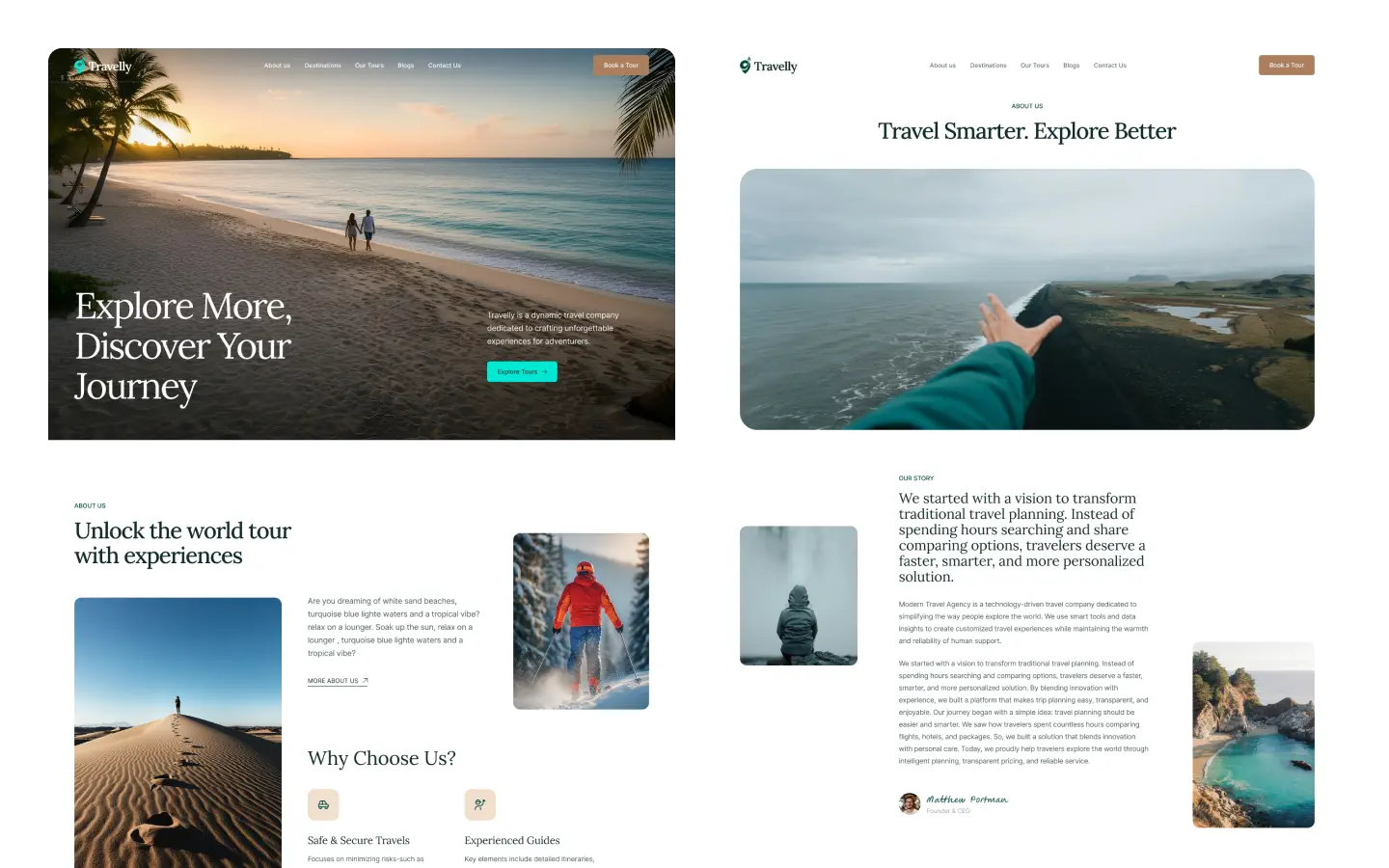
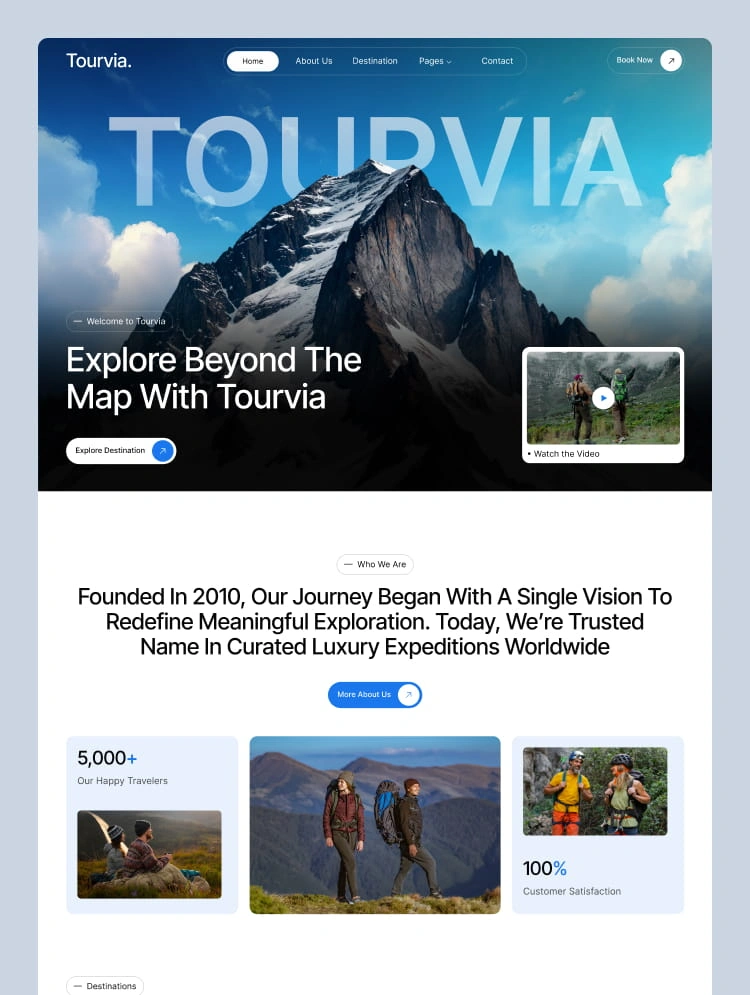
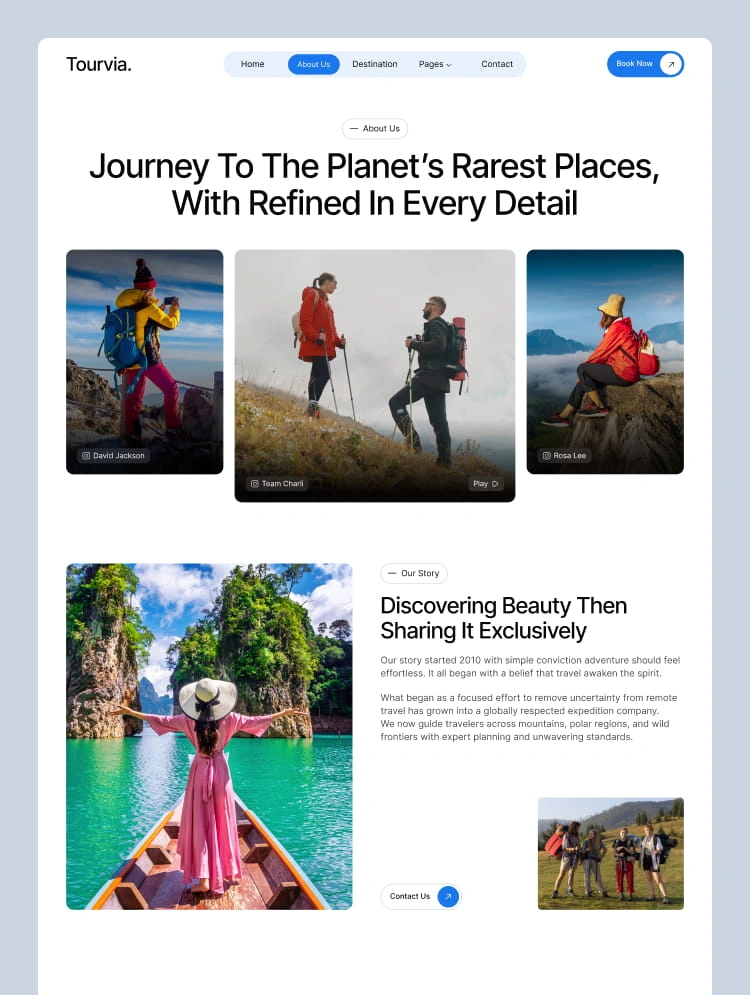
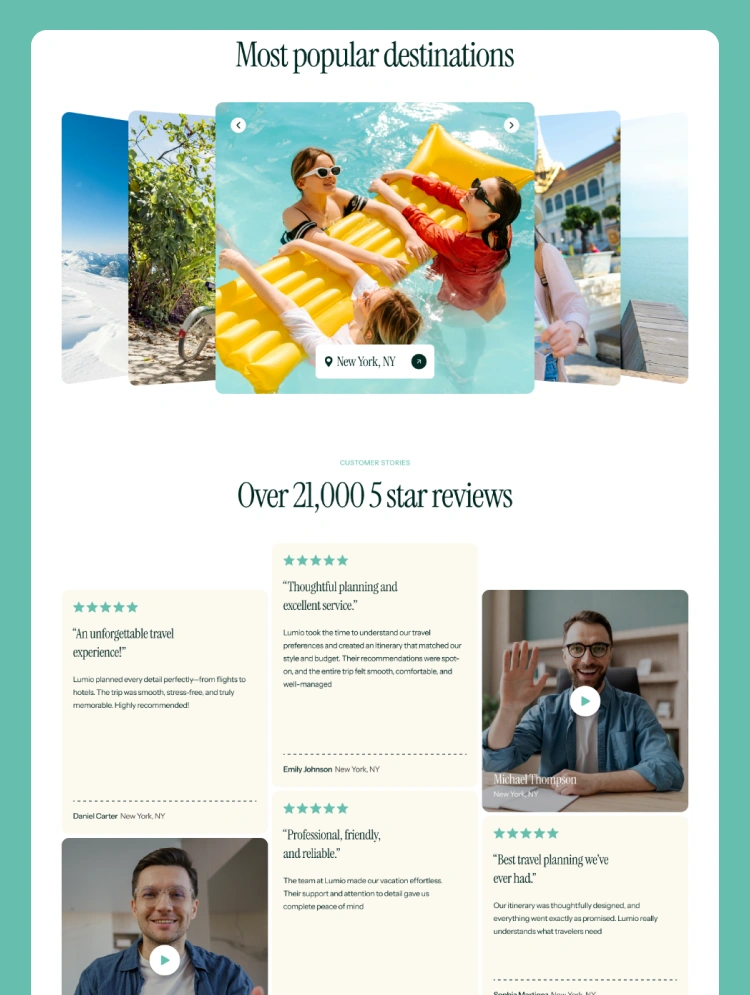
Get startedA complete Webflow template for travel agencies and tour operators. Features 16 pages, booking forms, tour listings, CMS integration, and beautiful animations. Perfect for creating stunning travel websites fast.
Tripferry - Complete Tour Booking Webflow Template for Travel Business
---
Free Figma File Included:
Send us an email to hello@templateflow.net with your purchase receipt, and we will send you the editable Figma file for our template.
---
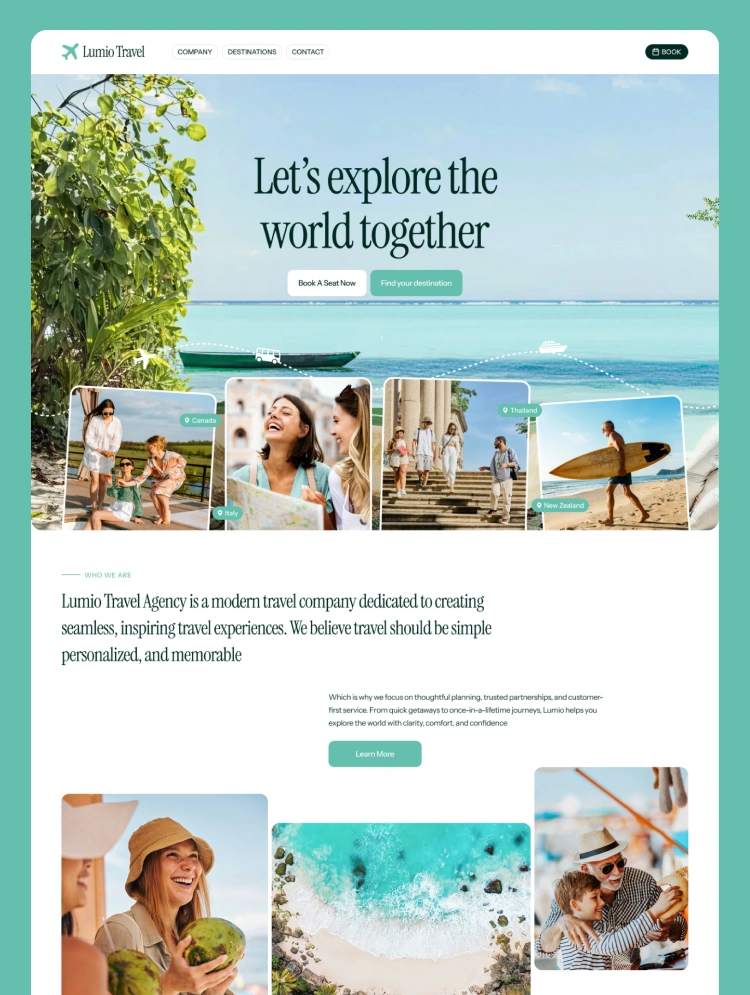
This Webflow template comes with everything you need to launch a professional travel agency website in days, not months. We built Tripferry for people who love travel and want their website to show it. Inside, you'll find 16 ready-to-use pages that cover every part of a travel business. From tour listings to destination guides, booking pages to customer reviews - it's all here. Each page is designed to grab attention and keep visitors scrolling.
The template uses Webflow CMS, so adding new tours or destinations is super easy. Just click, type, and publish. No coding needed. Your travel packages look amazing on every device - phones, tablets, and computers. Think about launching your travel website this week instead of next month. Tripferry gives you beautiful design, smooth animations, and fast loading speeds right out of the box. Your visitors will see professional-looking pages that build trust from the first click.
The booking forms are ready to connect with your favorite tools. Tour galleries show off destinations in the best light. Everything works together to turn browsers into bookers. Get Tripferry today and start building your dream travel website. With lifetime updates and support, you're covered for the long run.
Features:
This template is best for:
Can only be used by you or one client for one end product. You cannot resell or redistribute this template in its original or modified state.
This template is free to use in both person and commercial projects. You cannot resell, redistribute, or license this template in its original or modified state.
Questions about this template? Just reach out to the template designer and they will get back to you within 2 business days.
For advanced design guidance, please share your questions in the Webflow Forum or reach out to a Webflow Partner.
Share your feedback by leaving a comment below.
For template support, please check the Support tab.

Use the Preview in Designer option to make any edits to the template pages and preview how the layout would fit your content. Changes in preview mode won't be saved.
It isn't possible to apply a template to an already existing project. Instead, you'll need to create a new project based on the Template.
With a Core plan (or higher), you can export sites you build in Webflow, including templates, to host them anywhere you'd like.
Webflow templates are only available for purchase through Workspaces and legacy individual accounts.
CMS templates are designed to use the power of the Webflow CMS. It is possible to downgrade to a Basic Site Plan as long as all CMS content is deleted from the project.
Use the View Connections tool to understand where the CMS content is on the site and delete any dynamic listings and CMS content. We also recommend you to check Components and the Collection page Templates.
Ecommerce templates are designed to use the power of Webflow Ecommerce. It is not possible to remove Ecommerce from a template, however, deleting all Ecommerce Products and Categories from the project, will allow to select a lower Site Plan.
Membership templates are designed to use the power of Webflow Membership. It is not possible to remove Memberships from a template.