Trusted by teams at






.svg)
Schedule a time with a Webflow expert to customize this template. Learn more
Get startedWeb presence for ophthalmologists just got a step faster with OPTHA. Suitable for optometrists, ophthalmologists, eye clinics, eye doctors, and other medical-related practices. Showcase your expertise and sell products with integrated eCommerce.
OPTHA is a premium webflow template that provides a complete solution for launching optometrists, ophthalmologists and eye care websites. This template reflects the excellence of your eye care and medical practice that sets you apart from the competition. OPTHA offers powerful customization and trendy visuals to inspire and convert clients through your website. This webflow template simplifies the whole process with its user-friendly interface.
OPTHA meets many requirements and is perfect for creative, professional, and informative eye care websites. The best feature of OPTHA is its high level of customization and flexibility. With its world-class design and subtle animations, it's perfect for creating a reliable online presence.
Whether you are a specialist ophthalmologist, eye care professional, doctor, or eye care clinic owner, OPTHA should be your perfect choice for building your medical website. Powerful CMS and eCommerce integration lets you sell medical equipment, and publish informative blog posts, patient testimonials, and doctor profiles that showcase your expertise and build trust. This template is primarily created as a webflow ophthalmologist and medical template, it can be used for various other needs.
Explore the live preview now!
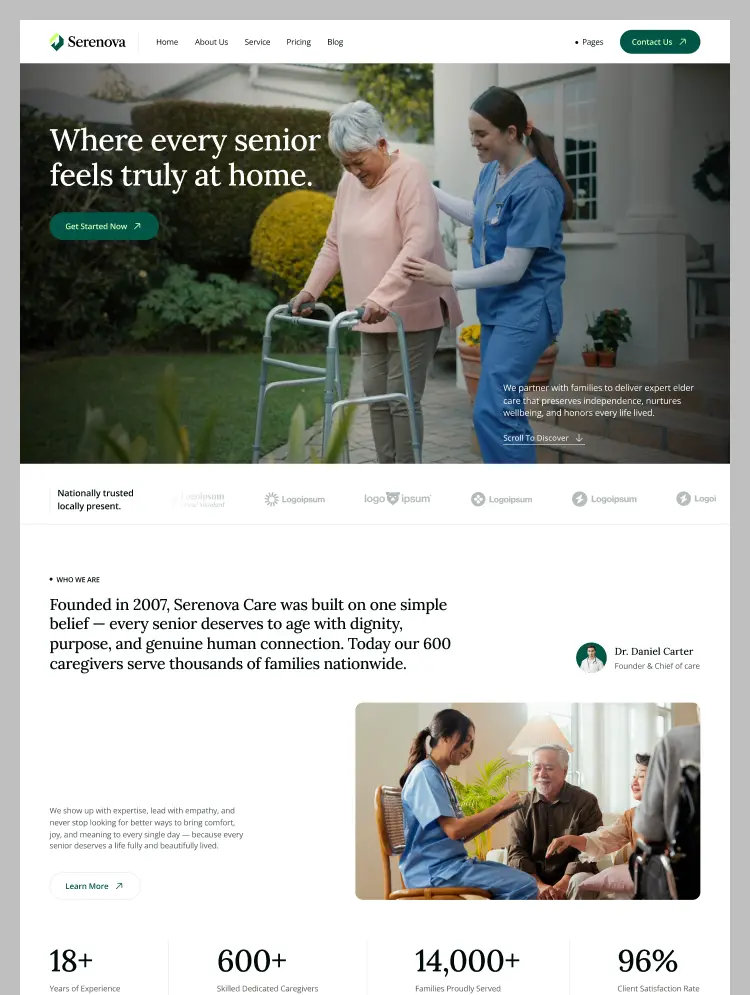
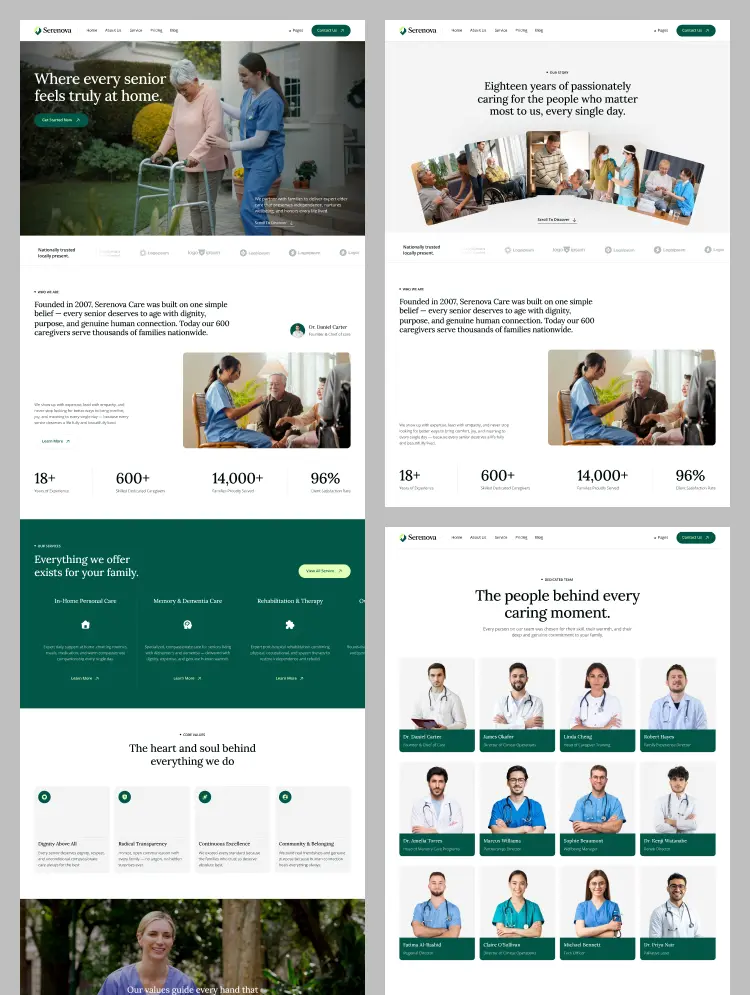
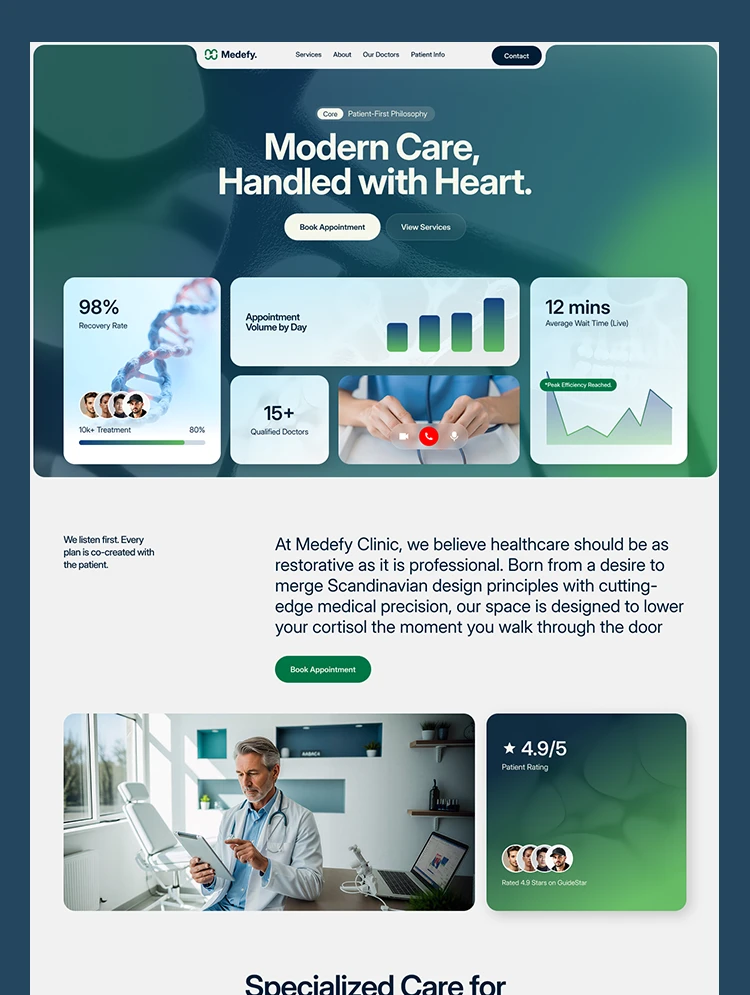
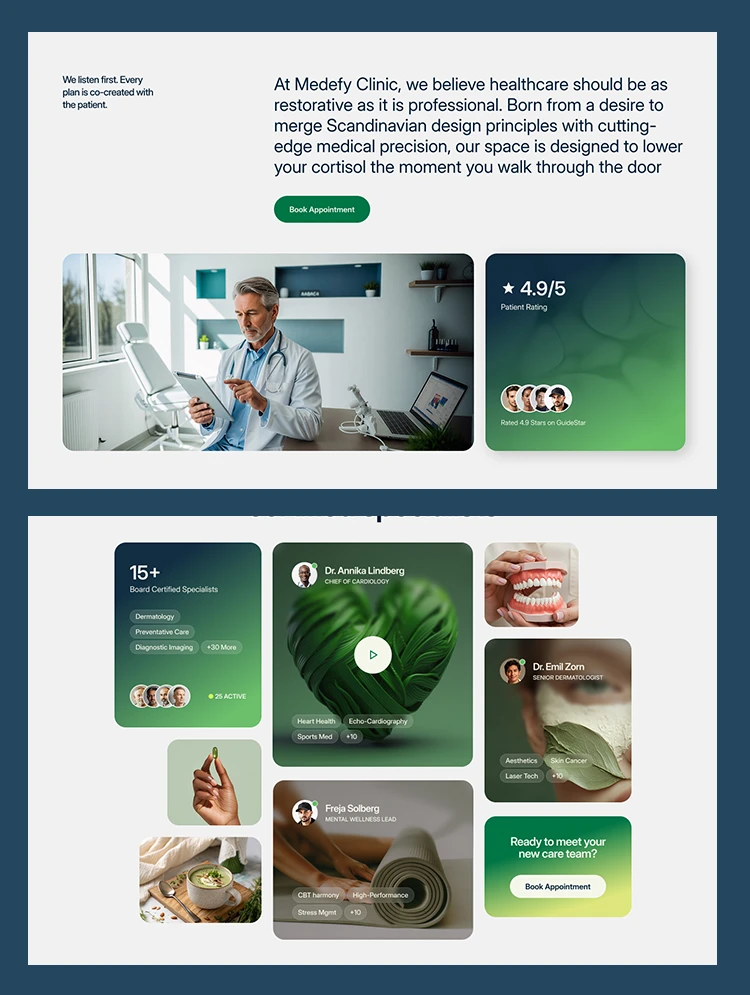
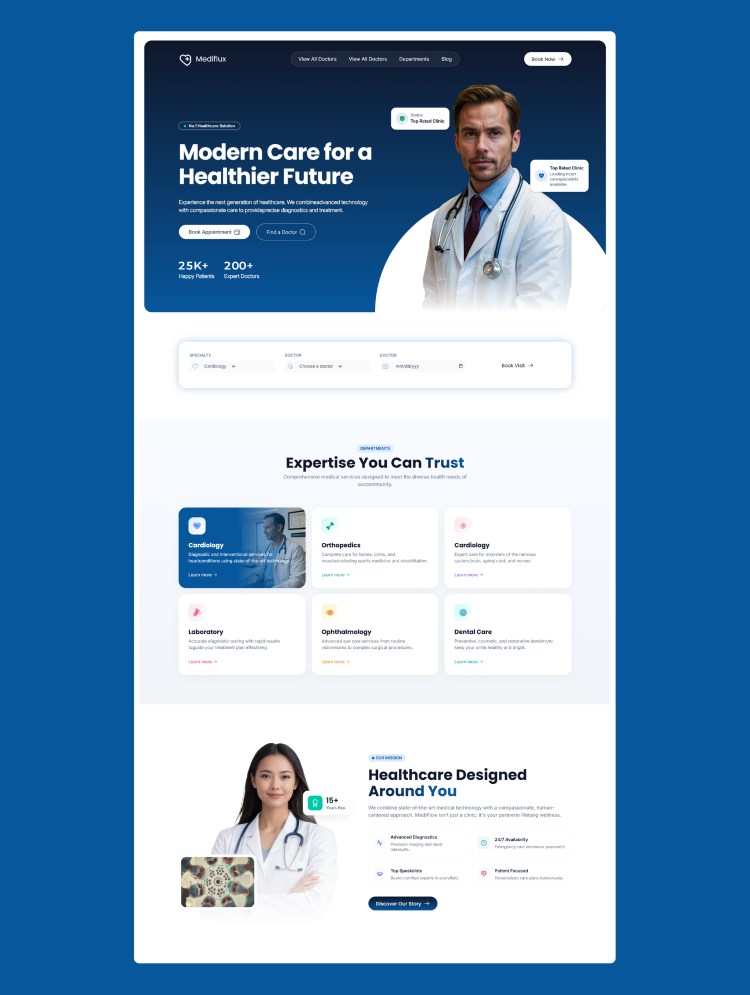
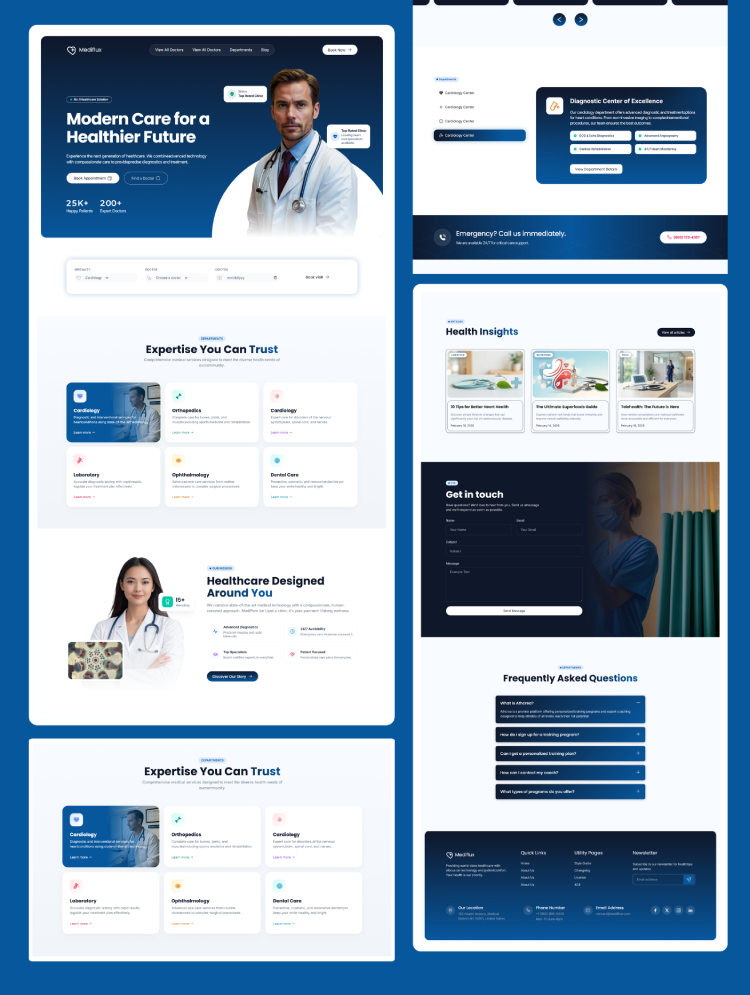
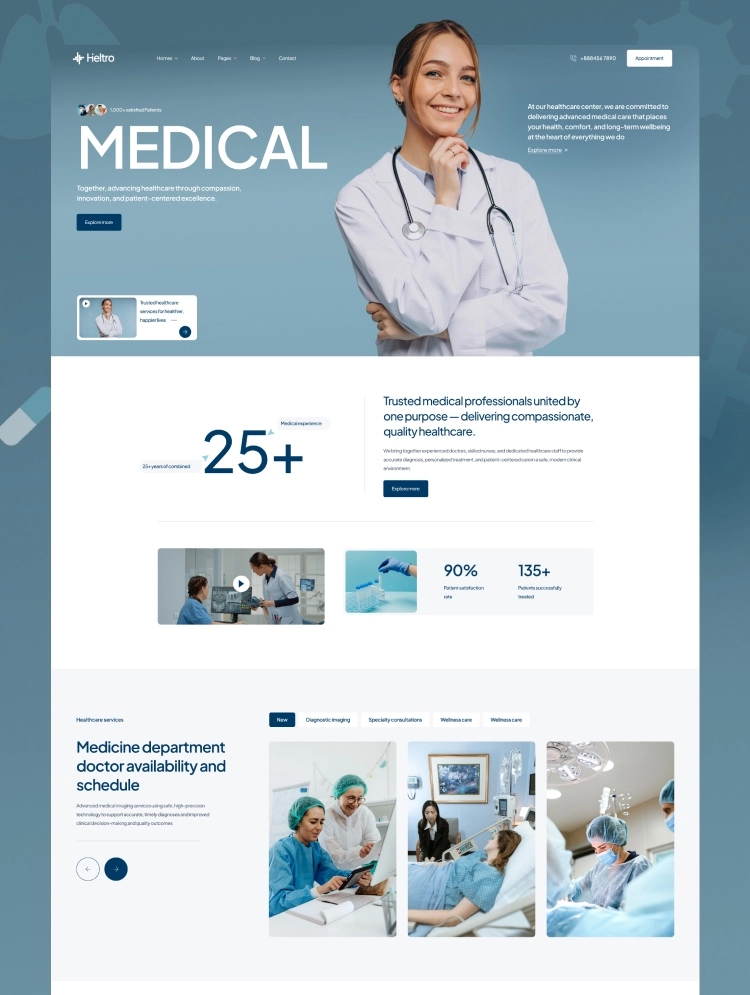
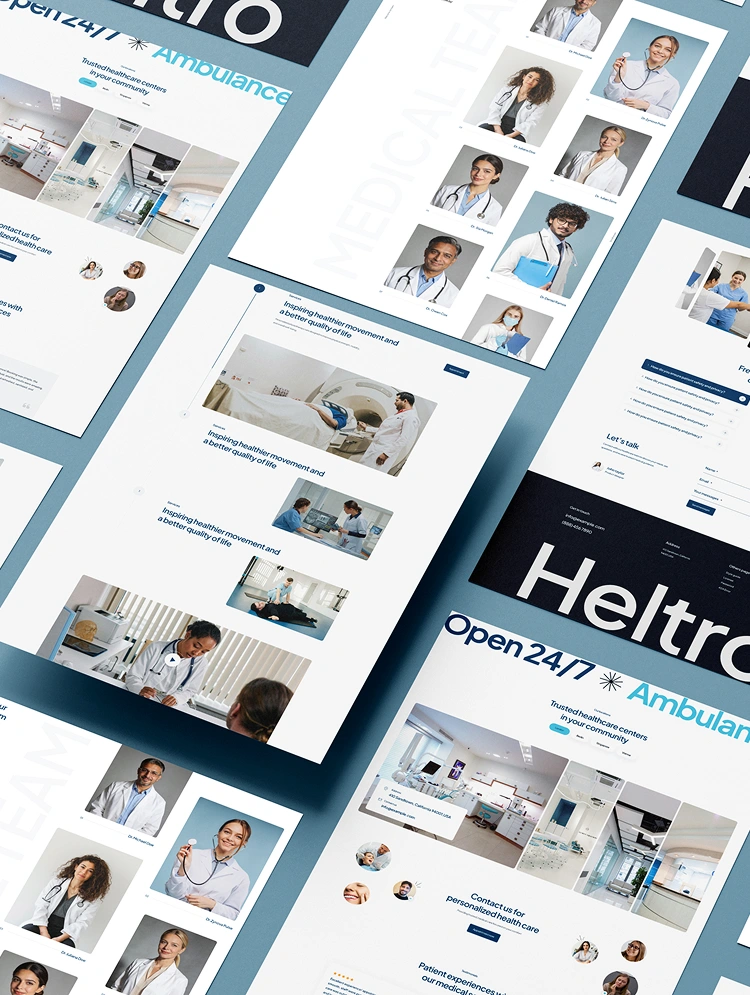
This webflow template contains all the elements, pages, and sections that an ophthalmologist or eye clinic website should have.
OPTHA has a simple, clean, and minimal, yet modern design style. It follows the latest design trends, so your website will have a modern and premium website design.
This template allows you to publish informative blog posts, patient testimonials, and doctor profiles that showcase your expertise with powerful CMS integration. E-commerce features ensure that your medical products can be easily distributed and accessed online.
You can highlight each of your treatments, surgical steps, tips, and guidelines so that your audience knows every piece of information and attracts your services. From comprehensive eye exams to advanced procedures, you can showcase all your offerings perfectly.
You will get an elegant shop page in this template. OPTHA allows you to sell products directly online. With intuitive product listing and shop functionality, you can easily showcase your medical products with high-quality images and sliders.
Show off your skills and some treatment procedures with stunning video segments. Navigate your services effortlessly with responsive sliders.
Highlight your eye care, medical, and surgical services using interactive elements. Impress potential clients with beautiful testimonials from previous clients.
This template's blog page is designed with precision to make it easy for visitors to find and read the blog they are looking for.
Simplify your appointment booking process and improve your professional service. Our expertly designed templates provide a perfect booking experience for your clients while giving you a powerful backend to efficiently manage your schedule.
Display your information, including your address, phone number, and an interactive map, so patients can easily find and reach you.
Need Figma file? Simply send us a message asking for the Figma file after purchasing the Template, We’ll send it to you asap.
Full-Featured Ophthalmologist & Eye Care Webflow Template
Created with UX in mind
Modern and Responsive Design
Impressive Layout
Seamless User Experience
SEO Performance
Easy Customization
Always Up-To-Date
Dedicated Customer Support
If you face any problem using OPTHA, you can watch our video tutorial which makes your journey with this template easier.
OPTHA Webflow Template is a product of ThemeNcode. This ensures that your eye care website attracts attention and compels action. Create a vibrant online presence that reflects the spirit of your optometrist or ophthalmologist website. ThemeNcode has several other webflow templates, as well as templates covering various other niches. All templates are modern, trendy, and speed-optimized. The most perfect user experience is always guaranteed by ThemeNcode.
Can only be used by you or one client for one end product. You cannot resell or redistribute this template in its original or modified state.
This template is free to use in both person and commercial projects. You cannot resell, redistribute, or license this template in its original or modified state.
Questions about this template? Just reach out to the template designer and they will get back to you within 2 business days.
For advanced design guidance, please share your questions in the Webflow Forum or reach out to a Webflow Partner.
Share your feedback by leaving a comment below.
For template support, please check the Support tab.

Use the Preview in Designer option to make any edits to the template pages and preview how the layout would fit your content. Changes in preview mode won't be saved.
It isn't possible to apply a template to an already existing project. Instead, you'll need to create a new project based on the Template.
With a Core plan (or higher), you can export sites you build in Webflow, including templates, to host them anywhere you'd like.
Webflow templates are only available for purchase through Workspaces and legacy individual accounts.
CMS templates are designed to use the power of the Webflow CMS. It is possible to downgrade to a Basic Site Plan as long as all CMS content is deleted from the project.
Use the View Connections tool to understand where the CMS content is on the site and delete any dynamic listings and CMS content. We also recommend you to check Components and the Collection page Templates.
Ecommerce templates are designed to use the power of Webflow Ecommerce. It is not possible to remove Ecommerce from a template, however, deleting all Ecommerce Products and Categories from the project, will allow to select a lower Site Plan.
Membership templates are designed to use the power of Webflow Membership. It is not possible to remove Memberships from a template.
.svg)


Uses fonts from Google's Web Font collection.
Display images and text elegantly on every device with our touch-friendly slider.
Bring life and motion to your design with background videos
Site navigation automatically collapses into a mobile-friendly menu on smaller devices.
All graphics are optimized for devices with high DPI screens.
Custom design for the 404 page of your website
Reusable elements you can use across your site. Edit a component and all copies update instantly.
Reposition and resize items anywhere within the grid to produce powerful, responsive layouts — faster and without code.
Shape your customer's experience and customize everything, from the home page to product page, cart to checkout.
Customize the built-in database for your project or just add new content.
Displays perfectly on desktops, tablets, and phones.
Build your lead lists and subscriber base with beautiful forms.
Comes with animations and interactions for additional polish and usability.