Start fast.
Build right.
Turn a prompt into a fully customized, production-ready website.
Launch a website with more than just a layout
Webflow’s AI site builder creates a functional site and a foundational design system that you can shape to meet your needs.
Prompt
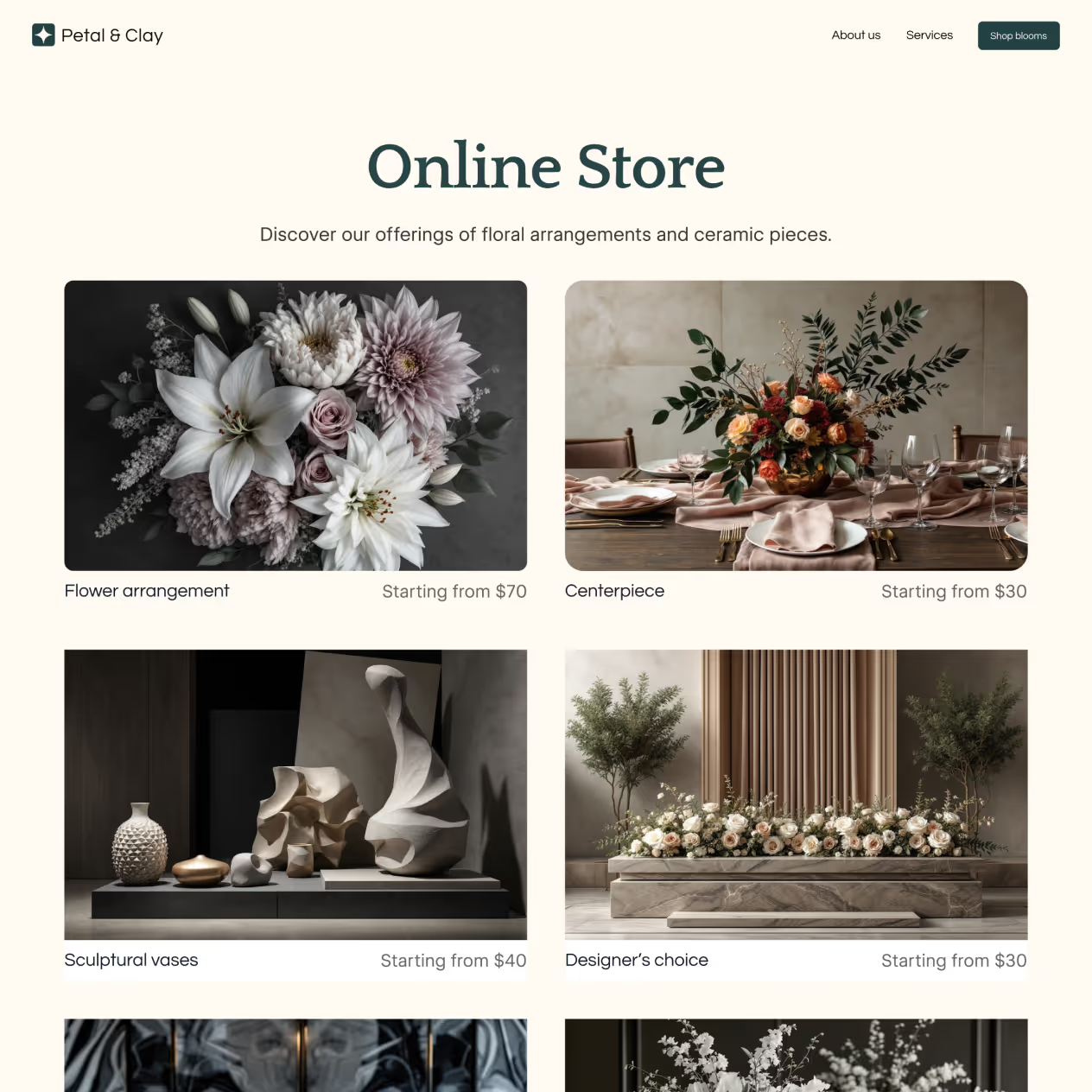
A bespoke floral studio specializing in curated, elegant designs for life's most cherished moments.
Customize your theme
Make it yours with 8 editable categories, including animation presets with GSAP.

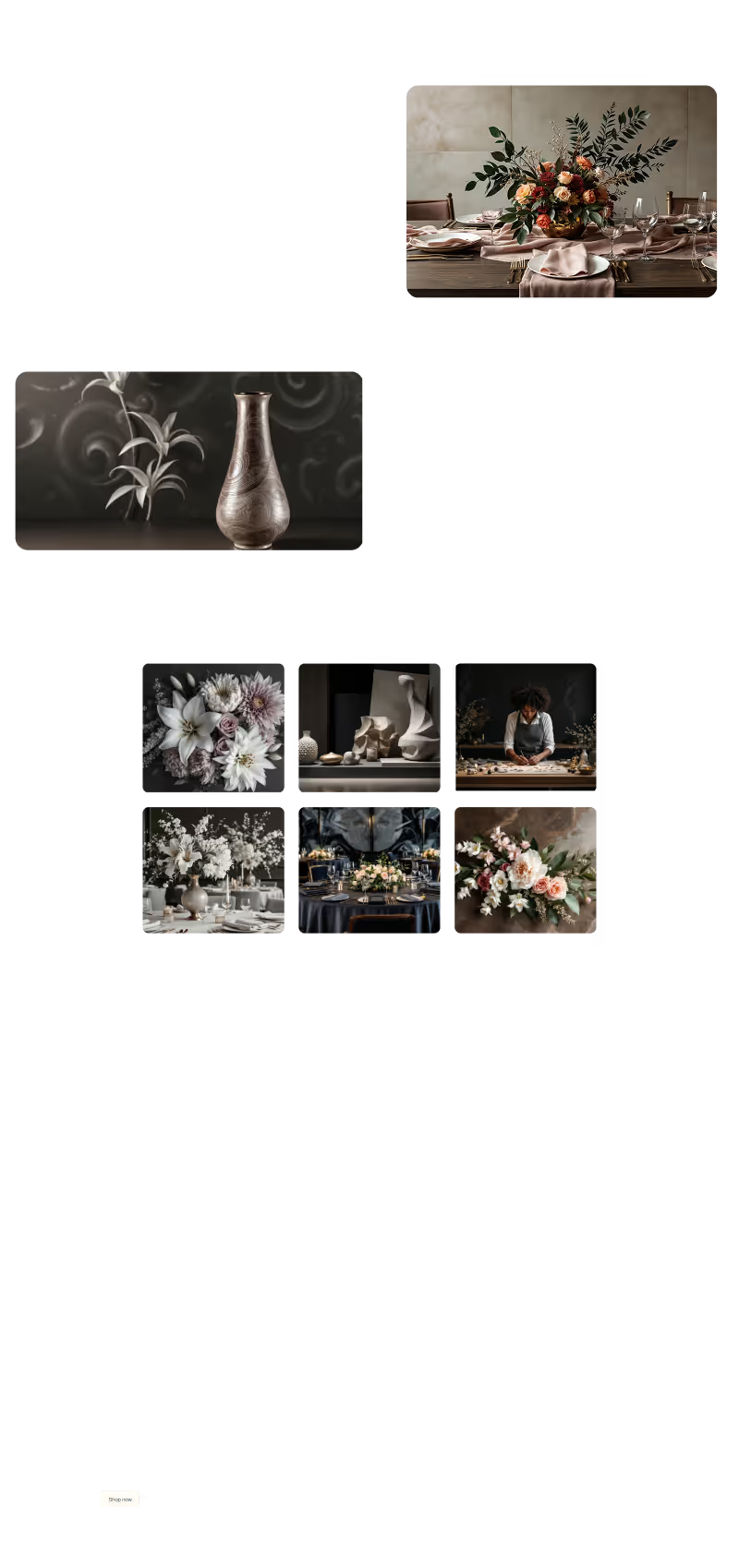



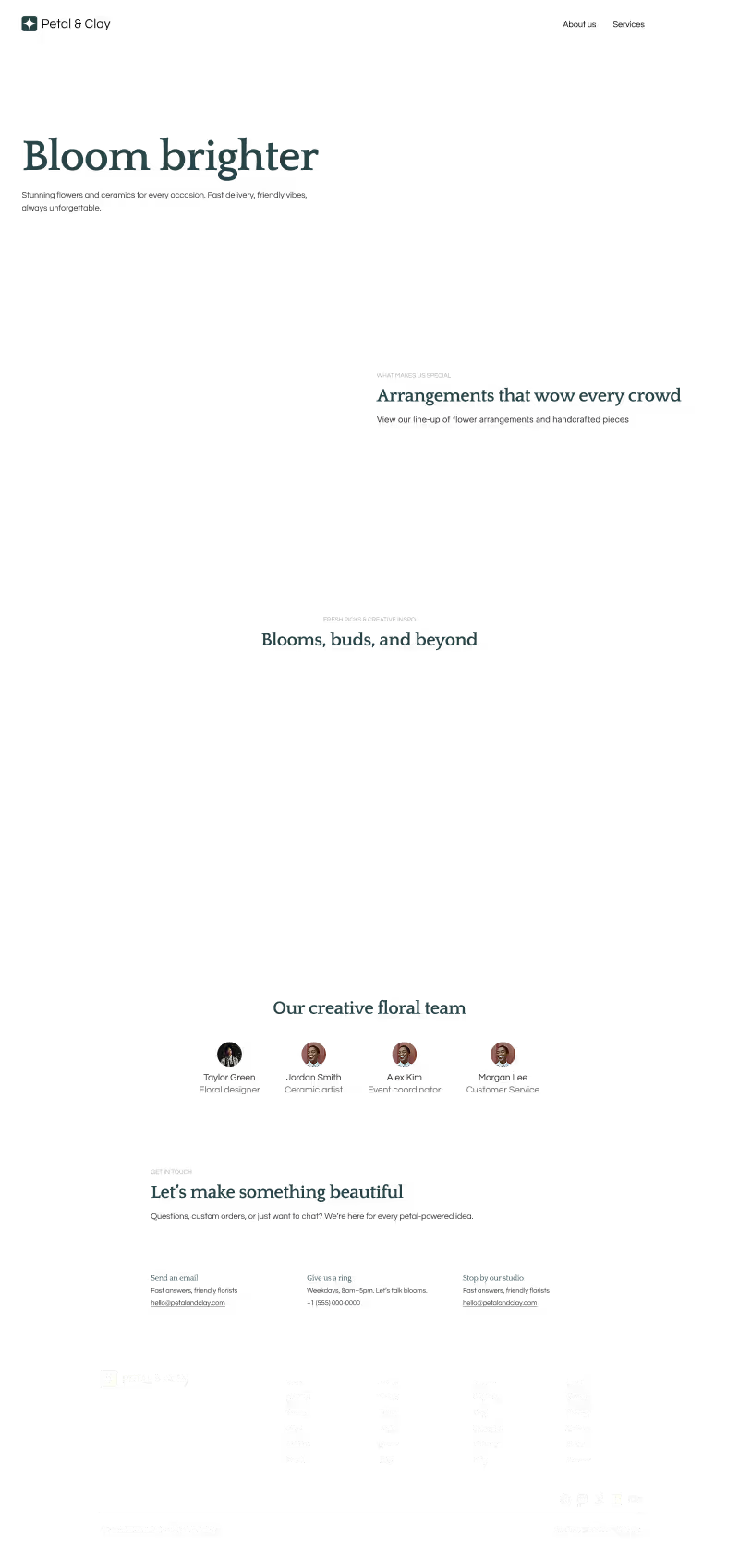


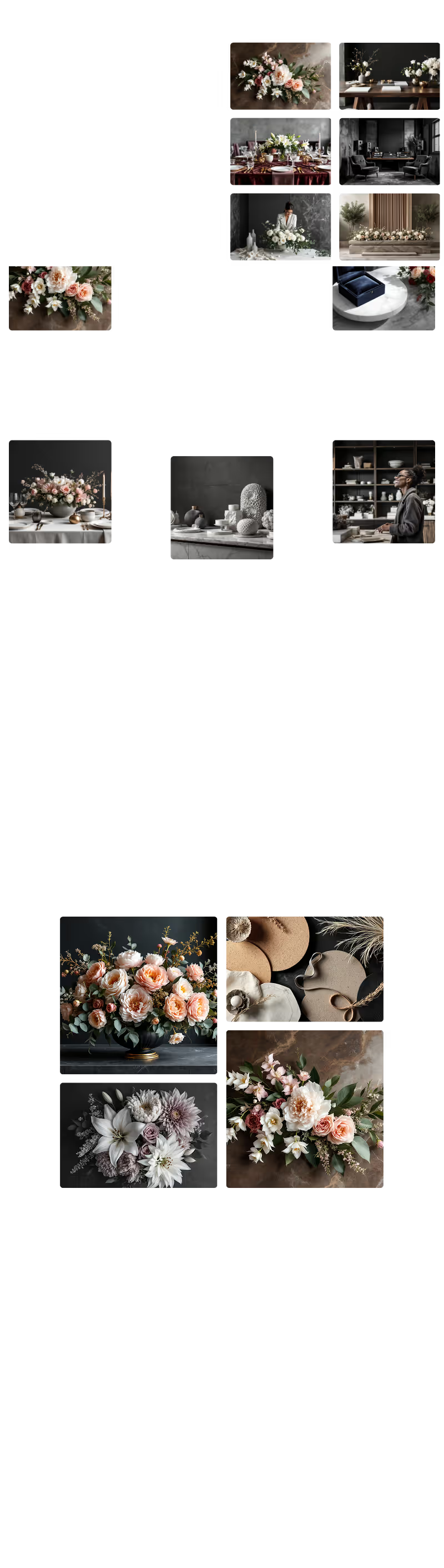



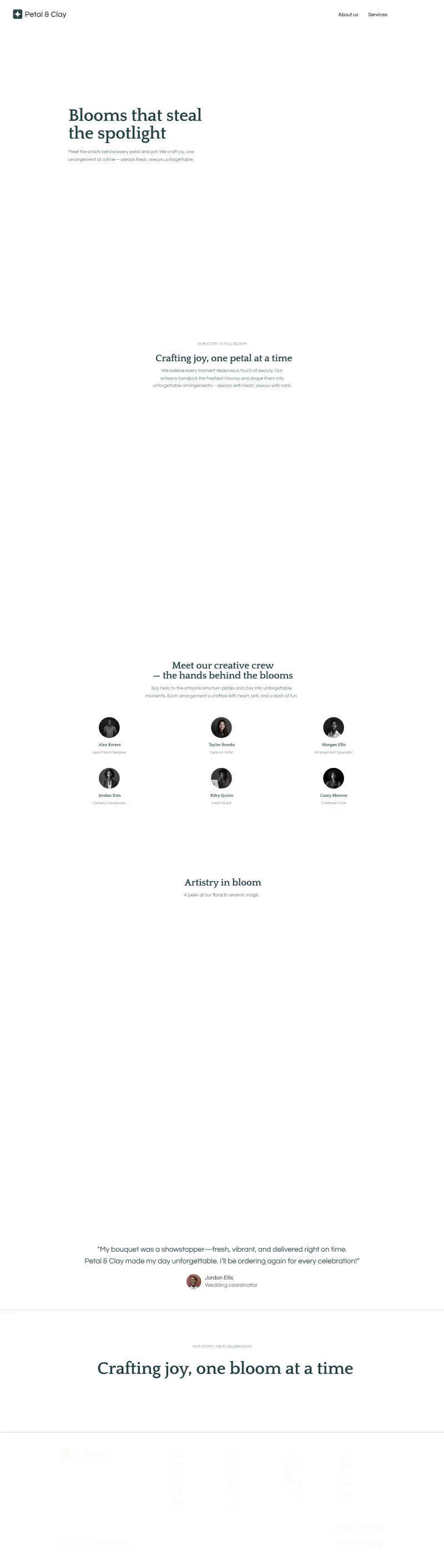






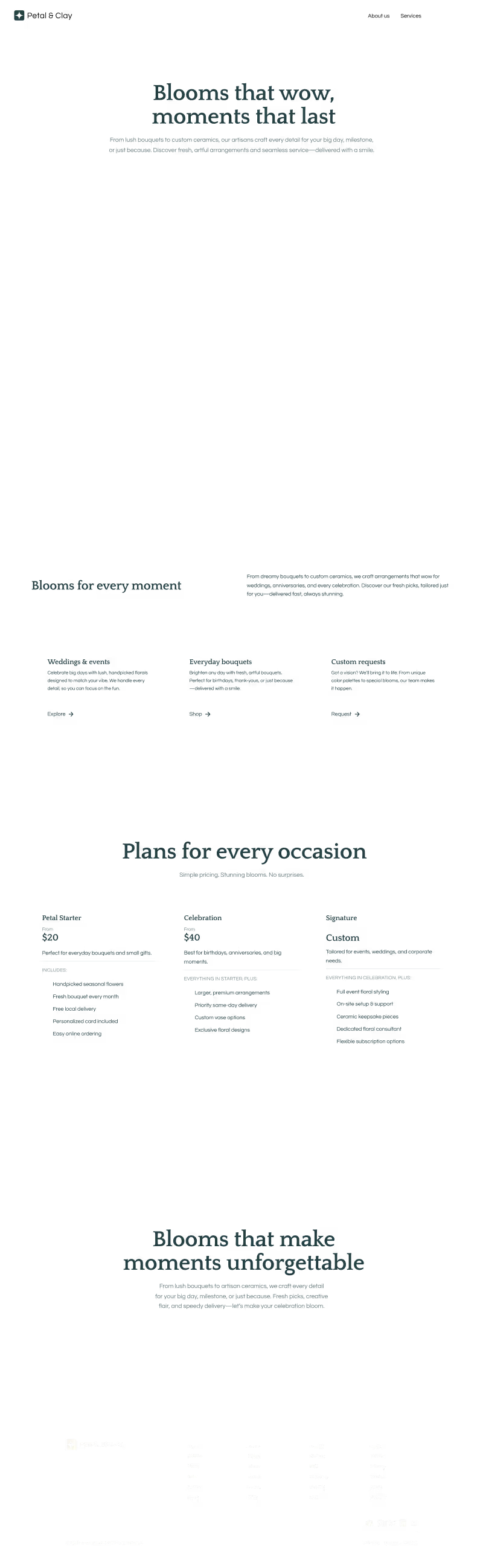
Because it’s built in Webflow, your site comes ready to evolve and scale — giving you a fast start on a foundation built to last

How it works
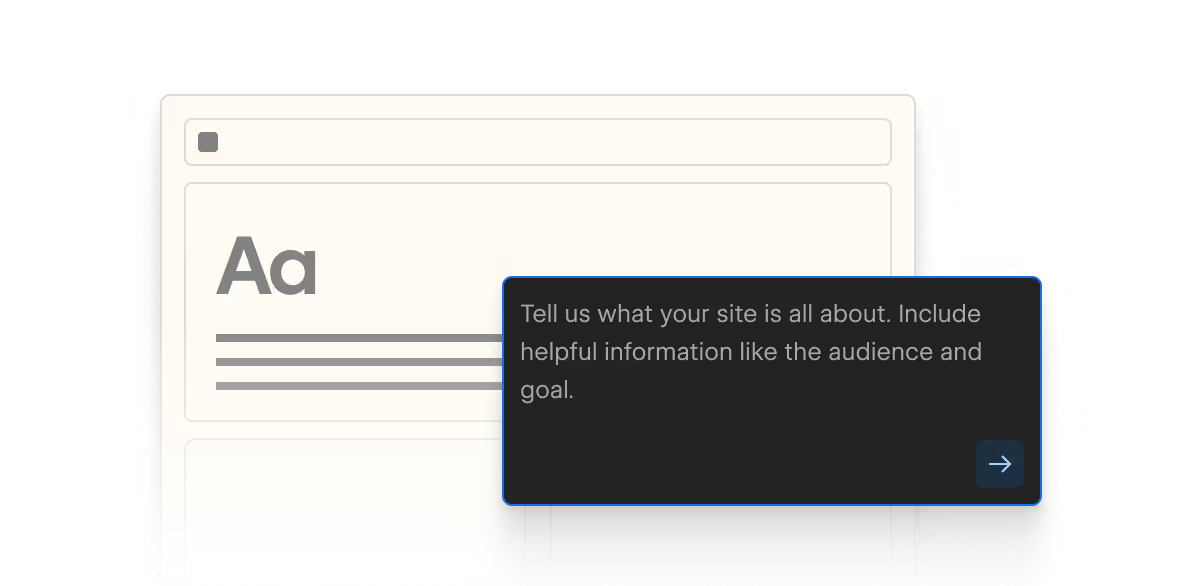
Describe your vision
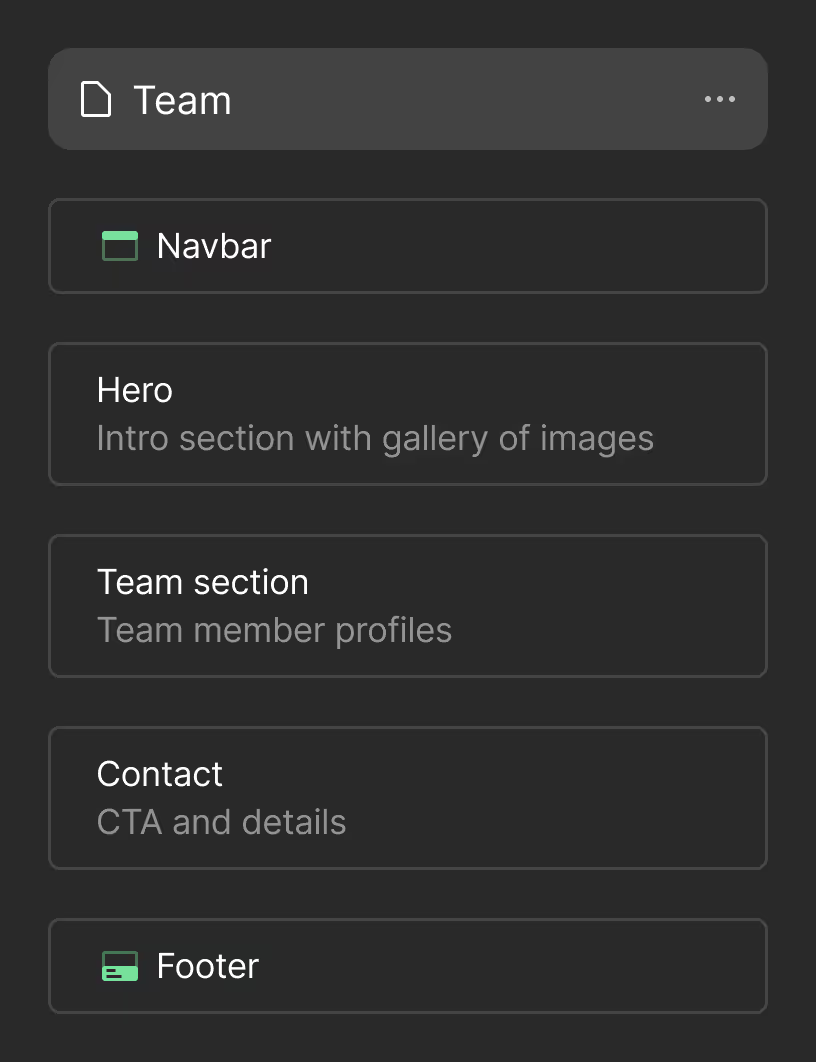
Share what you’re building and who it’s for. Webflow AI creates a ready-to-edit site draft.
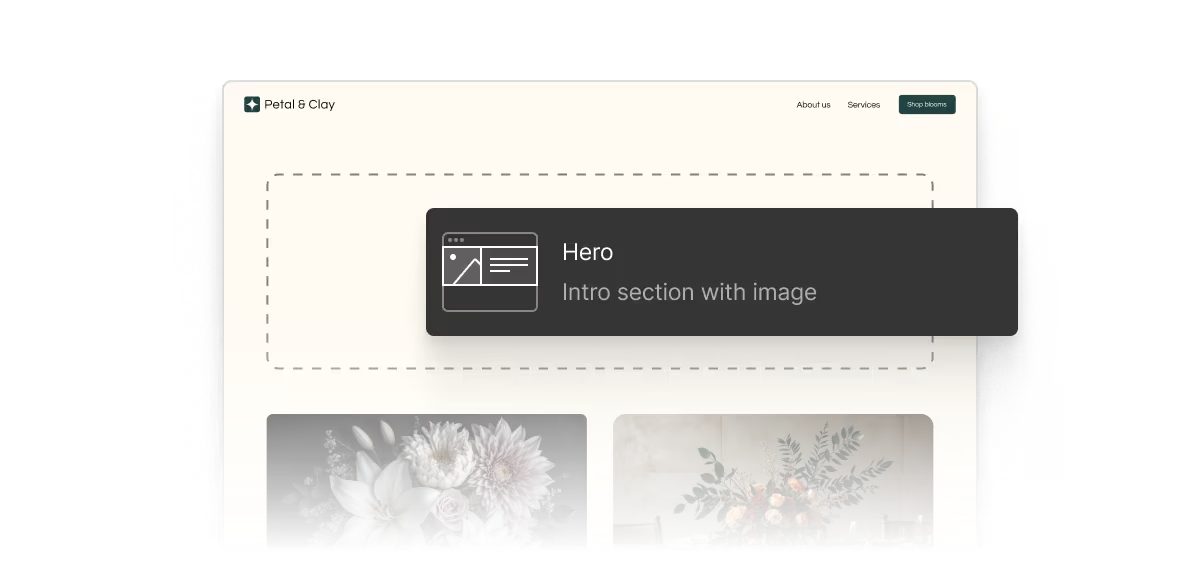
Add some structure
Shape your site’s structure by adding, removing, or reordering sections and pages.
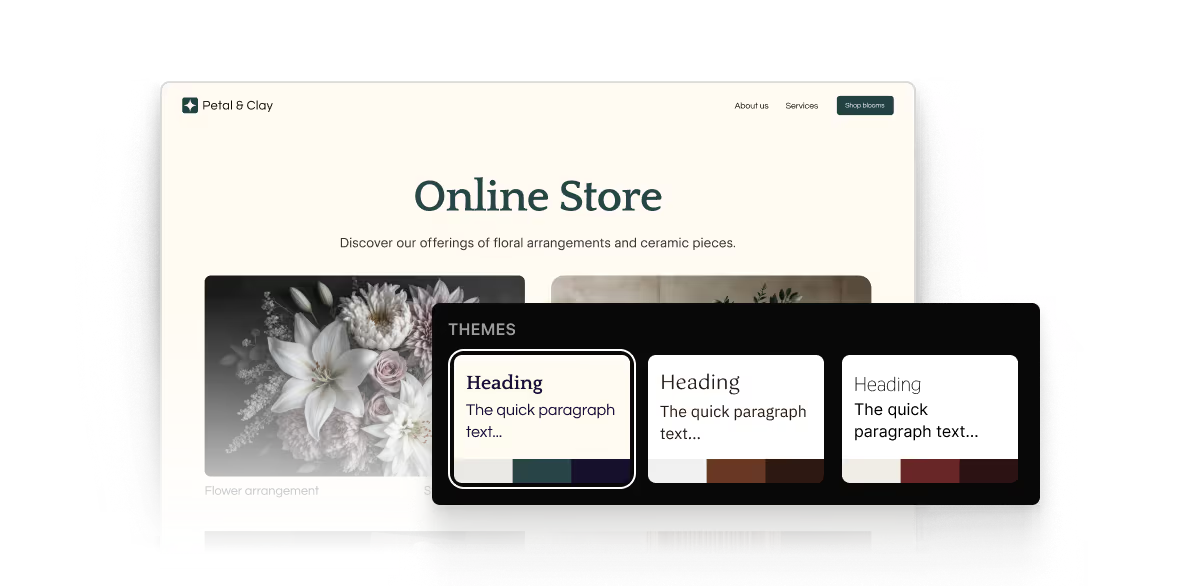
Make it your own
Customize styles, colors, typography, and other elements site-wide.
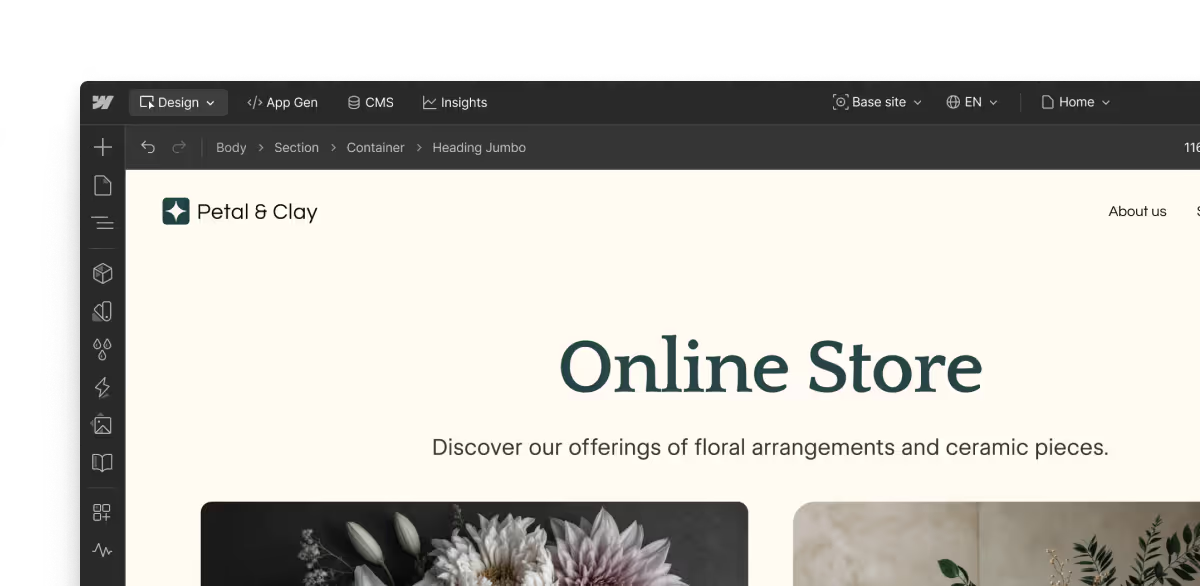
Go further
Extend, refine, and optimize your new site using the full power of Webflow.
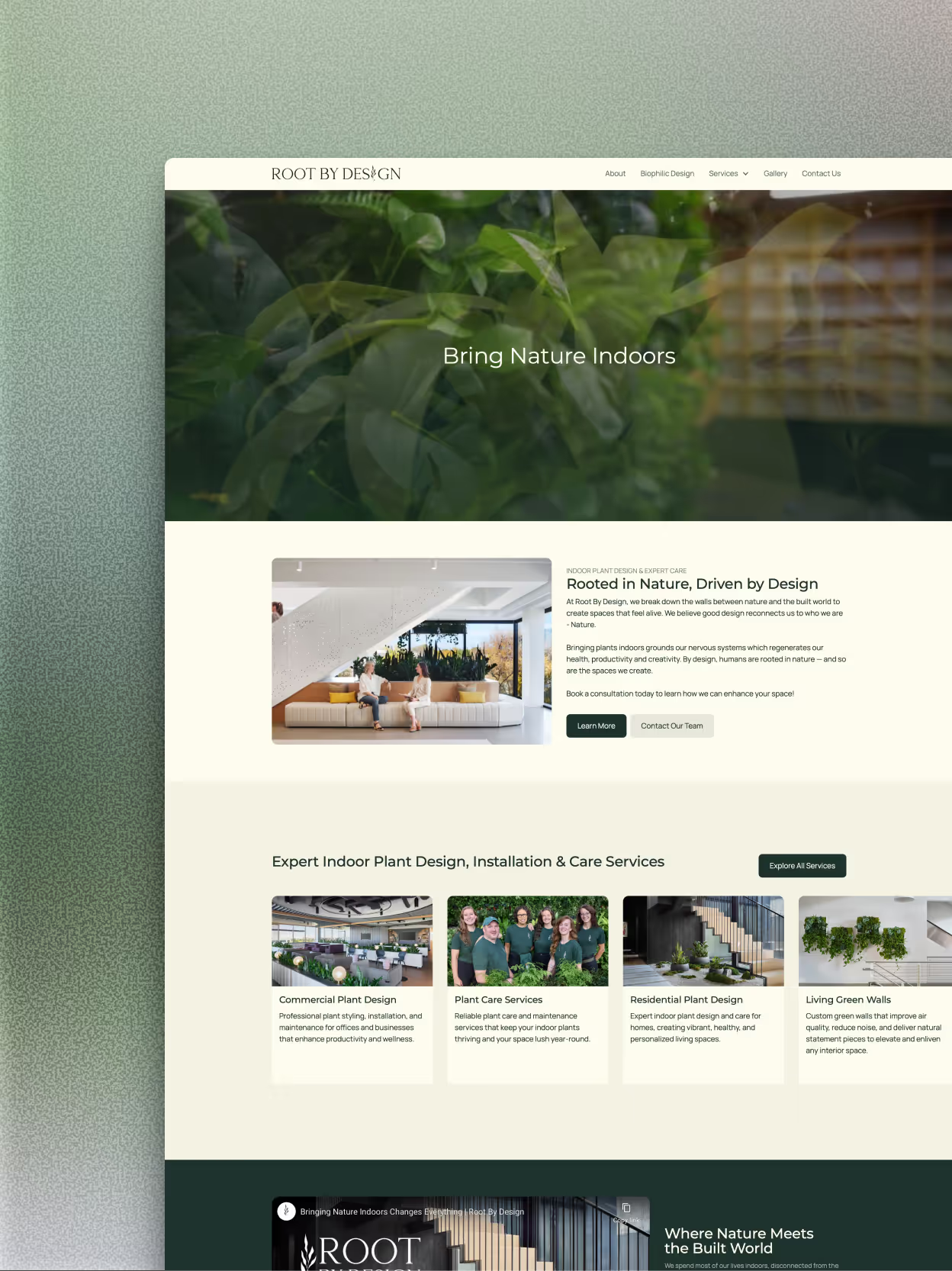
"Webflow’s AI site builder was a great starting point for my project. It helped me significantly reduce the time from kickoff to initial design by enabling my client to see the overall vision much earlier in the process. From there, I was able to refine and build a fully polished site with confidence."

Frequently asked questions
Yes! You can use your own domain to house any Webflow site, whether you build it yourself, with the AI site builder, or with one of our hundreds of templates.
To connect your domain, you’ll need to have a paid Site plan. If you don’t yet own a custom domain, you can buy one directly within Webflow or from any domain name provider.
One of the easiest ways to use AI to build a website is with a tool like Webflow’s AI site builder, which can transform your idea into a beautifully designed, fully functional website in minutes. Once your site is ready, you can continue using Webflow AI to edit, optimize, and scale it as your business grows.
Beyond using it to generate a site, you can use Webflow AI to help you generate new pages and CMS Collection items, optimize with native SEO and AEO features, and even answer your questions as you build — all without leaving the Webflow editor.
AI website builders like Webflow’s generate a professional website from start to finish — including a functional layout, images, and copy — based on a prompt that you give it. Using an AI site builder speeds up the process of developing a new website, making it a great option for businesses and individuals that want to launch quickly.
A strong AI site builder should do more than generate a single web page. It should create a complete, multi-page foundation for your website, including a reusable design system to help your site look and feel consistent as it grows.
Sites created with Webflow’s AI site builder are built on Webflow Flowkit, Webflow’s modular CSS framework. Flowkit provides a structured system of reusable utilities, components, and variables to ensure that your site’s design is customizable, consistent, and scalable well beyond the initial AI-generated build.
From fast start to real site
Go from prompt to production with Webflow’s AI site builder.