






Enhancement
Interactions
Apply CSS filters in interactions
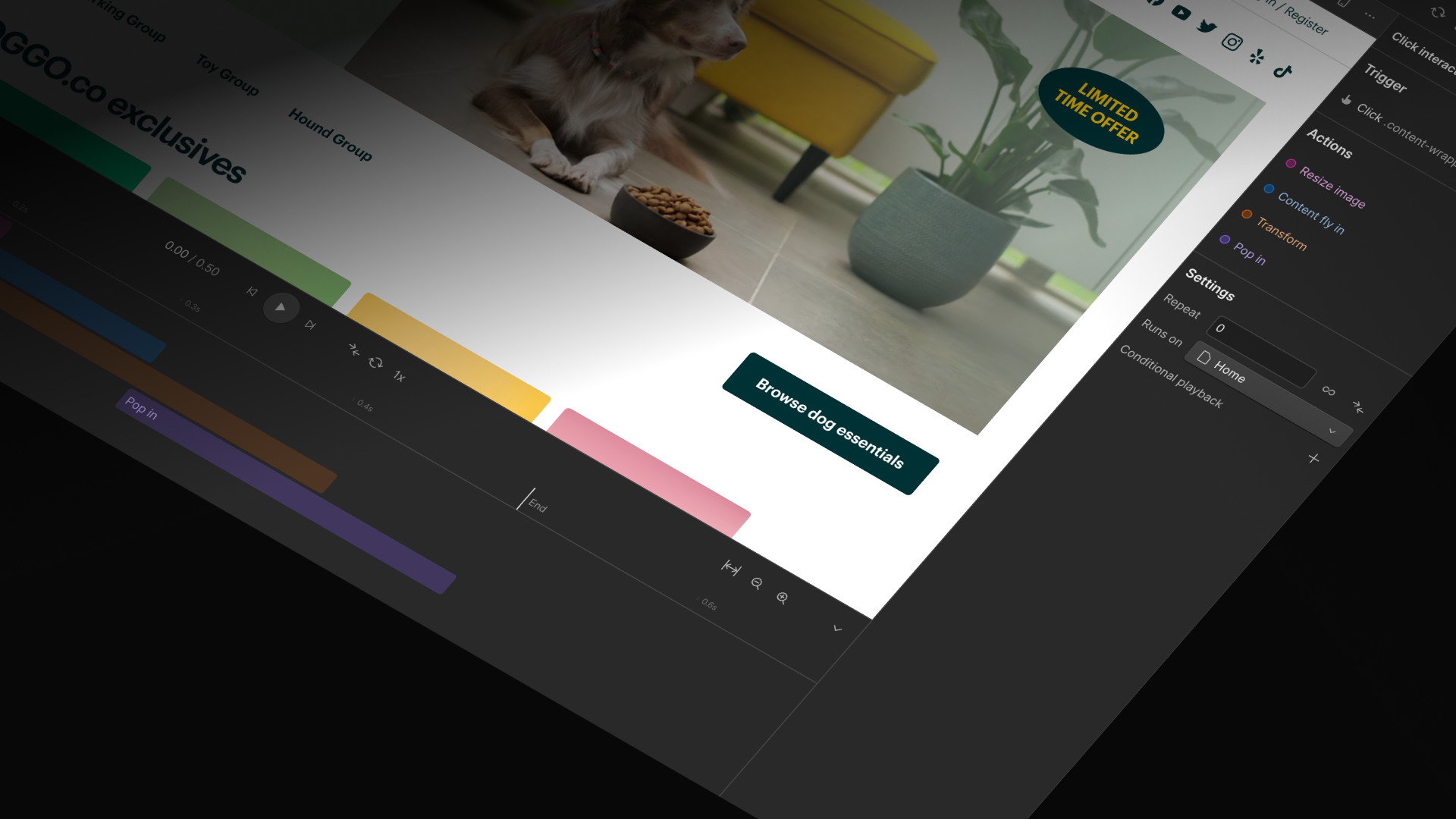
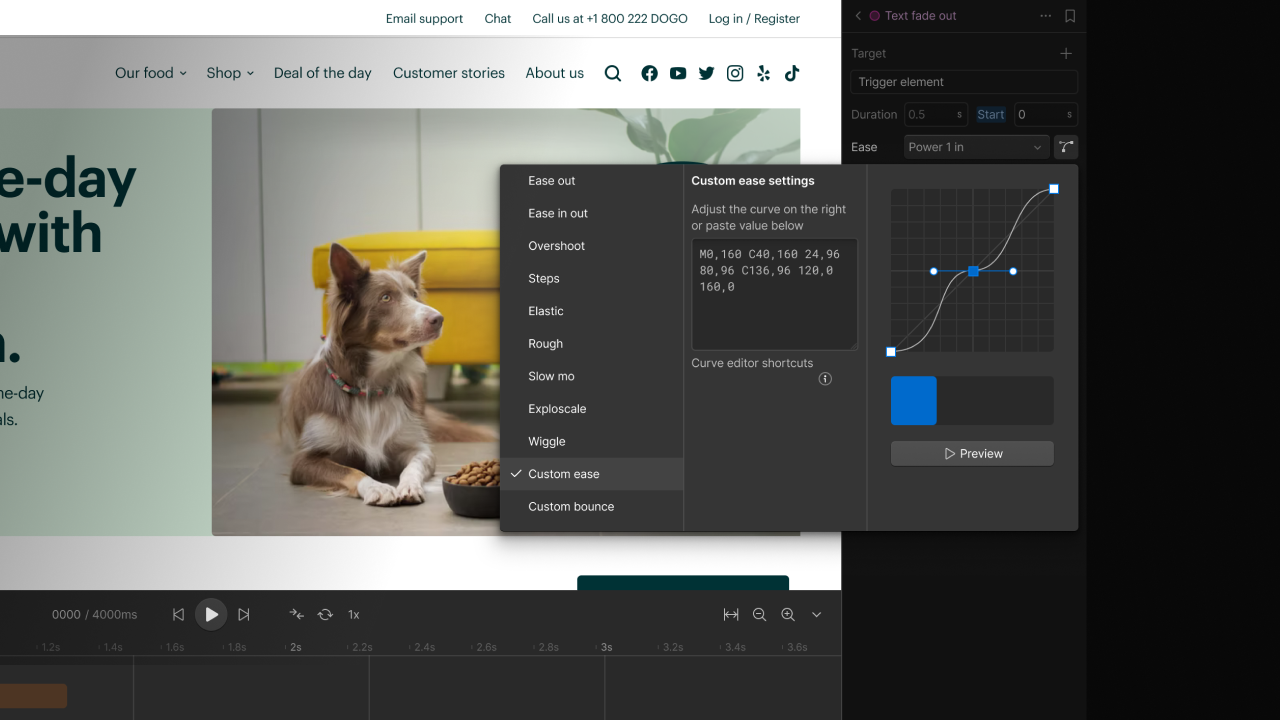
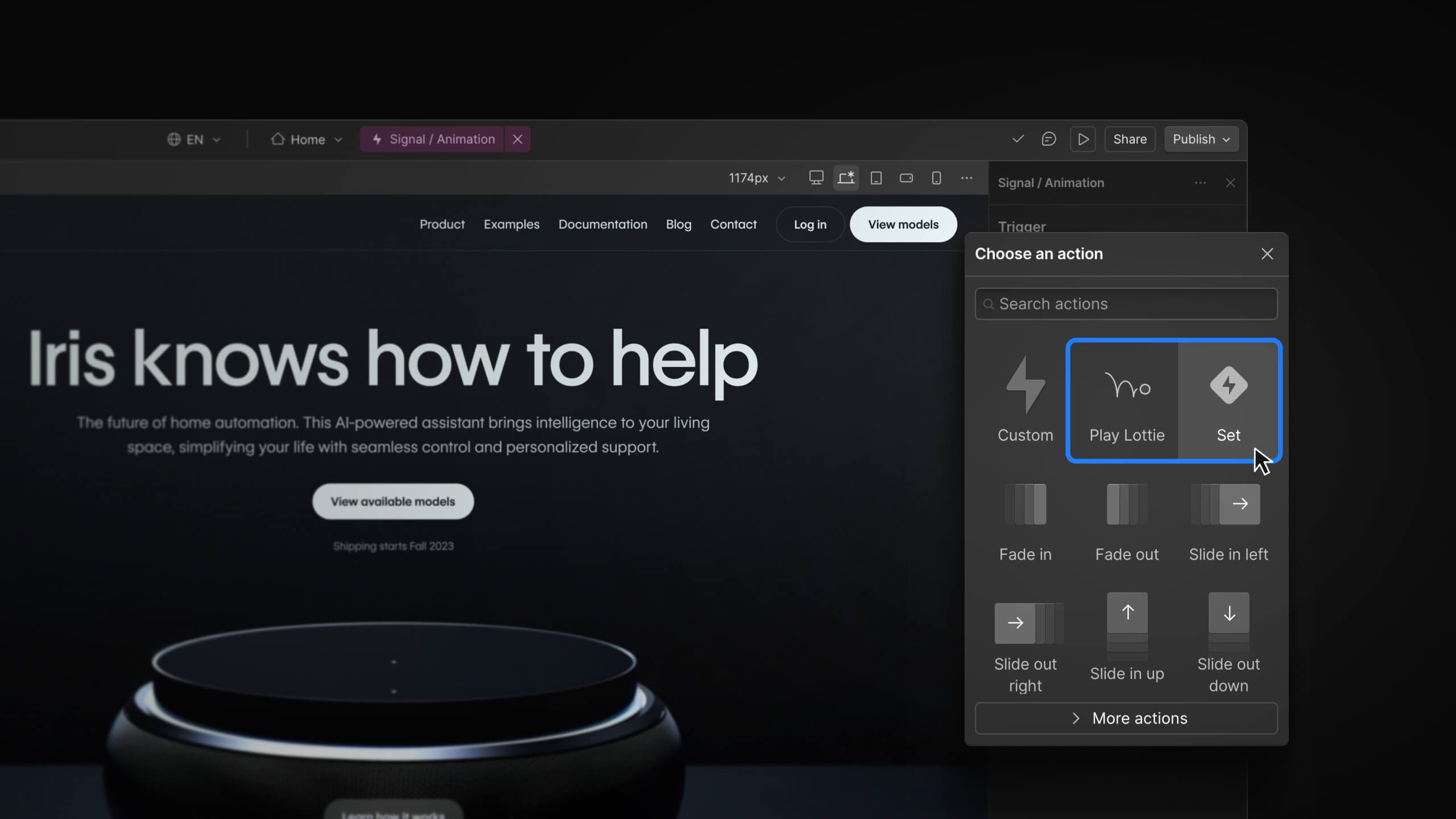
We’ve added filters like blur, color inversion, greyscale, and more to interactions so you can create even cooler effects on your sites.

Applying filters on your site (especially for hover states) is a great way to bring attention to something or simply add some character to the page. And you’ve been able to do this for a while now.
But what if I told you that you can now use those same effects in your interactions? You’d be like, “nice.” Well, it’s true. Now you can apply filters in interactions.
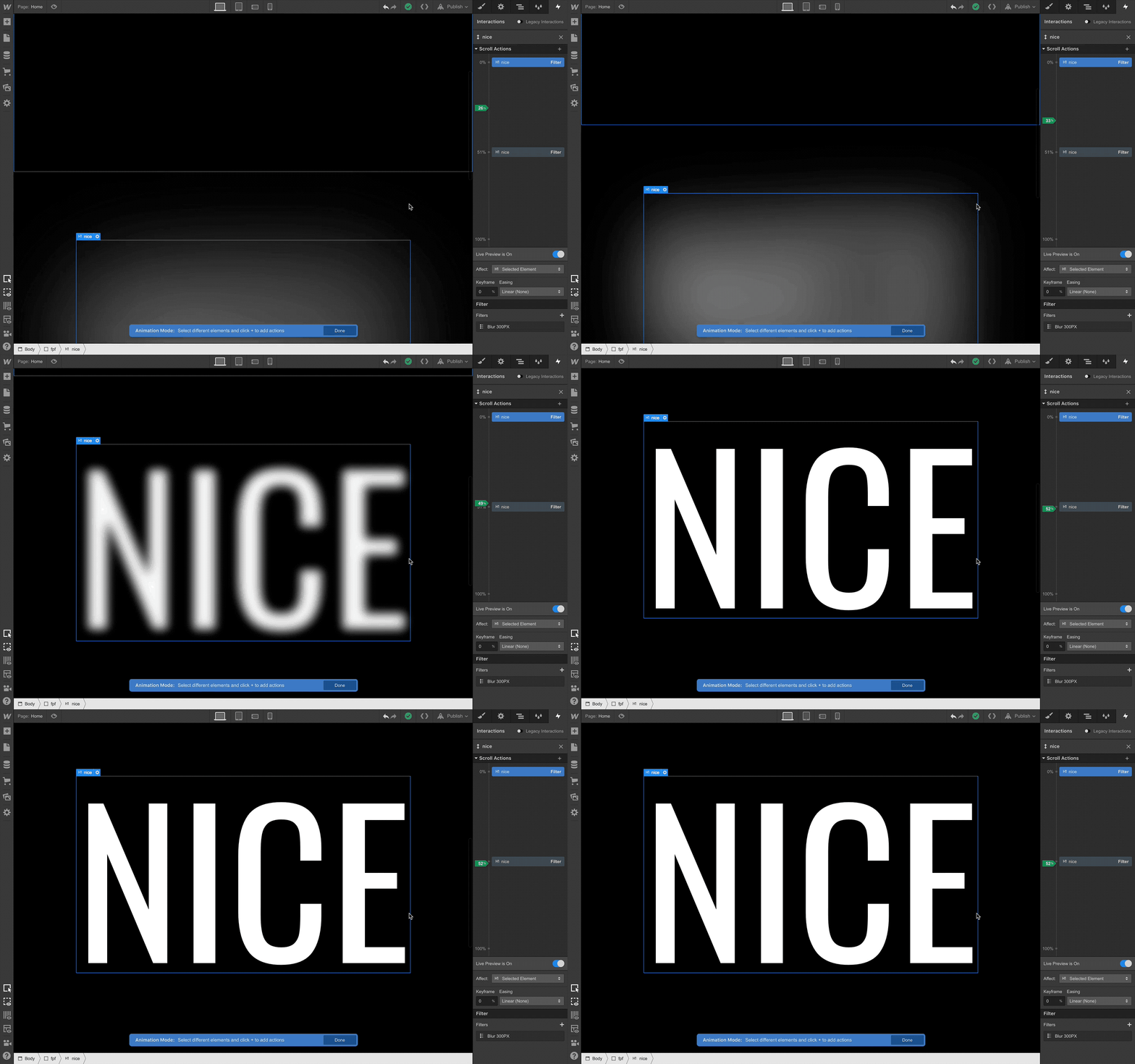
So knock yourself out, go crazy, live life filtered. Get involved!
Related updates




















Get started for free
Try Webflow for as long as you like with our free Starter plan. Purchase a paid Site plan to publish, host, and unlock additional features.
Try Webflow for as long as you like with our free Starter plan. Purchase a paid Site plan to publish, host, and unlock additional features.