






Updates
Updates
See the latest Webflow feature releases, product improvements, and bug fixes.
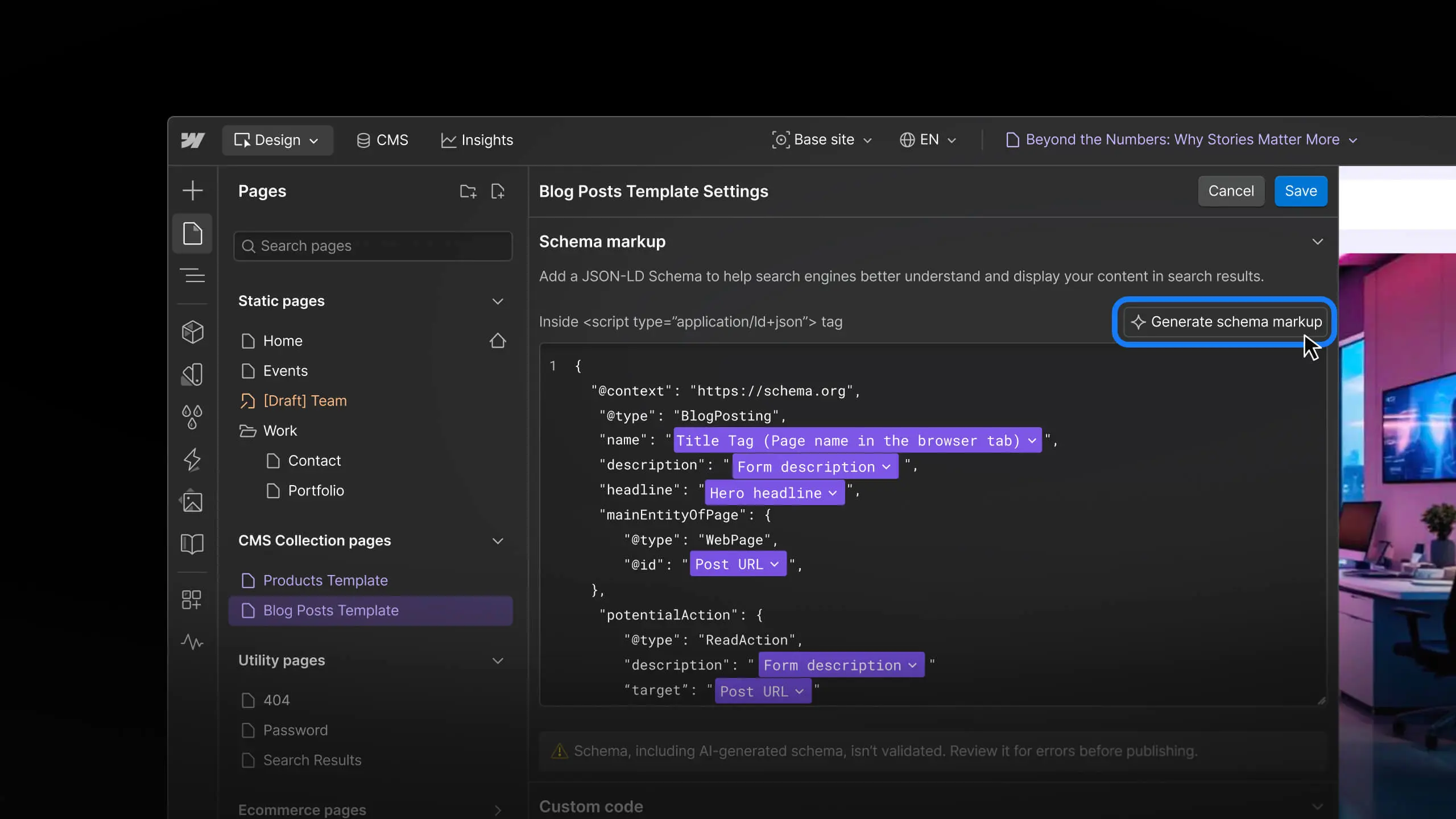
Feature
SEO
Audit and improve SEO & AEO with Webflow AI
Audit and improve SEO & AEO with Webflow AI

Update
Collaboration
Real-time collaboration starting to roll out to all customers
Real-time collaboration starting to roll out to all customers
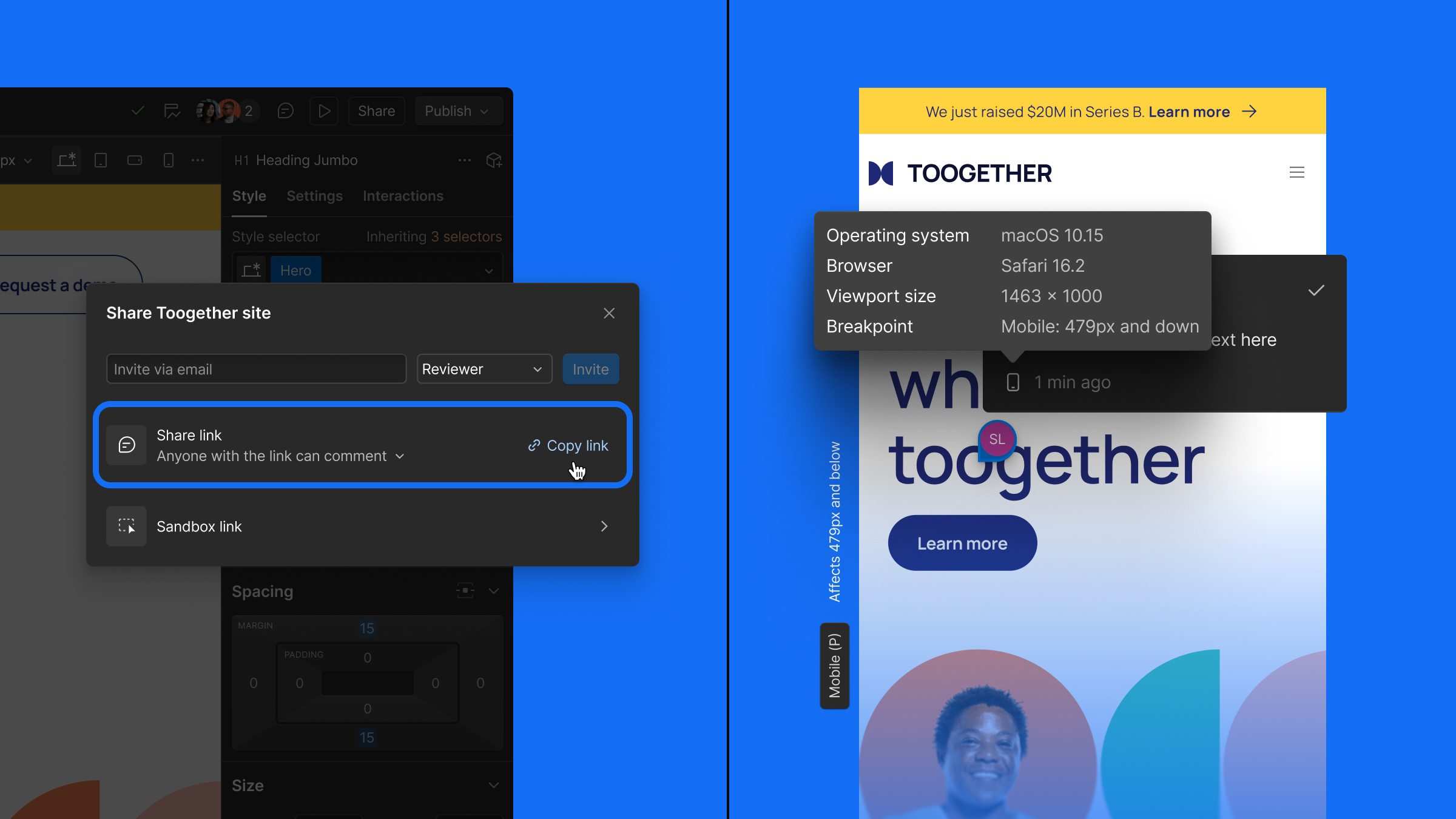
Feature
Collaboration
Faster feedback: Comment-only links + comment metadata
Faster feedback: Comment-only links + comment metadata
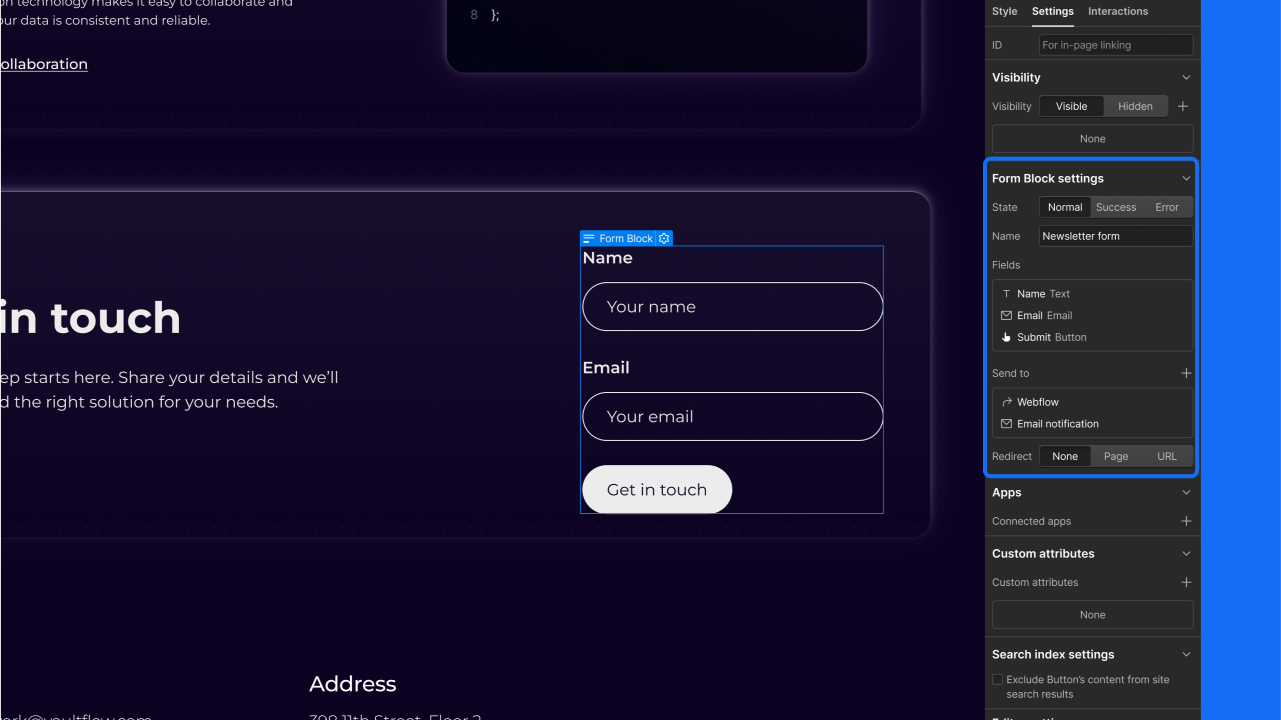
Enhancement
Elements
Form-level settings & spam inbox for form submissions
Form-level settings & spam inbox for form submissions

Easily filter dynamic content to display featured content or all blog posts on a particular topic. Or use sorting to display content from a specific date range, by alpha, and more.
Feature
Rich text
Rich text
The most flexible component for content, rich text lets you and your content editors: create long-form text content; style that content with headings, bold, and italics; create bulleted and numbered lists; and embed images and video.
Feature
Collaboration
Intuitive website editor for clients and teams
Intuitive website editor for clients and teams
With Webflow CMS, there's no need to learn a complex backend. Just open your website, log in to the CMS, and start updating text and images — right on the live website.
Easily create "related posts" modules for your blog, guide users through in-depth tutorials, surface related help content and documentation, and build modular pages that highlight content from across your site.
When you create a Collection, Webflow automatically generates a template page so you can design how that content displays. Then that template gets applied to every item in the Collection — letting you create hundreds or even thousands of pages — at once.
When the search spiders start crawling, they like to have a sitemap. You know, so they know where they're going. That's why Webflow automatically builds one for you.


