






Feature
Collaboration
Faster feedback: Comment-only links + comment metadata
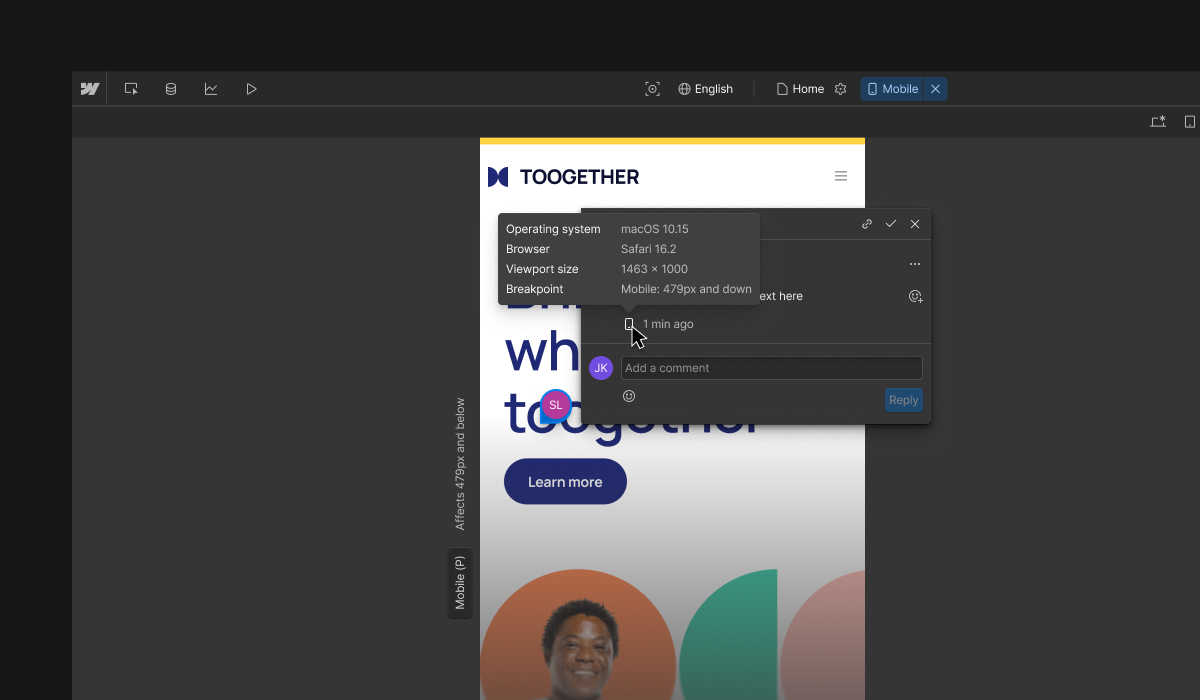
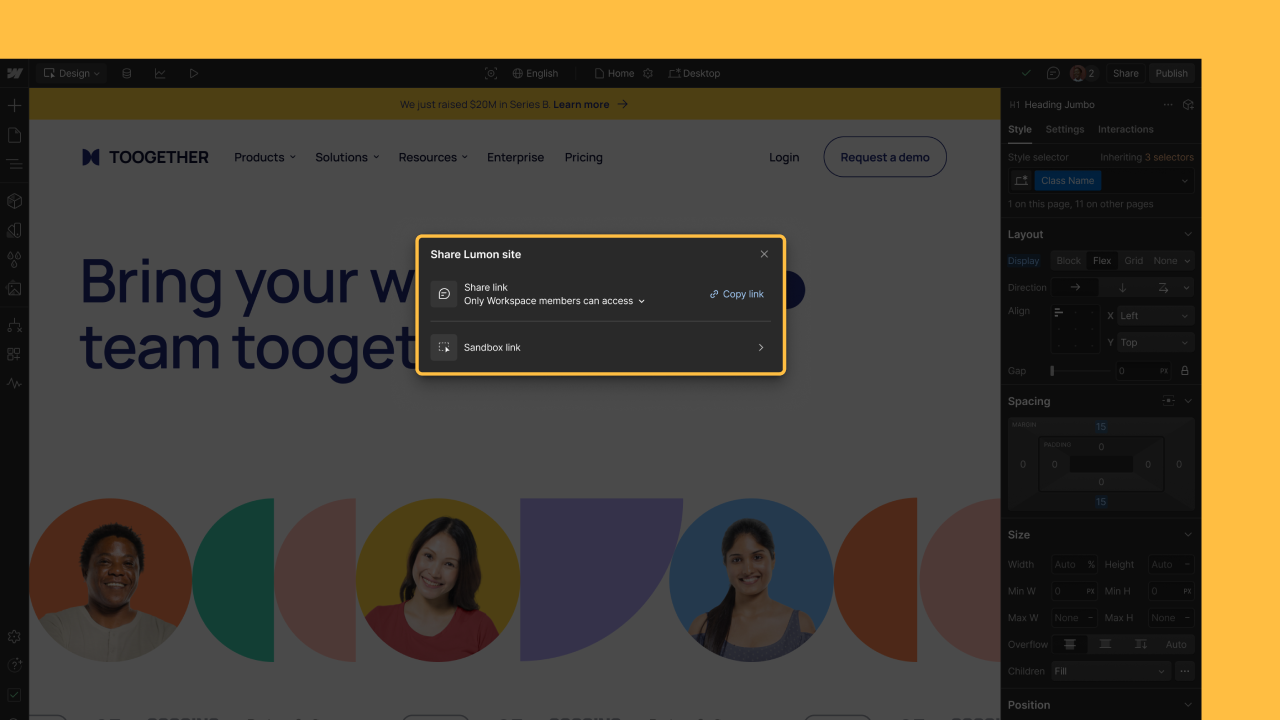
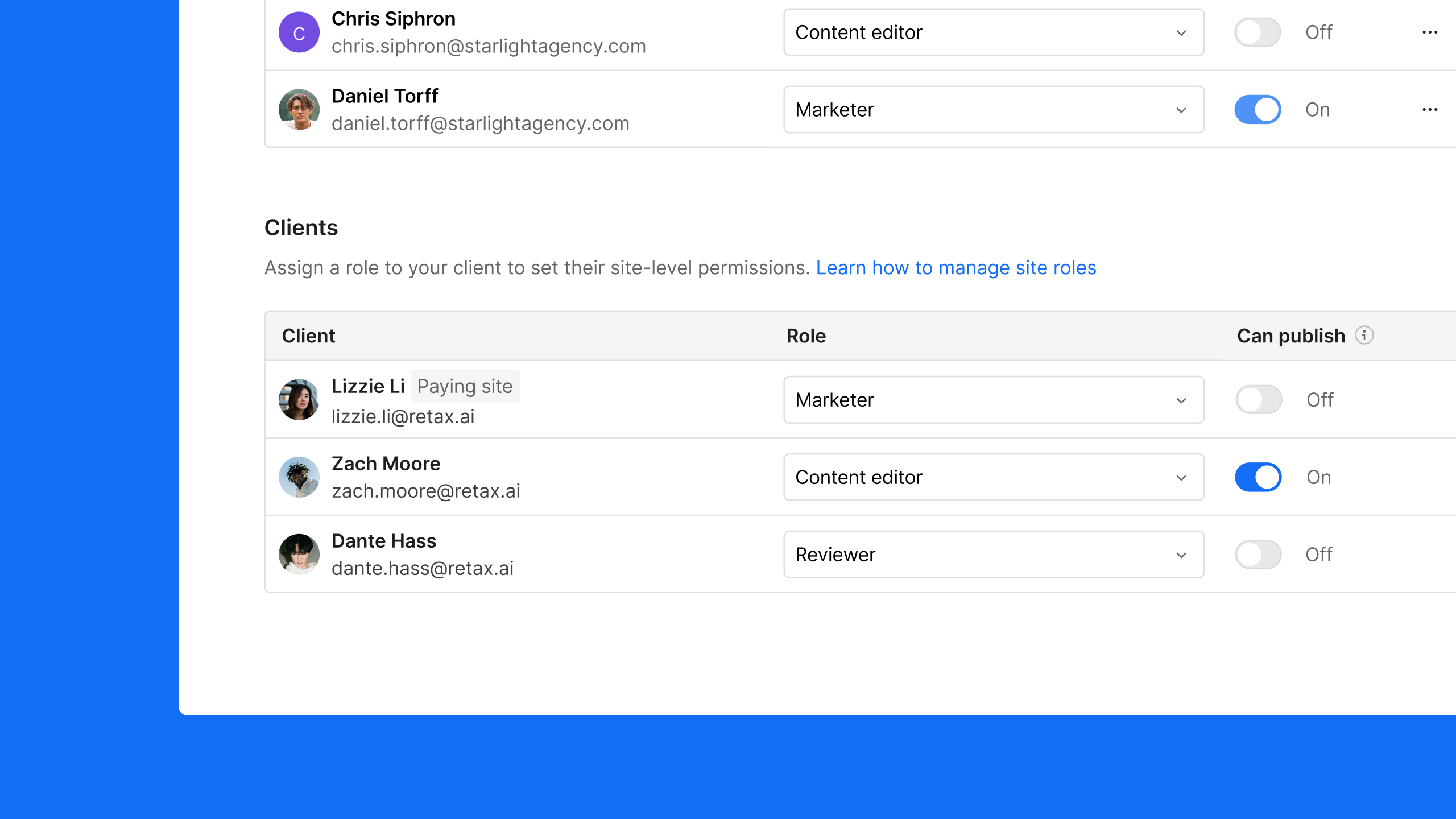
Share a link so stakeholders can quickly comment without an account, plus each parent comment includes important context like operating system, browser, and screen size.
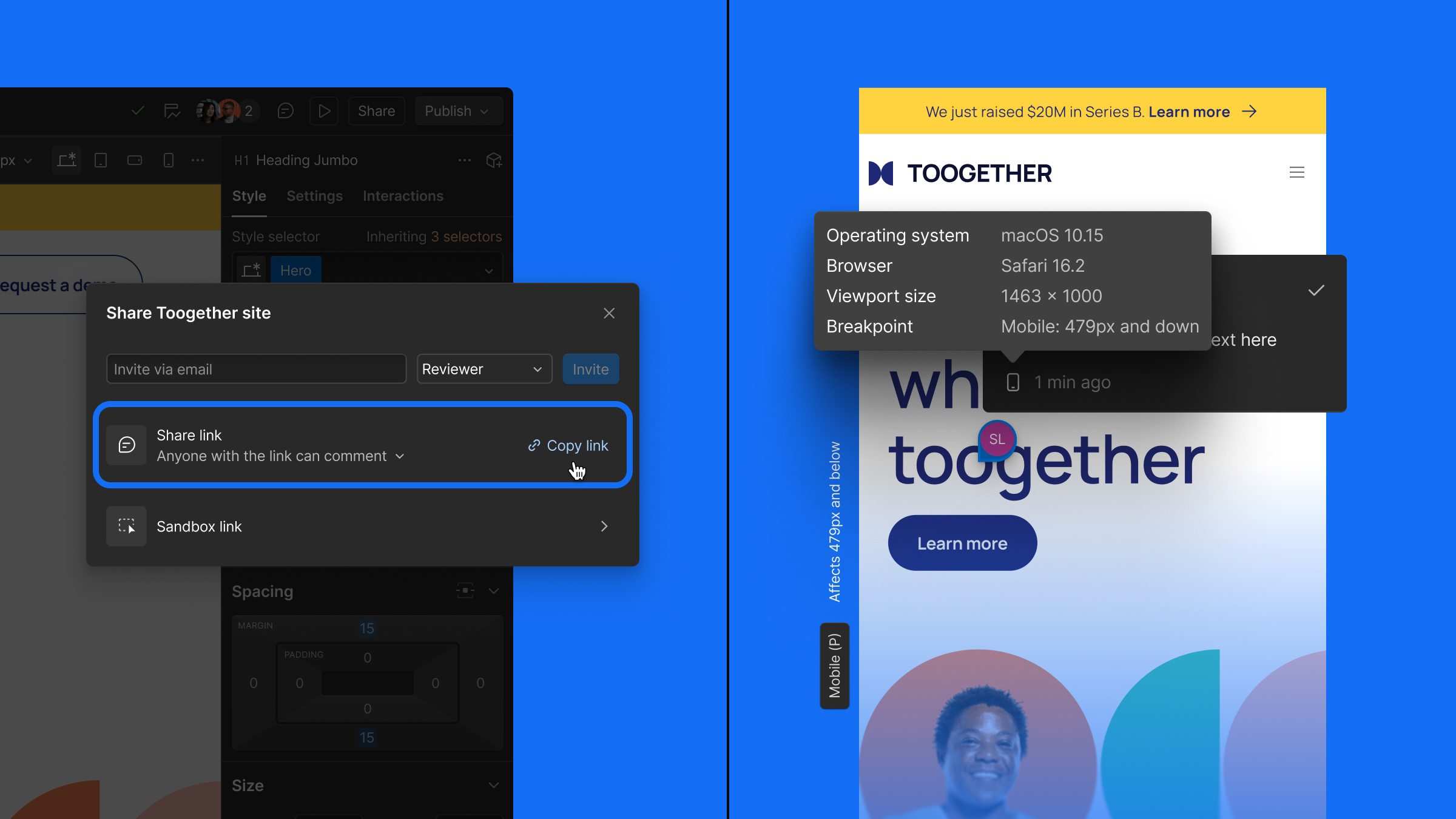
Because great websites start with great feedback, we’re making reviews easier than ever for teams of all sizes in Webflow. Today, we’re introducing two new updates to help speed up review cycles and streamline collaboration: comment-only links and comment metadata.
Comment-only links
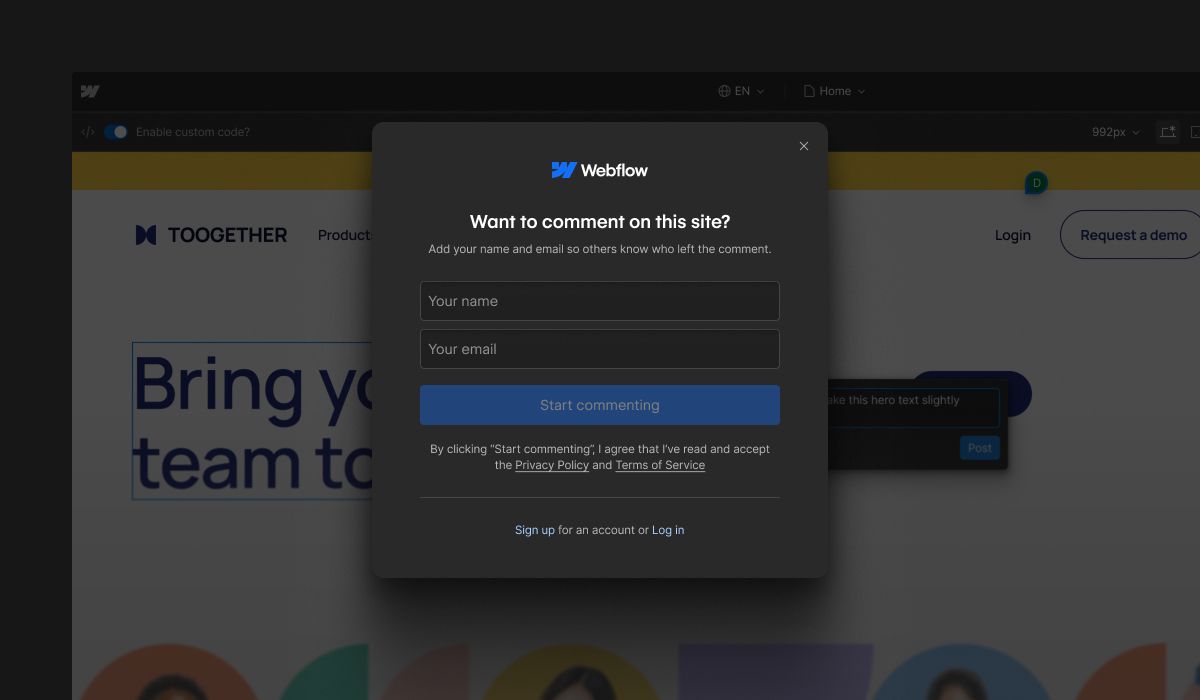
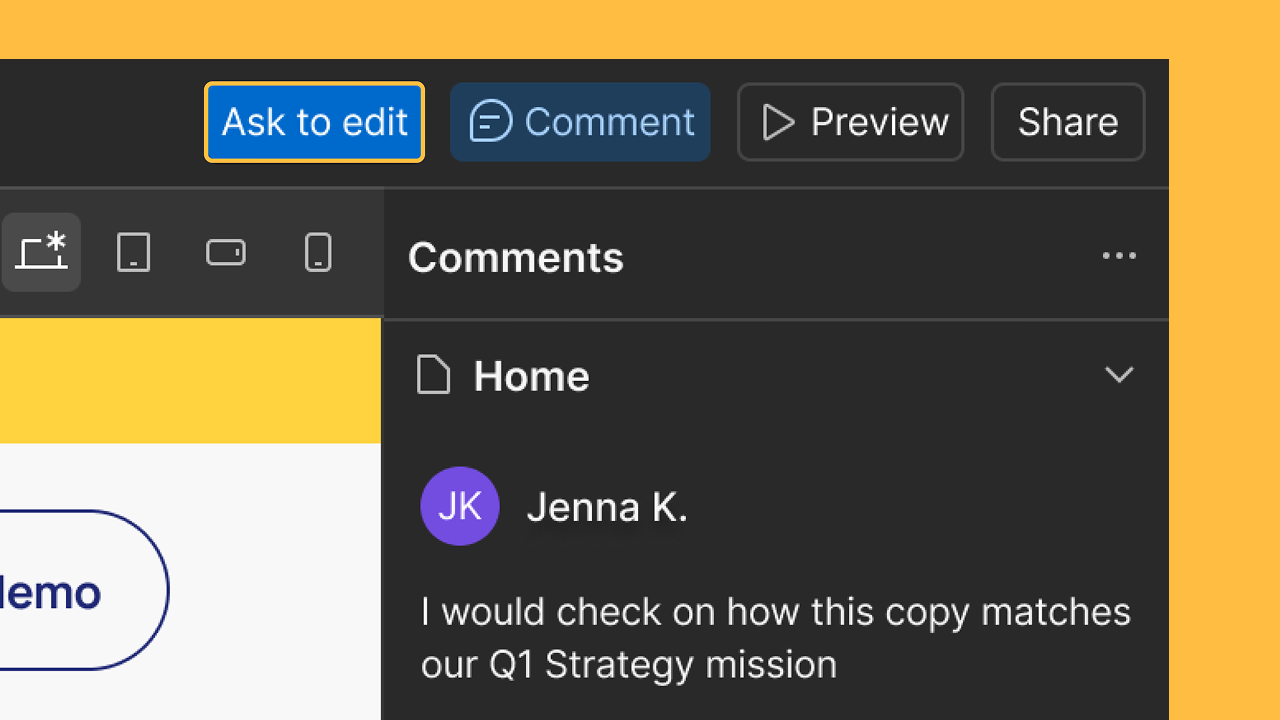
Now you can share a link so stakeholders can view and comment on your site — no login needed — they just enter their name and email when posting a comment. This will help teams speed up reviews and keep feedback in one place.

Comment metadata
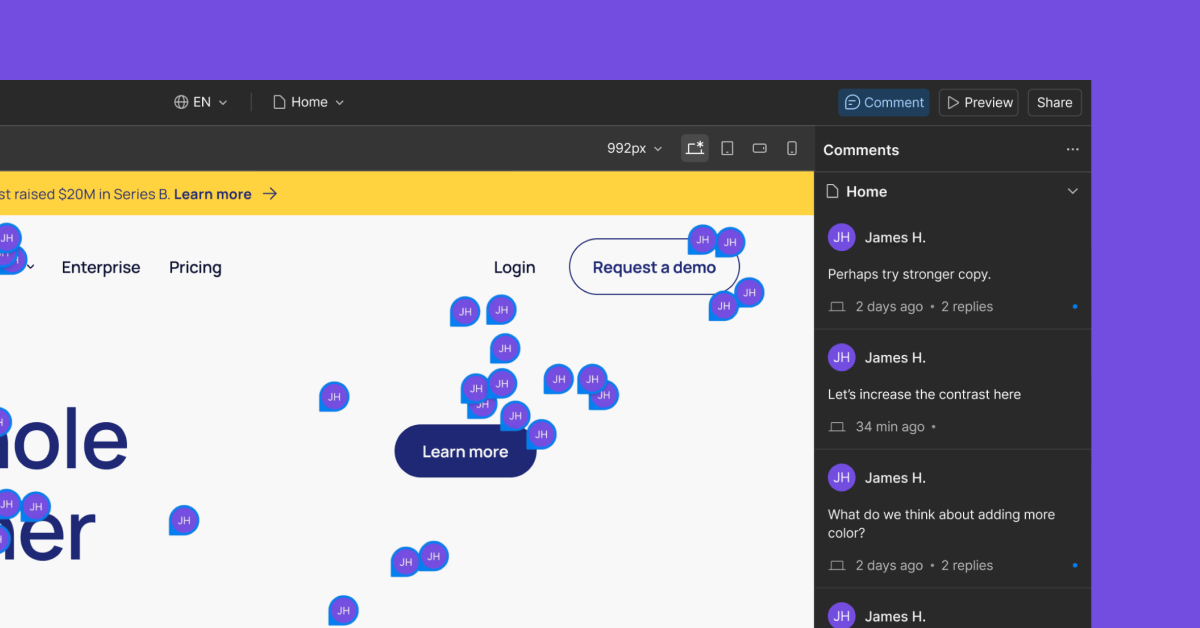
Parent comments now include important details like device and operating system, browser and browser version, and screen size to give you the context to address feedback efficiently without follow-ups.
To learn all about today’s release and what’s next for collaboration in Webflow, check out our blog post.
Related updates




















Get started for free
Try Webflow for as long as you like with our free Starter plan. Purchase a paid Site plan to publish, host, and unlock additional features.
Try Webflow for as long as you like with our free Starter plan. Purchase a paid Site plan to publish, host, and unlock additional features.