






Feature
Collaboration
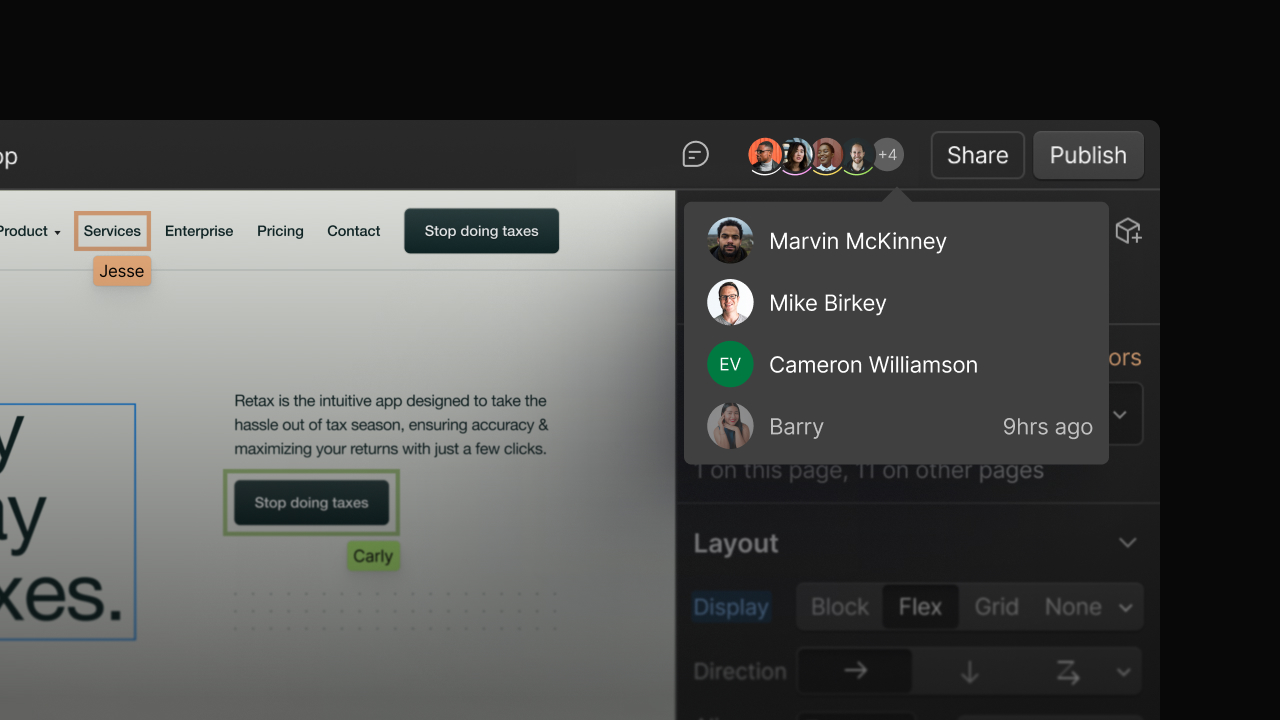
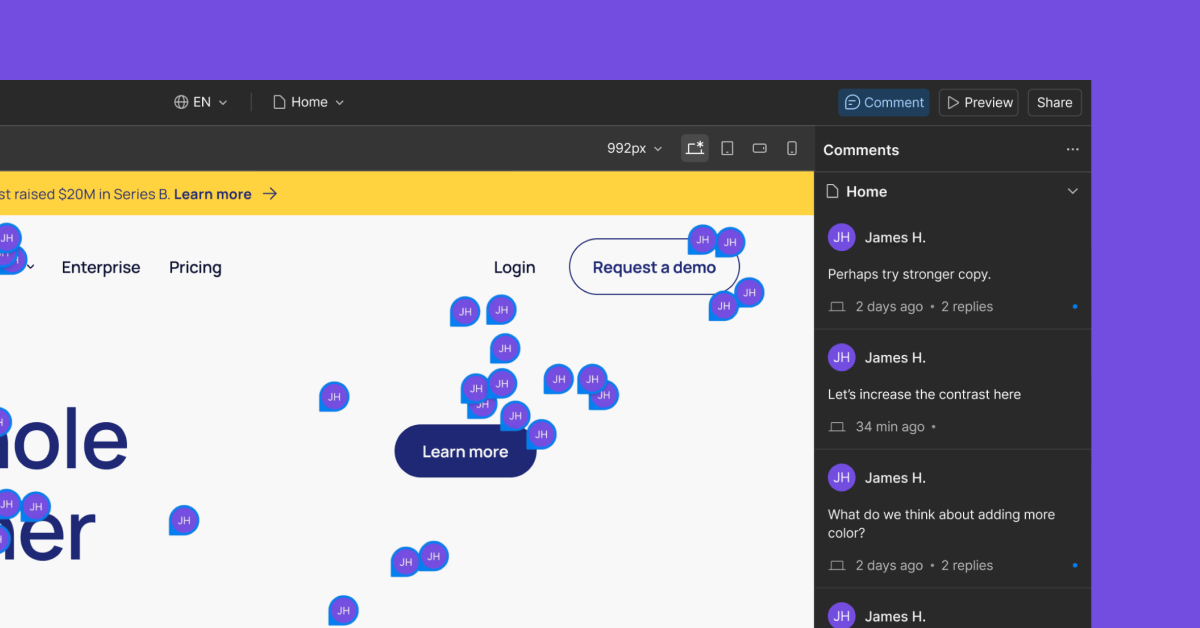
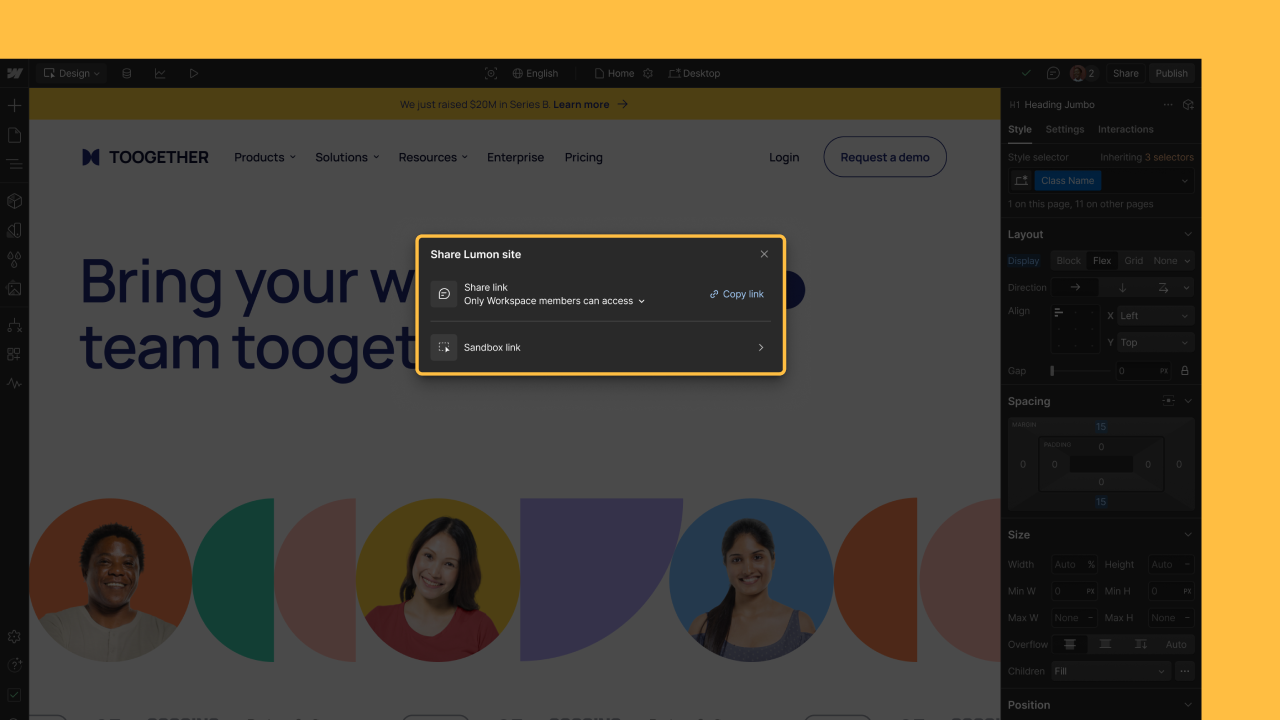
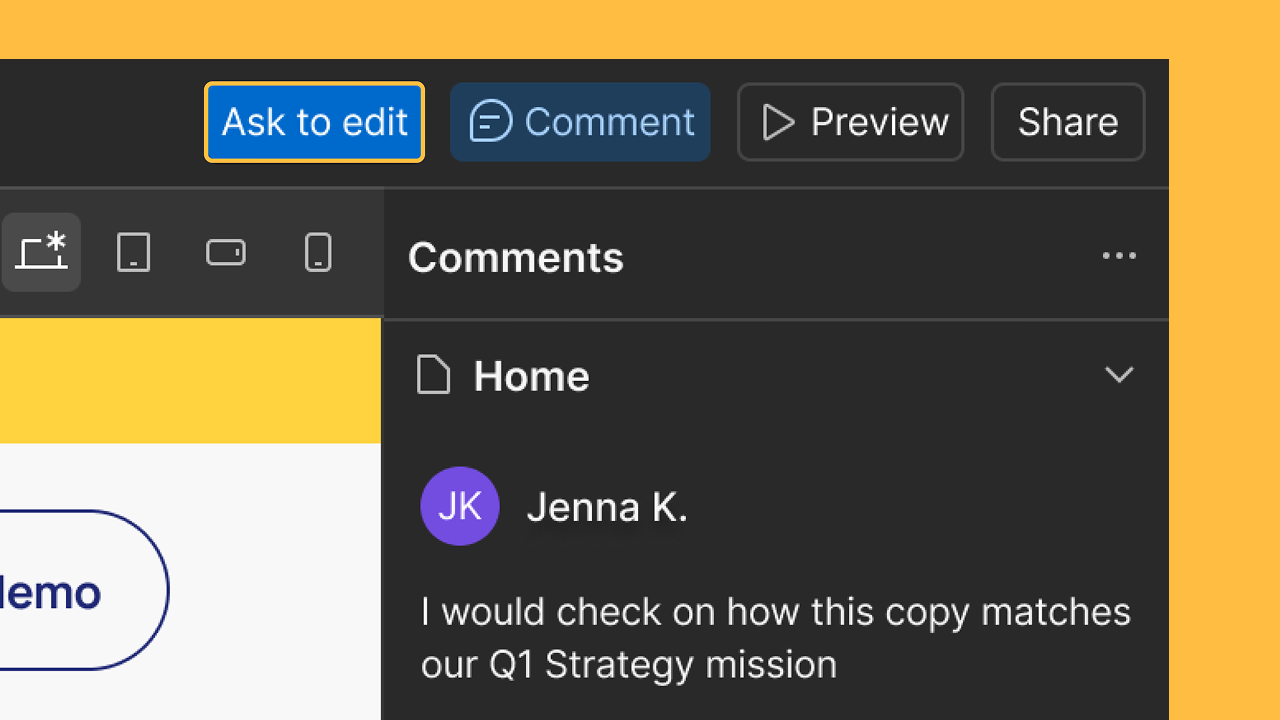
Intuitive website editor for clients and teams
With Webflow CMS, there's no need to learn a complex backend. Just open your website, log in to the CMS, and update text and images — right on the live website.

While most CMSs ask you to master a complicated backend and write content into generic boxes, Webflow CMS lets you update your existing content right there on the page. And the only dashboard you'll work with is a set of browser-like tabs listing your site's pages and Collections. Just click a Collection in the list to open a new tab with all the Items in that Collection, then edit existing content or create new Items as easily as you'd fill out a form.
Related updates





















Get started for free
Try Webflow for as long as you like with our free Starter plan. Purchase a paid Site plan to publish, host, and unlock additional features.
Try Webflow for as long as you like with our free Starter plan. Purchase a paid Site plan to publish, host, and unlock additional features.