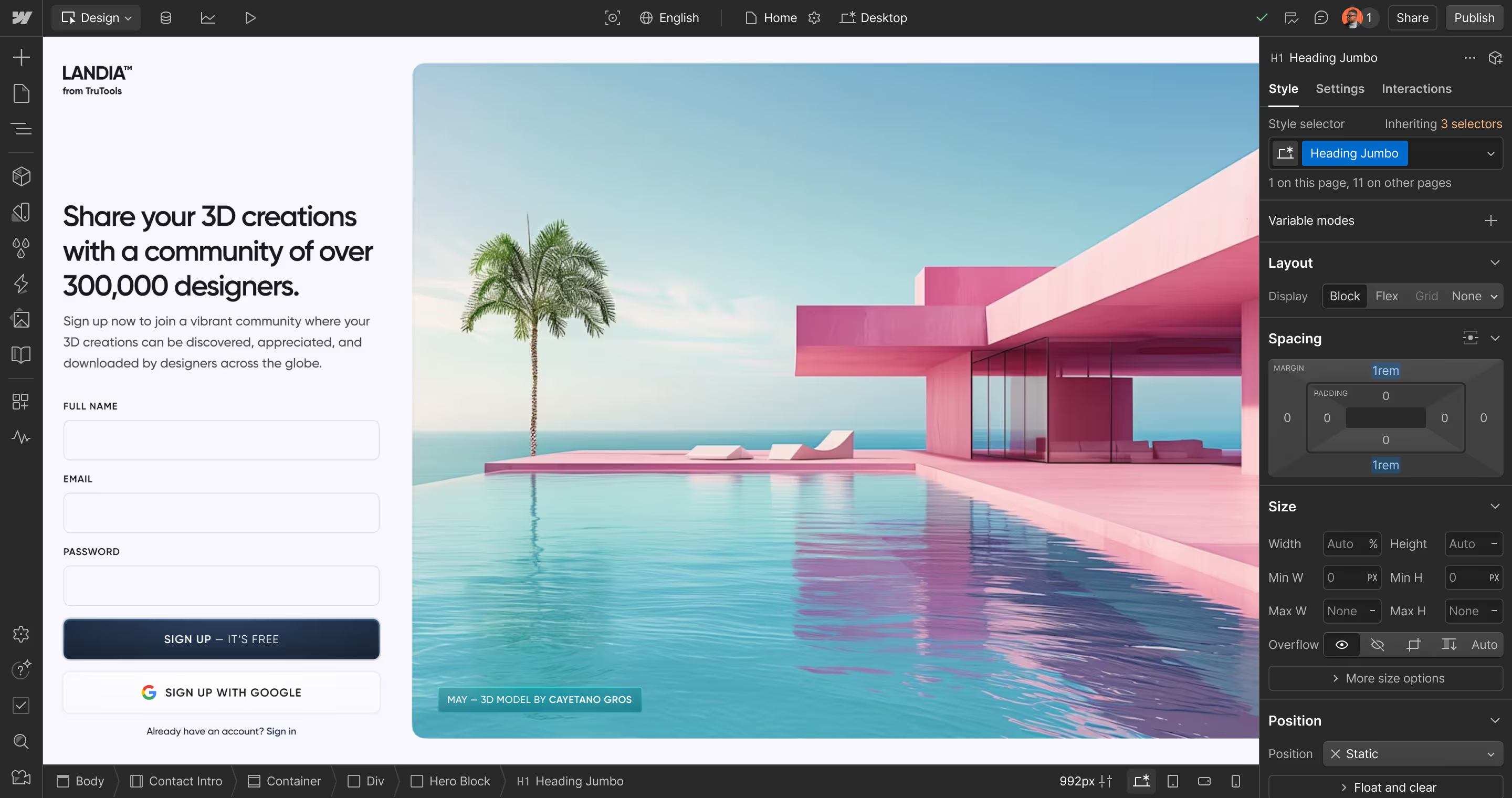


Build freely. Build faster.
Create without limits
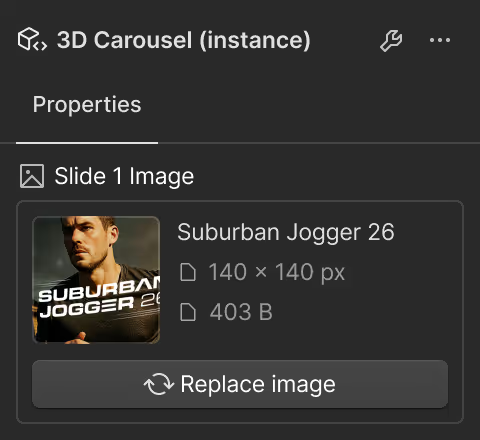
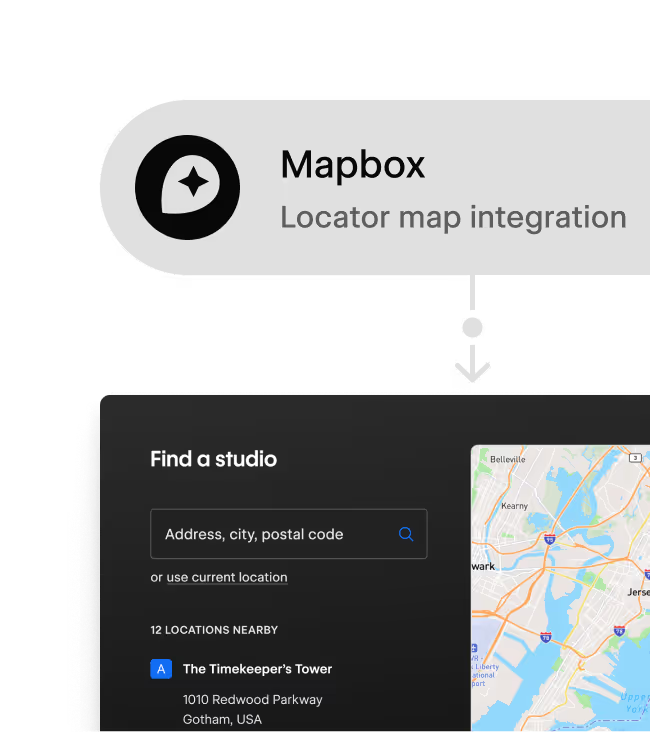
Build components with advanced logic, data integrations, and stateful interactivity using your preferred dev tools.

Use existing components
Tap into available React libraries and share components across sites and apps to reduce repeat work and stay consistent.
Supercharge collaboration
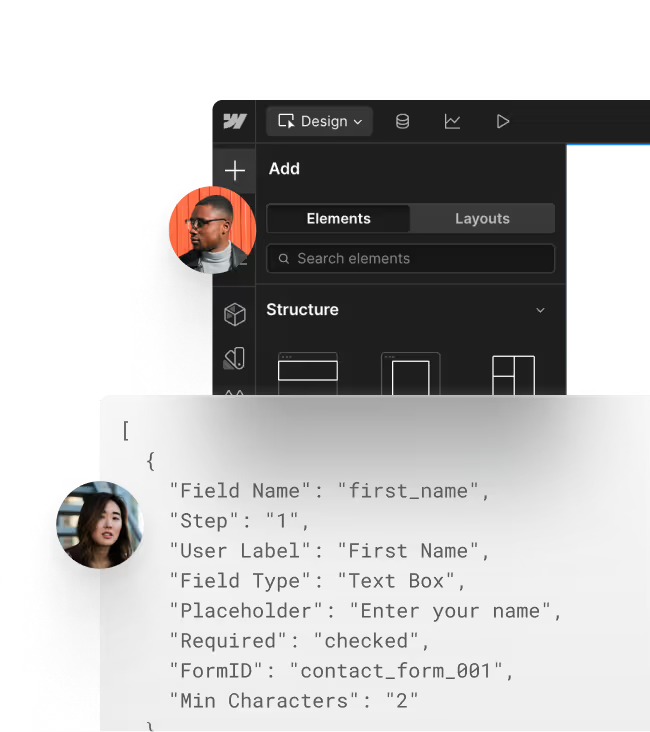
Make customization faster and easier for every team member with developer-defined props, slots, and variants.

Deliver AEO-ready sites
All code components are rendered server-side for speedy loading, smoother experiences, and strong AEO and SEO.
Use all your favorite tools
Tools


Libraries


UI



“Code Components rock! I can drop full React components straight into Webflow and suddenly things like 3D rendering, external APIs, and advanced interactions are all on the table."
How it works
Developers
Develop in your codebase...

Build your way
Maintain control over your source code, versioning, and deployment workflows.

Empower your teammates
Define props so designers and marketers can configure component instances in Webflow without touching your code.

Import into Webflow
Push component libraries and updates to Webflow seamlessly via CLI or CI with DevLink.
designers & marketers
...configure in Webflow

Build visually
Drag and drop code components onto the canvas, adjust with props, slots, and variants, and view changes in real time.

Add dynamic content
Connect code component props to your CMS to create, edit, and localize content in-context.

Personalize & optimize
Personalize content via props, and add code component instances to A/B tests with Webflow Optimize.



Build standout sites with code components
The power of code. The speed of visual development.