






TripleChecker
Connect TripleChecker, an automated proofreading tool, with Webflow to scan your published site for spelling errors, grammar mistakes, and broken links on a recurring schedule.

Webflow handles design and publishing well. What it does not do is catch the typo on your pricing page, the broken link buried in your footer, or the grammar error in a CMS post published last week. Manual proofreading works at launch, but it does not hold up as a site grows or as content updates accumulate.
TripleChecker automates that review layer. It scans your published Webflow site on a recurring schedule, surfaces spelling errors, grammar mistakes, and broken links with exact page locations, and sends email alerts when new issues appear. You make the fixes in Webflow; TripleChecker handles the detection.
This integration suits agencies delivering client projects, marketing teams running content-heavy sites, and e-commerce stores where product page accuracy affects buyer trust.
How to integrate TripleChecker with Webflow
What is TripleChecker? TripleChecker is an automated website proofreading and quality assurance tool. It scans published sites for spelling errors, grammar mistakes, typos, and broken links, then delivers error reports with suggested corrections and exact page locations for each issue.

The only way to connect TripleChecker with Webflow is through the TripleChecker app in the Webflow Apps Marketplace. The app connects with read-only permissions, scans your published site by crawling its public URLs, and delivers error reports on a recurring schedule. No embed scripts, custom code, or front-end components are added to your site.
TripleChecker does not offer a public API, webhooks, or integrations with Zapier, Make, n8n, IFTTT, or viaSocket.
Install the TripleChecker app
The TripleChecker app in the Webflow Apps Marketplace connects your site for automated proofreading without writing any custom code. Once installed, it scans your published site on a configured schedule and covers static pages, Webflow CMS-driven content, and e-commerce stores.
The app requests three read-only permissions:
- Read site data and publishing
- Read information about authorized users
- Read page data
TripleChecker cannot modify, publish, or delete any content on your site.
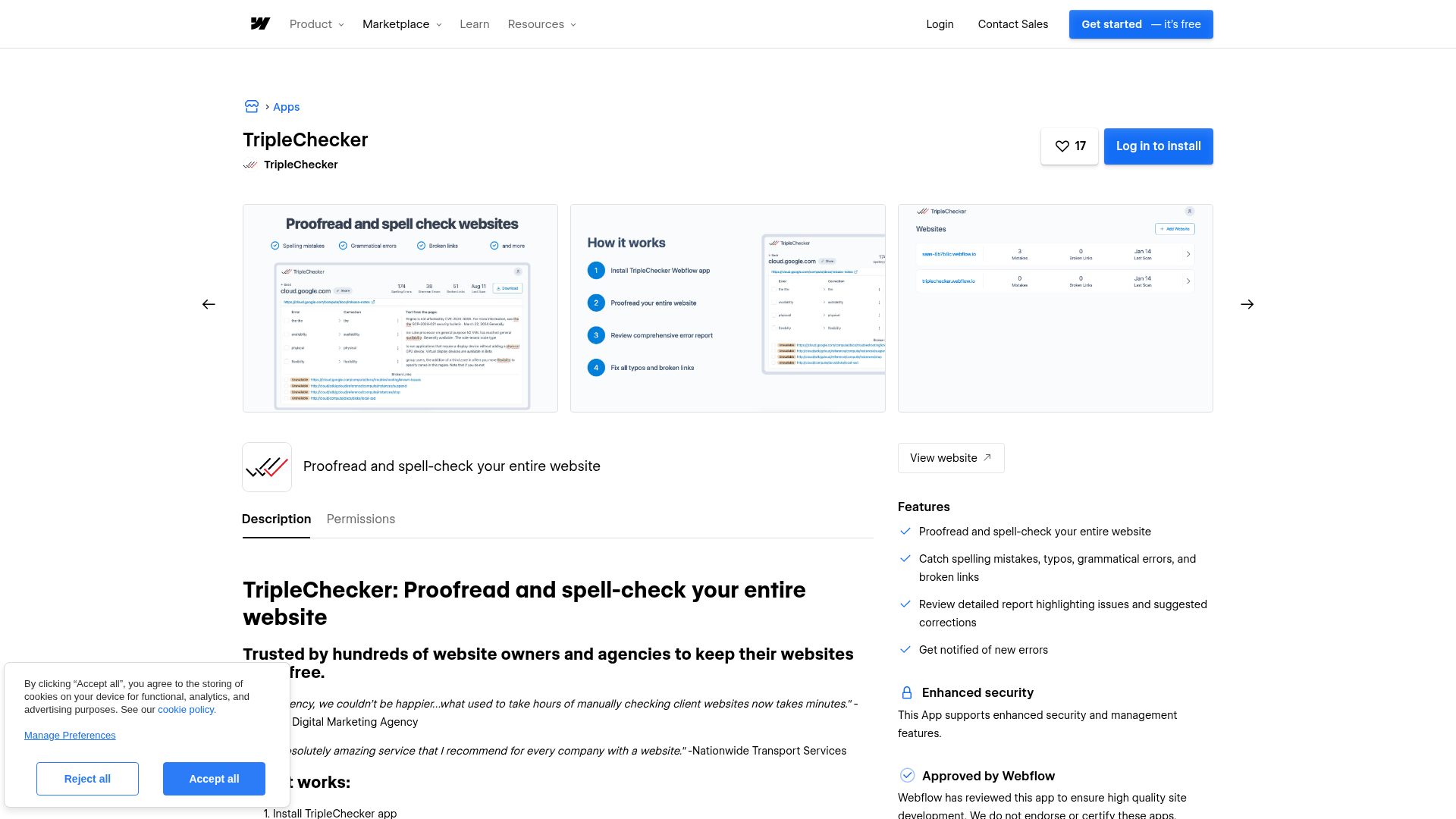
To set up the integration:
- Go to the Webflow Apps Marketplace and install the TripleChecker app on your site
- Authorize the read-only OAuth connection
- Configure your scan preferences in the TripleChecker dashboard
After installation, configure your preferences in the TripleChecker dashboard:
- Automated scans: Schedule spelling, grammar, and broken link scans. Scan frequency depends on your TripleChecker plan — monthly on Starter, weekly on Growth, and daily on Enterprise.
- Email alerts: Receive notifications when new errors appear between scheduled scans.
- Error reports: Review detailed reports with suggested corrections and exact page locations for each issue.
- Page selection: Customize which pages are included to focus on high-priority sections or exclude specific areas.
TripleChecker is a detection and reporting tool. It identifies errors and suggests corrections, but you make edits manually in Webflow. Unpublished drafts and staged content are not scanned — the app reads only the live, publicly accessible version of your site.
What you can build with TripleChecker Webflow integration
Integrating TripleChecker with Webflow lets you automate content quality assurance across your published sites.
- Agency QA process for client handoffs: Run a full-site scan before delivering a Webflow project to a client, catching typos, grammar issues, and broken links that manual review misses without adding review hours to the delivery process.
- Ongoing content monitoring for CMS-heavy sites: Set recurring scans on a blog or resource hub built with the Webflow CMS so new posts are automatically checked for errors after each publish cycle.
- E-commerce product page audits: Scan product descriptions, category pages, and other publicly accessible e-commerce pages to catch spelling mistakes that could undermine buyer trust.
- Multi-site content monitoring: Manage content quality across several Webflow client sites from a single TripleChecker account, reducing the need for dedicated manual QA review per project.
To get started, install the TripleChecker app from the Webflow Apps Marketplace.
Frequently asked questions
Visit the TripleChecker listing on the Webflow Apps Marketplace and click Log in to install. Authorize the read-only OAuth connection, then configure your scan frequency in the TripleChecker dashboard. No embed codes, custom scripts, or plugins are required.
No. TripleChecker is a detection and reporting tool. It provides detailed reports with suggested corrections and exact page locations for each issue, but you make edits manually in Webflow. The app operates with read-only permissions and cannot write changes to your site.
Yes. TripleChecker scans your published site by crawling its public URLs, so it checks whatever is visible on the live site. Both static page content and Webflow CMS-driven pages. Unpublished drafts, staged content, and unreleased pages are not accessible to the scanner.
No. TripleChecker is not available on Zapier, Make, IFTTT, n8n, or viaSocket, and does not offer a public API or webhooks. The only notification method is email alerts for newly detected errors. Contact TripleChecker support at support@triplechecker.com to ask about enterprise options.
Description
TripleChecker crawls your live Webflow site on a schedule, flags content errors and broken links with exact page locations, and sends email alerts when new issues appear.
This integration page is provided for informational and convenience purposes only.

SchemaRabbit
Connect SchemaRabbit with Webflow to generate and maintain JSON-LD schema markup across your site using the official Webflow app or manual code implementation.
Linknavigator
Connect Linknavigator with Webflow to automate internal linking, monitor link health, and improve SEO across content-heavy sites.
PixelFlow
Connect PixelFlow to Webflow for sending conversion data directly through PixelFlow's servers to Meta.
Schema Flow
Connect Schema Flow with Webflow to add structured data markup across your site using a no-code interface with AI suggestions and CMS collection mapping.
PromoteKit
Connect PromoteKit, a Stripe-native affiliate tracking platform, with Webflow to run an affiliate program with commission tracking through Stripe's payment lifecycle.
Semflow
Connect Semflow with Webflow to run AI-assisted SEO audits, keyword research, rank tracking, schema markup, and metadata generation directly inside the Webflow Designer.
Cometly
Connect Cometly, a marketing attribution platform, with Webflow to track which ads drive form submissions and send conversion data back to ad platforms.
Cometly
Connect Cometly, a marketing attribution platform, with Webflow to track which ads drive form submissions and send conversion data back to ad platforms.
Website Speedy
Connect Website Speedy, a site speed optimization tool, with Webflow to improve Core Web Vitals scores and page load times through automated speed optimizations.
Related integrations
Get started for free
Try Webflow for as long as you like with our free Starter plan. Purchase a paid Site plan to publish, host, and unlock additional features.
