






Feature
Audience reporting and time on page analytics in Webflow Analyze
New Webflow Analyze insights that uncover traffic sources, visitor location, and time on page metrics, helping you understand visitor behavior at a glance.
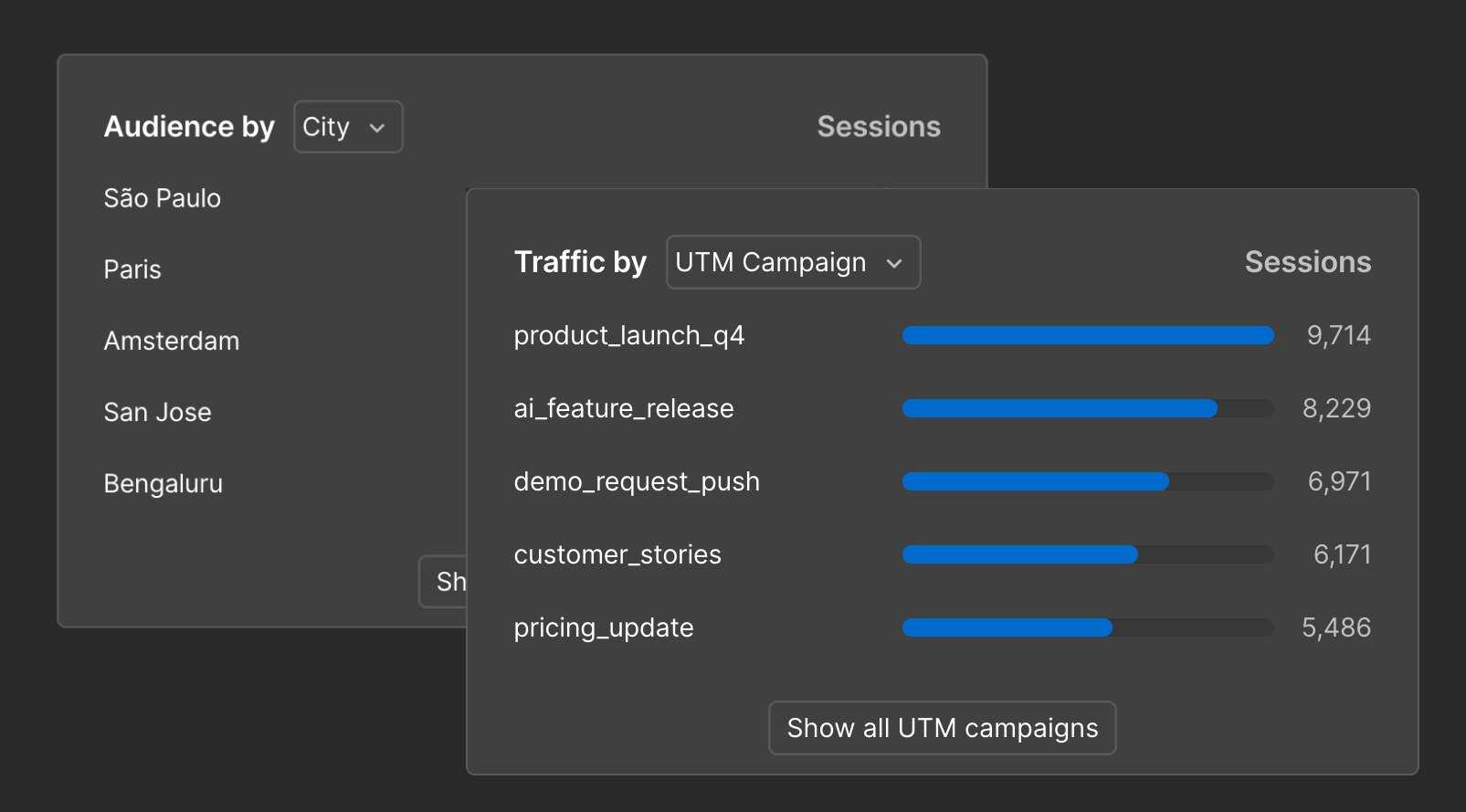
Now it’s easier than ever to understand your visitor with Webflow Analyze. Meet audience reporting and time on page analytics in Webflow Analyze. Together, these features help marketers, designers, and site builders understand who is landing on your site, how they got there, and how long they stick around.
Know your audience, with new audience reporting charts.
You can now break down your traffic by the attributes marketers care about most: traffic source, UTM parameters, referral domains, country, city, language, device type, new vs. returning visitors, and more.
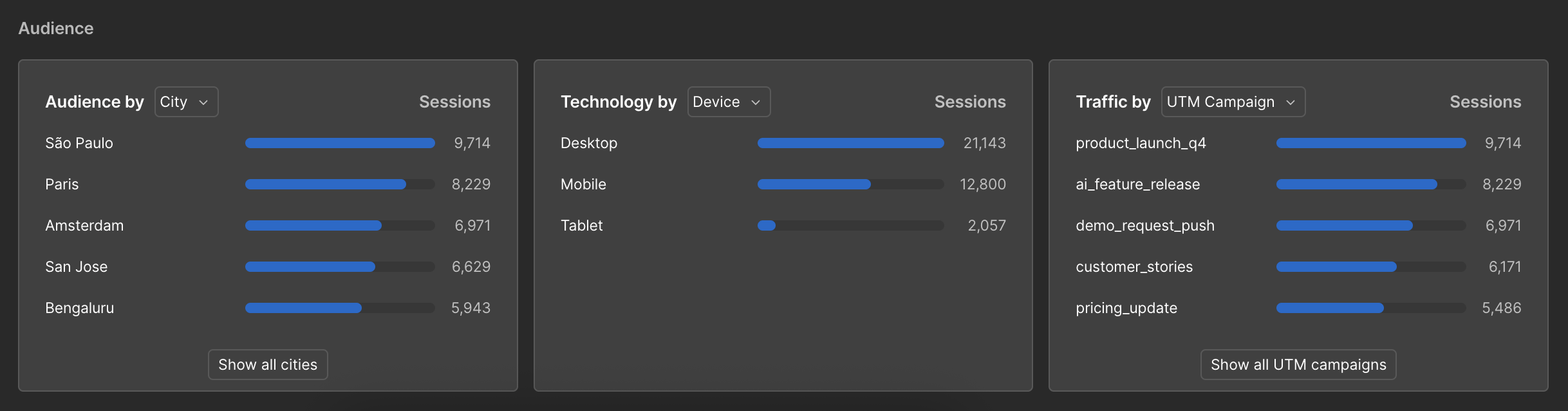
These charts live directly on Site Overview and Page Details, giving you an instant pulse on your visitors:
- What channels drive the most visitors?
- Is that new campaign actually driving more traffic?
- What regions drive the most traffic?
No extra tagging, no chart setup required. Everything is automatically and anonymously captured by Webflow Analyze.
Measure engagement with new time on page and time on site analytics.
Page views and clicks don’t tell the full story. You also need to know if visitors are actually consuming your content.
With time on page and time on site analytics, you can now see how long visitors actively spend on each page, and how long visitors stay on your site overall. These new metrics are built directly into Webflow Analyze so you can quickly gauge content quality, spot low-engagement pages, and validate redesigns or marketing changes with real data.

Having acquisition and engagement metrics at your fingertips in Webflow collapses the gap between what you learn and what you do next, all so you can make your site more engaging for your visitors.
These new charts are live now for all Analyze customers. To get started with Analyze and these new charts, try it out today, or learn more about Webflow Analyze.
Related updates




















Fangen Sie kostenlos an
Testen Sie Webflow so lange Sie möchten mit unserem kostenlosen Starter-Paket. Erwerben Sie einen kostenpflichtigen Site-Tarif, um zusätzliche Funktionen zu veröffentlichen, zu hosten und freizuschalten.
Testen Sie Webflow so lange Sie möchten mit unserem kostenlosen Starter-Paket. Erwerben Sie einen kostenpflichtigen Site-Tarif, um zusätzliche Funktionen zu veröffentlichen, zu hosten und freizuschalten.