






Update
Website management
Webflow AI is now enabled by default on Enterprise
Webflow AI is now enabled by default across all Workspaces, helping teams build, optimize, and extend web experiences faster — with built-in guardrails to keep you in control.
.jpg)
Webflow AI is now enabled by default across all Workspaces, including Enterprise.
Webflow AI powers real creativity by helping teams build, manage, optimize, and extend web experiences faster and more intelligently. It streamlines workflows, reduces friction across common tasks, and optimizes performance for both humans and machines - creating more space for creativity, collaboration, and higher-impact work.
Unlike fragmented tools that treat AI as a feature layer, Webflow AI is built directly into the platform. It includes built-in guardrails that uphold your brand, protect your data, and keep you in control.
What you can do with Webflow AI today
Accelerate creativity
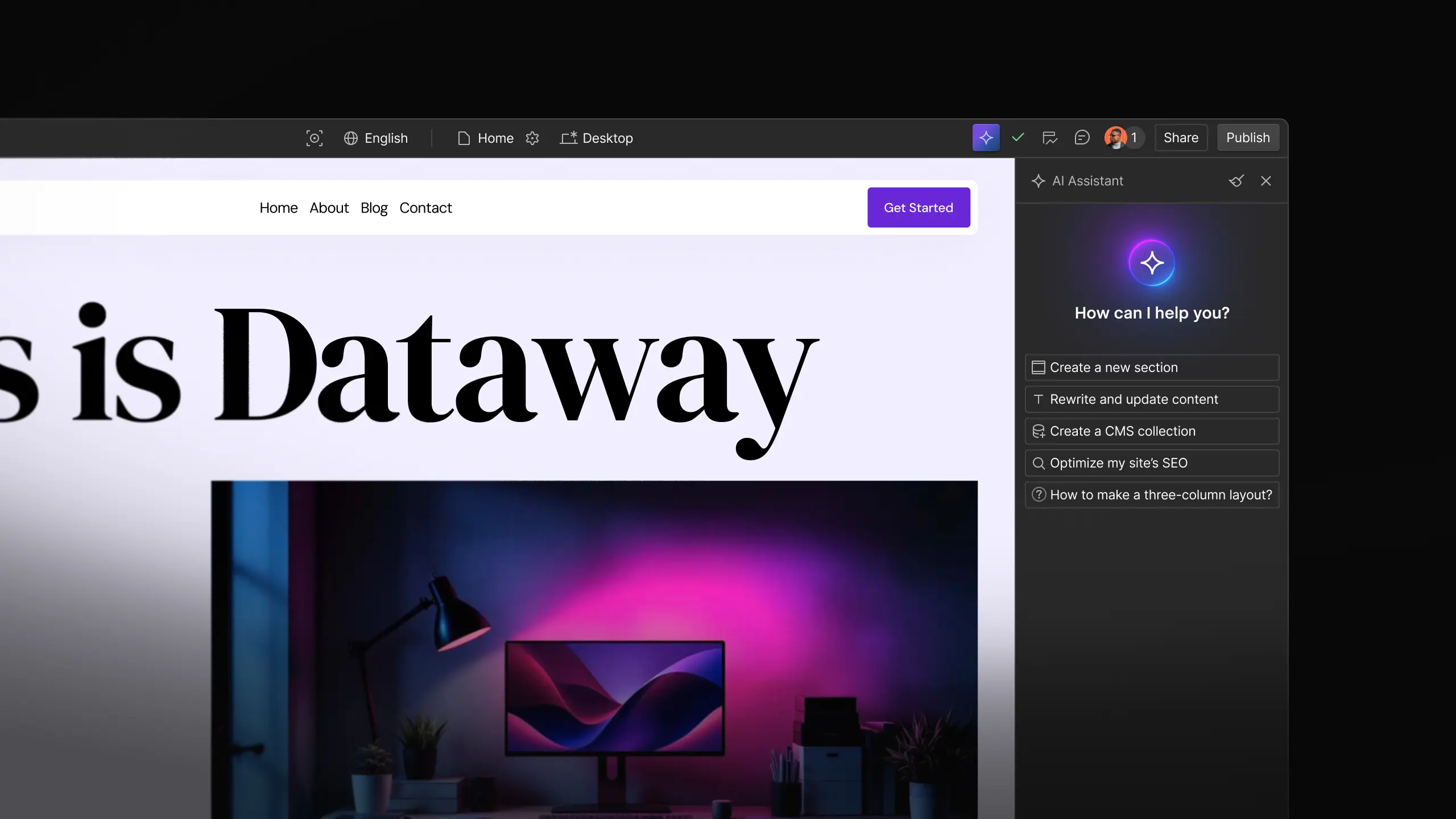
- Design sections and build sites (coming soon for Enterprise) with the Webflow AI Assistant
- Generate copy and CMS collections
- Get contextual answers powered by Webflow University and the Webflow Help Center—without leaving the Designer
Optimize performance for humans and machines
- Audit and improve SEO and AEO, including alt text, meta titles and descriptions, and schema markup
- Use Webflow Optimize for AI-powered optimization suggestions and insights
- Localize content at scale with AI-powered translation using the Webflow Localization add-on
Create dynamic web experiences
- Build full-stack web apps with AI to accelerate development and extend site functionality
More AI capabilities are launching regularly. With Webflow AI enabled, teams automatically get access to the latest features as they become available.
Your data stays yours
Webflow does not use customer or partner data to train generative AI models. Any third-party vendors processing data on Webflow’s behalf are contractually prohibited from using that data to train their own models.
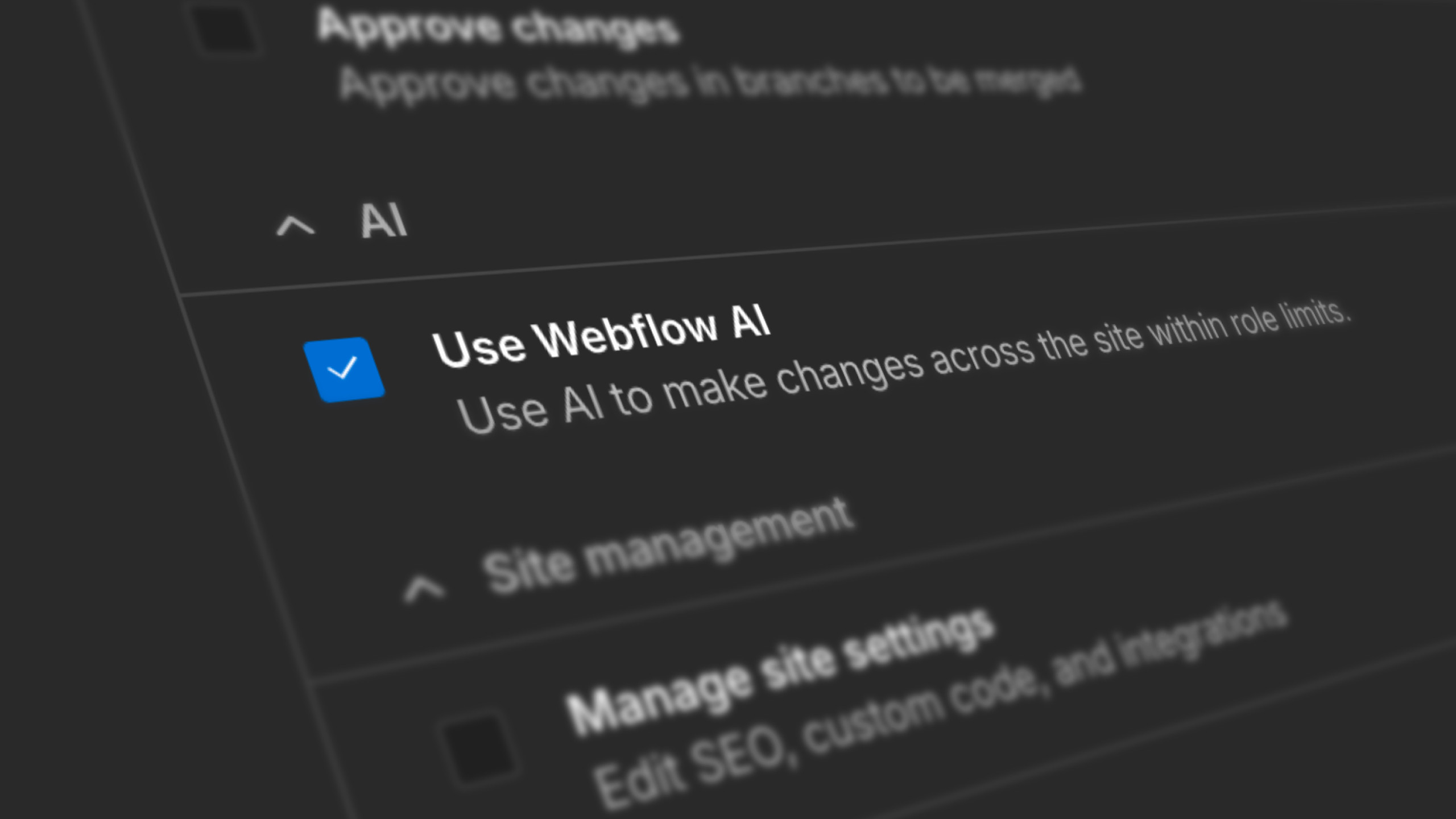
Prefer not to use AI? Workspace Admins can disable Webflow AI at any time from Workspace Settings → General → Webflow AI.
Related updates
.png)
.jpg)





















Commencez gratuitement
Essayez Webflow aussi longtemps que vous le souhaitez grâce à notre plan Starter gratuit. Achetez un plan de site payant pour publier, héberger et débloquer des fonctionnalités supplémentaires.
Essayez Webflow aussi longtemps que vous le souhaitez grâce à notre plan Starter gratuit. Achetez un plan de site payant pour publier, héberger et débloquer des fonctionnalités supplémentaires.