






Postblaster
Connect Postblaster, a LinkedIn automation tool, with Webflow to automatically generate and publish LinkedIn posts when you add new content to your CMS collections.

Webflow publishes your content. What it does not do is distribute it. Getting a new blog post or case study in front of your LinkedIn audience still means opening another tab, writing something from scratch, and posting manually — every time.
Postblaster closes that gap. It monitors your Webflow CMS collections and generates AI-written LinkedIn posts from your content fields when new items publish. The integration runs entirely in the background — no frontend components, no embed codes, no manual steps after the initial setup.
This integration fits B2B content teams that publish regularly to Webflow and use LinkedIn as their primary distribution channel.
How to integrate Postblaster with Webflow
What is Postblaster? Postblaster is a LinkedIn automation tool that connects to your Webflow CMS. It monitors CMS collections for new published items and generates LinkedIn posts with AI-written title, description, commentary, and hashtags. It currently supports LinkedIn organization pages only.
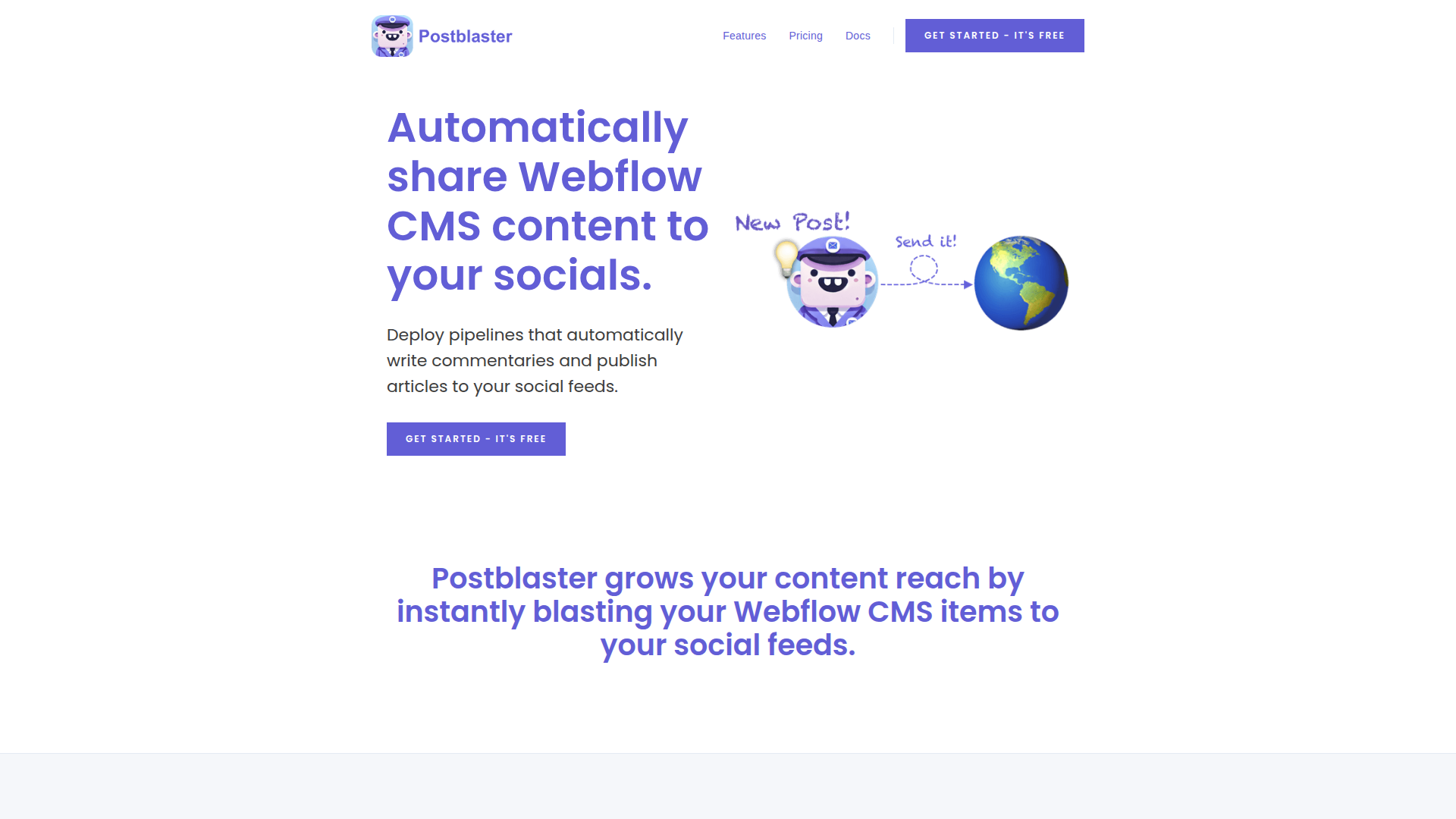
Content teams use Postblaster and Webflow together when they want LinkedIn distribution to happen automatically as part of their publishing workflow — without rebuilding their Webflow site or adding any frontend code.
The Postblaster-Webflow integration supports two approaches:
- The Postblaster app handles CMS collection monitoring, AI post generation, and LinkedIn publishing through a no-code dashboard.
- The Webflow CMS API and webhooks let developers build complementary pipelines for platforms beyond LinkedIn or apply custom logic before distribution.
Most teams use the app exclusively. The API path is for developers who need to extend beyond what Postblaster covers natively.
Install the Postblaster app
The Postblaster app in the Webflow Apps Marketplace connects your CMS to LinkedIn without any code. Setup happens entirely in the Postblaster dashboard — nothing is added to your site's frontend.
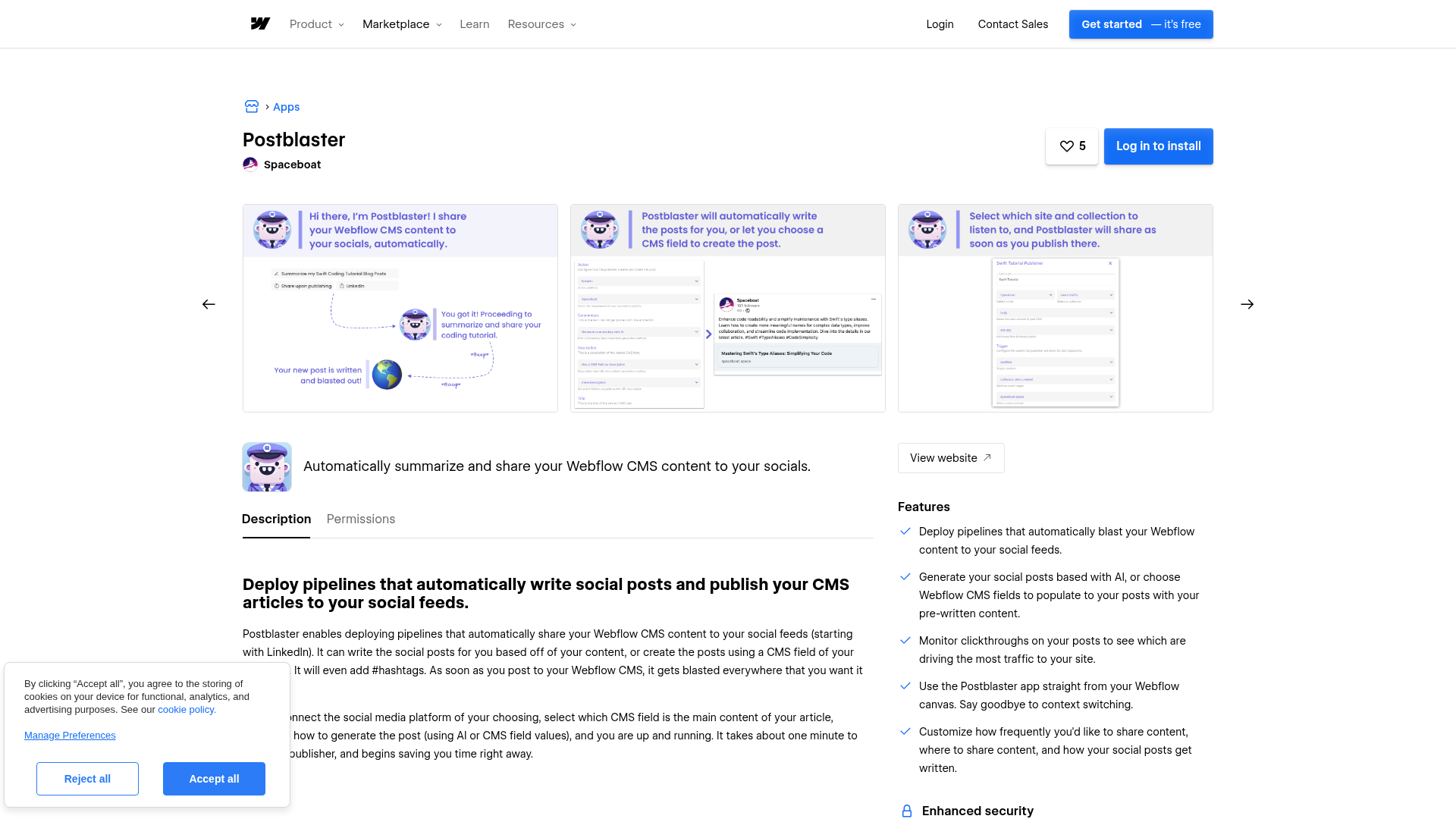
To set up the integration:
- Authorize your Webflow account through OAuth
- Connect your LinkedIn account (separate OAuth flow)
- Name your publisher pipeline and select your target CMS collection
- Choose a main content field for AI summarization
- Configure posting frequency and deploy
Once deployed, the pipeline monitors the selected collection and publishes to LinkedIn automatically when new items go live. These are the core capabilities the app covers:
- Detect new published CMS collection items and trigger LinkedIn posts automatically
- Generate post text, commentary, and hashtags from your CMS fields using AI
- Map specific CMS fields to post components — or set fields to fixed values, or leave them blank
- Control posting frequency per pipeline to avoid overwhelming your audience
- Run multiple publisher pipelines, each mapped to a different collection and LinkedIn destination
Build with the Webflow CMS API
Postblaster does not expose an API, webhooks, or programmatic access. Developers who need to extend the workflow, adding platforms beyond LinkedIn or applying custom logic before posting, can use the Webflow API and webhooks to build complementary pipelines.
These pipelines operate independently from Postblaster and do not interact with it directly:
- Trigger on new CMS content: Use Webflow's
collection_item_createdwebhook to detect new content and route it to platforms Postblaster does not cover. Note: this webhook fires when a CMS item is created, including drafts. Check the item's published status in your middleware if you only want to act on published content. - Read CMS content programmatically: Pull titles, excerpts, and body text from collections to apply custom formatting or filtering before distribution.
- Add middleware layers: Connect Webflow webhooks to platforms like n8n or Pipedream to add approval workflows or cross-post to additional channels alongside Postblaster's LinkedIn posts.
What you can build with Postblaster Webflow integration
Integrating Postblaster with Webflow automates LinkedIn distribution tied directly to your CMS publishing workflow.
- Automated blog-to-LinkedIn pipeline: Publish a new article to your Webflow CMS blog collection and Postblaster generates a LinkedIn post automatically with AI-written text and hashtags. This pattern fits B2B companies that publish regularly to a dedicated blog collection.
- Product launch announcements: Structure a products CMS collection with fields for name, description, and launch date. When you publish a new item, Postblaster shares it to your company's LinkedIn page with AI-written copy pulled from those fields.
- Case study distribution: Publish case studies to a dedicated CMS collection and configure a pipeline mapped to it. Each new entry generates a LinkedIn post summarizing results with a link back to the full write-up on your site.
- Multi-pipeline content hub: Set up separate publisher pipelines, each mapped to a different CMS collection and LinkedIn destination. One for blog posts, another for press releases, a third for event recaps — each with its own posting frequency.
Frequently asked questions
Postblaster is a backend service and adds no code or embeds to your site. Install it from the Webflow Apps Marketplace, authorize your Webflow account through OAuth, then open the Postblaster dashboard to configure your publisher pipelines. Select your CMS site and collection, connect your LinkedIn account, and deploy.
Yes. You can let the AI generate post text, commentary, and hashtags automatically from your CMS content, or use custom field mapping to control exactly which CMS fields map to each post component. Each field can be AI-generated, mapped to a CMS field, set to a fixed value, or left blank.
No. Postblaster is not available on Zapier, Make, IFTTT, n8n, or similar platforms, and does not expose a public API or webhook support. It operates as a native Webflow app only. For broader automation workflows around your CMS content, use Webflow's own webhooks and CMS API to build separate pipelines.
LinkedIn only — specifically, organization pages you administer. The Webflow marketplace listing describes LinkedIn as the starting platform, suggesting future expansion is planned.
Description
Postblaster monitors your Webflow CMS collections and auto-generates AI-written LinkedIn posts when you publish new items — no frontend code required.
This integration page is provided for informational and convenience purposes only.

Elfsight Facebook Feed Widget
Display dynamic Facebook content on your Webflow site with the Elfsight Facebook Feed Widget. Show posts, photos, videos, and albums from your Facebook page or profile directly on your website to boost engagement, build trust, and keep visitors updated with your latest social media activity — all without coding.
Related integrations
Get started for free
Try Webflow for as long as you like with our free Starter plan. Purchase a paid Site plan to publish, host, and unlock additional features.
