






Feature
Website management
Control who can use Webflow AI in your workspace
Give enterprise teams granular control over Webflow AI. Assign AI access by custom role so you can safely enable AI for the right people, in the right regions, with the right guardrails.
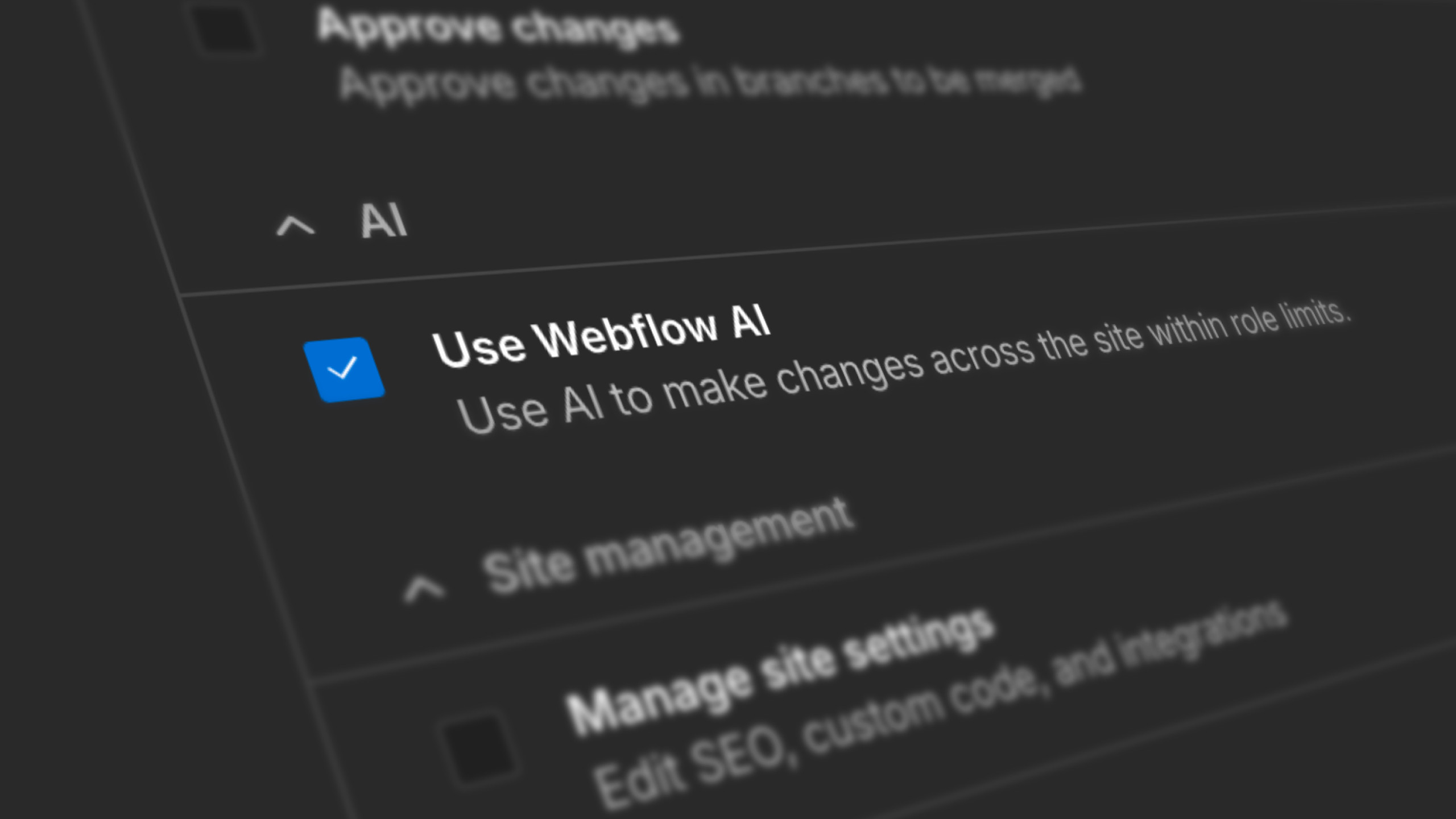
For regulated teams, global organizations, and enterprises with strict AI governance policies, defining who should have access to AI functionality in the platforms they use is of paramount importance.
Today, we’re making that even easier in Webflow.
With granular AI access via Custom Roles, workspace admins can now assign a "Use Webflow AI" permission at the role level. Enable AI for your designers and power users. Keep it off for contractors, EU-based teams, or roles pending internal approval. The workspace AI toggle remains your global control — Custom Roles let you go one level deeper.
What's new:
- New "Use Webflow AI" permission available in Custom Roles
- Scopes all AI features currently controlled by the workspace AI toggle
- Role changes are captured in the workspace audit log
Related updates
.png)
.jpg)
.jpg)





















Fangen Sie kostenlos an
Testen Sie Webflow so lange Sie möchten mit unserem kostenlosen Starter-Paket. Erwerben Sie einen kostenpflichtigen Site-Tarif, um zusätzliche Funktionen zu veröffentlichen, zu hosten und freizuschalten.
Testen Sie Webflow so lange Sie möchten mit unserem kostenlosen Starter-Paket. Erwerben Sie einen kostenpflichtigen Site-Tarif, um zusätzliche Funktionen zu veröffentlichen, zu hosten und freizuschalten.