






Integrately
Connect Integrately with Webflow to automate form submissions, CMS updates, and e-commerce orders across 1,500+ apps without writing code.

Webflow handles design, content management, and publishing well. It does not route form submissions to a CRM, sync CMS updates to a spreadsheet, or trigger fulfillment workflows when orders come in. Those connections require manual exports or custom development. Both of which slow teams down and introduce errors as submission volume grows.
Integrately addresses that gap with server-to-server automation. When a form is submitted, a CMS item is created, or an order comes through, Integrately picks up the event in real time and routes data to apps like HubSpot, Google Sheets, Salesforce, or Slack, all configured through a point-and-click dashboard with no code on the Webflow side.
This integration suits marketers routing leads into CRMs, e-commerce managers automating order processing, and agencies building repeatable client workflows.
How to integrate Integrately with Webflow
What is Integrately? Integrately is a no-code automation platform that connects 1,500+ apps through pre-built and custom workflows. It uses webhook-based triggers to detect events in connected apps and routes data to destination services through a visual field-mapping interface. Integrately is operated by CompanyHub.
Marketing and operations teams use Integrately and Webflow together when they need data to move automatically between the site and external tools, without relying on manual exports or custom backend code. The most common use cases include lead routing, order processing, and CMS content sync.
The Integrately-Webflow integration supports three approaches:
- The Integrately app handles account-based automation for forms, CMS items, and orders, with no code required on the Webflow side.
- Code Embed elements let you place Integrately embed widgets on specific Webflow pages using copy-paste code snippets.
- The Webflow and Integrately APIs enable custom HTTP request workflows for use cases beyond Integrately's pre-built triggers and actions, but require developer resources.
Most implementations use the native connector and reach for the API path only when the built-in trigger set is too narrow.
Install the Integrately app
The Integrately app in the Webflow Apps Marketplace connects your site to Integrately through an account-based authentication flow. The connection runs server-to-server — nothing gets installed on or added to your Webflow site.
The app covers the most common automation use cases:
- Routing Webflow form submissions to CRMs, email tools, and spreadsheets
- Syncing CMS item creation and updates to external databases
- Triggering fulfillment and notification workflows on new or updated e-commerce orders
- Running multi-step automations with data transformation, delays, and conditional routing
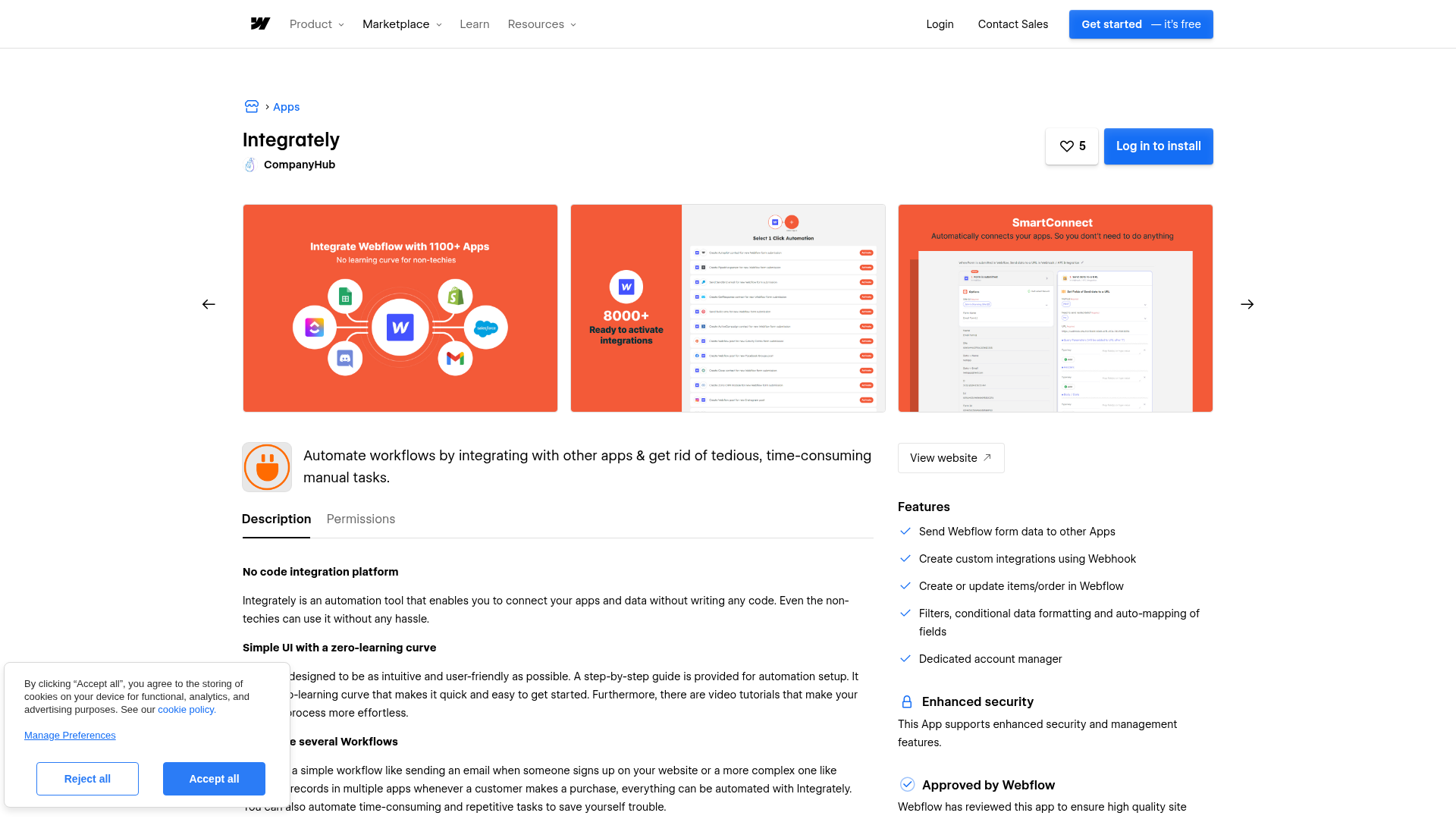
Five instant webhook-based triggers are available for Webflow:
- Form is submitted in Webflow: Routes form field data to CRMs, email platforms, spreadsheets, or notification apps.
- Collection item is created in Webflow: Fires when a new item appears in any Webflow CMS collection.
- Collection item is updated in Webflow: Detects changes to existing CMS items for syncing to external databases.
- Order is created in Webflow: Triggers fulfillment, notification, or record-keeping workflows for new e-commerce orders.
- Order is updated in Webflow: Fires on order status changes for shipping updates or customer communication.
All five triggers require Integrately's Starter plan or above. The Free plan does not support webhooks and cannot use any Webflow trigger.
To set up a form-to-app automation:
- Log in at integrately.com and search for Webflow in the app search bar
- Browse templates with "New Webflow Form Submission" as the trigger, or start a custom workflow
- Click Activate on the matching template — for example, "Create row in Google Sheets for new Webflow form submission"
- Click Connect Account for Webflow and follow the authentication prompts
- Select the target Webflow site from the dropdown
- Connect the destination app and map form fields using Integrately's field-mapping interface
- Submit a test form entry on the live Webflow site to verify data arrives
- Turn the automation on
Each Webflow form field uses its name attribute as the key in the webhook payload. Changing a field's visible label in Webflow does not change its name. If you edit the name attribute later, review your existing field mappings in Integrately and retest the automation.
Integrately also lists pre-built multi-step templates that chain multiple actions from a single Webflow trigger — for example, routing a form submission through an email verification step before adding the contact to HubSpot. Templates with branching and conditional routing require Integrately's Professional plan or above.
Add Integrately components with Code Embed elements
Code Embed elements let you place Integrately embed widgets on specific Webflow pages. Use this method when you want to surface an Integrately interface directly on a page rather than running a background data sync.
To embed on a specific page:
- Go to integrately.com/embed and configure the widget settings
- Copy the generated code snippet
- In Webflow, open the target page and drag a Code Embed element onto the canvas from the Add panel
- Paste the snippet into the code editor, then click Save & Close
- Publish the site to make the embed live
For site-wide placement, add the snippet through custom code in the head or body: go to Site Settings → Custom Code and paste the Integrately snippet into the footer code field. This loads the widget across all pages.
Both methods require publishing the Webflow site before changes appear to visitors, making this approach best suited to front-end embed use cases rather than background data sync. Code Embed requires a paid Webflow site plan.
Build with the Webflow and Integrately APIs
Direct integration using the Webflow API and Integrately's Webhook/API app handles workflows that go beyond Integrately's five pre-built Webflow triggers. This path requires developer resources but gives you full control over how the two platforms exchange data.
Webflow's API v2 uses bearer token authentication. All requests include an Authorization: Bearer <token> header. Three token types are supported: site tokens (scoped to a specific site, generated from the Site Dashboard), workspace tokens (Enterprise-only), and OAuth tokens (for integrations spanning multiple sites or requiring user-specific access).
Key API capabilities relevant to Integrately workflows:
- Create CMS collection items with
POST /v2/collections/{collection_id}/items— requirescms:writescope - Register webhooks with
POST /v2/sites/{site_id}/webhooks— supports 15+ event types includingform_submission,collection_item_created,ecomm_new_order,page_created, andsite_publish - List and manage e-commerce orders through the ecommerce endpoints — requires
ecommerce:readscope
Webflow's webhook events extend beyond what Integrately surfaces natively. Events like collection_item_deleted, collection_item_published, ecomm_inventory_changed, and site_publish can be routed to Integrately's Webhook/API app by using a generated webhook URL as the destination endpoint.
Write CMS items from external apps
Items created through the Webflow API default to draft status — they will not appear on the live site until a separate publish step runs. The site publish endpoint is limited to one publish per minute, so workflows that create and immediately publish individual items will hit this limit quickly when processing more than one item at a time. Batch items and publish once where possible.
CMS plan sites support up to 2,000 items across up to 20 collections. Business plan sites support up to 10,000 items across up to 40 collections. Any create action that exceeds the plan's item cap returns an API error.
Send custom HTTP requests from Integrately to Webflow
Integrately's Webhook/API app supports outbound HTTP requests using GET, POST, PUT, PATCH, DELETE, HEAD, and OPTIONS methods, so you can call any Webflow API v2 endpoint directly from an Integrately workflow step.
For example: trigger an automation from an external CRM event, use Integrately's Webhook/API app to send a PATCH request to https://api.webflow.com/v2/collections/{collection_id}/items/{item_id} with updated fieldData, and update a Webflow CMS item without touching the Webflow dashboard. Include the bearer token in the Authorization header and set Content-Type to application/json.
Webflow delivers all webhook payloads as HTTP POST with Content-Type: application/json, including x-webflow-timestamp and x-webflow-signature (HMAC SHA-256) headers for verification. Capture a test payload from your specific collection before building field mappings, since fieldData keys vary between collections.
What you can build with Integrately Webflow integration
Integrating Integrately with Webflow lets you automate data routing between your site and external tools without manual exports or custom backend code.
- Lead capture with CRM routing: Route Webflow contact form submissions into HubSpot deals, Salesforce leads, or GoHighLevel contacts — with field mapping for name, email, phone, and custom properties running automatically on every submission.
- E-commerce order processing: Trigger fulfillment and notification workflows when a Webflow store receives a new order, routing order data to a Google Sheet for record-keeping, a Slack channel for team alerts, or a CRM for post-purchase outreach.
- CMS content sync: Push new or updated Webflow CMS items to Airtable, Google Sheets, or other databases automatically, keeping external records in sync without manual exports.
- AI-assisted content from CMS updates: Send updated CMS item content to OpenAI for processing — generating summaries, translations, or social copy — and deliver the result via email or write it back to another collection.
For workflows that require webhook events beyond Integrately's five built-in triggers, the Webflow webhook reference documents 15+ event types that can be routed through Integrately's Webhook/API app.
Frequently asked questions
Five instant webhook-based triggers are available: form submission, collection item created, collection item updated, order created, and order updated. All five fire in real time when the event occurs on a published Webflow site. Webflow's API also supports additional events, like
collection_item_deleted,site_publish, andpage_created, that are not named Integrately triggers but can be routed through Integrately's Webhook/API app.Yes. The Integrately app is available in the Webflow Apps Marketplace. Install it directly from the marketplace or establish the connection by authenticating a Webflow account in Integrately's dashboard.
No. All five Webflow triggers are webhook-based, and the Free plan does not support webhooks. The minimum plan for any Webflow trigger is Integrately's Starter plan. The Free plan is limited to 100 tasks per month, 5 automations, and 15-minute polling intervals — none of which apply to Webflow's instant triggers.
Items created through the Webflow API default to draft status. A separate publish step is required to make them visible. Non-Enterprise Webflow plans also have a CDN cache duration of up to 300 seconds, so even published items may take up to five minutes to appear. Use the bulk publish endpoint to publish multiple items in one request where possible.
A CMS plan or higher is required. The CMS plan supports 2,000 items and 20 collections; the Business plan supports 10,000 items and 40 collections. The Basic plan has no CMS features. All CMS API operations will fail on a Basic plan site. On the Integrately side, workflows with conditional branching require the Professional plan or above.
Description
Connects Webflow forms, CMS items, and orders to 1,500+ apps through Integrately's account-based automation platform and webhook triggers.
This integration page is provided for informational and convenience purposes only.

Vault Vision User Authentication
Connect Vault Vision with Webflow to add passwordless login, social sign-in, and per-page access control to any Webflow site without backend code.
ScheduleFlow
Connect ScheduleFlow to Webflow to schedule site and CMS publishes at specific dates and times.
Auth0
Connect Auth0, an identity and access management platform, with Webflow to add login, signup, and content gating to static sites through the SPA SDK, Lock widget, automation platforms, or direct API integration.
Neon
Connect Neon, a serverless Postgres database, with Webflow to store, query, and sync relational data that exceeds what the Webflow CMS supports natively.
Slater
Connect Slater with Webflow to write, test, and deploy custom JavaScript through an AI-assisted editor with staging environments and version history — without a full site publish for every change.
Relay.app
Connect Relay.app with Webflow to automate form processing, CMS updates, and e-commerce order management using workflows with AI steps and human approval checkpoints.
Sass
Write and compile Sass directly in Webflow with live preview, code autocompletion, and minified CSS output using the free Sass app.
Pipedream
Connect Pipedream, a serverless workflow automation platform, with Webflow to automate CMS updates, process form submissions, and sync data across thousands of apps using event-driven workflows.
MeldAPI
Connect MeldAPI, a no-code data sync platform, with Webflow to automate CMS data synchronization between external applications and your Webflow site.
Related integrations
Get started for free
Try Webflow for as long as you like with our free Starter plan. Purchase a paid Site plan to publish, host, and unlock additional features.
