






Shopyflow
Connect Shopyflow, a Shopify-to-Webflow bridge, with Webflow to build custom Shopify storefronts using visual design tools.

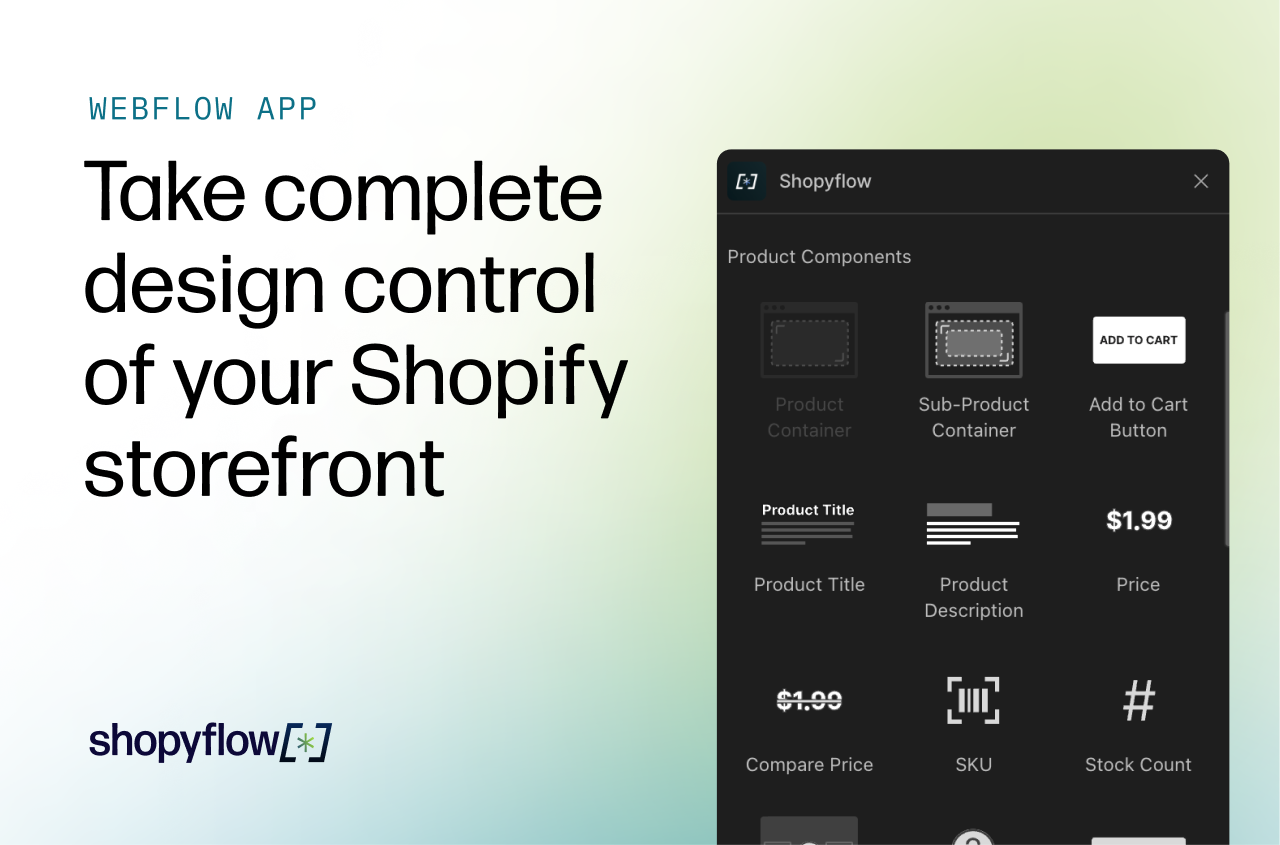
What is Shopyflow: Shopyflow is a no-code integration tool that connects Shopify (backend) with Webflow (frontend), allowing users to build fully customized, headless e-commerce stores. It syncs product data into Webflow CMS collections in real time, provides dozens of pre-built e-commerce components, and handles customer accounts and cart logic.
Shopify manages inventory, orders, and payments, while checkout redirects to Shopify's hosted checkout page to ensure PCI compliance.
How to integrate Shopyflow with Webflow
Shopyflow lets you run a Shopify-powered store through Webflow's visual design environment. Product data syncs automatically from Shopify into Webflow CMS collections. Design product pages, shopping carts, and account flows in Webflow while Shopify handles transactions and inventory.
Here’s the easiest Shopyflow Webflow integration in 4 steps:
- Install the Shopyflow app to handle setup, script injection, and data sync
- Add e-commerce functionality using Shopyflow attributes and components
- Embed third-party Shopify apps for reviews and sizing
- Use the JavaScript API for custom cart behavior, or connect Webflow webhooks for external integrations.
These methods are independent, and most stores use multiple. Let’s dive in!
Install the Shopyflow app
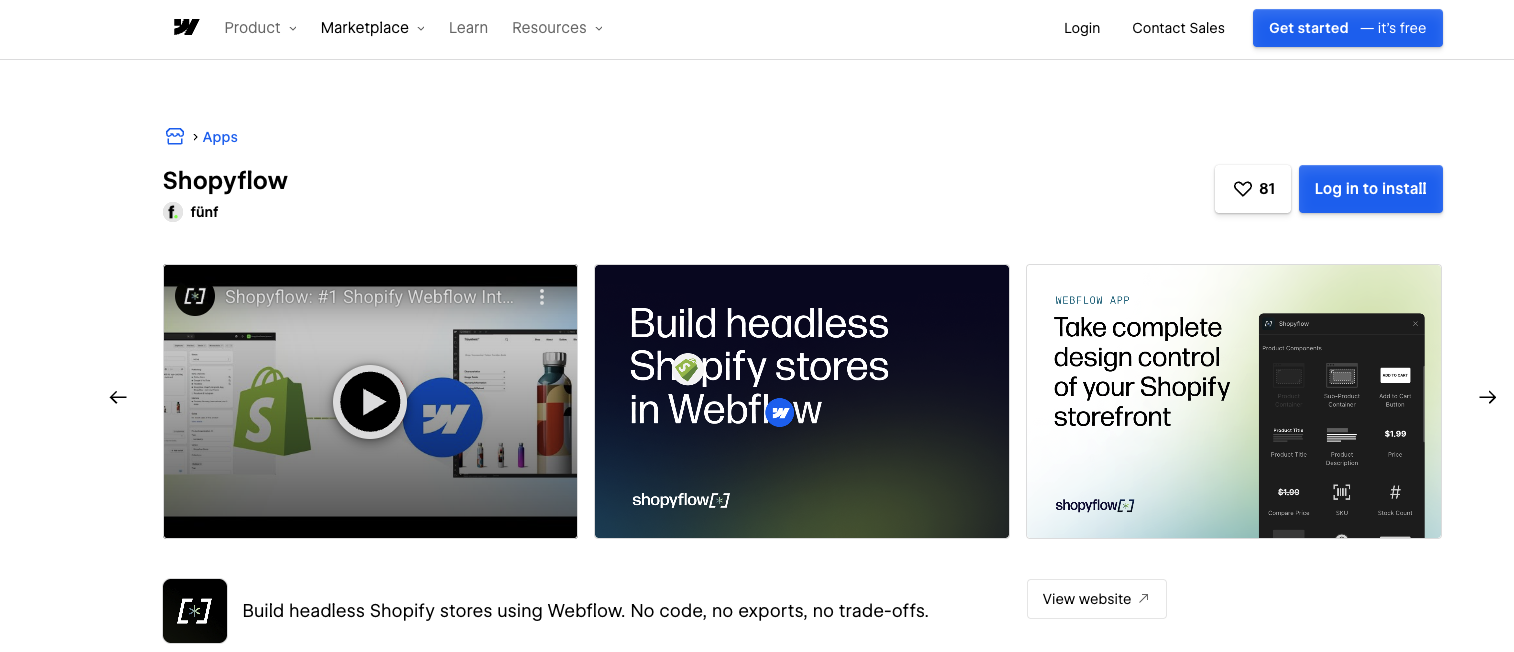
Install the Shopyflow app from the Webflow Apps Marketplace. The app auto-injects all required scripts and enables Shopify data sync, no manual code pasting.
To set up the integration:
- Install the Shopyflow Shopify App through your Shopify Admin
- Authorize your Webflow site in the Shopyflow dashboard
- Install the Shopyflow Webflow App (auto-injects scripts)
- Import Shopify data into Webflow CMS collections
Data synced: Shopyflow syncs the following data from Shopify: products, variants, collections, tags, vendors, product types, and metafields. Sync runs in real time: add products in Shopify, and they appear in Webflow CMS automatically.
Permissions required: The app requires read/write access to site data, CMS data, custom code, page data, Designer workflow, authorized user info, and Ecommerce store data.
A preconfigured Relume starter theme is available, with Shopyflow components and CMS collections prestructured.
Apply Shopyflow attributes and components (the standard no-code path)
With Shopify integration, apply sf- prefixed custom attributes to standard Webflow elements. Shopyflow binds Shopify Storefront API data automatically, no JavaScript needed.
The core sf- attributes include:
- sf-add-to-cart: Add-to-cart buttons on any Webflow button element
- sf-cart: Shopping cart containers displaying contents, quantities, and totals
- sf-product: Product data binding for titles, descriptions, images, and pricing
- sf-filter: Dynamic filtering by variant options, tags, and metafields
- sf-change-currency: Currency selectors for multi-currency support (on Select elements)
Customer accounts use dedicated page components for login, signup, and order history — not a single attribute, but a system of page templates.
All styling happens through Webflow's standard tools. Components render only on published sites, not in Webflow preview.
Embed third-party Shopify apps (optional add-ons)
Shopyflow supports embedding select Shopify apps (Okendo, Judge.me, True Fit) into your Webflow storefront. These integrations use the third-party apps' own widget attributes with product data sourced from Webflow CMS fields that Shopyflow populates.
For example, to add Okendo reviews: add the Okendo widget script and use Okendo's data-oke-reviews-product-id attribute, connecting it to the CMS product ID field that Shopyflow syncs.
Extend with the JavaScript API (for custom cart behavior)
Shopyflow exposes client-side JavaScript methods through window.Shopyflow for custom cart flows and dynamic interfaces.
The available methods include:
- fetchNew(): Load products dynamically for infinite scroll or filtering
- addToCart({ lineItems, useShopifyId, getNewCart }): Add variants to cart programmatically
- updateCartAttributes(attributes): Modify cart metadata like gift messages
- setCurrency(countryCode): Switch store currency by country code (e.g., 'US' for USD, 'DE' for EUR)
- applyDiscountCode(discountCodes): Apply discount codes to the active cart
Add custom JavaScript via Webflow's custom code embed or site-level injection.
Connect Webflow webhooks for CMS sync (for external data routing)
When Shopyflow syncs product data, Webflow's webhook system fires collection_item_created and collection_item_changed events. Route these to external systems to keep them in sync automatically without manual intervention.
The most common use cases are pushing updated product data to a search index like Algolia (so search results stay current without a manual reindex), triggering a rebuild in a connected analytics pipeline when catalog data changes, or syncing to an external database when product or inventory data in Shopify changes.
This approach requires developer resources. It's not a no-code path.
What you can build with Shopyflow Webflow integration
Integrate Shopyflow with Webflow to design and ship custom Shopify storefronts with visual control over every page.
Here’s what's possible:
- Custom product pages: Build product detail pages with interactive galleries, variant pickers, and upsell modules; styled in Webflow, powered by Shopify data.
- Multi-currency storefronts: Create localized shopping experiences with region-specific payment methods, automatic currency conversion, and localized content synced from Shopify.
- Fashion catalogs with filtering: Manage product collections with predictive search, dynamic filters by variant options and tags, and CMS-driven product grids. Note: Stores with many variants may quickly reach Webflow CMS item limits; each variant creates a separate CMS item.
- Digital product storefronts: Sell digital products with real-time inventory updates from Shopify and automatic checkout delivery.
Frequently asked questions
Customers browse and shop on your Webflow-designed storefront, then redirect to Shopify's checkout page when ready to pay. This keeps payment processing on Shopify's PCI-compliant infrastructure. You can customize checkout appearance with your branding through Shopify's checkout settings. All payment methods configured in your Shopify store are automatically enabled. Product discounts, order discounts, and promotional codes apply automatically at checkout without additional configuration.
Webflow CMS item limits affect how many products you can sync. CMS hosting plans allow up to 2,000 collection items per project, while Business hosting plans allow up to 10,000. Since Shopyflow creates a separate CMS item for each product variant, stores with extensive variations consume limits faster. A catalog of 500 products averaging 10 variants each would require 5,000 CMS items. Shopyflow recommends the integration for stores with hundreds to a few thousand products and suggests monitoring CMS item counts before importing large catalogs.
Backend apps for inventory management, fulfillment, and shipping work automatically since they operate on Shopify's side. Marketing and analytics apps, including Klaviyo and Google Tag Manager, also work out of the box. Frontend apps such as reviews and wishlists may require assistance with integration from Shopyflow's support team. Contact support before implementing frontend apps that modify the storefront experience, as apps that rely on Shopify's Liquid templating may require custom workarounds or may not be fully compatible with the Webflow integration.
No. Shopyflow works with standard Webflow site plans. You need an active Shopify store on the Shopify side.
Description
Shopyflow connects Shopify's commerce backend with Webflow's design capabilities. It offers automatic product data synchronization, pre-built e-commerce components, and a JavaScript API to help businesses build custom storefronts while Shopify handles payments, inventory, and order management.
This integration page is provided for informational and convenience purposes only.

Squarespace Domains
Connect Squarespace, an all-in-one website builder, with Webflow through embed codes for scheduling widgets and product displays, or custom API development for data synchronization.

SimpleFunnel
Collect one time, recurring payments and sell your product, accept payments directly into Stripe.

Simple Subscriptions for Webflow Shops by Monto
Easily turn any Webflow Product into a Subscription Product! Totally free to try :)

Shippo
Connect Shippo's multi-carrier shipping platform with Webflow to automate order fulfillment, generate shipping labels across 85+ carriers, and sync tracking updates. Reduce shipping costs by up to 89% while streamlining your e-commerce operations.

Shoprocket
Connect Shoprocket (embeddable e-commerce platform) with Webflow to add shopping cart functionality, digital product delivery, and secure checkout to your existing site without coding.

SendOwl
Connect SendOwl, a secure digital commerce platform, with Webflow to sell digital products, courses, and memberships seamlessly using built-in payment processing and automated delivery.

Reviews for Webflow Shops by Monto
Connect Monto with Webflow to get review management infrastructure for Webflow sites via marketplace app, third-party apps, code embeds, and APIs.

Printful
Connect Printful's print-on-demand fulfillment with Webflow to create custom merchandise stores without inventory. Automate product syncing, order fulfillment, and shipping while maintaining complete design control over your storefront.

Pico MES
Display manufacturing data and sync production metrics by connecting Pico with Webflow using APIs or embeds.
Related integrations
Get started for free
Try Webflow for as long as you like with our free Starter plan. Purchase a paid Site plan to publish, host, and unlock additional features.
