






Updates
See the latest Webflow feature releases, product improvements, and bug fixes.
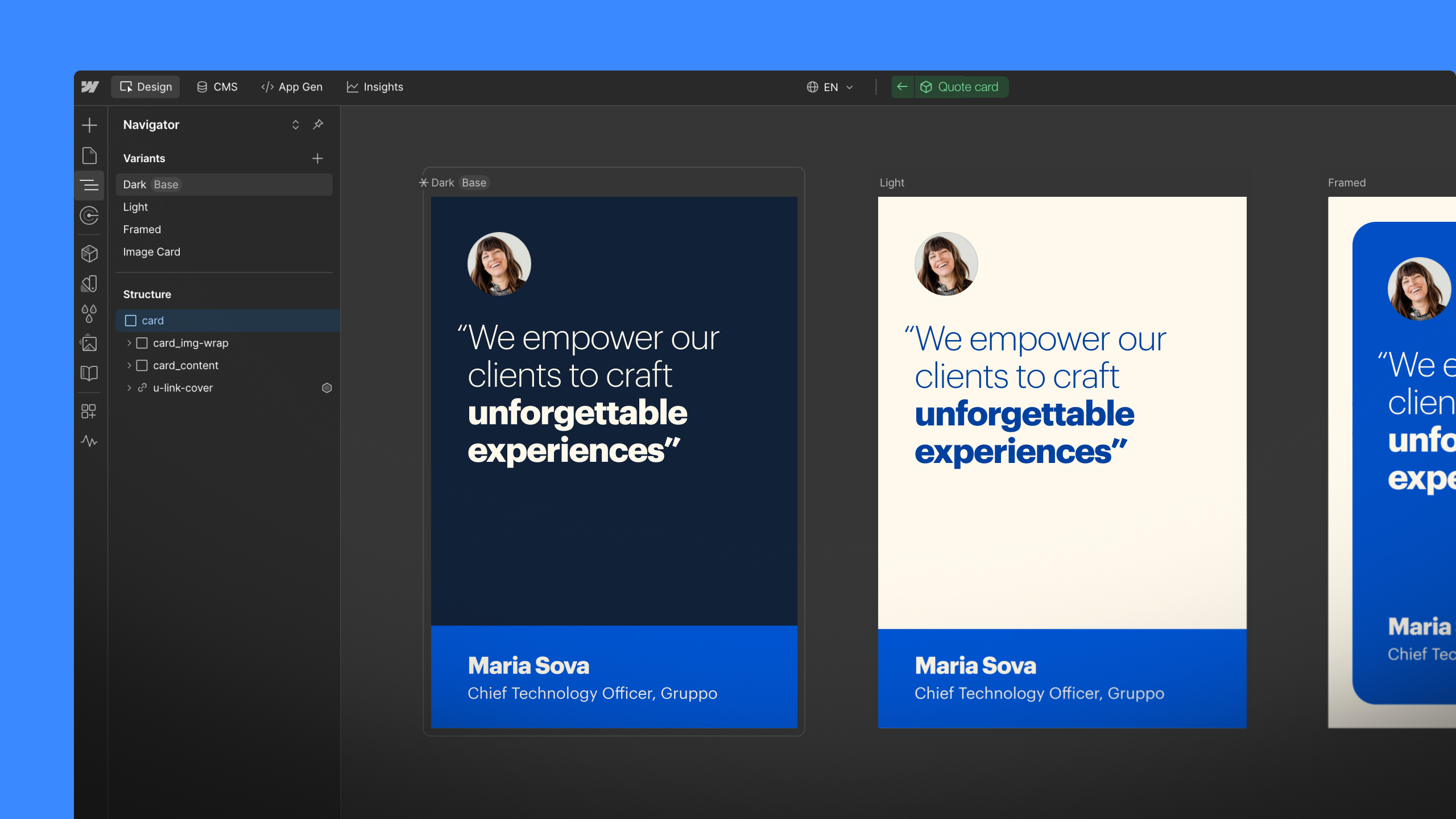
Feature
Designer
Component Canvas is now available
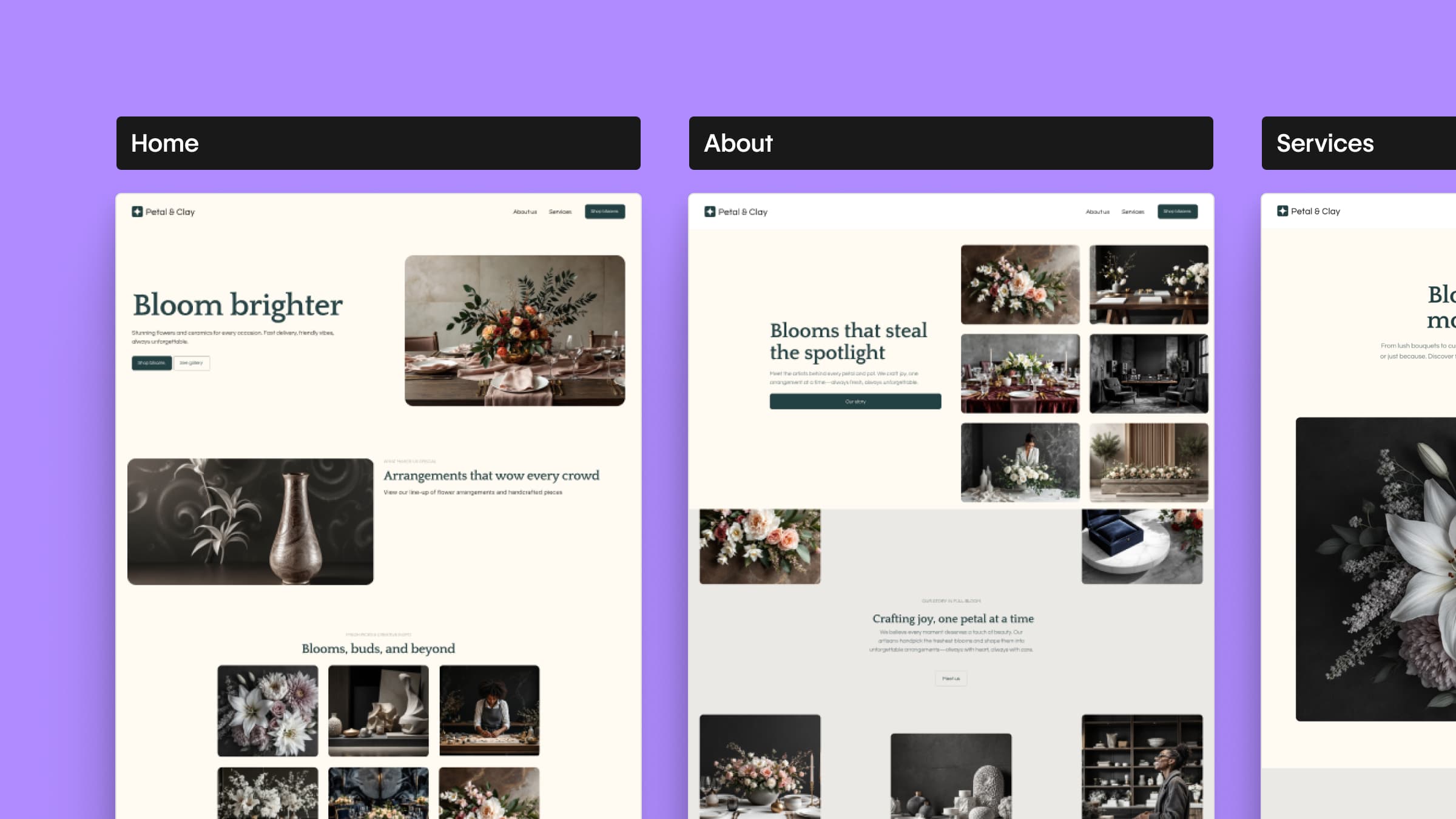

Feature
CMS
Import CSV content to the Webflow CMS

Now you can add items to a Collection directly from a CSV. So now migrating sites from another platform to Webflow is easier than ever.
Enhancement
CMS
Publish individual CMS items from the API
If you’re working with the CMS API, you can now publish items individually — without publishing your entire site.
Update
Layout & design
Updated flexbox UI
We made a few tweaks to flexbox UI in the Styles panel that should make using flexbox simpler and more intuitive.
Enhancement
Lighter Webflow.js file
Starting now, your sites' Webflow.js files will only include the JavaScript you need for your components and interactions, so your sites will load that much faster.
Update
Designer
No more Google Maps preview in the Designer
Due to a new Google Maps policy, you’ll now see a generic map in the Designer when you use the Map element. But don’t worry: the real map will still display on your published site.
Enhancement
Integrations
Create webhooks from Project Settings
Since December, you’ve been able to create your own webhooks using the CMS API. Now you can create them in your Project Settings too, under the Integrations tab.


