






Updates
See the latest Webflow feature releases, product improvements, and bug fixes.
Feature
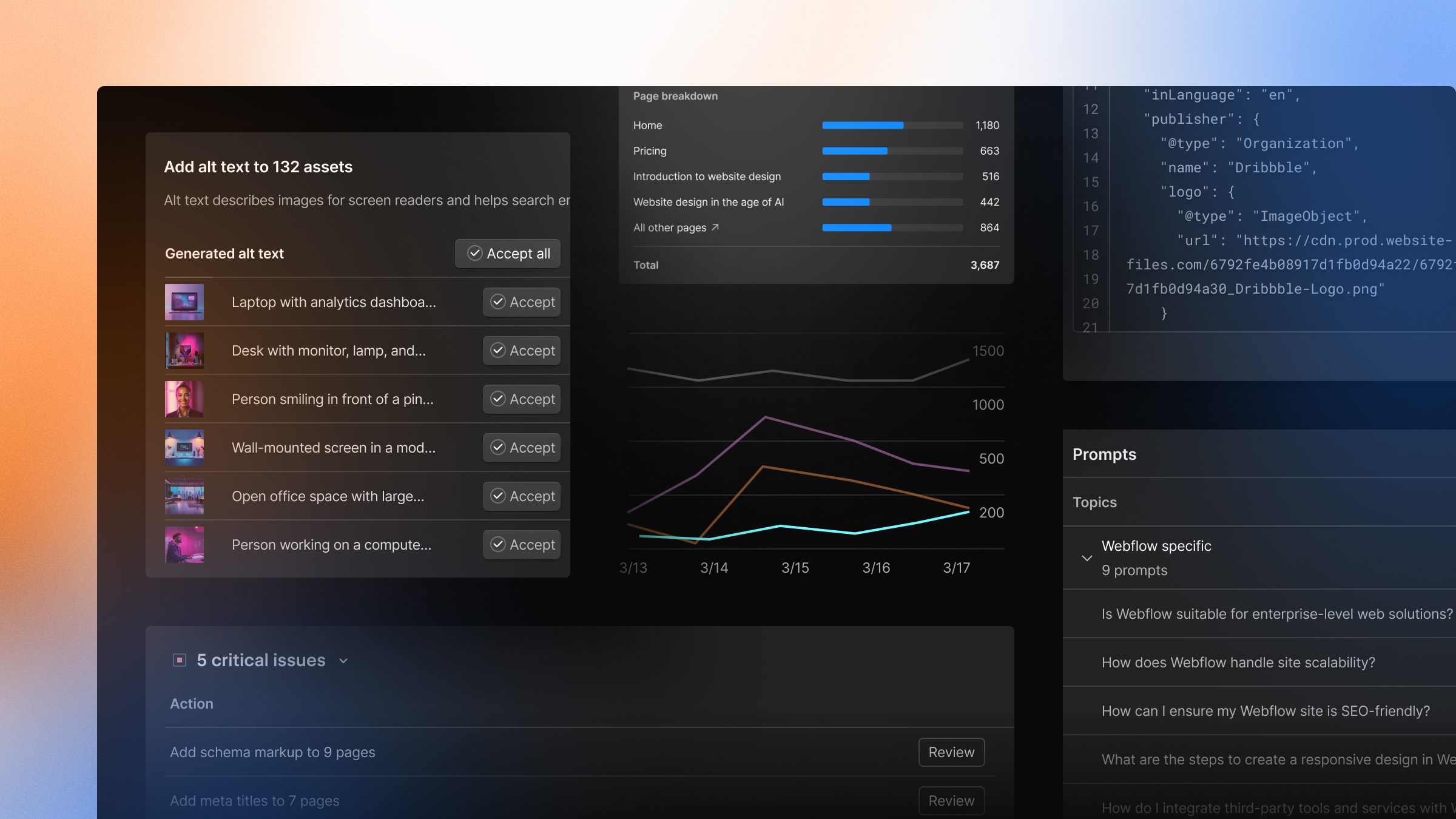
AEO
Webflow AEO: coming soon for Enterprise
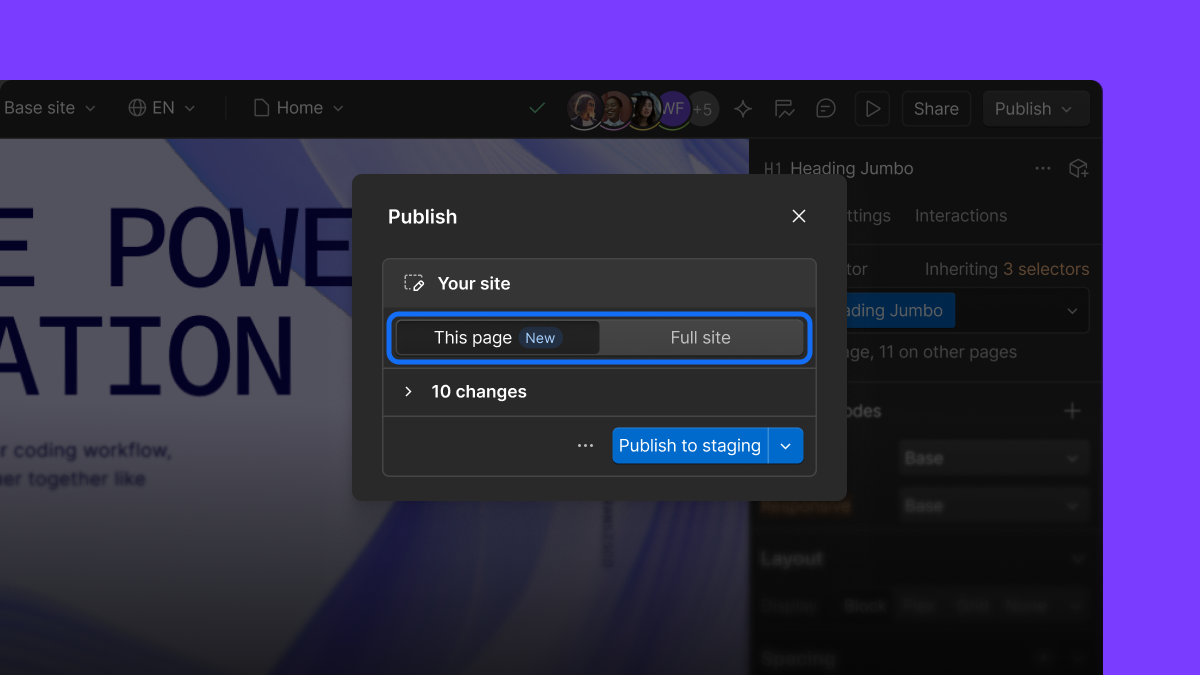

Ever tried to create a draft in the Editor without all the required content, only to be told you can't? Well, that's no longer a problem. As of today, you can create drafts with all the missing content you want, as long as it has a Name. Makes sense, right?
Bug Fix
Layout & design
Bug fix: Use all the ácçêñts!
We noticed some of you were having issues adding accents to your text and rich text elements, so we fixed that. Now you can use all the ácçêñts again!
Feature
Integrations
Google Domains in Webflow
Need a custom domain for your website? Now you can buy one directly within Webflow, thanks to our friends at Google Domains. No need to mess with DNS, CNAMES, A-Records, or any of that technical stuff.
Feature
Designer
CSS filters
Create beautiful effects by adding one or more of 8 CSS filters to any element of your Webflow websites inside the Designer.
Bug Fix
Interactions
Renaming classes no longer breaks your interactions
If you've ever created an interaction with Webflow, then had to change the class name of an element that interaction affected, you might've had a nasty surprise: a broken interaction.
So we fixed that: from now on, when you change a class name, any related interactions will update automatically. So long, broken interactions!
To date, creating and updating SEO, Open Graph, and RSS settings has been a designer’s job—insofar as you can only manage those key settings inside the Webflow Designer.
Today, we’re happy to say that’s no longer the case.
Because now you can access SEO, Open Graph, and RSS settings for all your static pages, Collections, and Collection items—right inside the Editor.

