






Letterdrop
Connect Letterdrop to Webflow to publish, manage, and track B2B blog content directly from a collaborative content platform.

Webflow's native CMS handles structured content well. What it does not do is give content marketers a collaborative editor, approval workflows, or SEO tooling. Teams end up writing in Google Docs, copying into Webflow, and reformatting rich text manually. Version history disappears in the handoff. And there is no built-in way to know whether a published post ever contributed to pipeline or closed revenue.
Letterdrop fills that gap. Connecting it to Webflow adds a content operations layer on top of Webflow's CMS collections. Teams write, review, and run SEO checks inside Letterdrop, then publish directly to Webflow without copy-pasting. Custom field mapping keeps metadata consistent. A tracker script ties page visits to CRM records for revenue attribution across long B2B buying cycles.
This integration suits B2B SaaS marketing teams, content operations managers, and SEO specialists running blogs on Webflow, particularly those who need to connect content performance to pipeline data without routing every publish through a developer.
How to integrate Letterdrop with Webflow
What is Letterdrop? Letterdrop is a B2B content marketing and SEO platform that acts as a headless content layer for Webflow, WordPress, and HubSpot sites. It provides collaborative editing, AI-assisted SEO analysis, and buyer journey attribution. Documented customers include Gorgias, Close, Descript, Ramp, Census, and Scribe.
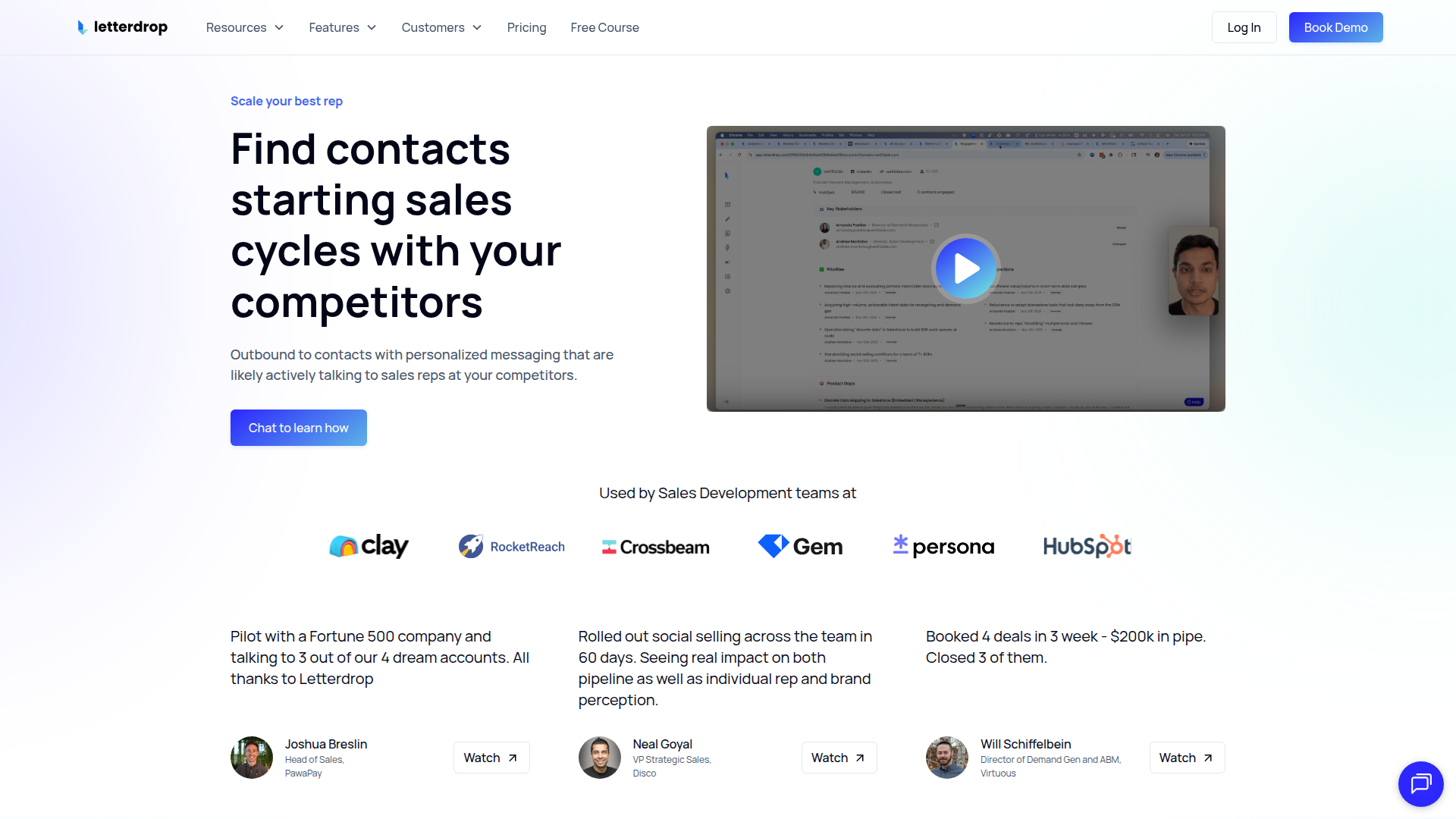
Marketing teams use Letterdrop and Webflow together when they need more than a CMS editor — specifically when they want to run approval workflows, build SEO-reviewed content, and track which posts drive pipeline without switching between tools.
The Letterdrop-Webflow integration supports three approaches:
- The Letterdrop app handles CMS publishing, field mapping, content import, and SEO checks through a native Webflow Marketplace integration.
- Zapier automates content sync between Letterdrop and Webflow CMS collections using triggers and actions in a visual workflow builder.
- The Webflow CMS API supports custom publishing workflows, bulk content operations, and programmatic CMS management for teams that need more control than the app provides.
Most teams start with the Letterdrop app and reach for Zapier or API calls only for workflows the app does not cover.
Use the Letterdrop app
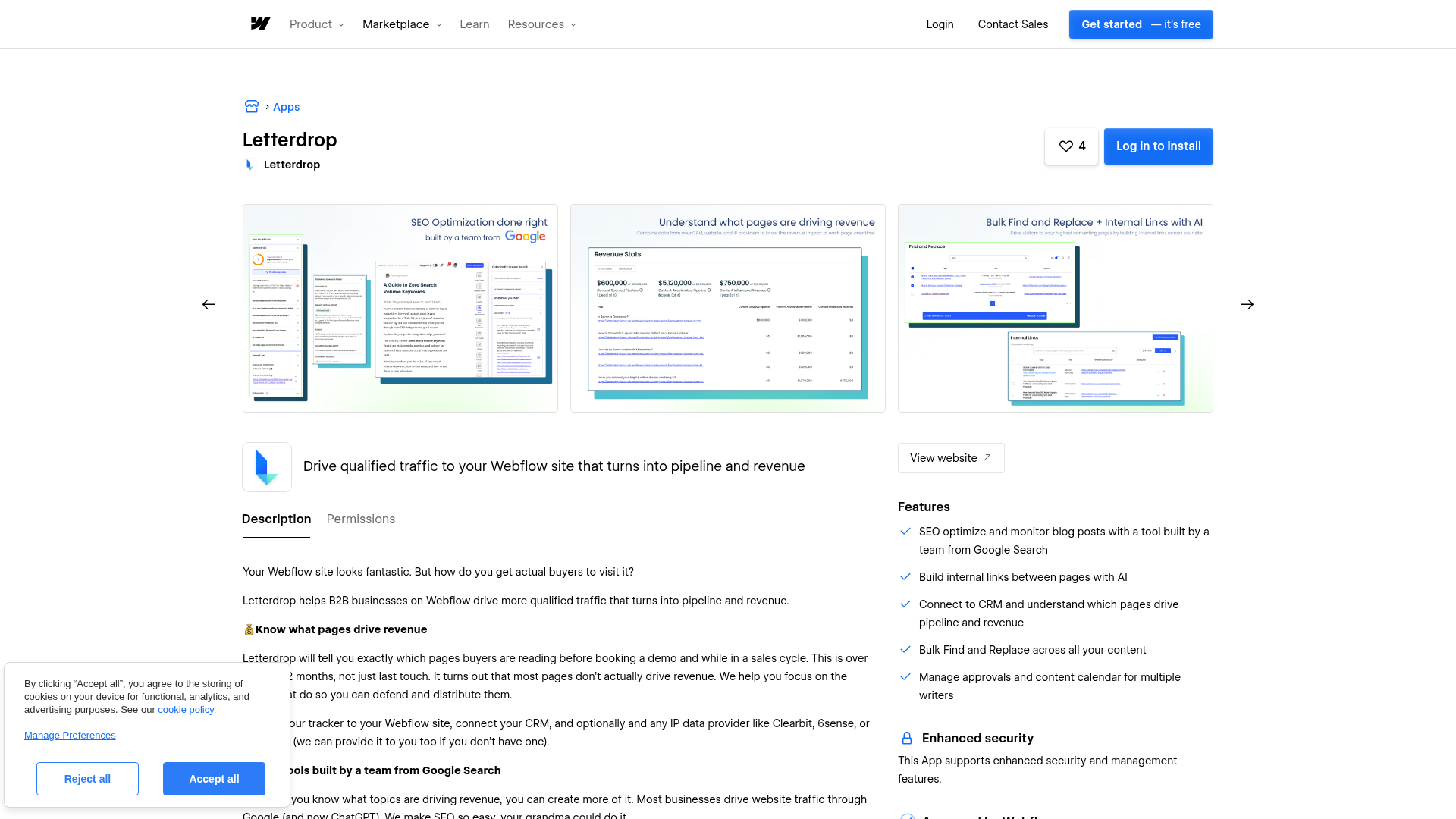
The Letterdrop app in the Webflow Apps Marketplace is the primary integration method. It connects Letterdrop to Webflow CMS collections and handles the full content publishing workflow without code.
To set up the integration:
- Install the Letterdrop app from the Webflow Apps Marketplace
- Authorize the app by connecting your Letterdrop account to your Webflow site
- Select the CMS collections Letterdrop will publish to
- Map fields between Letterdrop and Webflow — SEO titles, meta descriptions, OG images, canonical URLs, and slugs
Once connected, the app supports the following:
- Publish content from Letterdrop's editor directly to Webflow CMS collections without copy-pasting
- Map custom fields between Letterdrop and Webflow, keeping metadata consistent across both platforms
- Import existing Webflow CMS content into Letterdrop for collaboration, SEO review, and republishing
- Add tables, reusable embeds, and CTAs to Webflow posts without writing code
- Run automated SEO checks, bulk find-and-replace, and internal link building across CMS items before publishing
- Manage writer permissions, approval workflows, and a content calendar in one place
A Webflow CMS site plan (2,000 items) is the minimum plan required. The Basic plan does not include CMS functionality and cannot support Letterdrop content sync. For higher-volume blogs, the Business plan supports up to 10,000 CMS items across 40 collections.
Install the Letterdrop tracker
The Letterdrop setup workflow includes a step to install a tracker script for revenue attribution. The tracker connects Webflow page visits to CRM records and integrates with Clearbit, 6sense, and ZoomInfo for IP-based visitor identification, tying content engagement to known accounts over 12-month buyer journeys.
Whether the tracker installs automatically through the app or requires manual insertion via Webflow's custom code settings is not specified in Letterdrop's public documentation. Contact Letterdrop support to confirm the installation method. Note that free Starter sites do not support custom code, so a paid Webflow site plan is required if manual insertion is needed.
Connect with Zapier
Zapier's Letterdrop-Webflow integration provides a no-code automation path for event-driven content sync. Letterdrop triggers fire when content events occur, and Webflow actions create or update CMS items in response.
This method works best for teams that need conditional logic, multi-step workflows, or chains that connect Letterdrop and Webflow with other tools like Slack or email. Letterdrop confirms native Zapier integration support in its official FAQ.
Common automation patterns include:
- Triggering a Webflow CMS item creation when a new post publishes in Letterdrop
- Syncing content updates from Letterdrop to existing Webflow CMS items
- Sending a Slack message or email when Letterdrop publishes to Webflow
- Routing account monitoring posts from Letterdrop into draft CMS items for review
Zapier handles authentication and field mapping through its visual builder — no Webflow API tokens or custom code required. A separate Zapier subscription is needed, and complex field mapping may require a paid Zapier tier.
Build with the Webflow CMS API
For teams that need full control over content sync logic, the Webflow CMS API (v2) supports programmatic item creation, updates, publishing, and deletion. Letterdrop confirms it has an API and webhooks in its FAQ, though documentation is not publicly available — contact Letterdrop directly to request access before starting development. The Webflow side is fully documented at developers.webflow.com.
This path requires server-side development to build and maintain the middleware layer between the two platforms.
Sync blog posts from Letterdrop to Webflow CMS
The most common API pattern creates Webflow CMS items when Letterdrop publishes a post. A Letterdrop webhook fires on publish, a middleware service maps Letterdrop fields to Webflow CMS collection fields, and the service calls the Webflow CMS API to create and publish the item.
To implement this pattern:
- Request Letterdrop's webhook documentation — event names, payload schemas, and authentication details are gated behind support, not publicly listed
- Map Letterdrop post fields (title, body, slug, SEO metadata) to corresponding Webflow CMS collection fields in your middleware service
- Create CMS items with
POST /v2/collections/{collection_id}/itemsand publish them withPOST /v2/collections/{collection_id}/items/publish - Store the returned Webflow
item_idin Letterdrop or a middleware database so future updates target the correct item - Account for content delivery caching — changes may take up to five minutes to appear on non-Enterprise plans
All new integrations must use the v2 API. The v1 API was deprecated on March 31, 2025.
For image-heavy posts, upload images separately through the Webflow Assets API and reference them as <img> tags in the rich text HTML. Image handling within rich-text fields via the CMS API may require additional validation; test this early if image-heavy posts are part of the publishing workflow.
Manage content lifecycle programmatically
Beyond initial publishing, the API supports updates, unpublishing, and deletion for full content lifecycle management — useful for teams that refresh SEO content, archive outdated posts, or run scheduled rotations.
- Update SEO metadata (title, description, canonical URL) on existing items with
PATCH /v2/collections/{collection_id}/items/{item_id}when Letterdrop's SEO tools flag changes - Unpublish content by calling the explicit unpublish endpoint (
POST /v2/collections/{collection_id}/items/unpublish) — settingisDraft: truealone has not auto-unpublished live items since December 2024 - Delete items permanently with
DELETE /v2/collections/{collection_id}/items/{item_id}when content is retired - Authenticate with bearer tokens scoped to individual sites; each site supports a maximum of five tokens
- Build in idempotency handling — Webflow retries webhook delivery up to three times on non-200 responses and auto-deactivates webhooks after repeated failures
What you can build with Letterdrop Webflow integration
Integrating Letterdrop with Webflow lets you run a full B2B content operation from a single platform without switching between Google Docs, spreadsheets, and the Webflow CMS editor.
- SEO-checked blog with revenue attribution: Publish from Letterdrop's editor with automated SEO scoring and internal link building, then tie Webflow page visits to CRM records so marketing can report which posts drive demos and closed revenue.
- Bulk content refresh program: Import existing Webflow CMS posts into Letterdrop, run bulk find-and-replace across all items, fix broken internal links, and republish updated content back to Webflow without manually editing each CMS item.
- Multi-channel publishing hub: Publish a blog post to Webflow CMS collections and distribute it to social accounts simultaneously from Letterdrop's unified content calendar, with approval workflows and writer permissions managed in one place.
- Account-based content pipeline: Connect Letterdrop's CRM integrations (Clearbit, 6sense, ZoomInfo) with the Webflow tracker to surface which target accounts engage with blog content, then prioritize follow-up based on content engagement data tied to known contacts.
For workflows that go beyond the native app, the Webflow CMS API and Zapier integration provide additional automation paths.
Frequently asked questions
Yes. Letterdrop has an official listing on the Webflow Apps Marketplace. It is a third-party app built by Letterdrop that connects directly to Webflow CMS collections for content publishing, field mapping, and SEO analysis. The app is listed as SOC 2 Type II compliant.
A Webflow CMS site plan is the minimum requirement. The CMS plan supports 2,000 items; the Business plan supports up to 10,000 items across 40 collections for higher-volume blogs. The Basic plan does not include CMS functionality and cannot support content sync from Letterdrop. If the Letterdrop tracker script requires manual code insertion, a paid site plan is also necessary. The free Starter sites do not support custom code. Check Webflow's pricing page for current plan details.
Yes. The Letterdrop Webflow App handles publishing, field mapping, and content import without code. Zapier also provides a no-code alternative for event-driven automations. Neither method requires API tokens or custom development for content publishing. The Letterdrop tracker script used for CRM attribution may require manual insertion via Webflow's Custom Code settings; contact Letterdrop support to confirm before setup.
Up to five minutes on non-Enterprise plans due to content delivery caching. Enterprise plans cache for two minutes. This applies to both app-based and API-based publishing. Build this delay into any post-sync validation workflows.
Letterdrop confirms it has an API and webhooks in its official FAQ, but REST API documentation is not publicly available. Endpoint catalogs, authentication methods, rate limits, and webhook schemas are gated behind a customer or partner agreement. Contact Letterdrop support and reference the API Program Terms in their Terms of Service to request access. For the Webflow side, the full v2 API reference is at developers.webflow.com.
Description
Letterdrop connects to Webflow CMS collections for content publishing, SEO checks, and revenue attribution across B2B buyer journeys.
This integration page is provided for informational and convenience purposes only.

GetResponse
Connect GetResponse's powerful email marketing and automation tools with your Webflow site to capture leads, nurture subscribers, and drive conversions through automated campaigns.

AWeber
Integrate AWeber with Webflow to automate email marketing and grow your subscriber list. Connect website forms to email campaigns, trigger automated sequences, and segment audiences based on user behavior — all without leaving your Webflow designer.

SendPulse
Connect SendPulse's multichannel marketing automation with Webflow to capture leads, automate email campaigns, and engage visitors through pop-ups and chatbots. Streamline your marketing workflows without complex coding.

Mailchimp
Connect Mailchimp's powerful email marketing and automation platform with Webflow to capture leads, grow your audience, and automate marketing campaigns. Sync form submissions, segment subscribers, and create personalized customer journeys without complex coding.

MailerLite
Connect MailerLite's email marketing platform with Webflow to automate subscriber management, trigger targeted campaigns, and sync e-commerce data. Build powerful email workflows while maintaining complete design control over your forms and website.

Kit (formerly ConvertKit)
Connect Kit's powerful email marketing and creator monetization platform with Webflow to build subscriber forms, automate email sequences, and grow your audience. Seamlessly sync form submissions while maintaining complete design control over your marketing campaigns.

Get Response
GetResponse helps you design responsive emails to send to targeted subscriber lists.

Buttondown
Connect Buttondown's minimalist email newsletter platform with Webflow to build subscriber lists, automate welcome sequences, and manage audience engagement directly from your website. Perfect for creators and businesses prioritizing privacy and simplicity.

Beehiiv
Connect Beehiiv's newsletter platform with Webflow to capture subscribers, sync content, and monetize your audience. You can also build seamless email capture forms, automate content distribution, and track engagement.
Related integrations
Get started for free
Try Webflow for as long as you like with our free Starter plan. Purchase a paid Site plan to publish, host, and unlock additional features.
