






Enhancement
Interactions
New action types in Interactions with GSAP: Lottie & Set
Control Lottie animations and make instant, non-animated changes in your GSAP timelines with two new action types.
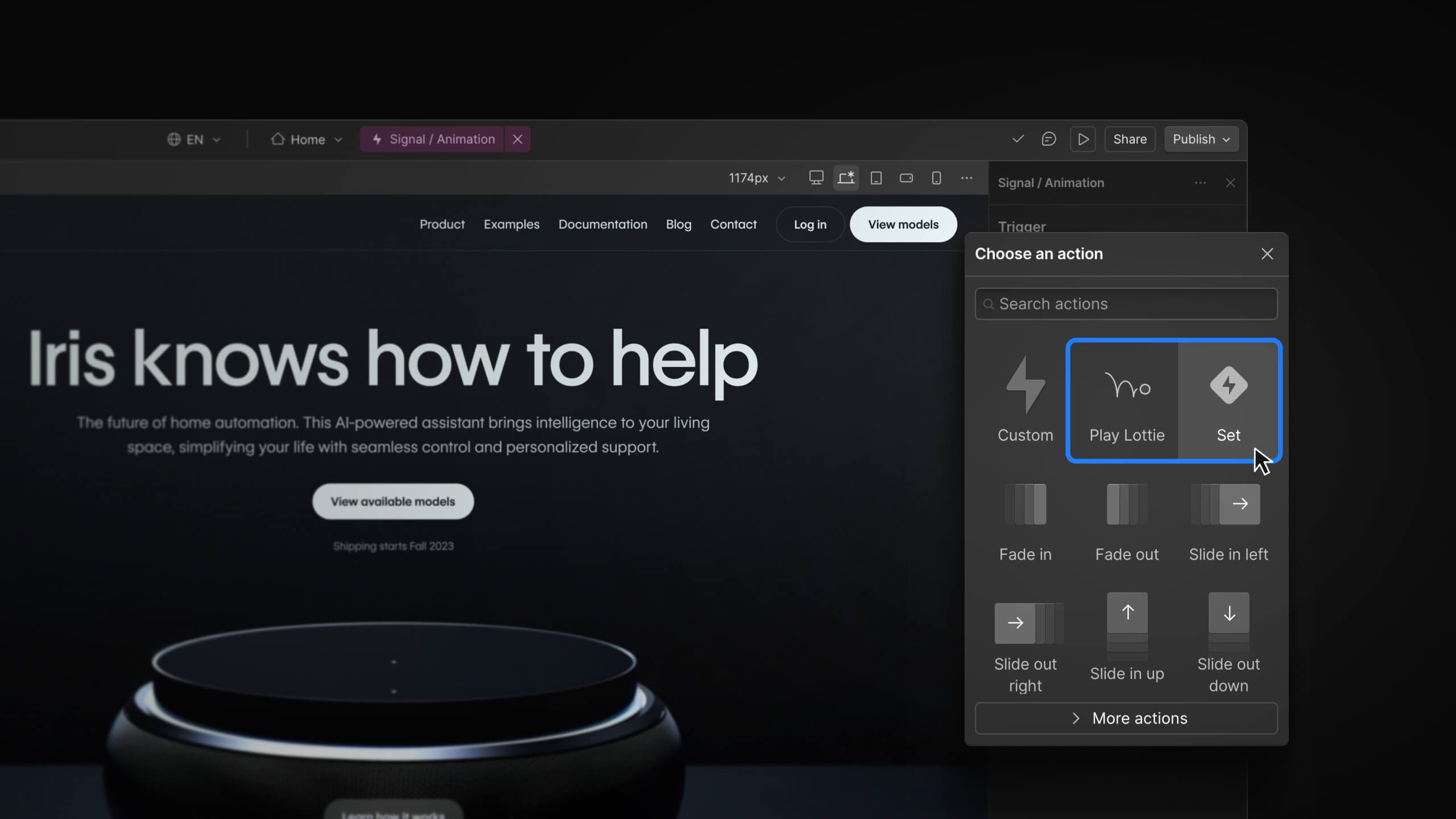
Today we’re rolling out two new actions and a targeting update to make it easier to build precise, expressive motion in your Webflow projects.
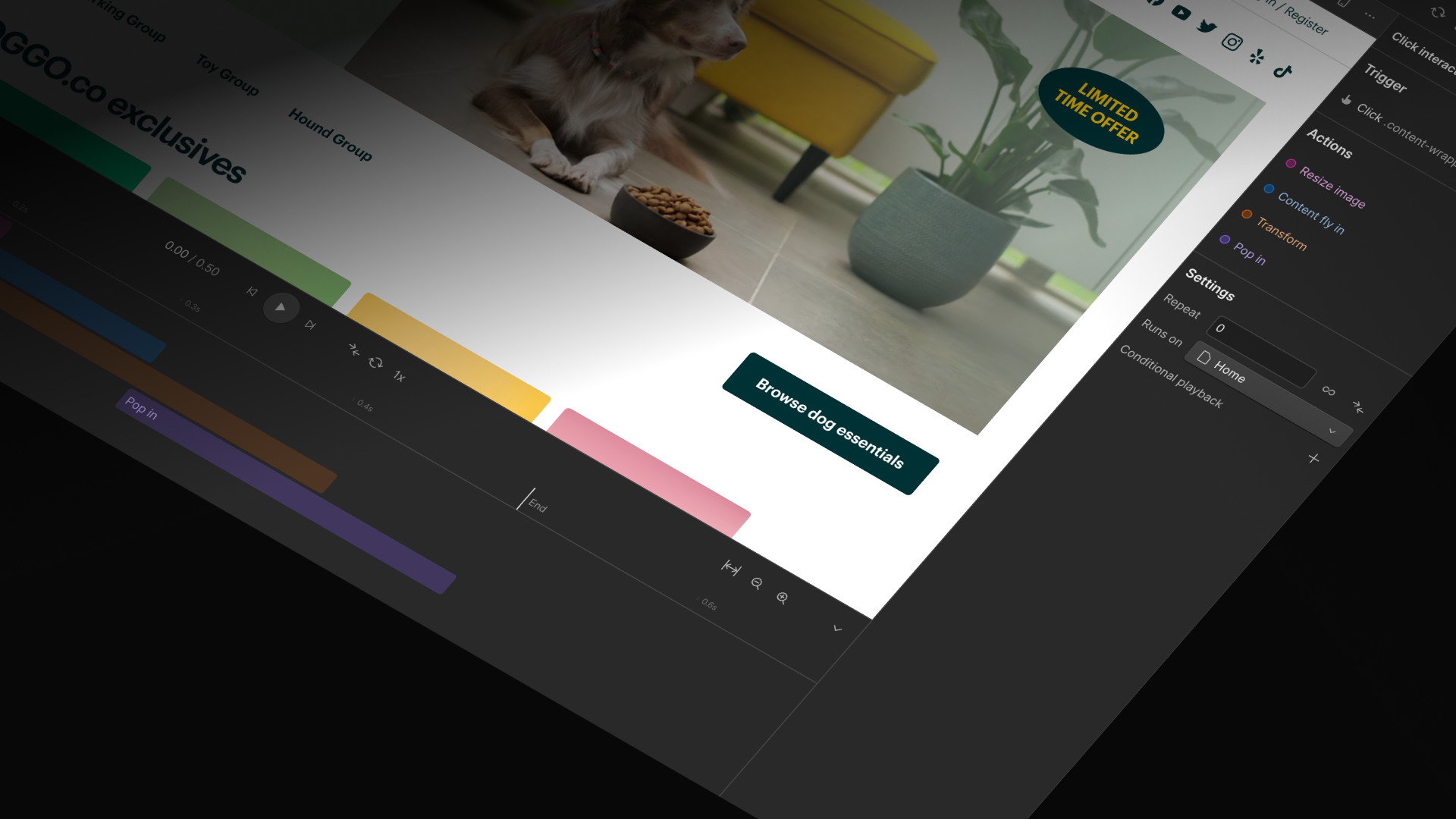
First, you can now use Lottie animations directly inside Interactions with GSAP, no workarounds or custom code required. Just drop a Lottie animation into your interaction timeline and play, pause, scrub, or trigger it exactly where you need. Whether you're crafting subtle micro-interactions or orchestrating more complex sequences, LottieFiles now fit cleanly into your animation flow.
We’re also introducing the Set action, a new way to make instant, non-animated changes right inside your GSAP-powered timelines. The Set action is perfect for those moments when you need to toggle classes, hide/show elements, and update properties that can’t be animated.
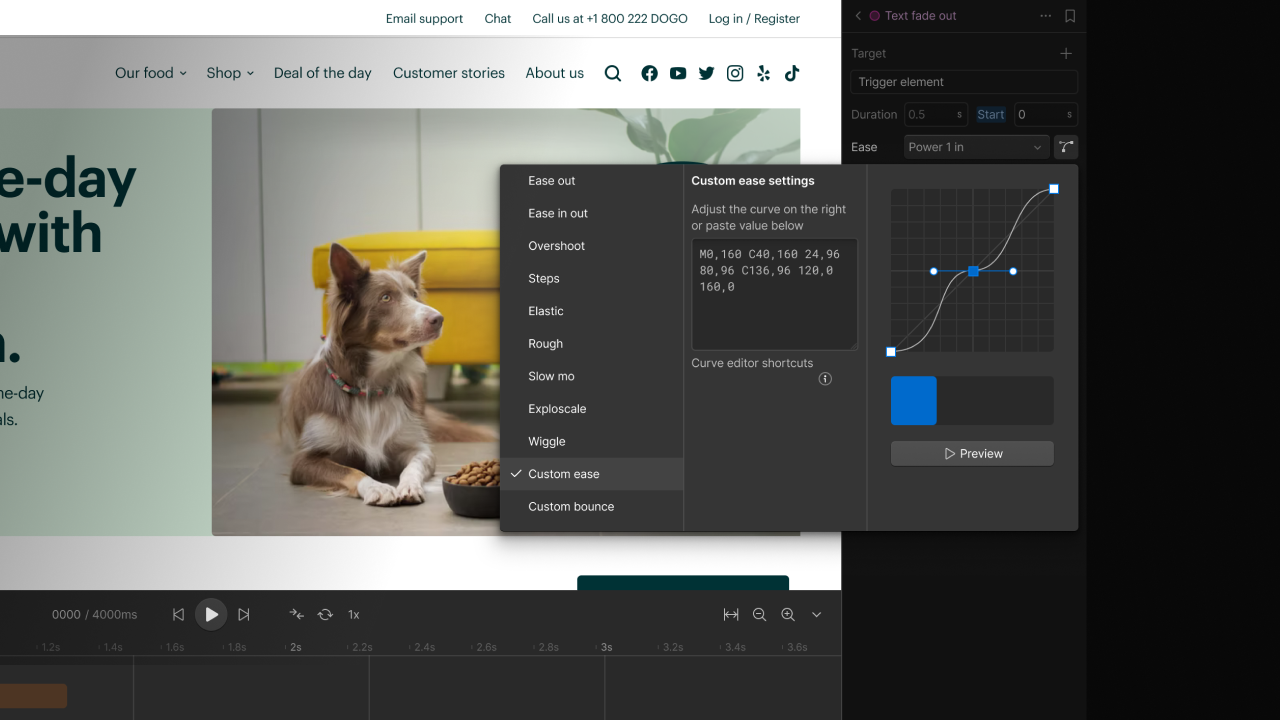
Element targeting has also been significantly improved. You can now quickly target sibling, child, parent, or related elements without wrestling with the interface. Selecting all elements around the triggering element is now a single, effortless step.
Together, these updates give you more control and clarity in your timelines, unlocking smoother workflows and cleaner handling for long-requested needs like class toggling and precise state changes.
Related updates




















Get started for free
Try Webflow for as long as you like with our free Starter plan. Purchase a paid Site plan to publish, host, and unlock additional features.
Try Webflow for as long as you like with our free Starter plan. Purchase a paid Site plan to publish, host, and unlock additional features.