






Enhancement
Interactions
Animate variables using Interactions with GSAP
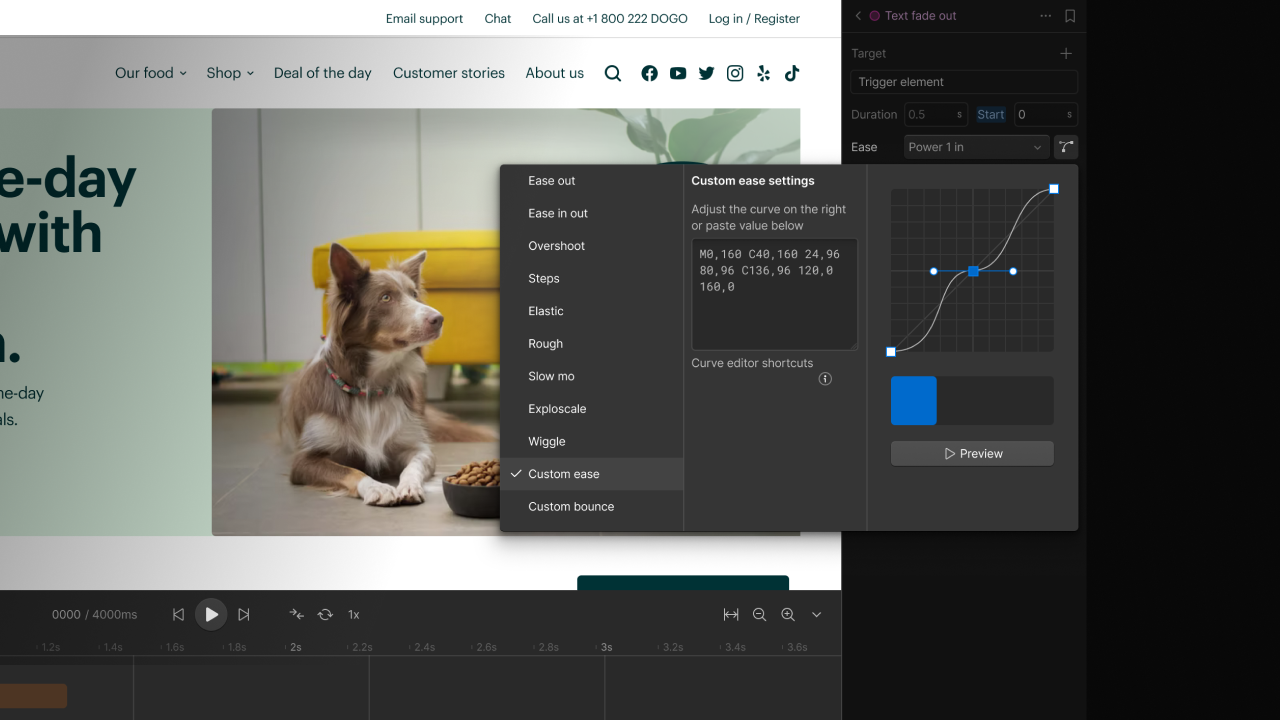
Interactions powered by GSAP now support variable animation, making it easier to build animations that stay connected to your design system.
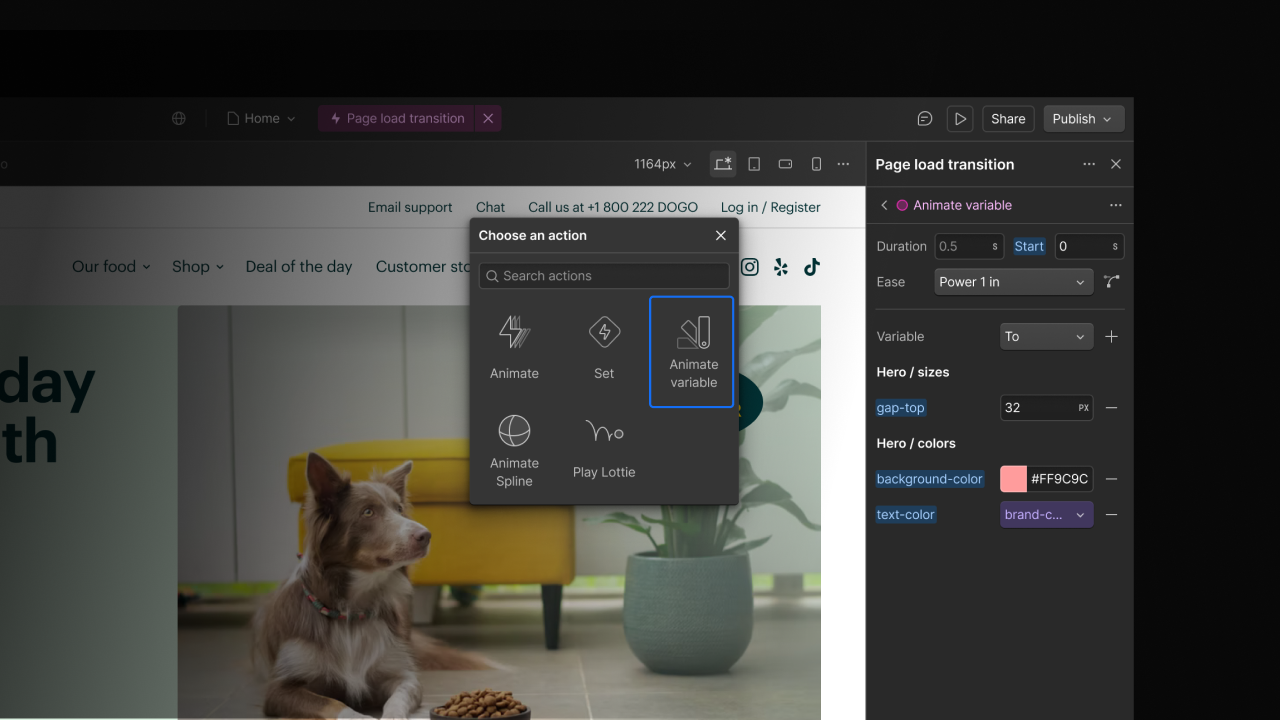
Last year, we launched Interactions powered by GSAP, bringing a more powerful animation workflow to Webflow. Today, we’re expanding those capabilities with support for variable animation and broader variable binding across actions.
Variables can now be animated directly in Interactions powered by GSAP. The same reusable design tokens used for styling can now drive animation too, helping users create more scalable and maintainable motion without hardcoded values.
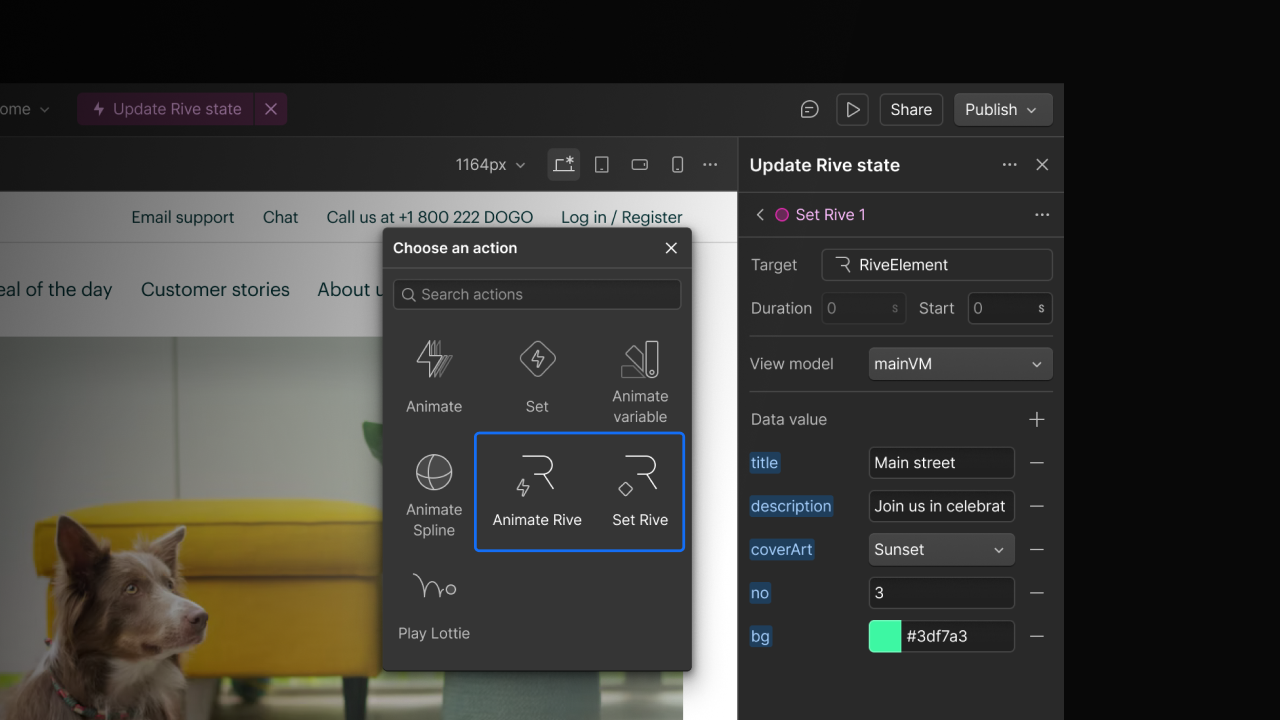
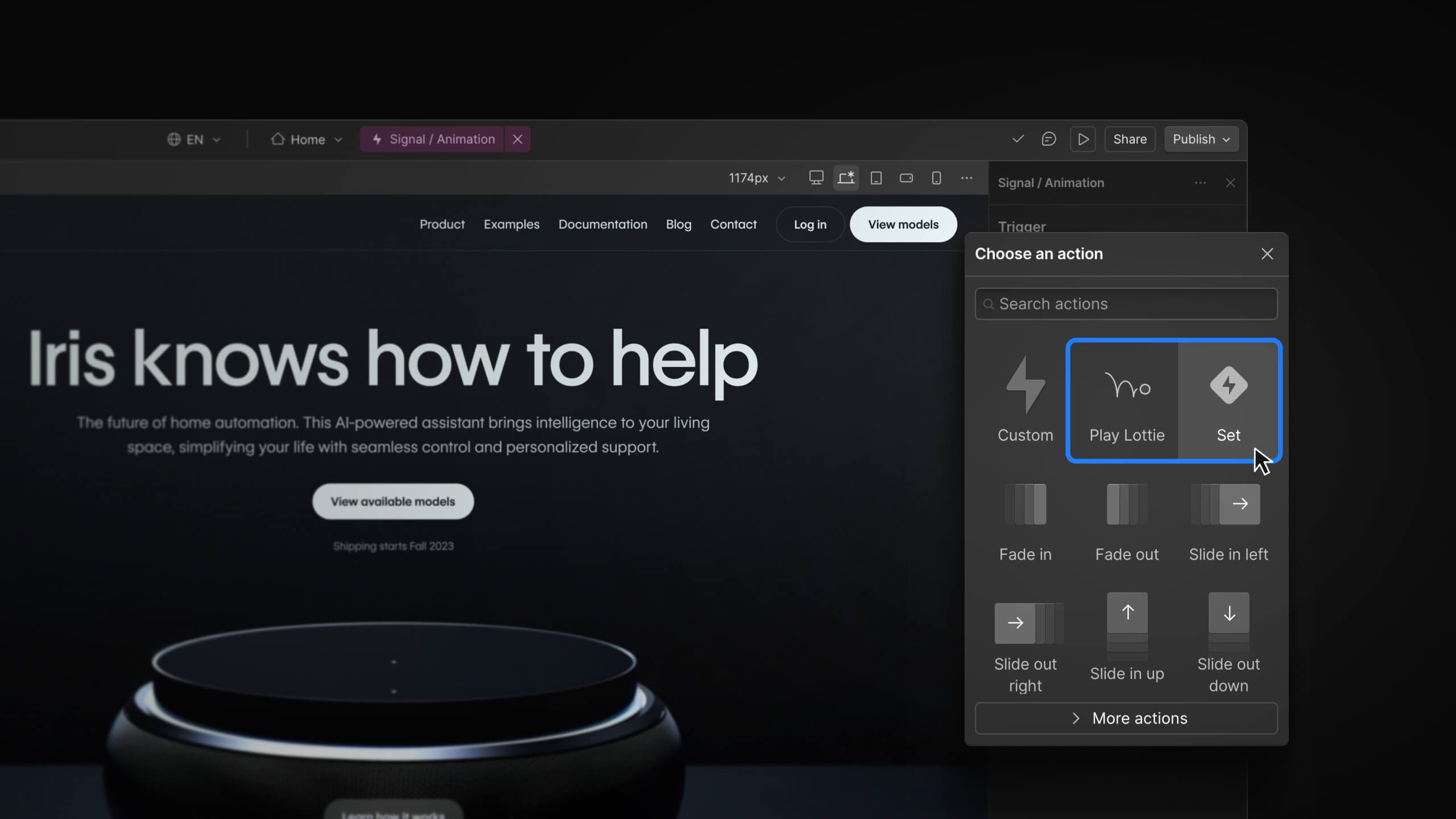
We’ve also added variable binding support across preset actions in Interactions, including custom animations, set actions, Lottie, and Spline, giving more flexibility to keep animations tied to your design system across different animation workflows.
Users can animate multiple variables within a single interaction, making it easier to coordinate more complex effects while keeping animations aligned with the source of truth.
These updates are available now.
Related updates




















Get started for free
Try Webflow for as long as you like with our free Starter plan. Purchase a paid Site plan to publish, host, and unlock additional features.
Try Webflow for as long as you like with our free Starter plan. Purchase a paid Site plan to publish, host, and unlock additional features.