






Enhancement
Website management
AI toggle changes now tracked in Workspace Audit Logs
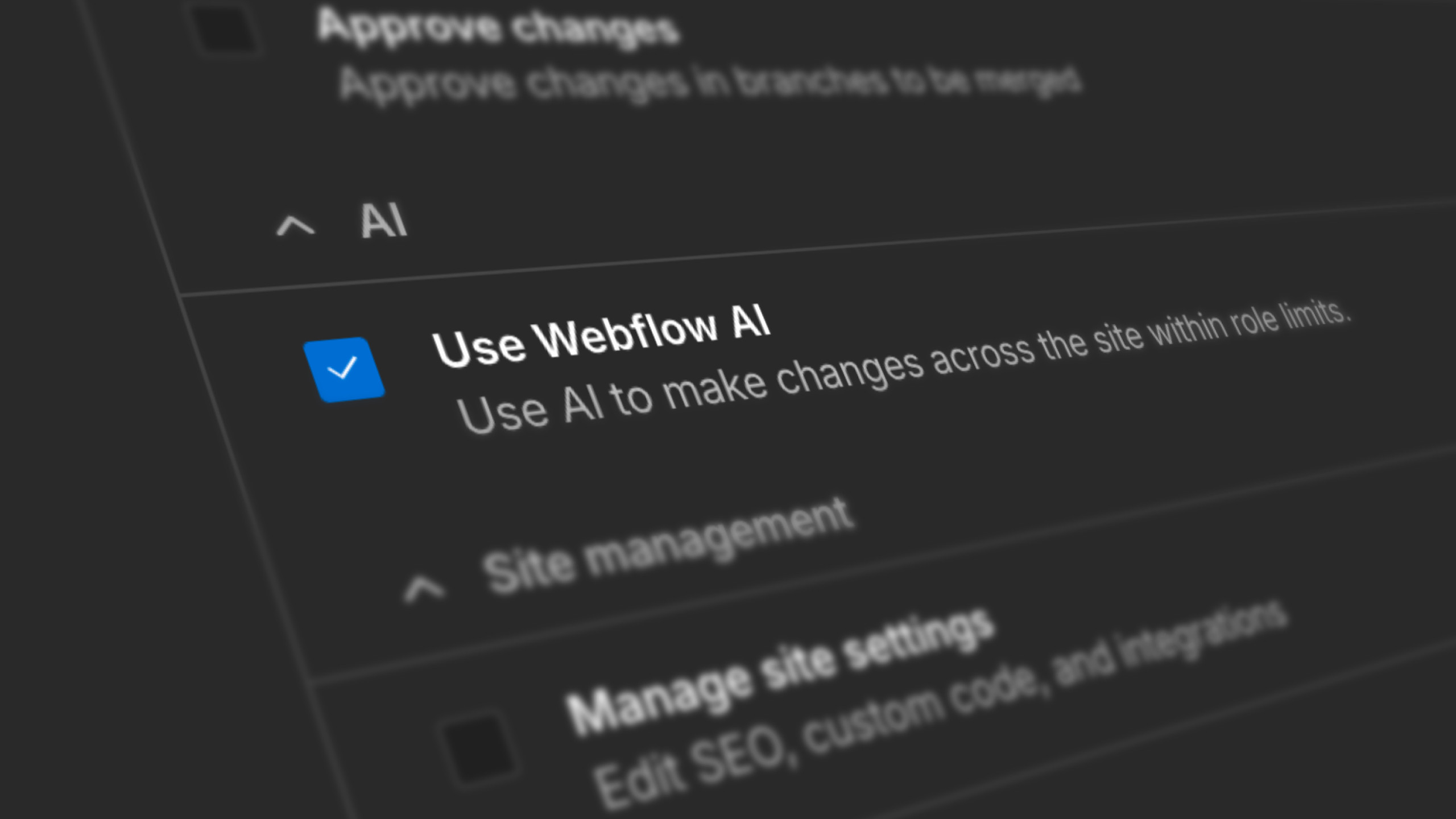
Webflow now records AI toggle state changes in Workspace Audit Logs API, giving enterprise teams full visibility into who enabled or disabled Webflow AI and when — so you can answer security questionnaires and compliance reviews with confidence.
.png)
Workspace Audit Logs API now tracks AI toggle state changes — so enterprise teams have a clear record of when Webflow AI was enabled or disabled, and who made the change.
Each event captures the actor, timestamp, and previous and new toggle state. Events are accessible via the Workspace Audit Log API and can be exported to your SIEM for alerting and compliance reporting.
Learn more about Workspace Audit Logs.
Related updates
.jpg)
.jpg)





















Get started for free
Try Webflow for as long as you like with our free Starter plan. Purchase a paid Site plan to publish, host, and unlock additional features.
Try Webflow for as long as you like with our free Starter plan. Purchase a paid Site plan to publish, host, and unlock additional features.