A modern Adobe Experience Manager alternative
Launch enterprise websites faster with a visual-first platform that empowers your entire team — without the complexity.






















Build powerful websites that scale
Adobe Experience Manager offers extensive capabilities for large enterprises, but teams often struggle with its steep learning curve, lengthy implementations, and huge developer burden. Webflow delivers the enterprise-grade features you need with a visual-first approach that lets marketing and design teams build and optimize independently while developers focus on high-impact work.
Why choose Webflow over AEM
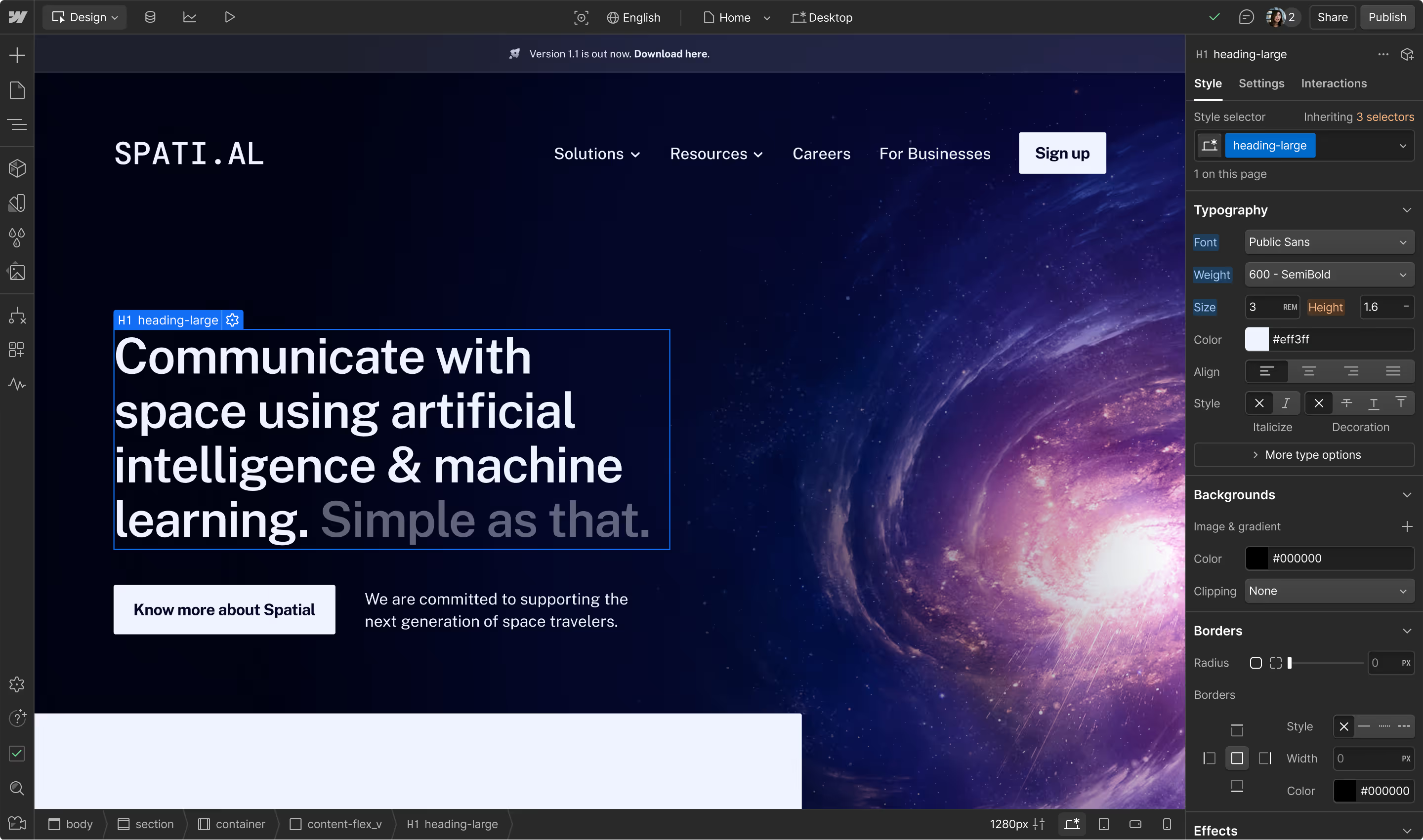
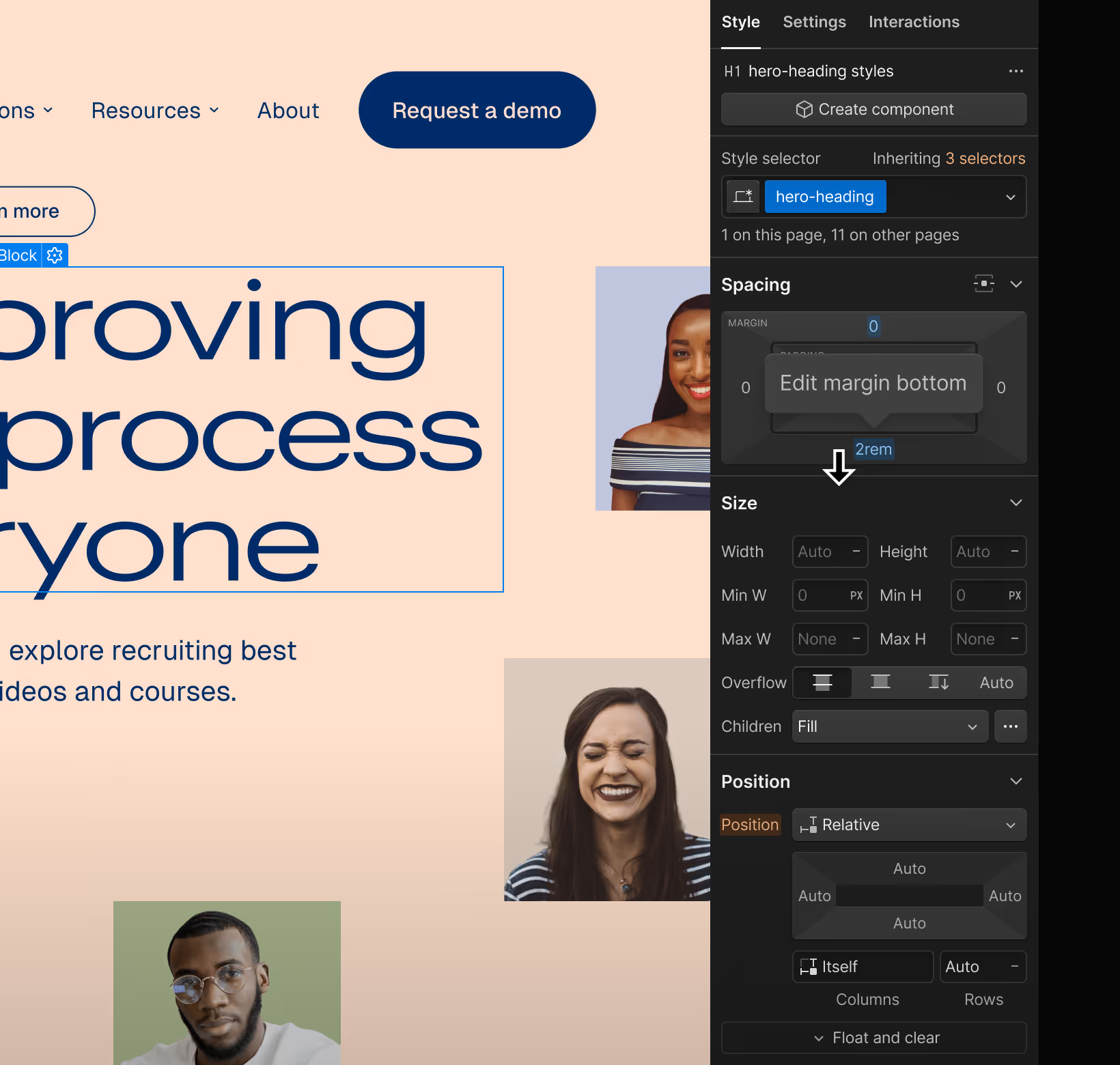
Visual development that accelerates your timeline
Adobe Experience Manager can require months to implement with specialized developer resources. With Webflow, teams can design, build, and launch professional sites in weeks.
Marketing and design teams can create pixel-perfect experiences directly in the browser — no waiting for development sprints or navigating complex authoring interfaces. Your visual decisions translate into clean, semantic code automatically, meaning you maintain full creative control without the technical overhead.
Built-in optimization without the integration overhead
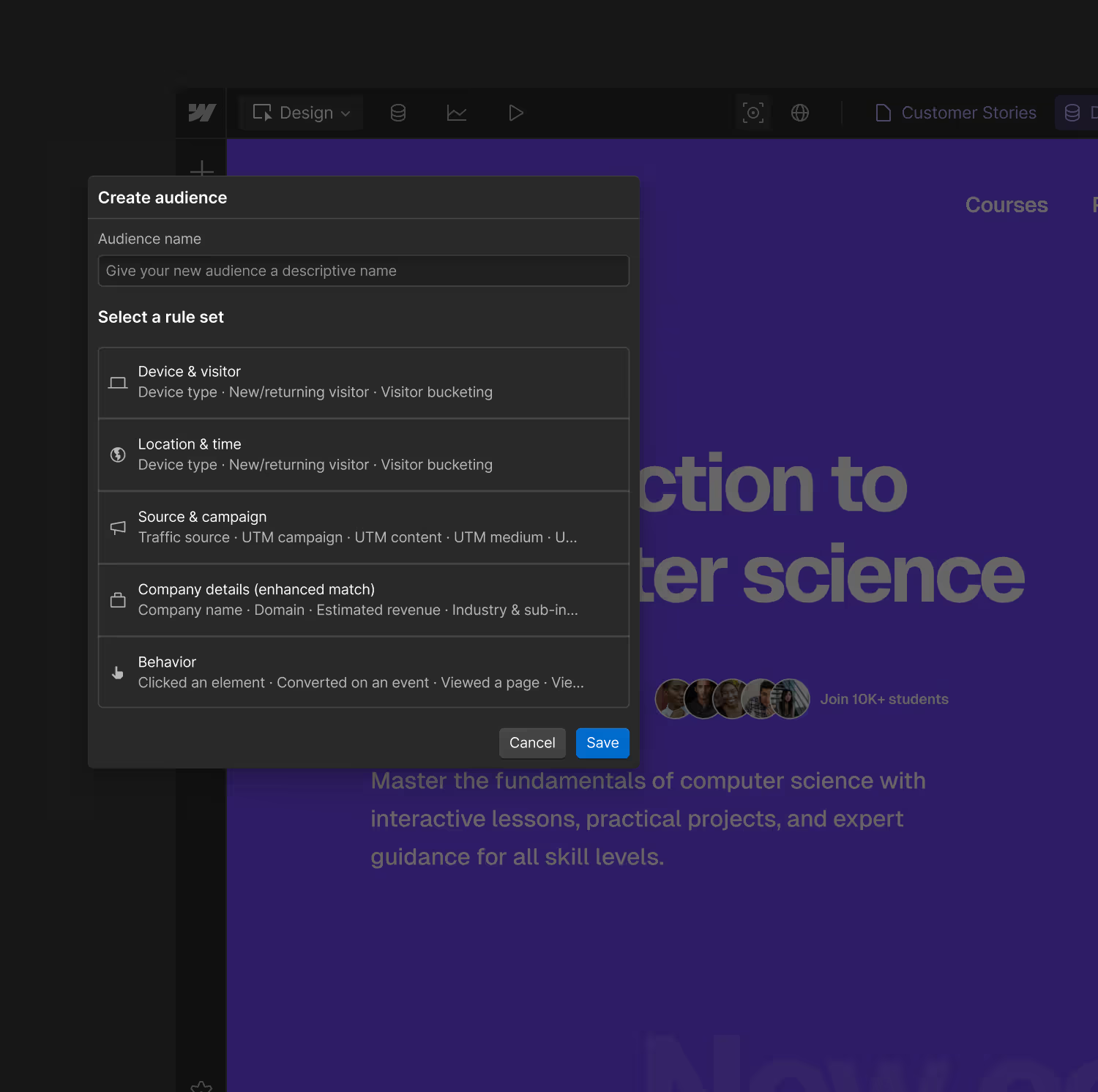
Adobe Experience Manager requires connecting multiple Adobe Experience Cloud products for analytics, testing, and personalization. Webflow consolidates these capabilities natively.
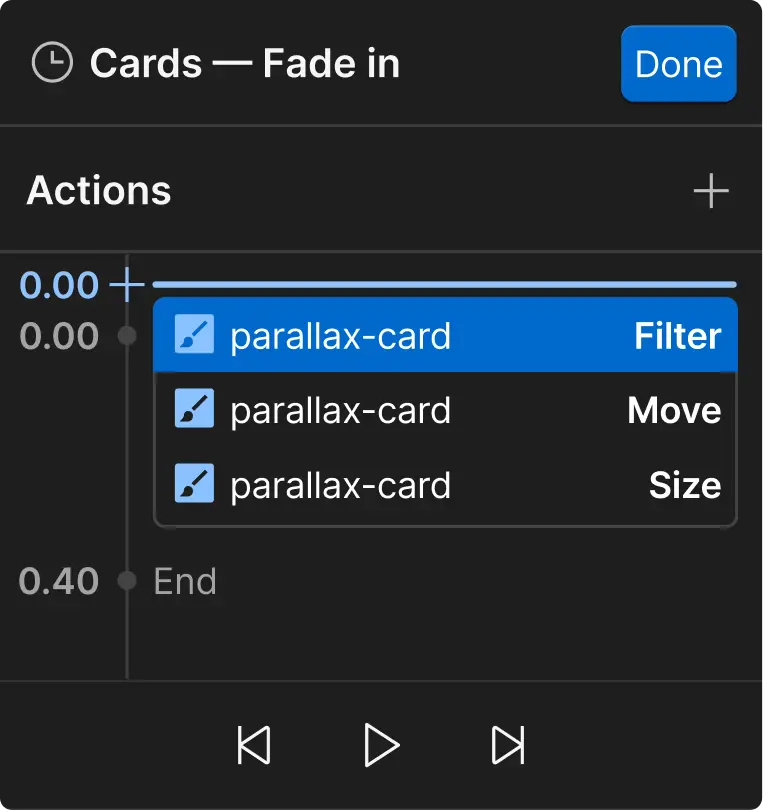
Run A/B tests, personalize content with AI assistance, analyze visitor behavior, and manage multilingual sites — all from one platform. With Webflow, you can test, optimize, and measure performance without juggling multiple tools or complex integrations.
Enterprise features without enterprise complexity
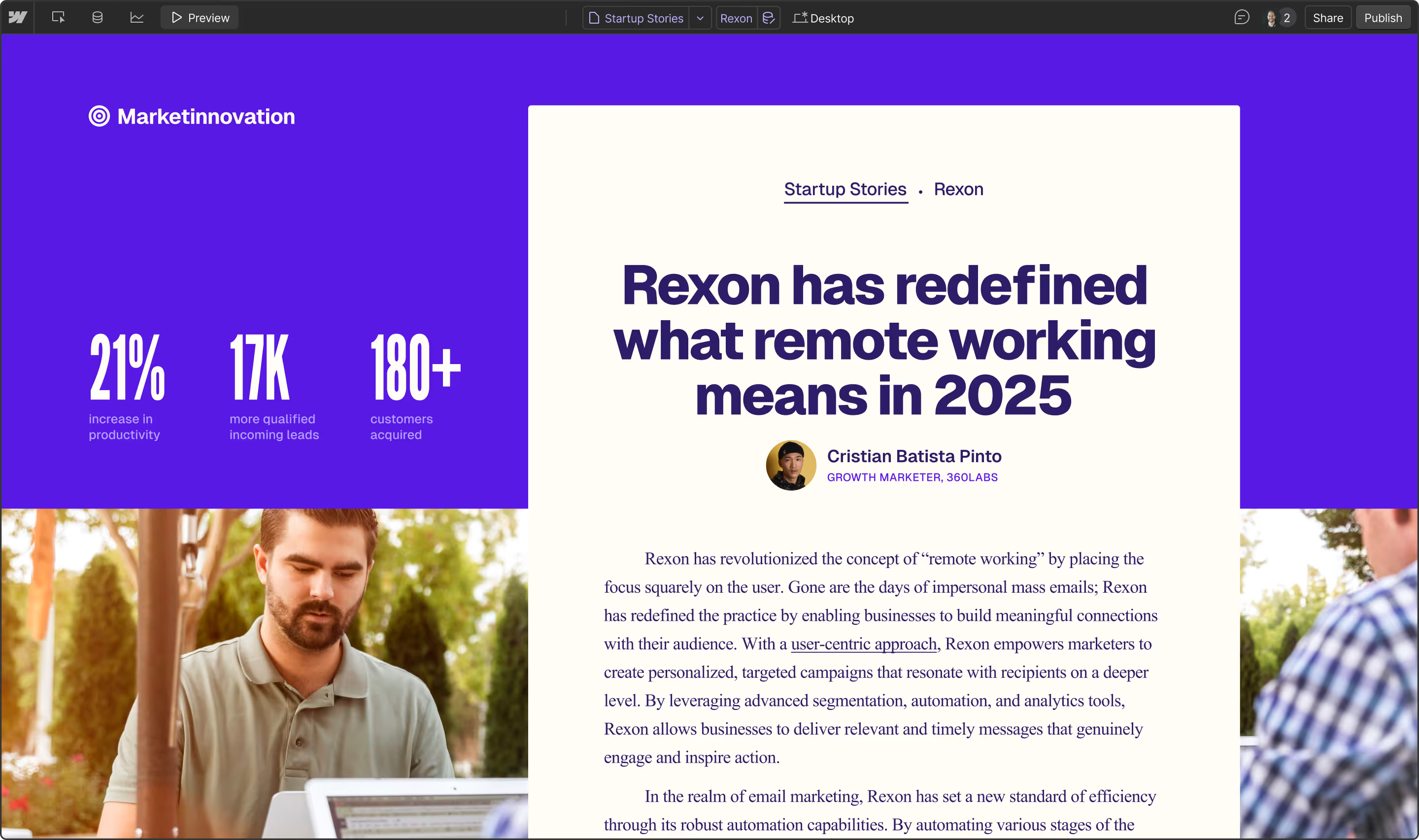
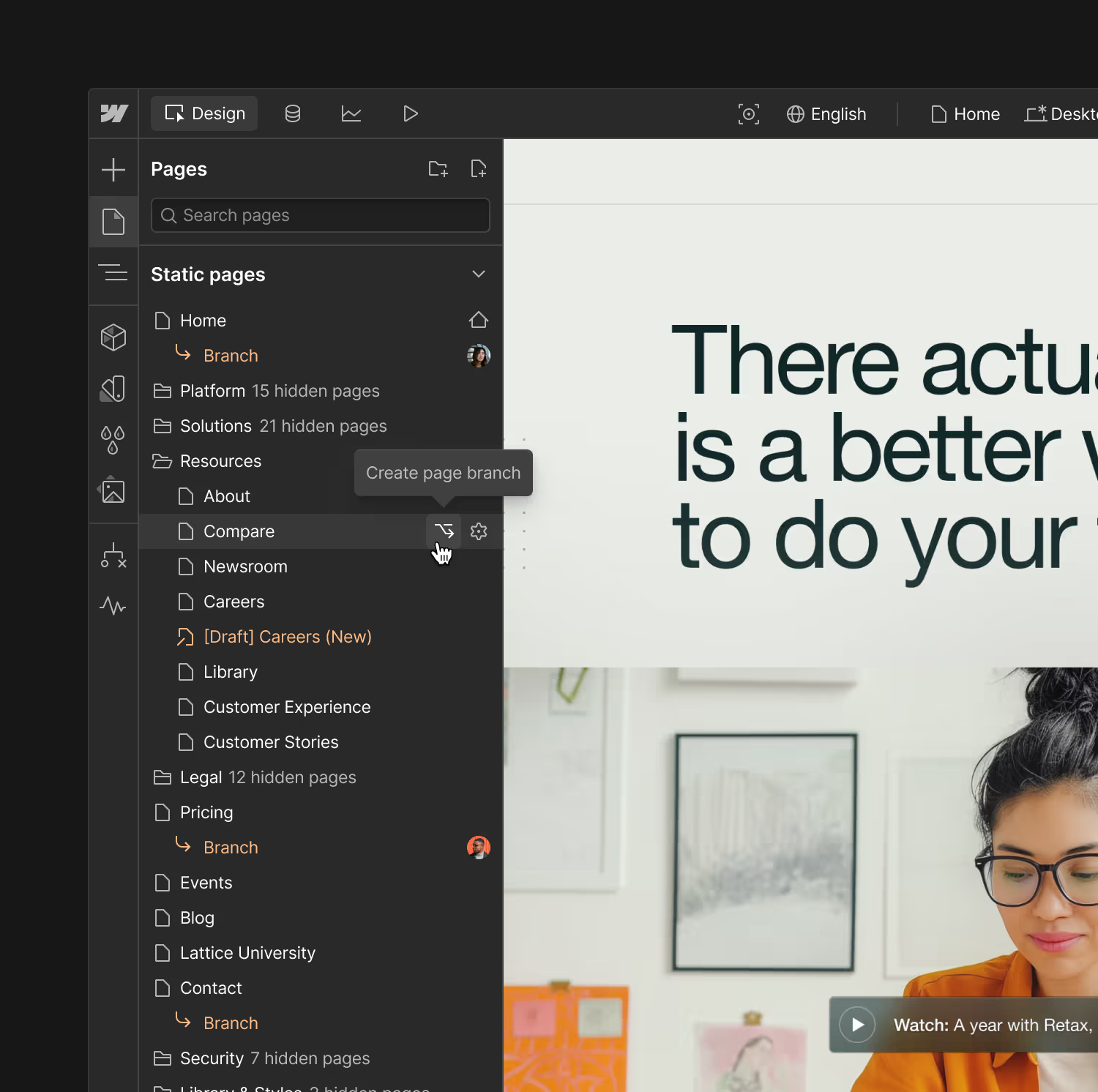
Both platforms offer enterprise-grade security and robust governance features. The difference? Webflow delivers these capabilities through an interface your entire team can actually use. Granular roles and permissions, staging environments, and approval workflows come standard — but they're designed for real teams, not IT departments. You get the reliability and compliance you need without months of training or ongoing maintenance.
Developer flexibility that reduces bottlenecks
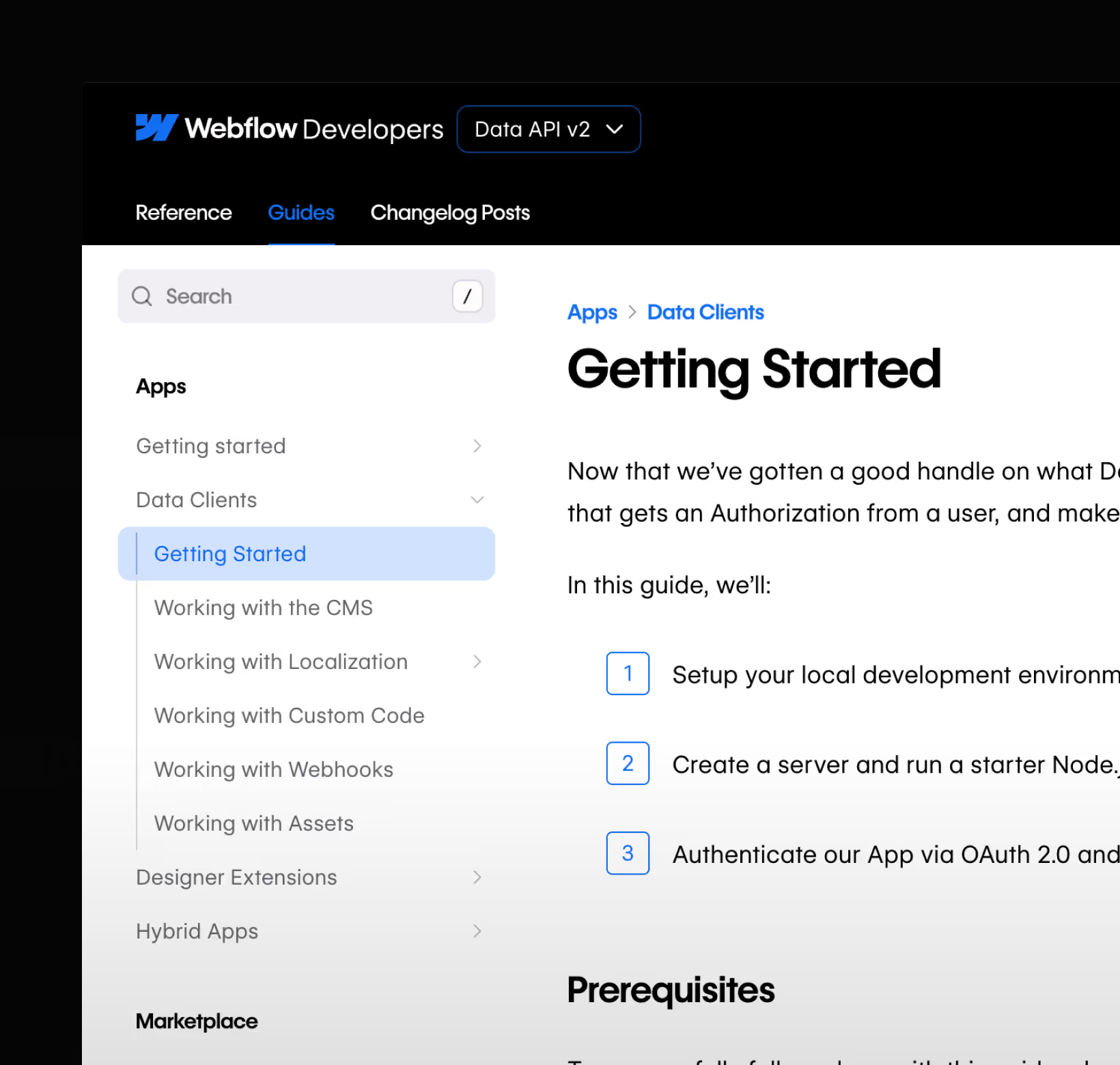
While Adobe Experience Manager's headless capabilities can require developers for frontend updates, Webflow offers true flexibility. Developers can extend functionality through MACH-certified APIs, custom code, and integrations while marketing teams handle day-to-day updates visually. This parallel workflow means fewer support tickets, faster iterations, and developers freed up to focus on core product features rather than content updates.
Why Webflow wins

Faster time to market
Launch campaigns and new pages in days, not months. With Webflow's visual development, your marketing team can build and publish independently while maintaining brand consistency through reusable components and design systems.

Measurable optimization impact
Drive real results with native A/B testing, AI-powered personalization, and integrated analytics. Teams report conversion increases from 20% to 120% without managing separate optimization tools.

Collaboration that actually works
Give every team member the right level of access and control. Designers maintain brand standards, marketers update content, and developers extend functionality — all working in parallel without stepping on each other's toes.
Customers love us
But don't just take our word for it — check out our latest G2 awards.




“Our site loaded literally twice as fast after switching to Webflow, even without rigorously optimizing every image.”

“Our new designs didn't need to go through anyone else besides brand and marketing — no engineers needed. The freedom and flexibility we gained through Webflow was invaluable.”

“Our design and development teams are much more integrated during the build process. Designers have more autonomy, and engineers can focus on the most impactful work — allowing us to deliver new web pages faster.”
Frequently asked questions
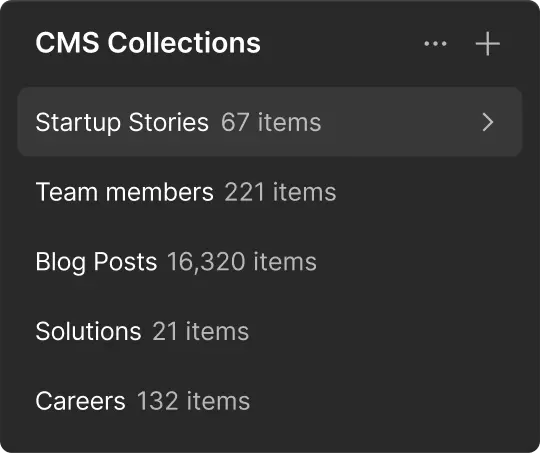
Adobe Experience Manager is an enterprise digital experience platform that combines content management, digital asset management, and multiple specialized products. It requires significant technical expertise and can take months to implement. Webflow is a website experience platform that gives teams visual design control, a composable CMS, and built-in optimization tools in one unified interface. You get enterprise capabilities without the complexity, launching in weeks instead of months.
Yes. Webflow powers websites for companies like The New York Times, Dropbox, and hundreds of other enterprises. The platform includes enterprise-grade security (SOC 2 Type II compliance), 99.99% uptime SLA, advanced roles and permissions, staging environments, and dedicated support. You get the governance and reliability of traditional enterprise platforms with the agility modern teams need.
Webflow provides migration tools and professional services to help transfer your content, design systems, and workflows. The visual nature of the platform means your team can start building immediately while migration happens in phases. Most organizations launch their first Webflow site within weeks, then migrate additional properties based on priority.
Absolutely. While Webflow's visual development handles most requirements, developers retain full flexibility. Add custom code directly in the designer, build custom applications with Webflow Apps, integrate via REST and GraphQL APIs, or extend components with your own JavaScript. The difference is that custom code becomes an enhancement, not a requirement for every change.
Yes. Webflow supports multi-site management with shared design systems, reusable components, and centralized governance. Native localization features handle multilingual sites with proper SEO and translation workflows. Role-based permissions let you manage access across teams and sites while maintaining brand consistency.
Get started for free