

Using AI for Webflow localization is powerful, but success depends on implementing a customized strategy rather than treating it as a single translation button.
In this edition of our Going Global series, we’re excited to spotlight how Crowdin helps brands deliver seamless multilingual experiences on Webflow. From strategic localization workflows to real-world customer wins, you’ll learn how global-ready design meets powerful translation management.
There are common misconceptions in the localization market that AI will do anything, eliminate the need for translators, and instantly automate every step of the translation process.
The truth is that AI will only perform well in the hands of a skilled localization manager. This manager should understand that localization is a core part of business growth and know how to balance budgets and meet tight deadlines while coordinating with clients and multiple vendors.
They have a solid technical foundation and know their way around specialized platforms like Crowdin to maintain quality control. Most importantly, they don’t just plug AI in everywhere. They use it mindfully, applying it to automate repetitive tasks and to handle high-volume content.
Crowdin is a translation management system for continuous localization that integrates with Webflow and offers a flexible approach to AI translation. In Crowdin, you can experiment with 10+ AI providers without additional fees: you pay the same price as if you were paying an AI provider directly. For greater security and control, you can bring your own API keys. Crowdin Store offers 700+ apps and integrations to automate the localization process.
In this post, we’ll discover how you can use AI wisely in localization, explore what an AI-powered localization workflow may look like, and see how you can localize your Webflow content with Crowdin’s AI features.
Start with a plan, not a tool
You shouldn’t start your AI journey by choosing a tool or signing up for the latest large language model (LLM). You should start by mapping your workflow.
Before using AI, the localization team must understand the foundational elements of their content lifecycle:
- What types of content are being localized? (e.g., marketing headlines or simple UI strings)
- Who touches the content and when?
- Where are the bottlenecks? Identify the repetitive steps and slowdowns in your current process.
You can create a similar decision framework for your content:
Quick implementation example
If you are scaling a Webflow site for a SaaS platform, a localization manager might implement the following workflow:
- Bottlenecks: manual file exports and mismatches in technical jargon.
- Strategy:
- Set up Crowdin’s Webflow integration to pull new CMS items.
- Create and feed the AI your glossary (to handle technical jargon) and screenshots (to show where buttons sit on the page).
- Apply AI + post-editing workflow for blog posts to get them live faster, but keep human-only for the main page.
- Feedback: Use the linguist's edits to update your translation memory, which improves the AI's accuracy in the next loop.
AI will not add value everywhere. Small, low-frequency content often doesn’t justify the time and configuration required. However, large-scale, continuous website localization absolutely does.
The multi-model advantage
Relying on a single AI provider is a mistake. Different AI models (like Gemini, GPT, Claude, etc.) are good at different tasks. Test and find which provider works better for you.
This is where Crowdin offers a unique advantage. We treat AI as a fully customizable resource. This approach provides two major benefits for Webflow users:
- Flexibility and quality: You can integrate multiple providers and route specific content types to the best-performing LLM for that language pair and context.
- Cost control: We recommend users bring their own API keys for various LLM providers. This means you maintain full control over your budget and data environment, and Crowdin ensures transparent pricing with no added markup on the API costs, meaning you pay only for used AI tokens and nothing to Crowdin.


















5-step AI-augmented workflow
The AI output alone is not enough, it needs to be integrated into a professional Translation Management System (TMS) like Crowdin.
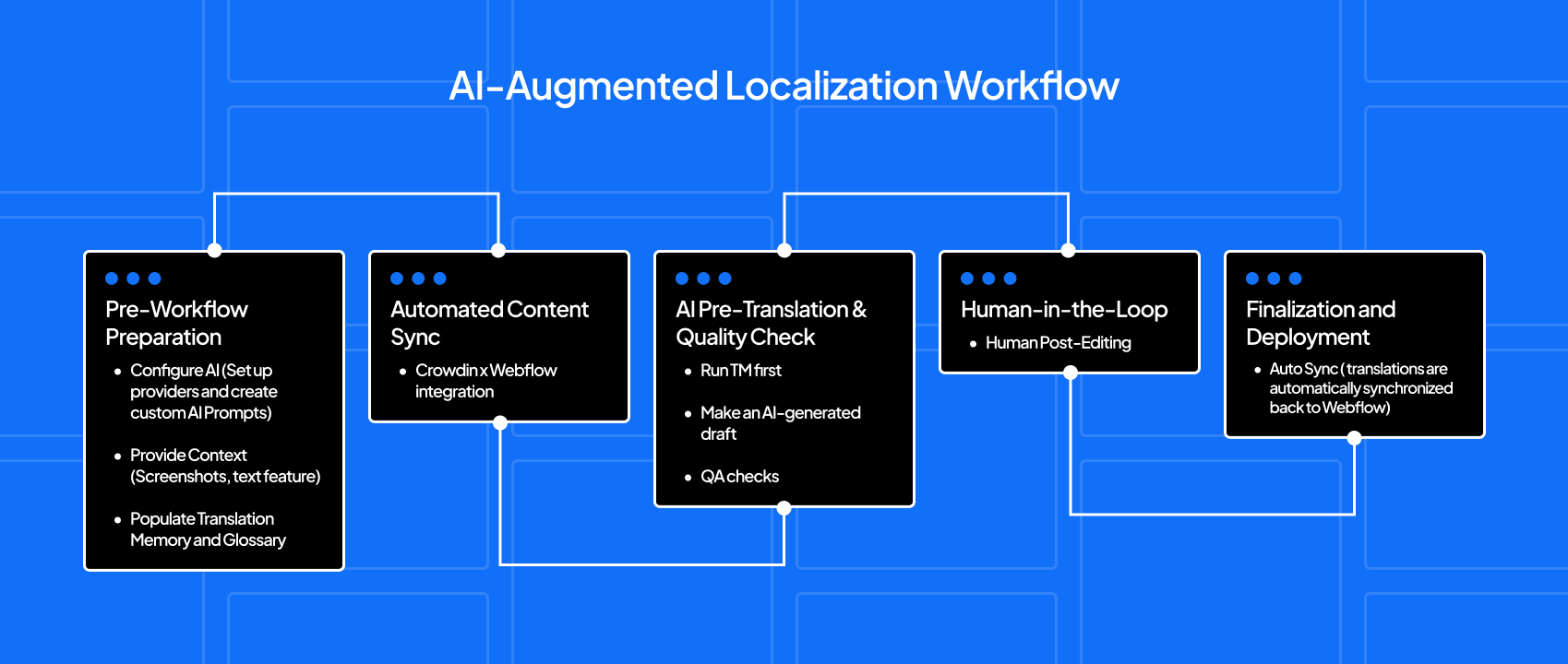
Step 1: Pre-workflow preparation
- Set up providers and create custom AI Prompts that define the tone, style, and persona the AI must use.
- Feed the AI with context, such as screenshots and text comments to each string.
- Ensure your Translation Memory (past translations) and Glossary (approved terms) are up to date.
Step 2: Automated content sync
- Use Crowdin's Webflow localization integration to automatically sync any new or updated source files from Webflow to Crowdin.
Step 3: AI pre-translation & quality check
- Run the TM Pre-translation to apply perfect matches from previous work, maximizing reuse.
- Use the AI Pre-translation step to generate a first draft for all new content.
- Scan the draft with built-in QA checks.
Step 4: Human-in-the-loop
- The human role is now post-editing, not translating from scratch. Some of our clients achieved up to 75% ready-to-publish AI drafts.
- Linguists can use AI to perfectly align the final text with the specified tone (e.g., energetic and user-friendly).
Step 5: Finalization and deployment
- Approved translations are automatically synchronized back to Webflow. This step completes the continuous localization cycle.
You should spend some time setting up a workflow that works best for your case. After that, your localization will become a continuous and smooth process.
Crowdin offers a guide on building a smart AI localization workflow. Check it out!
How Crowdin helps Webflow customers go global
Crowdin helps Webflow customers grow internationally, keeping translation quality high and speed fast. We partner with leaders across various sectors.
Crowdin transforms Webflow content localization into a continuous loop. Content updates automatically initiate the workflow: AI drafts the translation, linguists post-edit, and the final, approved content is instantly deployed back to your live Webflow site.
Modash
Modash is an influencer marketing platform that connects your entire influencer program in one workflow.
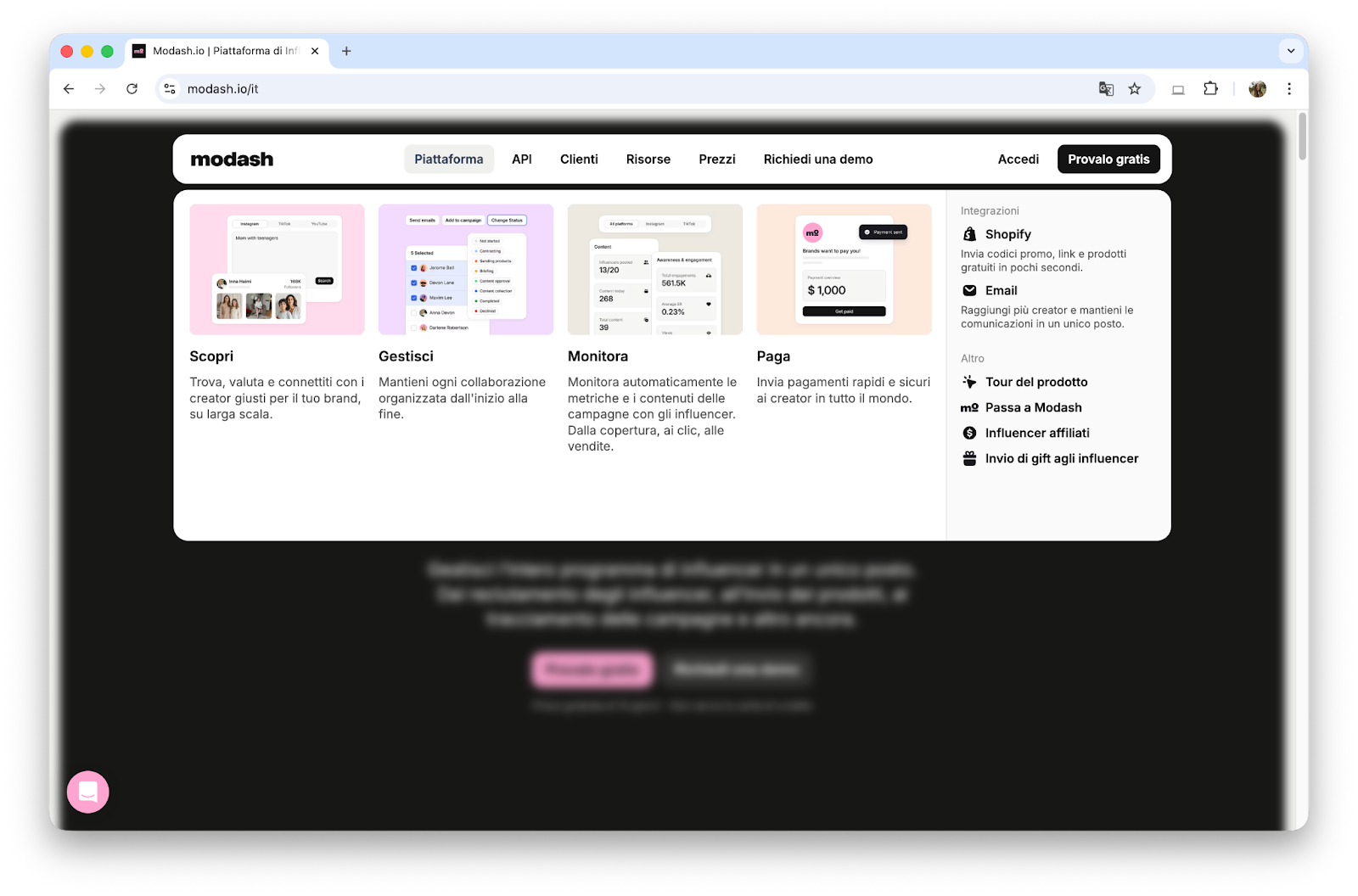
“We use Crowdin AI to automatically translate our Webflow pages & CMS items into 10 languages. Those translations are increasing the amount of traffic each page gets by 30-100%+ each. It’s easy to do, and it lets us squeeze more value out of every piece of work.” - Ryan Prior, Head of Marketing, Modash
Unicontrol
As a leader in 3D machine control, Unicontrol deals with highly technical language.
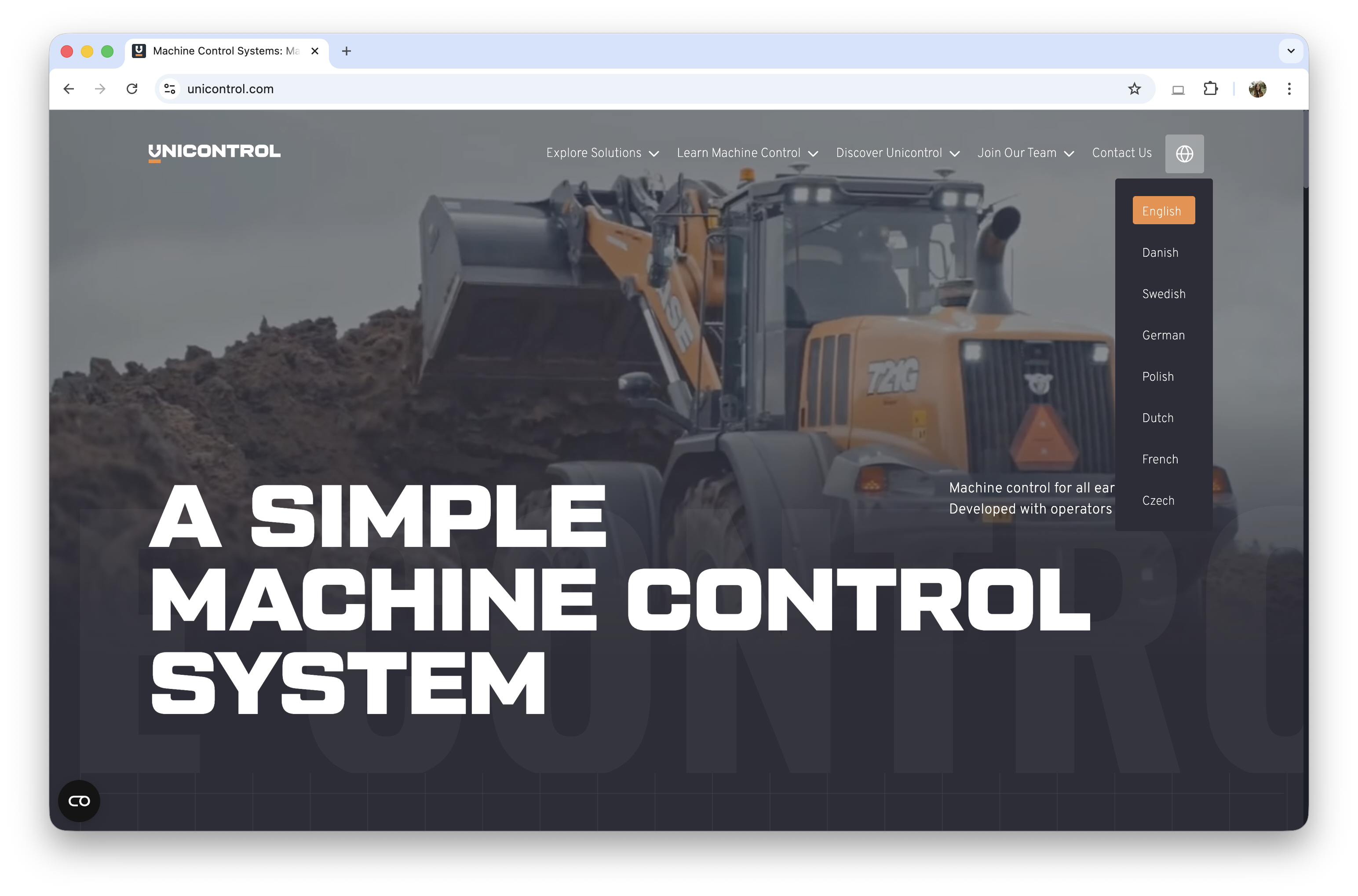
“Crowdin’s smart orchestration of TM and Dictionary data with AI models allowed us to push AI’s translation capabilities to their fullest.” - Andre Teixeira, Growth & Digital Marketing Manager, Unicontrol
Guru
Guru is an AI platform that centralizes company knowledge to give employees verified answers.
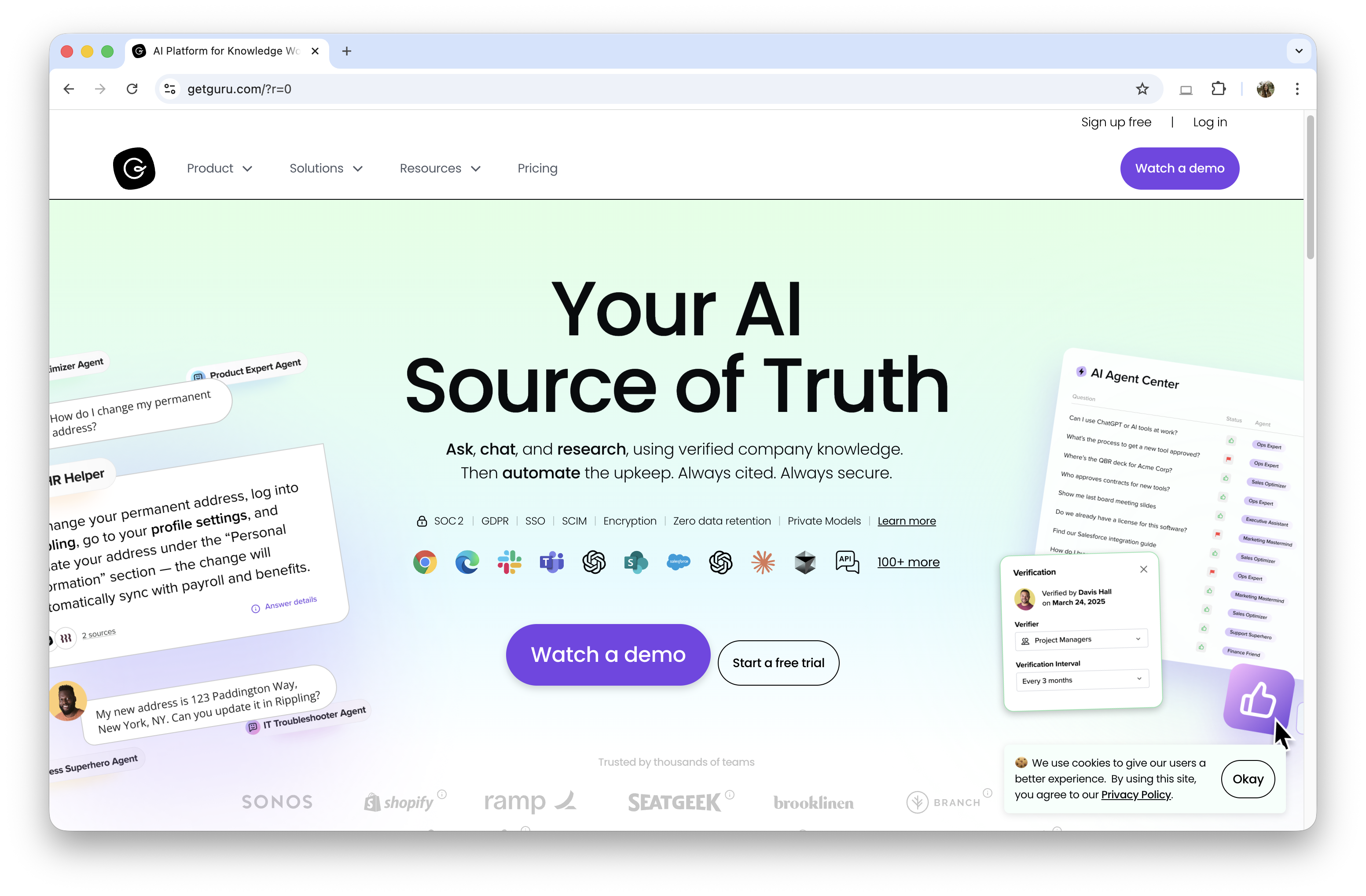
“Webflow has been the backbone of our GTM engine for years, and Crowdin’s integration is what unlocked true global scale. We update our site constantly, and the Crowdin<>Webflow sync meant we could localize thousands of pages with almost no manual effort. It’s rare to find tools that expand what a small marketing team can achieve, however this workflow genuinely did that for us.” - Bob Horan, Principal Interactive Designer, GetGuru
Deriv
Deriv is a large online trading broker with over three million registered users worldwide. Their website currently supports 18 languages.
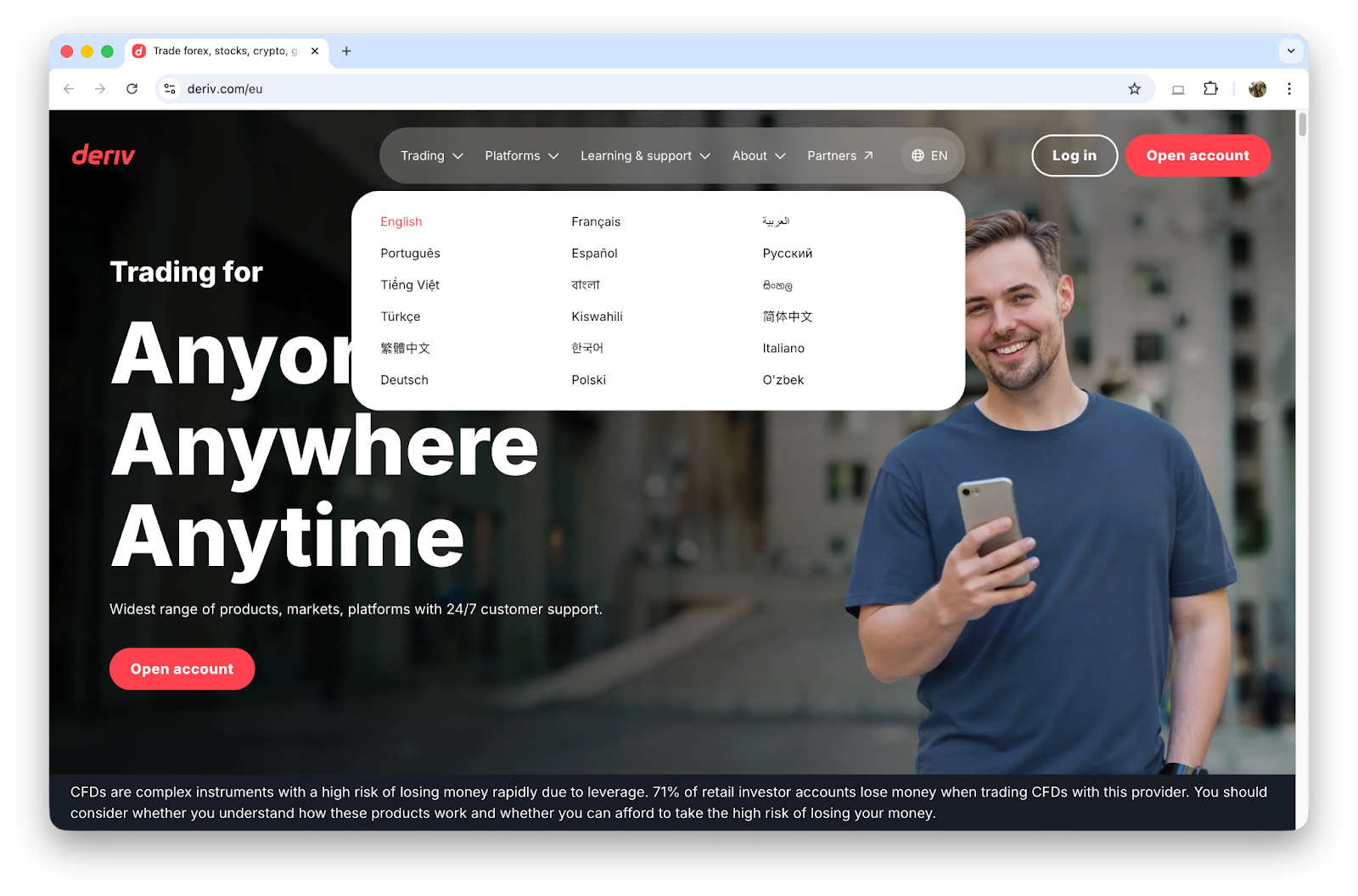
“At Deriv, we are building an AI-first localisation engine. The combination of Crowdin and Webflow unlocks this by eliminating manual steps and scaling initial translation work. We continue to refine the output for natural nuance, but our trajectory is set: maximum automation and rapid delivery across every language we support.” - Putri Kumala, Translation & Localisation Team at Deriv
Takeaways
The shift to AI localization is already done, but do it smartly.
Remember to educate your team. Without proper education and instructions, AI tools may still seem foreign and unapproachable.
We encourage you to evaluate your current localization strategy and see how a TMS like Crowdin can transform your Webflow website scaling goals from a complex process into a high-velocity operation.

Unlock worldwide scale with Webflow Localization