






Update
Collaboration
Guests can now share comment-only links
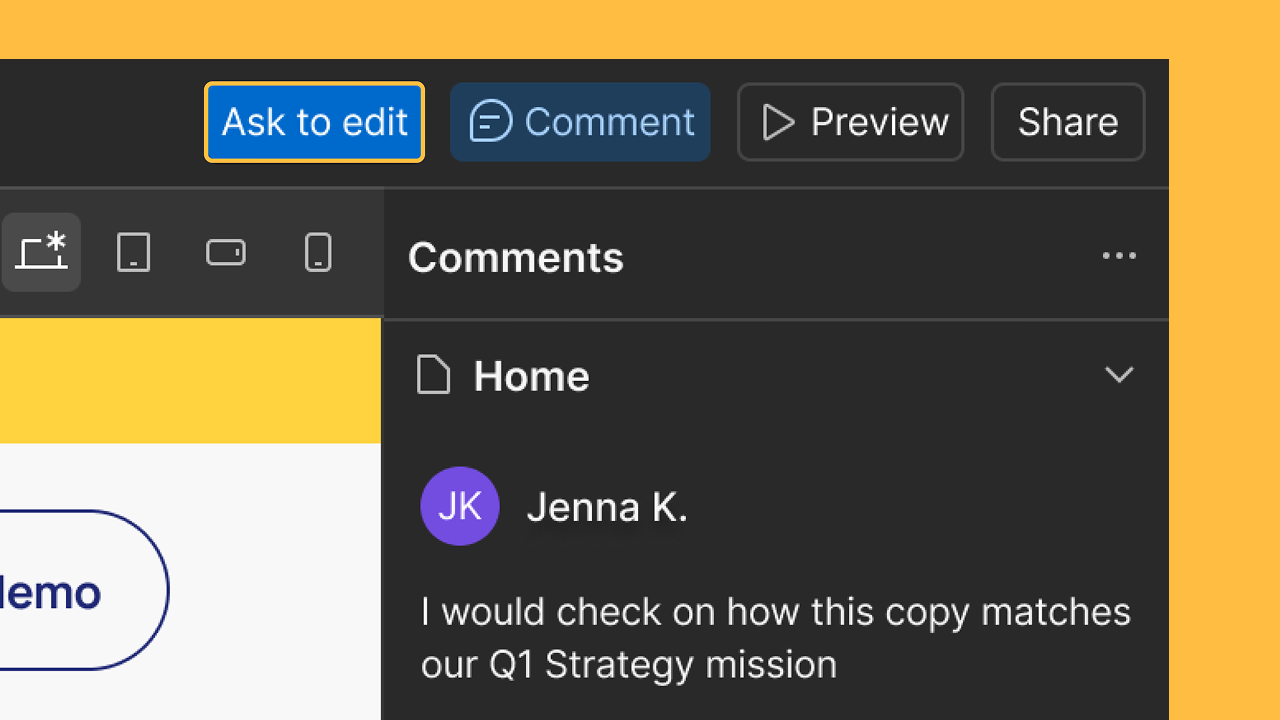
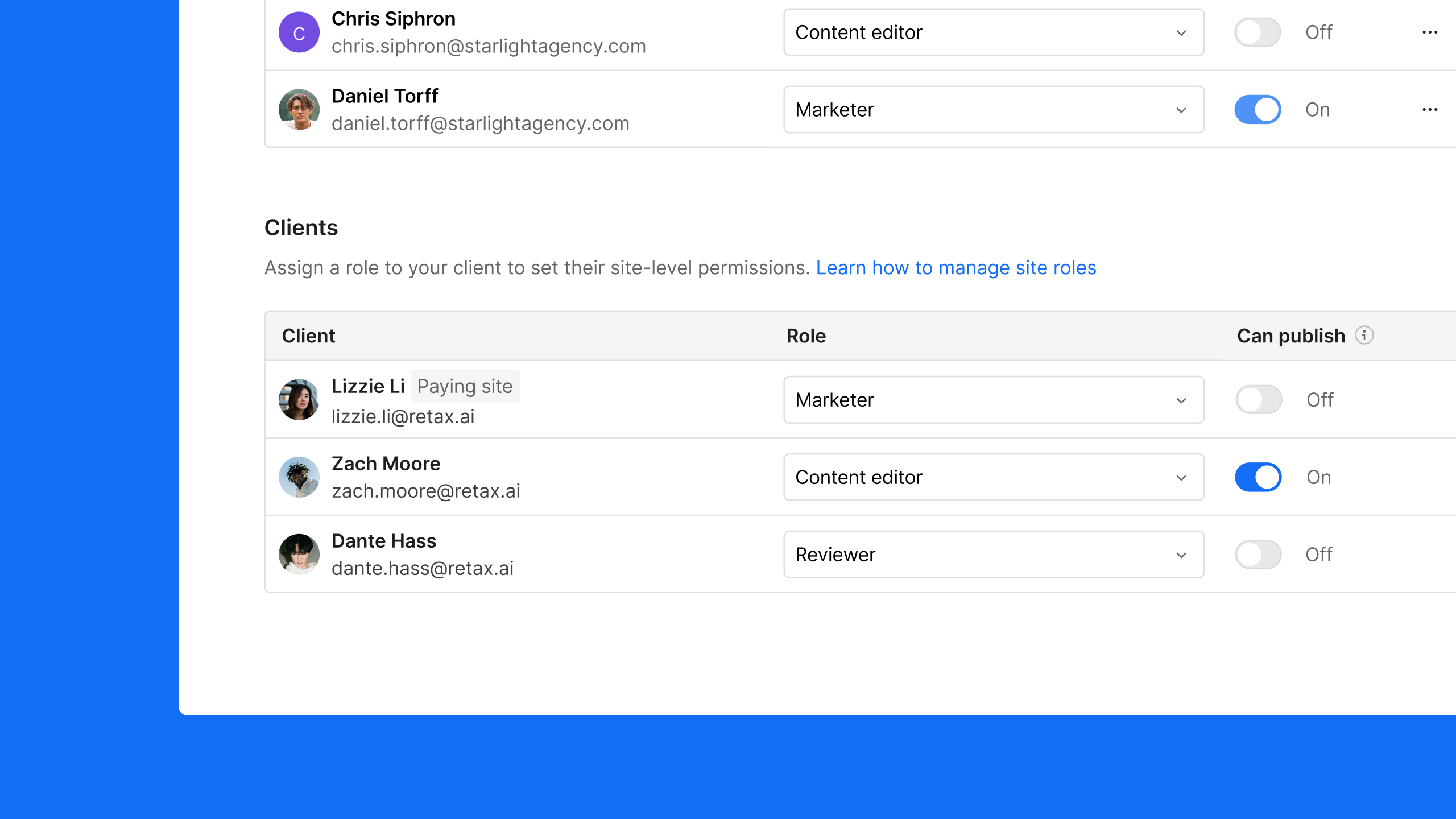
Agency or Freelancer guests can now generate and share comment-only links, making it easier for agencies and freelancers to collect feedback from clients and collaborators.
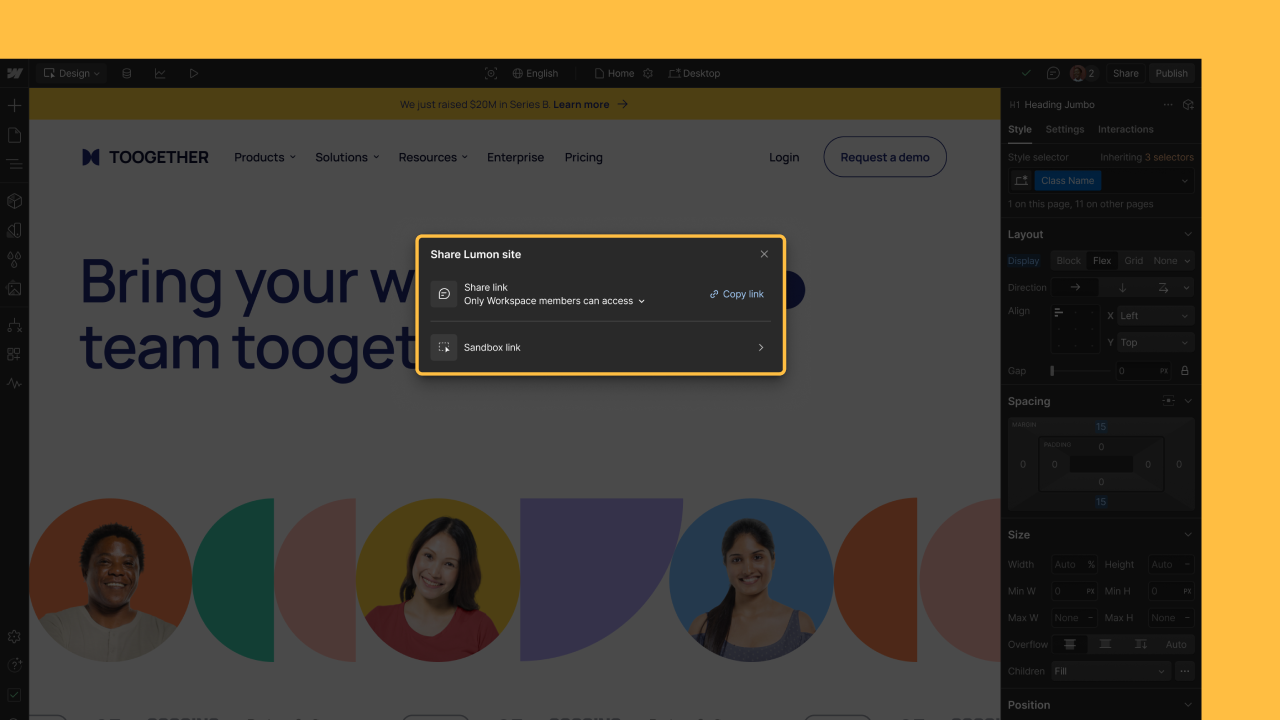
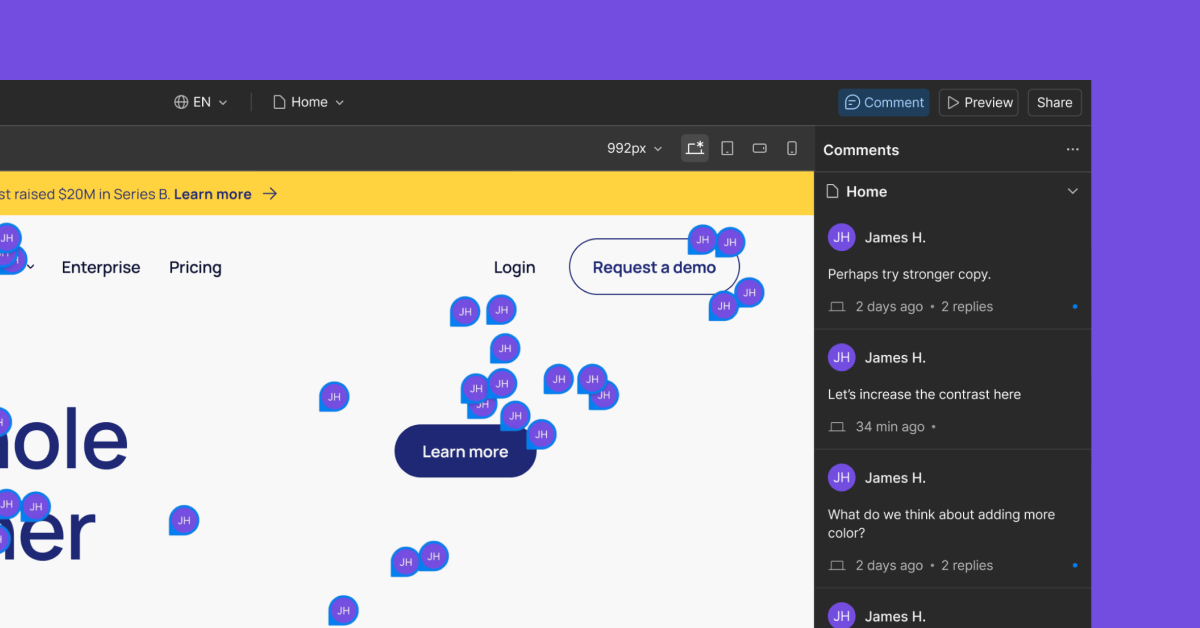
Agency or Freelancer guests in client workspaces can now generate and share comment-only links, making it easier to collect feedback from clients and external collaborators. Now you can share a link so clients can view and comment on the site — no login needed — they just enter their name and email when posting a comment.
This update helps reduce friction during review cycles and keeps collaboration moving smoothly by centralizing feedback in one place.
For a general overview of all the different ways to share your site and invite collaborators, check out the latest Webflow University video here.
Related updates





















Get started for free
Try Webflow for as long as you like with our free Starter plan. Purchase a paid Site plan to publish, host, and unlock additional features.
Try Webflow for as long as you like with our free Starter plan. Purchase a paid Site plan to publish, host, and unlock additional features.