






Feature
Collaboration
Get Webflow comment notifications in tools you use everyday
A new comments API plus integrations with Zapier and Make to keep you in the loop on Webflow comment activity
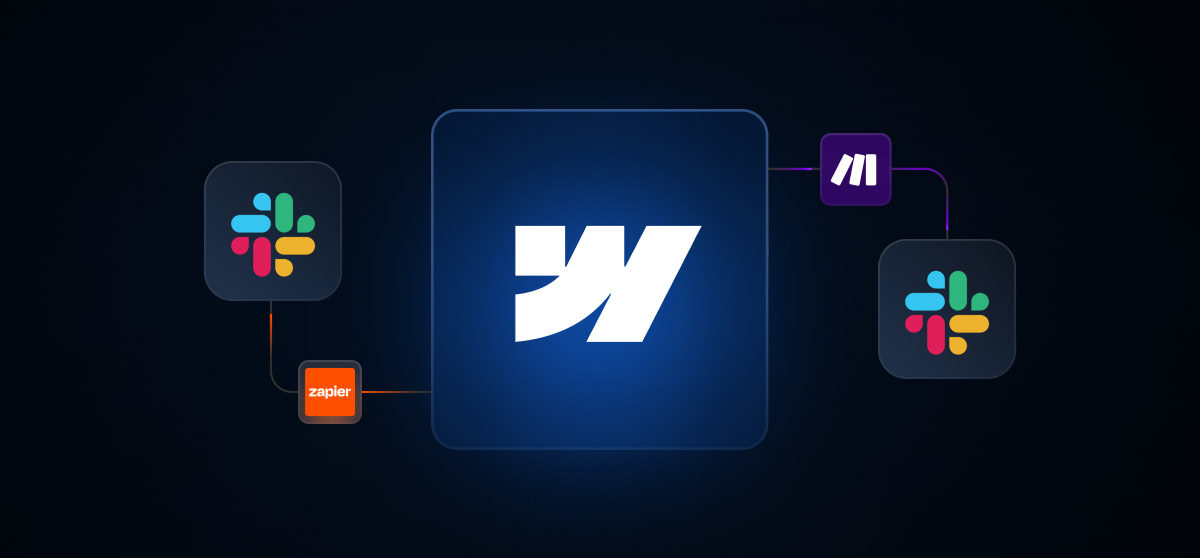
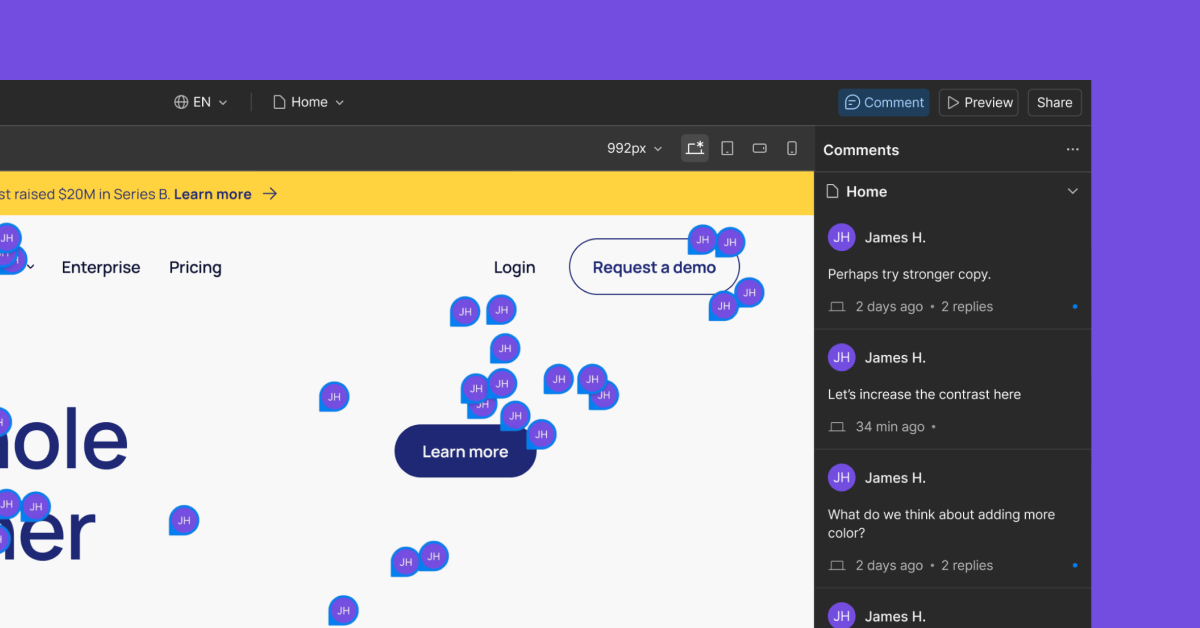
Making teamwork in Webflow feel intuitive and user-friendly is one of our top priorities. A key ingredient is ensuring that you and your team are always in the loop about things that need your attention in Webflow, and even surfacing those notifications in other tools that you’re working in everyday. To help you accomplish this, here’s what’s new:
- Comments APIs and a webhook to allow you to build integrations that connect Webflow comments to other tools
- Updated integrations with Zapier and Make to allow you to surface Webflow comment activity in the tools your team is already using — like Slack, Asana, Jira, Notion, and many others.
This means you can notify a Slack channel when a new comment is left on a project, track unresolved comments in an Asana task, sync key feedback to a Notion doc or Jira board, and more.
To learn how to set this up, see our documentation on the comments APIs and webhook, as well as documentation on the Zapier and Make integrations.
We hope these new capabilities will help your team communicate more clearly — and move faster together with Webflow.
Related updates




















Get started for free
Try Webflow for as long as you like with our free Starter plan. Purchase a paid Site plan to publish, host, and unlock additional features.
Try Webflow for as long as you like with our free Starter plan. Purchase a paid Site plan to publish, host, and unlock additional features.