






Feature
Collaboration
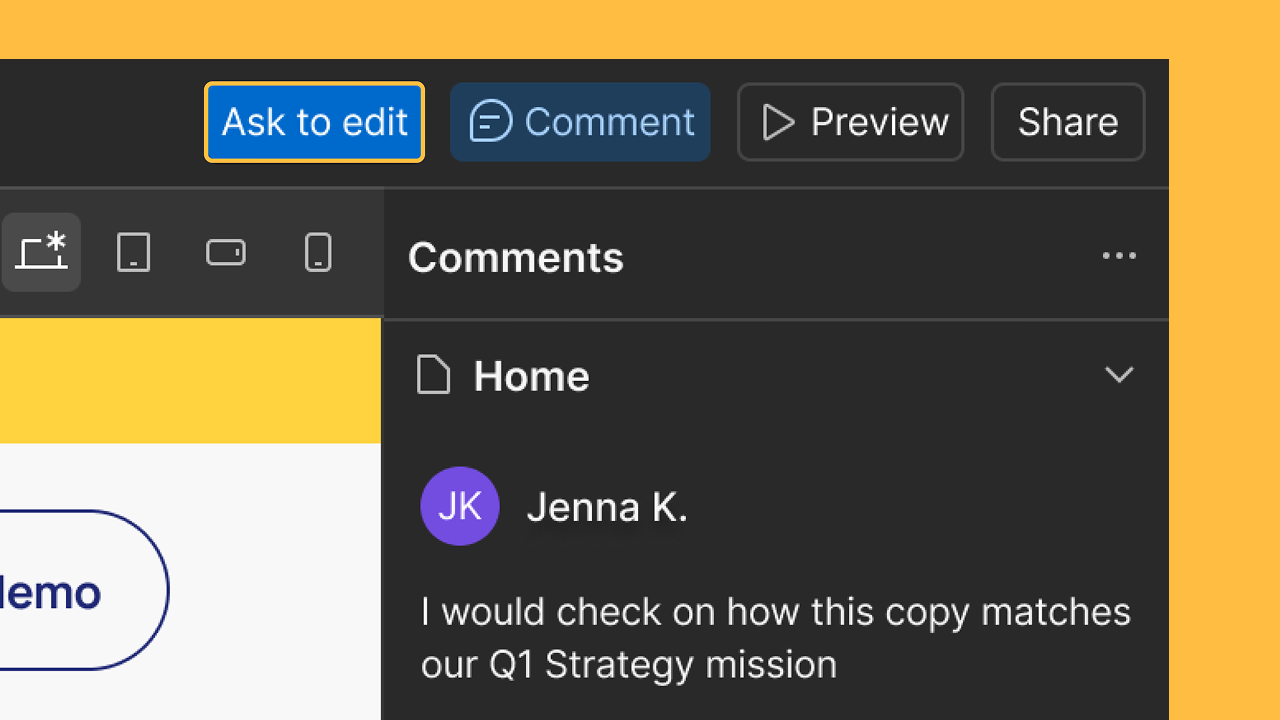
Comments enhancements: emojis, direct links, and more
Webflow comments enhancements include emojis, direct links, and other improvements
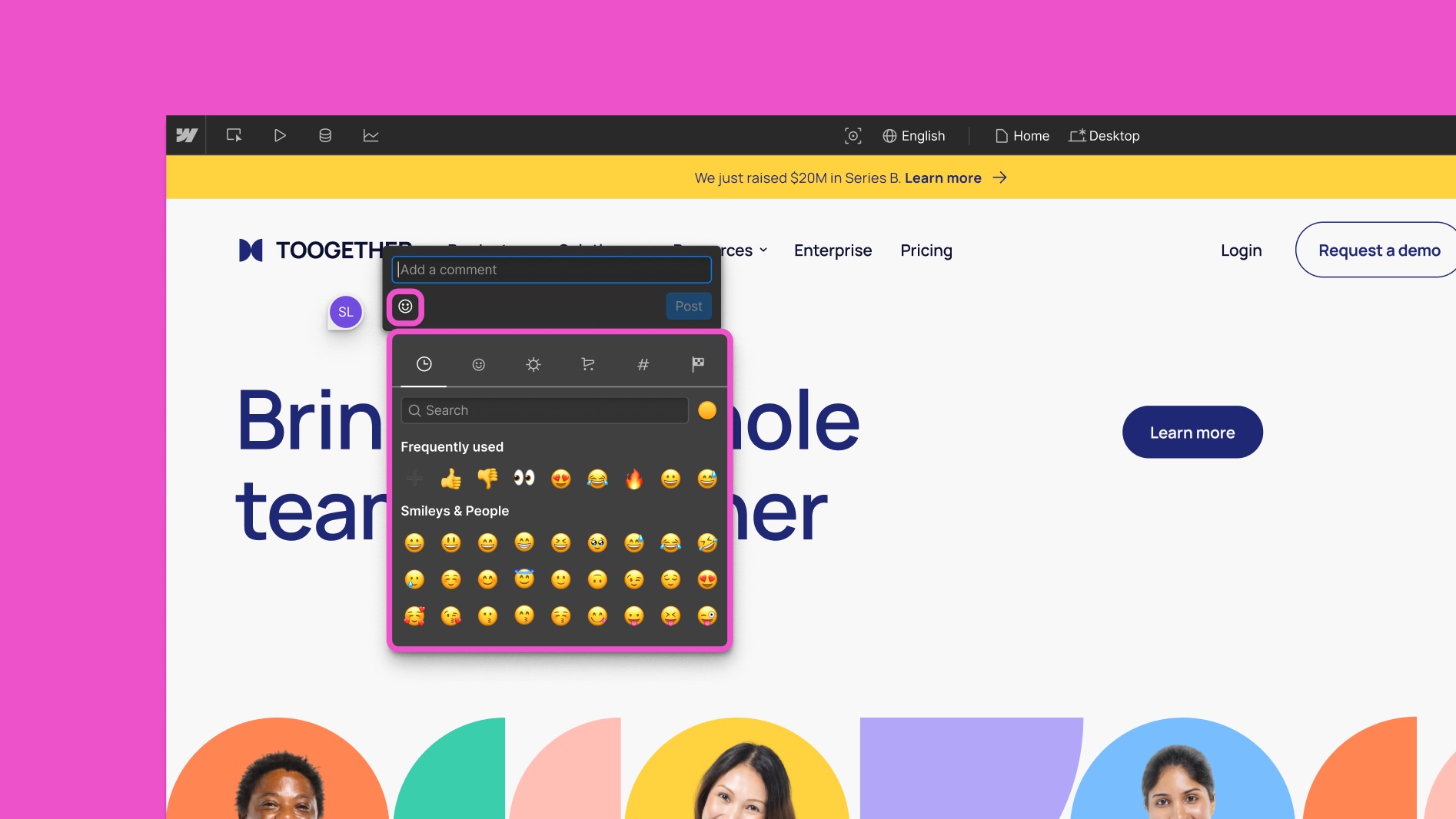
Making teamwork in Webflow feel intuitive and user-friendly is one of our top priorities. We’ve shipped a few tiny but mighty enhancements to the comments experience in Webflow:
- Share a link to a specific comment allows you to direct teammates to specific pieces of feedback with a single click.
- Emoji reactions add a layer of expressiveness, speed, and clarity to every conversation.
- Click on links in comments and copy-paste comment text to make referencing assets and instructions seamless.
We hope these quality-of-life improvements will help your team communicate more clearly — and move faster together.
Launched on
April 16, 2025
Category
Collaboration
Related updates





















Get started for free
Try Webflow for as long as you like with our free Starter plan. Purchase a paid Site plan to publish, host, and unlock additional features.
Try Webflow for as long as you like with our free Starter plan. Purchase a paid Site plan to publish, host, and unlock additional features.