






Enhancement
Collaboration
See exactly which pages your teammates are working on in the Designer
Now you can see exactly which pages teammates are working on when you have multiple people inside the Designer.
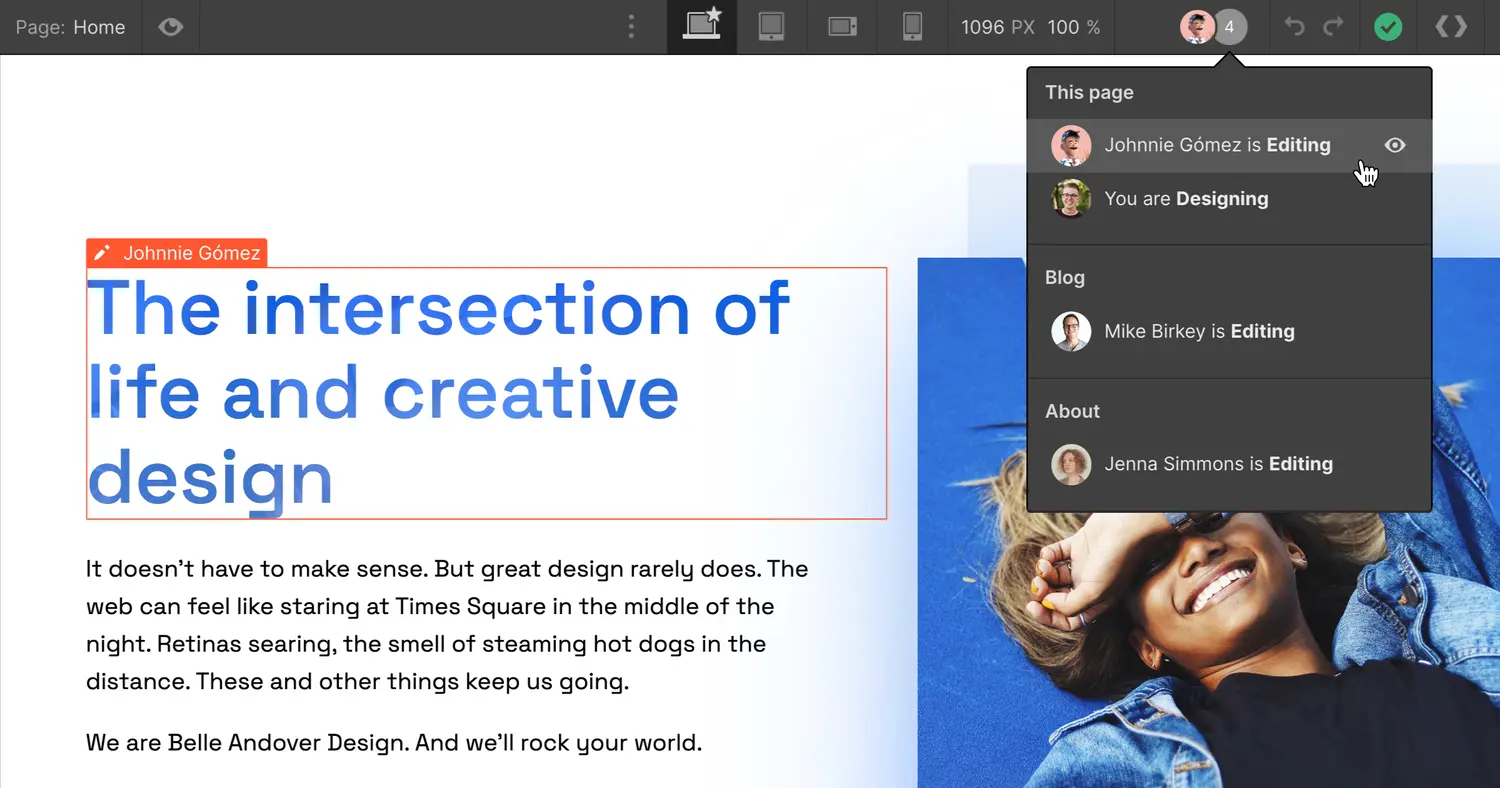
Happy New Year! We’re kicking off 2022 with the first of many planned improvements for teams in Webflow: a nice improvement to the visibility for where your teammates are working inside the Designer.
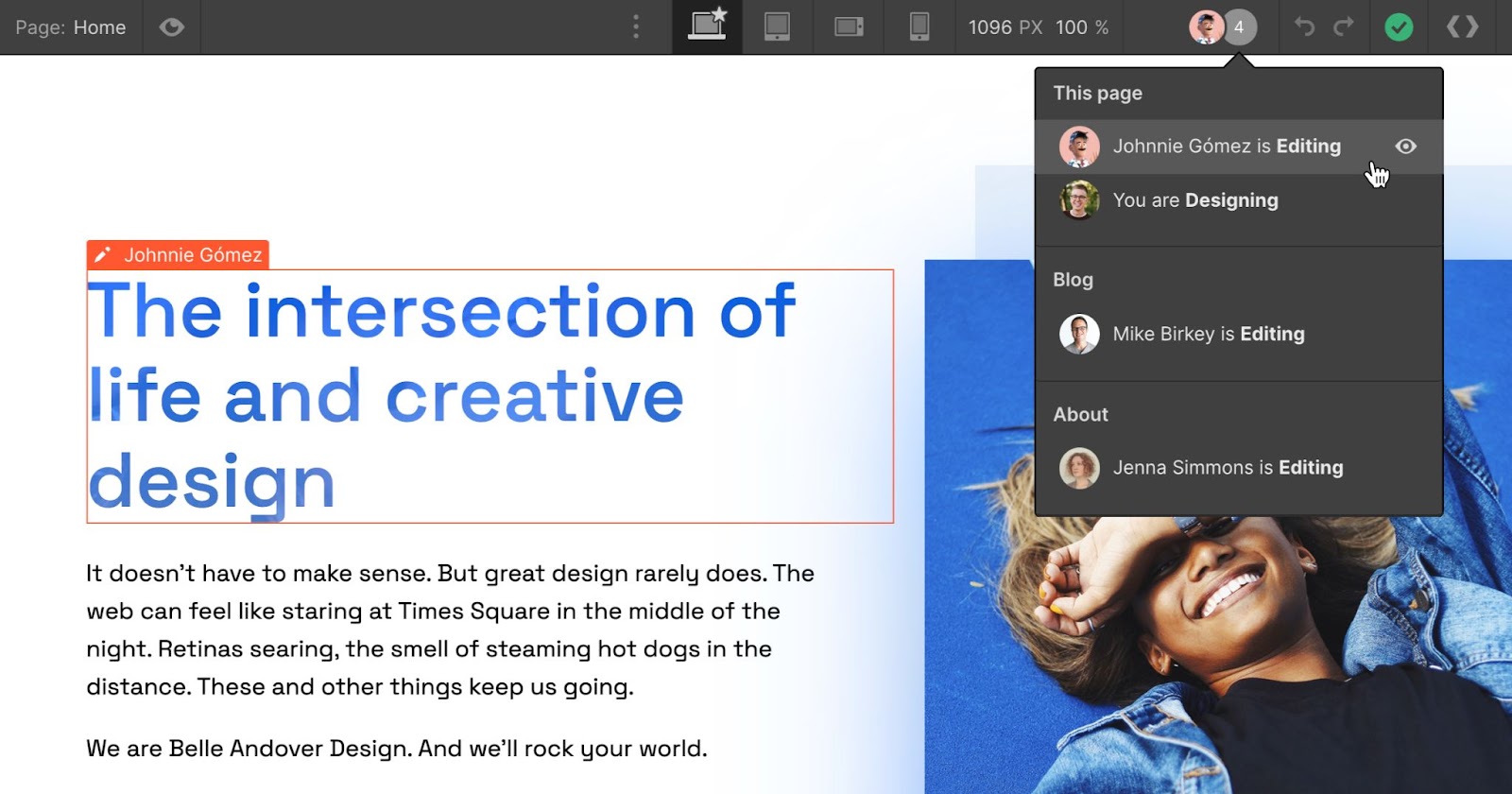
Following up on our improvements to collaboration inside the Designer last July, today we’ve made an enhancement that allows you to see exactly which pages teammates are working on when you have multiple people inside the Designer. You can also navigate directly to the elements they’re touching by clicking on their name. Imagine that!
This update’s now live for everyone, so go wild and enjoy. And look out for more teamwork improvements in the coming year!
Related updates





















Get started for free
Try Webflow for as long as you like with our free Starter plan. Purchase a paid Site plan to publish, host, and unlock additional features.
Try Webflow for as long as you like with our free Starter plan. Purchase a paid Site plan to publish, host, and unlock additional features.