






Enhancement
Collaboration
Preview the canvas as a Marketer or Content editor
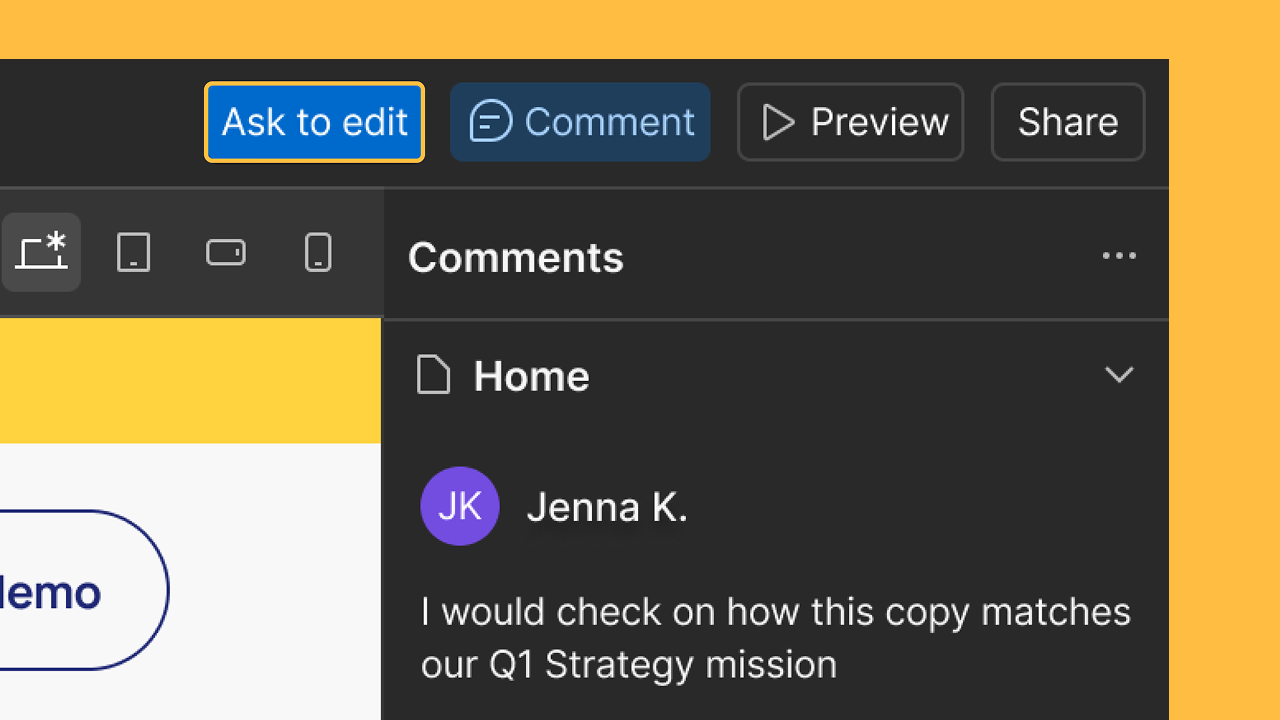
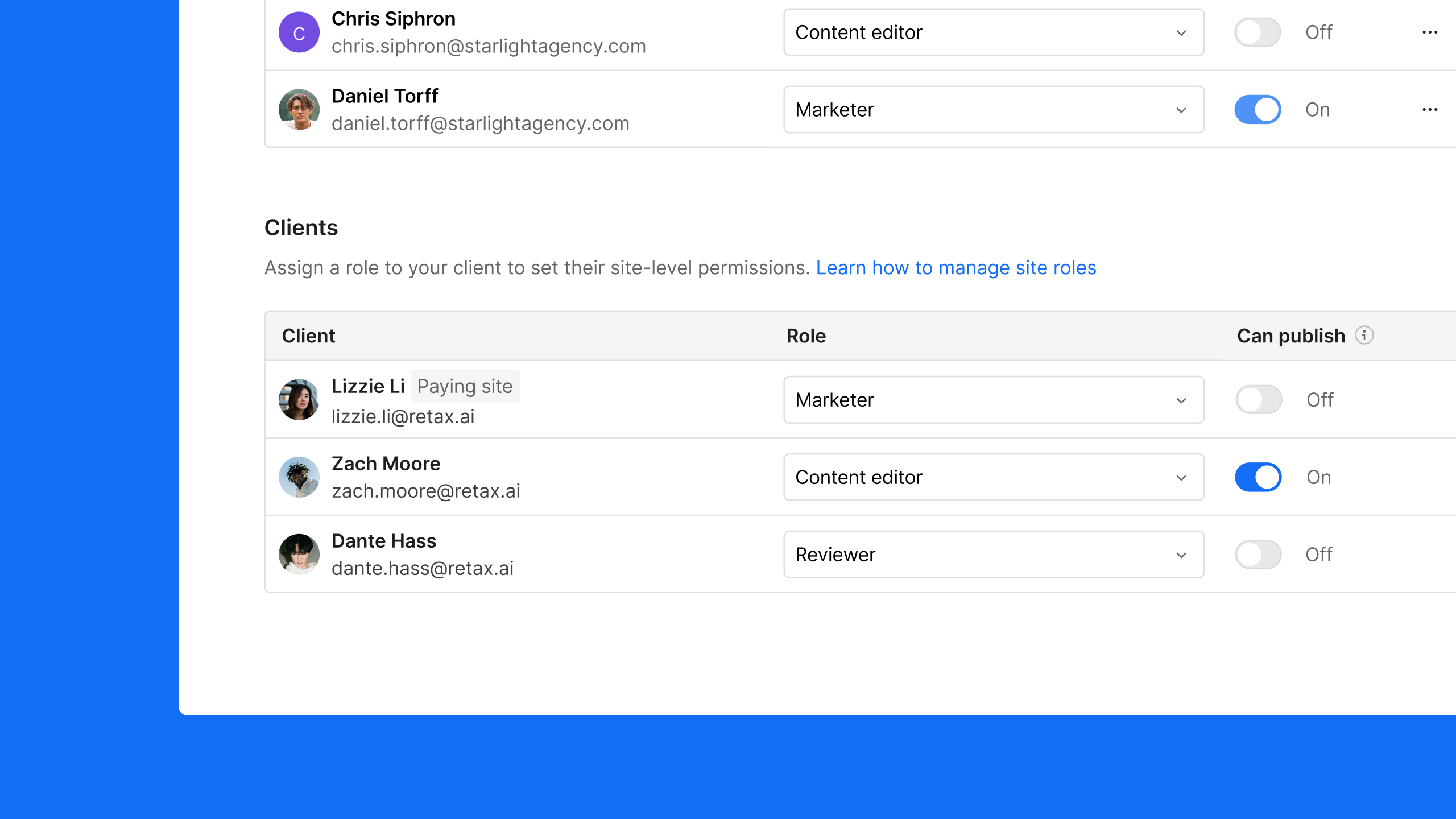
You can now preview how Marketers and Content editors experience the canvas if you’re a Designer or Admin. This helps you train teammates or clients, create documentation, and troubleshoot issues more easily.
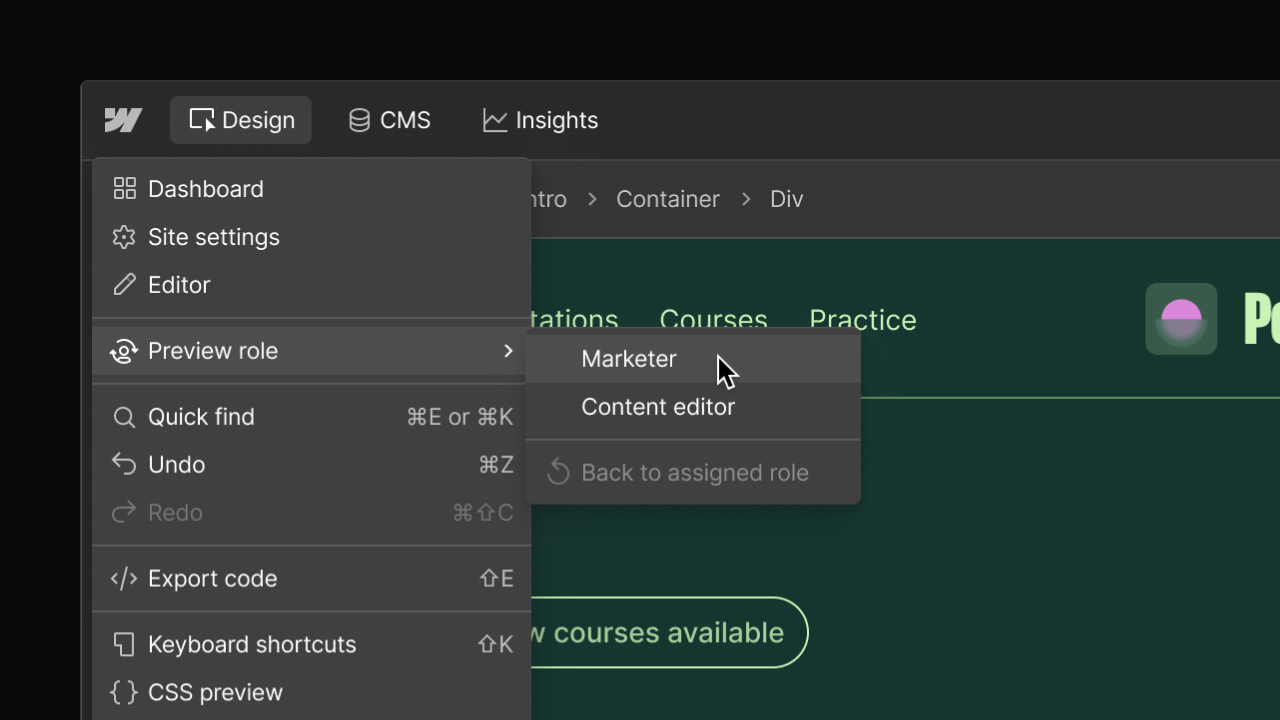
When you’re helping a client or teammate, seeing exactly what they see matters. Preview roles lets you view the canvas as a default Marketer or Content editor, so you can train, document, and troubleshoot with confidence.
Instead of switching accounts or relying on screen sharing, you can now preview role-specific experiences directly from the canvas.
What you can do:
- Preview the canvas as a default Marketer or Content editor
- Access preview roles from the hamburger menu in the top left of the canvas
- Switch back to your assigned role at any time
- Keep your actual permissions unchanged
Preview roles reflect the default experience for each role. If your assigned role has fewer permissions, you’ll still be blocked from taking actions you’re not allowed to perform.
This update is especially helpful for agencies who regularly train clients, onboard collaborators, or troubleshoot questions about access and capabilities.
If you or your clients want to quickly access the content editing experience from any Webflow-hosted live site, just add ?update to the end of the URL and you’ll be taken right to the Webflow canvas to edit that page. More on this here.
Related updates





















Get started for free
Try Webflow for as long as you like with our free Starter plan. Purchase a paid Site plan to publish, host, and unlock additional features.
Try Webflow for as long as you like with our free Starter plan. Purchase a paid Site plan to publish, host, and unlock additional features.