










Your website is often the first place potential customers find your business — and your first chance to make a strong impression.
When people land on your service website, they want to know what you offer and whether they can trust your business with their time and money. With the right combination of design and content, you can help visitors understand your services well enough to feel confident about taking the next step, whether that’s requesting a quote or booking a call.
The right website builder handles much of the technical work and helps you realize your vision even if you’re not a web designer. It also offers a single platform where you can create and publish your site, and then manage customer acquisition with built-in features such as booking forms and payment processors.
Read on to explore five of the best website builders for service-based businesses, and learn some best practices for creating an effective online presence.
Why your service-based business needs a website builder
The right website-building platform helps you create clear layouts and apply consistent branding, so your site effectively represents your brand. When your site looks appealing, loads quickly, and is easy to use on desktop and mobile devices, potential clients will likely assume your services are just as polished.
But not just any website builder will do — your platform must also support the core features your service business will rely on, such as built-in scheduling and booking tools, contact forms, search engine optimization (SEO) options, and payment integrations. You’ll also want responsive design tools to keep the user experience consistent across all devices.
Features to look for in a quality website builder
As you compare the many website builders for small businesses, here are a few top features to consider:
- Ease of use. Your website builder should be accessible, so even if you’re new to web design, you don’t have to rely on a developer. A visual, drag-and-drop editor lets you modify pre-made templates, launch quickly, and update content as your services evolve.
- SEO features. Most potential clients will start their search for your services on Google, so your website builder should have built-in SEO controls to help you optimize your site. When you customize page titles, meta descriptions, headings, URLs, and schema markup, search engines can better understand and rank your content.
- Built-in booking and scheduling tools. As a service provider, there’s a good chance your website’s main goal is to encourage appointments or consultations. Booking tools let visitors choose convenient times and provide important information about themselves.
- Customizable service business website templates. Pre-built service page templates give you a head start when creating your website, especially if you’re not a designer. You can choose a template you like, then swap in your own copy, pricing, visuals, and colors.
- Integration options. Look for a website builder that integrates with customer relationship management (CRM) solutions, payment tools, and email platforms so that you can track leads and payments in a single hub. These features help you nurture relationships through automated follow-up sequences, while reducing drop-offs and increasing revenue.
- Scalability. Your website should accommodate more content as your business grows. A scalable website builder allows you to add new services, locations, and feature pages without forcing you to rebuild from scratch.
5 best website builders for service-based businesses
Now that you know what to look for, here are five of the best platforms for service provider websites.
1. Webflow
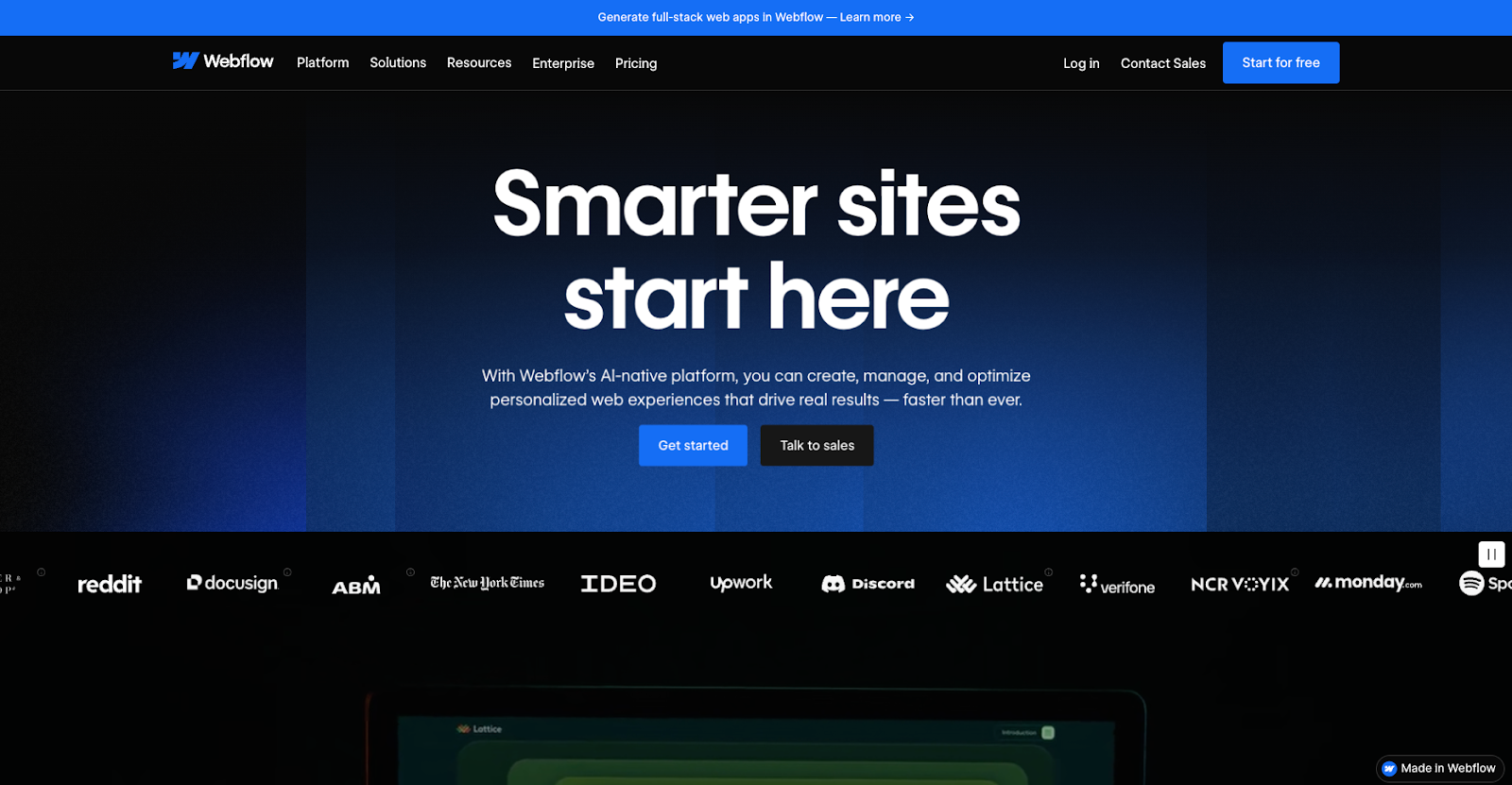
Webflow is a visual website builder that lets you design fully responsive sites in a drag-and-drop canvas while it writes clean code in the background. As a content management system (CMS), Webflow helps you structure diverse content, including service pages, booking forms, FAQs, and blog posts.
There are thousands of templates to choose from, and SEO tools to help your content rank. When your site is ready, Webflow hosts it with tools that support fast page speeds and strong security.
Pros
- Advanced visual design controls to create on-brand content
- CMS collections for services, case studies, blog posts, and more
- Fast, secure hosting and built-in SEO controls
- Responsive designs so your website works well on any device
Cons
- A slightly steeper learning curve than basic drag-and-drop editors
- No native booking tool, although you can embed one using a third-party integration
Pricing
- Free starter site on a webflow.io domain
- Basic plan starts at $14 per month
- CMS plan starts at $23 per month
- Business plan starts at $39 per month
- Custom Enterprise plans
- Additional Ecommerce and Workspace plans
Best for
Agencies and B2B service companies that want a highly customizable, scalable tool for designing and maintaining a professional website.
2. Wix
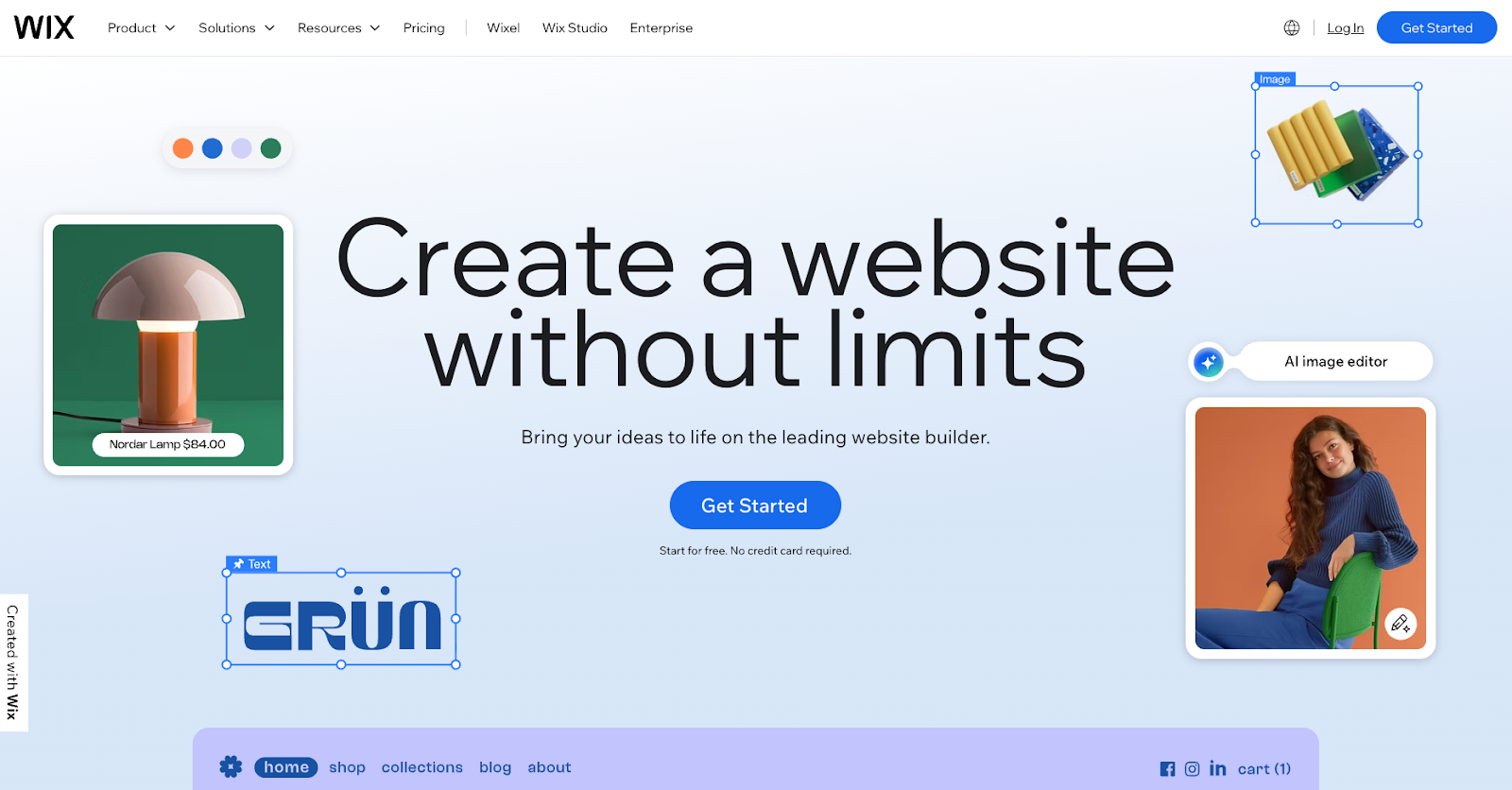
Wix offers plenty of starting templates, a streamlined drag-and-drop editor, and an app store. For service businesses, the Wix Bookings feature lets clients schedule appointments or demos online. Clients can also pay in advance through the website and receive automated confirmations.
Pros
- AI website builder
- Native features that handle online scheduling, reminders, and payments
- PayPal integration
Cons
- Once a site is live, you can’t change its templates without rebuilding from scratch
- Customization options are limited when compared to full CMS platforms
Pricing
- Free plan with Wix ads
- Light plan starts at $17 per month
- Core plan starts at $29 per month
- Business plan starts at $39 per month
- Business Elite plan starts at $159 per month
Best for
Smaller service providers, such as photographers, local tutors, fitness instructors, and salons, that want built-in bookings and fast setup with templates.



















Build a better site experience
In our ebook, learn how to approach your next website redesign — from collaboration and trust-building to finding the right tools.
3. Squarespace
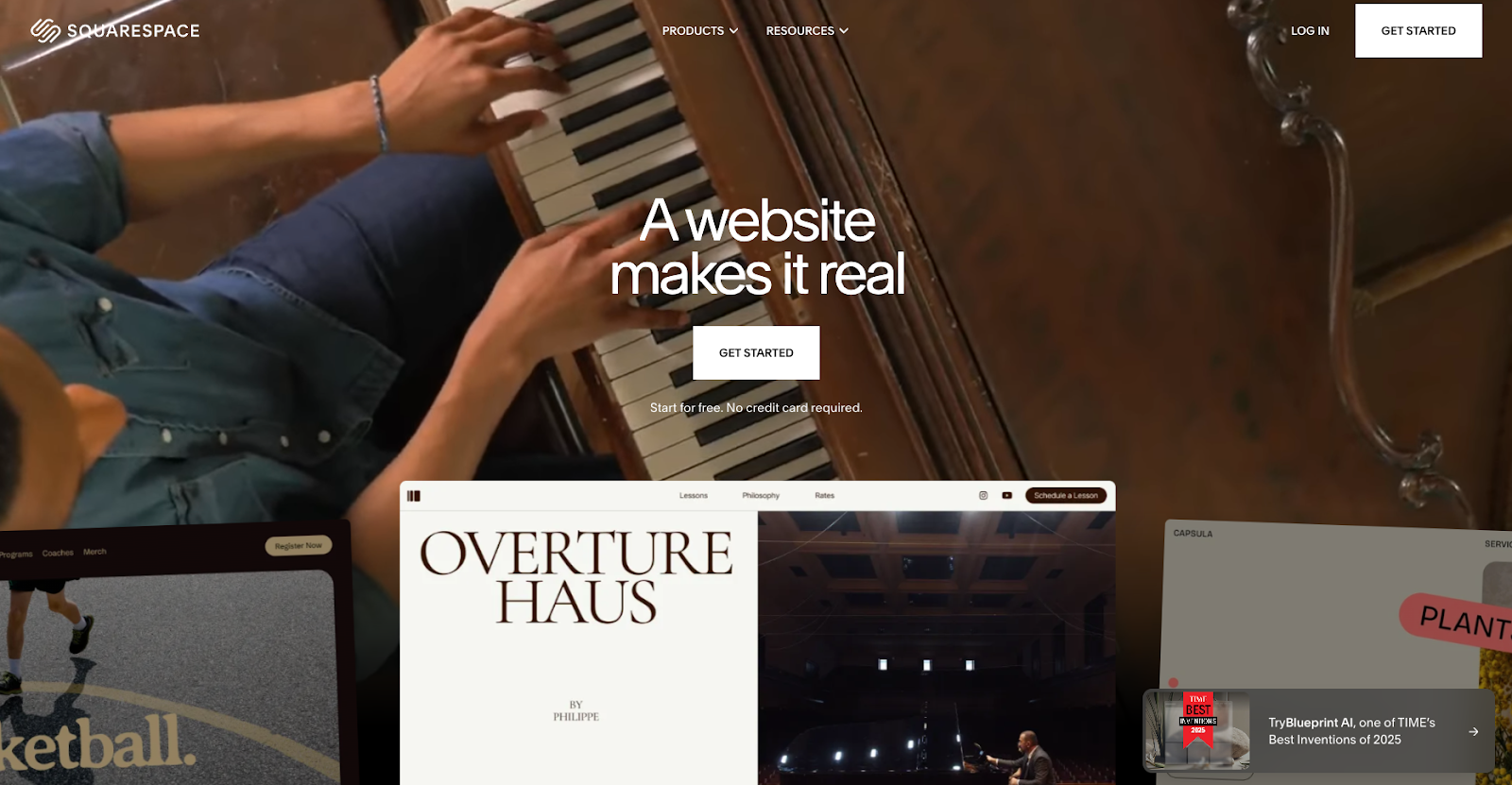
Squarespace is a template-driven site builder with responsive design capabilities and an integrated set of tools for blogging, SEO, email marketing, and ecommerce. You can use templates built for websites that rely on booking, and pair your site with Squarespace’s Acuity Scheduling feature (charged separately) to create a branded flow that handles appointments and payments.
Pros
- Varied templates that responsively adapt to mobile screens
- Drag-and-drop editor
- Built-in email campaigns, analytics, and SEO settings
Cons
- Less granular front-end control for designing than CMS platforms like Webflow
- Fewer third-party integrations than other website-building tools
Pricing
- Basic plan starts at $16 per month
- Core plan starts at $23 per month
- Plus plan starts at $39 per month
- Advanced plan starts at $99 per month
Best for
- Design-forward professionals, like photographers and boutique studio owners, who value visual templates and want appointment and payment integrations.
4. WordPress
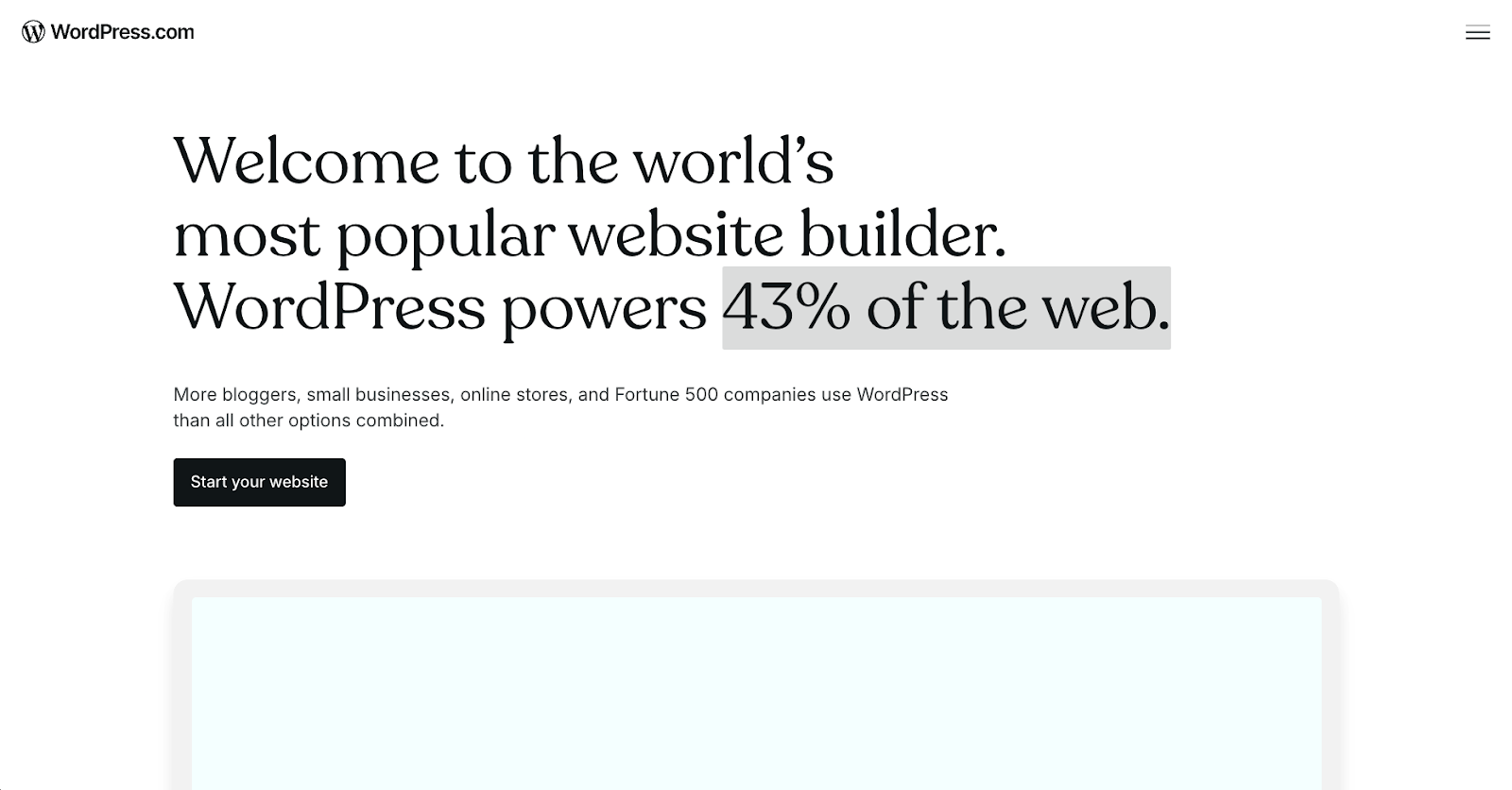
WordPress is a CMS that’s available either with managed hosting on WordPress.com or as self-hosted software via WordPress.org. Both versions let you install themes and plugins to add third-party features, including booking forms, SEO controls, custom layouts, and payment processors. WordPress.com handles the infrastructure for you, while WordPress.org gives you control over hosting and configuration.
Pros
- Large library of themes and plugins to add custom tools
- Flexible content structure that works for business websites, blogs, and booking sites
- WordPress.com is suitable for non-technical teams, while WordPress.org offers more granular control to those with technical expertise
Cons
- Self-hosted WordPress.org requires you (or a developer) to manage updates, backups, security, and overall site maintenance
- The more plugins you add, the more susceptible your site is to attacks and slowdowns
- Hosting, domain name, and premium plugin and theme costs can add up quickly
Pricing
- The WordPress.org software is free, but you’ll pay for hosting, a domain name, and any premium plugins and themes.
- For WordPress.com:
- Personal plan starts at $4 per month
- Premium plan starts at $8 per month
- Business plan starts at $25 per month
- Commerce plan starts at $45 per month
- Enterprise plan starts at $25,000 per year
Best for
Content-heavy service businesses and agencies with in-house developers; users who want to customize extensively via third-party tools.
5. Shopify

Shopify is primarily an ecommerce platform that helps businesses sell online and in person, offering tools for product catalogs, payments, and inventory and order management. You can list your services as “products,” and connect third-party appointment-booking software from the Shopify App Store. This allows visitors to schedule demos or consultations and pay for them on the same platform.
Pros
- Checkout, payment processing, and order management features
- Large marketplace of integrated booking apps that turn products into bookable services
- Supports services as well as physical and digital products
Cons
- No native scheduling features, so you’ll have to rely on third-party apps with extra configuration and subscription costs
- Themes and content structures are optimized for store functionality, which can be excessive if you want a streamlined booking site
Pricing
- Basic plan starts at $29 per month
- Grow plan starts at $79 per month
- Advanced plan starts at $299 per month
- Plus plan starts at $2,300 per month
Best for
Service companies that want an ecommerce-based site builder with a single storefront for bookings, especially if they also sell products online.
Best practices for building a service-based website
Once you’ve chosen a website builder, follow these best practices to make your service-based site more effective.
Make services and pricing transparent
Clear and detailed service pages let potential clients know how your products will improve their lives. Spell out exactly what you do, who each service is for, what it includes, and the expected results.
If possible, show your pricing up front as well, even if it’s just “starting at” ranges or package tiers. And be upfront about anything else that affects the final cost, so visitors feel informed rather than surprised by hidden fees.
Add strong calls to action (CTAs)
After you make visitors aware of your services, they need a clear next step. Guide them with concise CTAs near the top of key pages and after important sections. Link these CTAs to important actions you want visitors to take, such as booking a consultation or requesting a quote.
When designing your CTAs, use strong action verbs with context — for example, “Book a 15-minute consultation” instead of “Submit.” Make sure CTA buttons stand out on the page through attention-grabbing colors and design, and keep their wording consistent across the site.
Design for mobile-first browsing
Most people research services on their phones, often while multitasking. So it’s important to design your site with smaller screens in mind and focus on catching attention quickly. To achieve a mobile-first design, keep paragraphs short, use headings to break up content, and avoid congested layouts that force horizontal scrolling.
Test your forms and CTAs on mobile devices to make sure they’re easy to interact with. Also, important information such as location and service hours should remain highly visible so visitors don’t have to zoom or scroll much to find what they need.
Showcase reviews and testimonials
Choosing a service provider involves risk for customers, so adding social proof builds trust and instills confidence. Feature testimonials that highlight specific outcomes, like clients who report “They fixed our issue in one visit” or “Their services save us 20 hours every month.”
Wherever possible, include names, roles, locations, and even photos or logos (with permission) to make reviews feel genuine. Place these near your service descriptions and CTAs, so visitors see proof when they’re deciding to contact you.
Add FAQs to build trust and local SEO
An FAQ page answers common questions people have about your services or industry, such as “Which areas do you serve?” and “Do you offer emergency visits?” You might find common queries to answer via competitors’ FAQs, or collect the most popular asks from client calls and emails.
Then, write concise, reassuring answers that address these concerns proactively. Include location-based questions to support local search visibility if relevant, and link from the FAQs to relevant service or booking pages to guide visitors deeper into your site.
Get started with the best website builder for service businesses
Choosing the right website builder helps you create a site that shows clients what you do and encourages them to make a purchase or reach out. Include informational service pages, search-friendly and mobile-first content, clear CTAs, and if relevant, booking and payment options. Once those fundamentals are in place, you can customize your site’s look and layout to help it stand out from competitors.
If you want maximum control and flexibility over your designs, Webflow supports your needs while giving your business room to grow. Our visual design platform and CMS help you create information-rich pages, and you can use integrations to add new features. Plus, you’ll get reliable hosting, strong security, and built-in SEO tools.
Build your service-based site with Webflow and scale it as you grow — all in one platform.

Build websites that get results.
Build visually, publish instantly, and scale safely and quickly — without writing a line of code. All with Webflow's website experience platform.



















