


Code components extend what’s possible, and across the Webflow community, developers are building all kinds of creative experiences using them.
From 3D visualizations to responsive charts, these projects show how React pushes Webflow beyond its limits. Below, we’ll take a quick look at what code components are and highlight a few early community examples that can help spark ideas for your own work.
What are code components?
Code components are React components that can be used on the Webflow Canvas. They make it possible to leverage existing React libraries or incorporate advanced UI elements into your Webflow site (think data integrations, advanced logic, or complex interactivity).
With DevLink, you can import code components from any external codebase into Webflow and install them on your sites. Designers and marketers can then drag-and-drop them onto the canvas and edit props and slots with dynamic content as part of their usual Webflow workflow.
With code components, a page can do things like validate a form in real-time, filter a product list, remember user preferences, or fetch client-side data from an API.
Miss the announcement from the Webflow Conf keynote? Check it out here!
How our community is using code components
Since the release of this feature, we’ve seen the community build code components in fun and sometimes unexpected ways. Developers are experimenting with:
- Embedded media and interactivity
- 3D effects and modern design
- Data visualizations driven by the CMS
- Bringing in existing UI components from design systems
These are just a few of the many examples developers have shared, but they exemplify the true power of code components for custom interactivity, content-rich layouts, and more. Let’s take a look at a few examples to see them in action and how they work under the hood.
Audio player
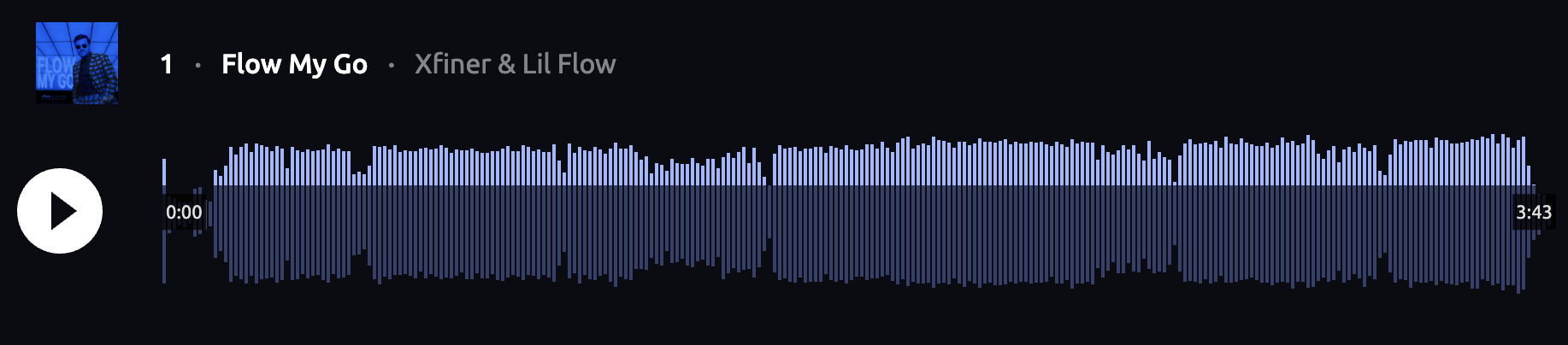
Our first example is an audio player code component built by Michael Wells, with design and music by Xfiner.
The component renders a canvas element that shows a waveform display of an audio file and visual progress indicators as users control playback. When users configure the audio file, the component exposes a prop so it can load from various sources, including external URLs and Webflow assets. One other notable feature is that the component can manage playback state across multiple instances. You can hit the play button on one player and hit play on a second one, which will automatically pause the first player. This is possible because the component manages instances and callback functions in a shared global state.
We like this example because it works across so many use cases — from podcast landing pages to musician portfolios. The component provides clean visual cues and an easy way to configure the audio file source and the styling via style variables.
Explore this use case further:
3D interactive particle system
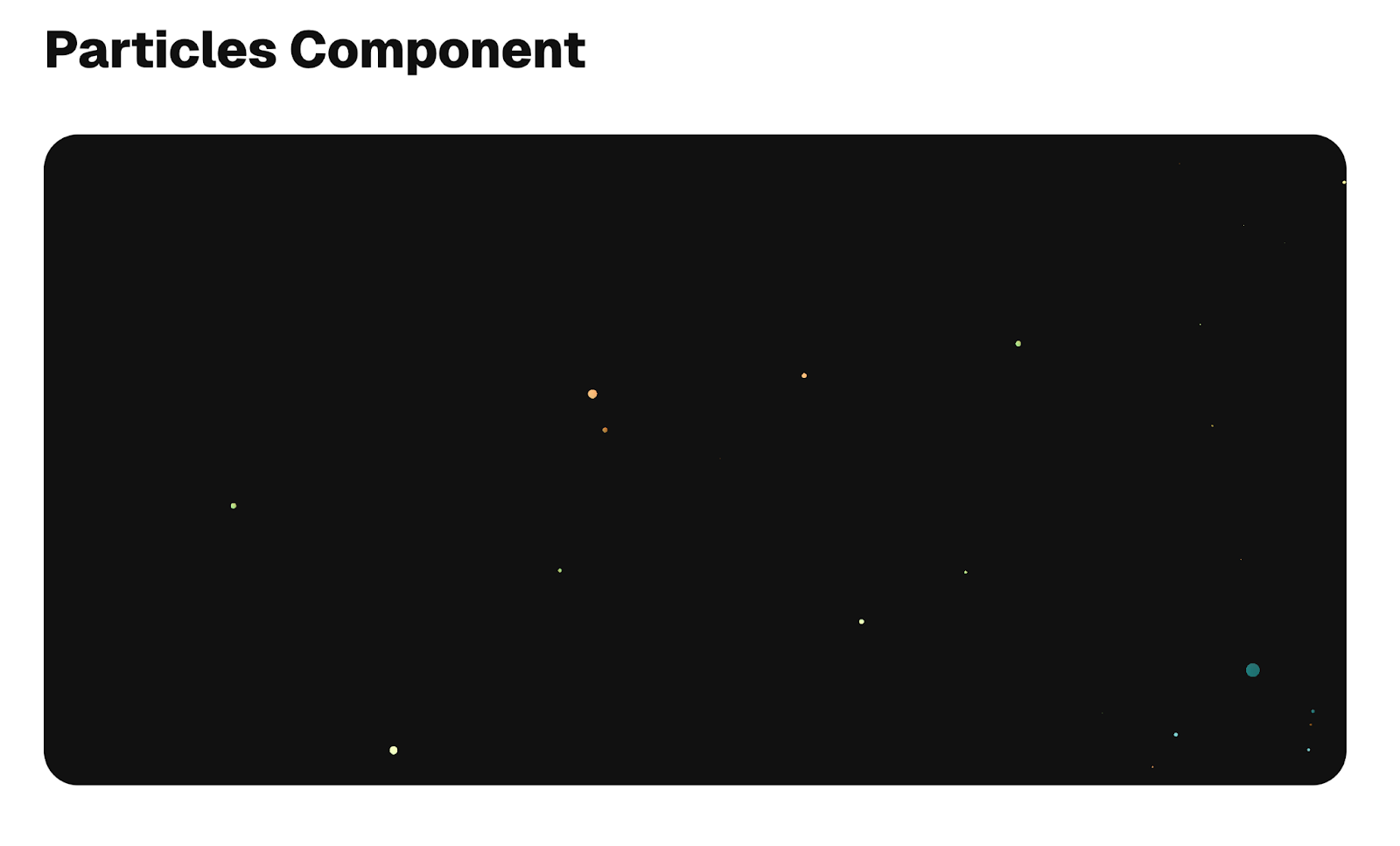
Another component we were excited to see is the 3D particle system code component built by Frederico Leonardo.
This component also renders a canvas element and uses a WebGL (Web Graphics Library) context to draw hundreds of particles that react to mouse movement. WebGL rendering keeps performance smooth when the number of particles on the screen scales. There are several configurable props on the component, such as the number of particles it draws, hex values for color fills, and the speed at which they animate.
This is a great example that shows how far you can push custom visualizations within the canvas while making configuration simple for users pulling in the component into Webflow.
Explore this use case further:
Check out other code components Frederico has built alongside how he uses Claude Skills with Claude Code and our Webflow MCP server to speed up component development.
Responsive charts and weather reports
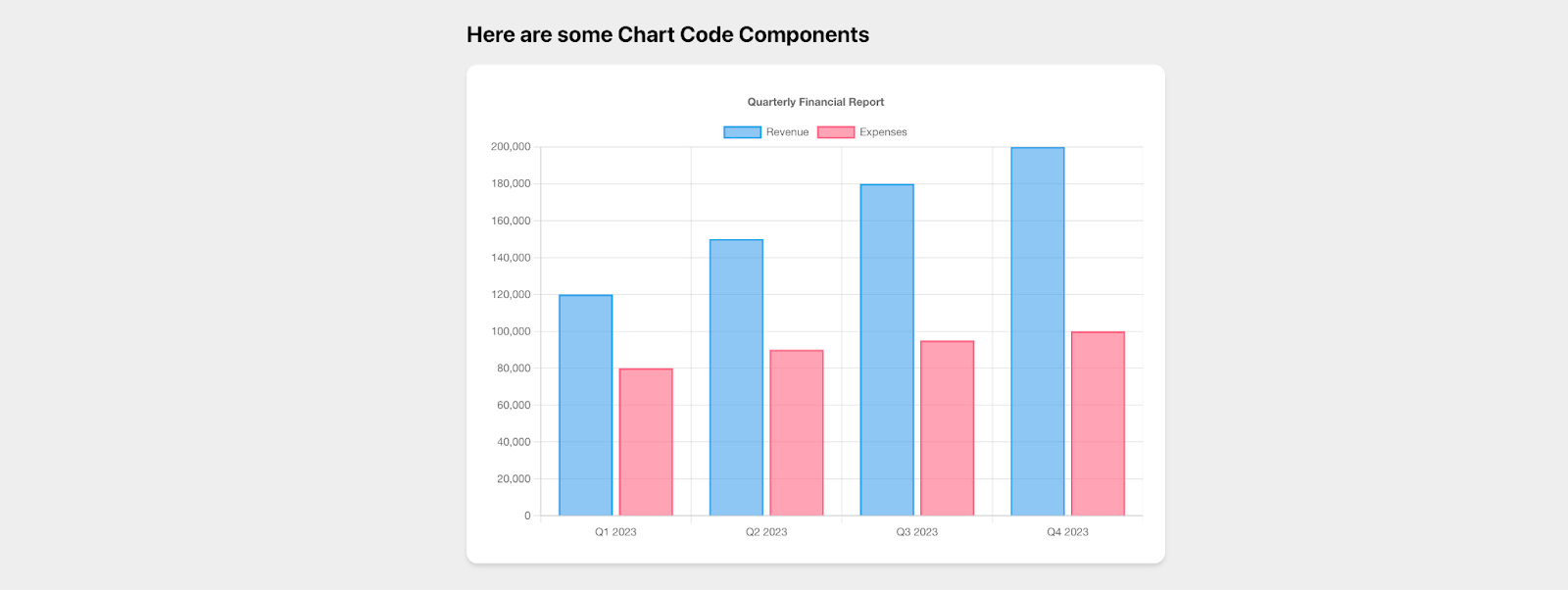
Now, let’s explore a responsive chart component powered by a popular Javascript library, Chart.js, built by Riziki Nielsen.
We like this component because Riziki walks through how easy it is to use tools like Claude Code and a heavily-used React 3rd-party library to quickly spin up a highly-configurable chart that’s responsive right out of the box. The component exposes multiple props — from data and labels to colors. For the colors, the component reads from the site’s variable colors for dynamic styling. The chart also accepts data as stringified JSON, demonstrating how to pass complex data structures through props.
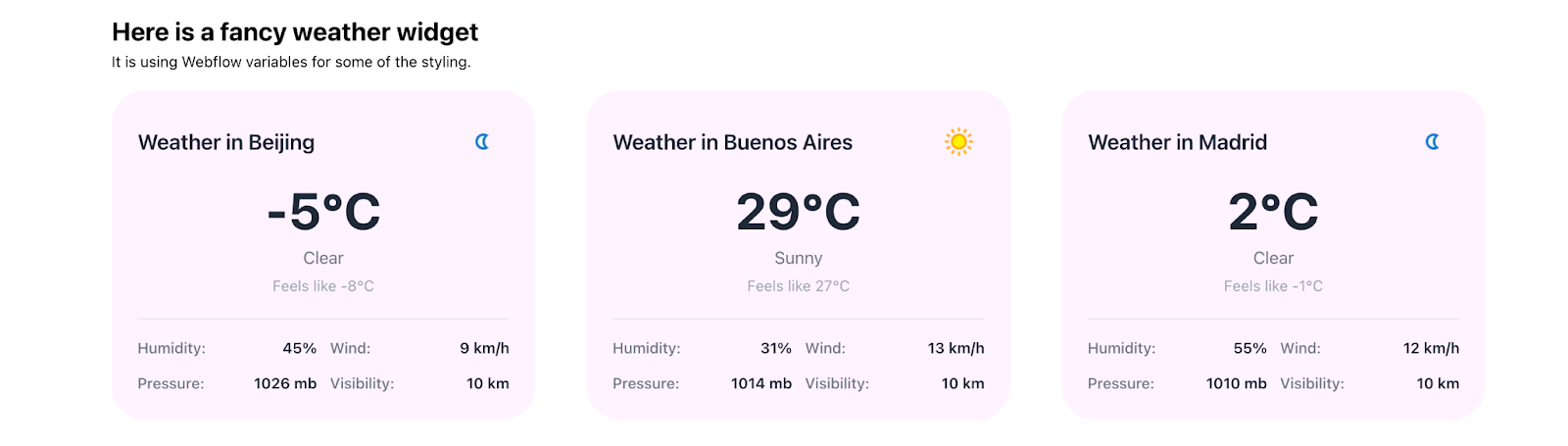
In this walkthrough, Riziki also shows how they built a weather summary widget powered by CMS data. Used in a collection list, the component pulls current weather data based on a city name prop bound to a collection item field. The dynamic data then displays temperature, humidity levels, wind, etc., all on the canvas.
From simple props to complex data structures, this example shows the range of what's possible with custom visualizations.
Explore this use case further:
Emerging patterns
The examples above — alongside countless others in the community — reveal emerging patterns in how developers build code components for Webflow:
- Slot-based compositions of components give designers the flexibility to mix Webflow content with interactive React components.
- External library integrations injected as custom code on Webflow sites is not a new solution, but code components offer developers a new avenue to build custom UI solutions with popular web and React libraries. This is possible without exposing code to less technical users building pages in Webflow.
- Reusable UI systems where developers are packaging their polished and production-ready design system components and bringing them into Webflow.
- Templates and tooling are quickly evolving to help speed up code component development or provide scaffolds that give other developers a good starting point
We’re excited to see all the creative components developers are building! Webflow is continuing to invest in developer extensibility, and the community is helping shape that future through experimentation and shared learnings.
Go further with code components
Inspired by some of the examples above? Start building your own code components by checking out our developer documentation. Additionally, follow along with our getting started tutorial, where we walk through how to build a React confetti cannon to drop into your Webflow sites.
Once you’ve created a code component, share it with the community in our Forum. We can’t wait to see what you build!



















Webflow Enterprise
Trusted by over 300,000 of the world’s leading brands, Webflow Enterprise empowers your team to visually build, manage, and optimize sophisticated web experiences at scale — all backed by enterprise-grade security.