











The right platform helps you build a quality, reliable site that serves new and existing customers.
Strapi is an open-source, headless content management system (CMS) known for flexibility and strong developer workflows. This platform lets you define content types and manage them in a central admin panel so developers can pull them into your website using APIs.
This setup means you’re not locked into one front-end framework or template. However, self-hosting requires more infrastructure and upkeep, while customization often adds developer-related complexities. Compared to other platforms, Strapi’s visual editor and preview experience are limited, especially for customer-facing teams that want to move fast.
If you need a CMS with a more accessible editor and simpler hosting, read on to explore 10 of the best Strapi alternatives for your business website.
10 Strapi alternatives for 2026
If your current tool doesn’t suit your team’s workflows, one of these Strapi competitors may be a better fit.
1. Webflow
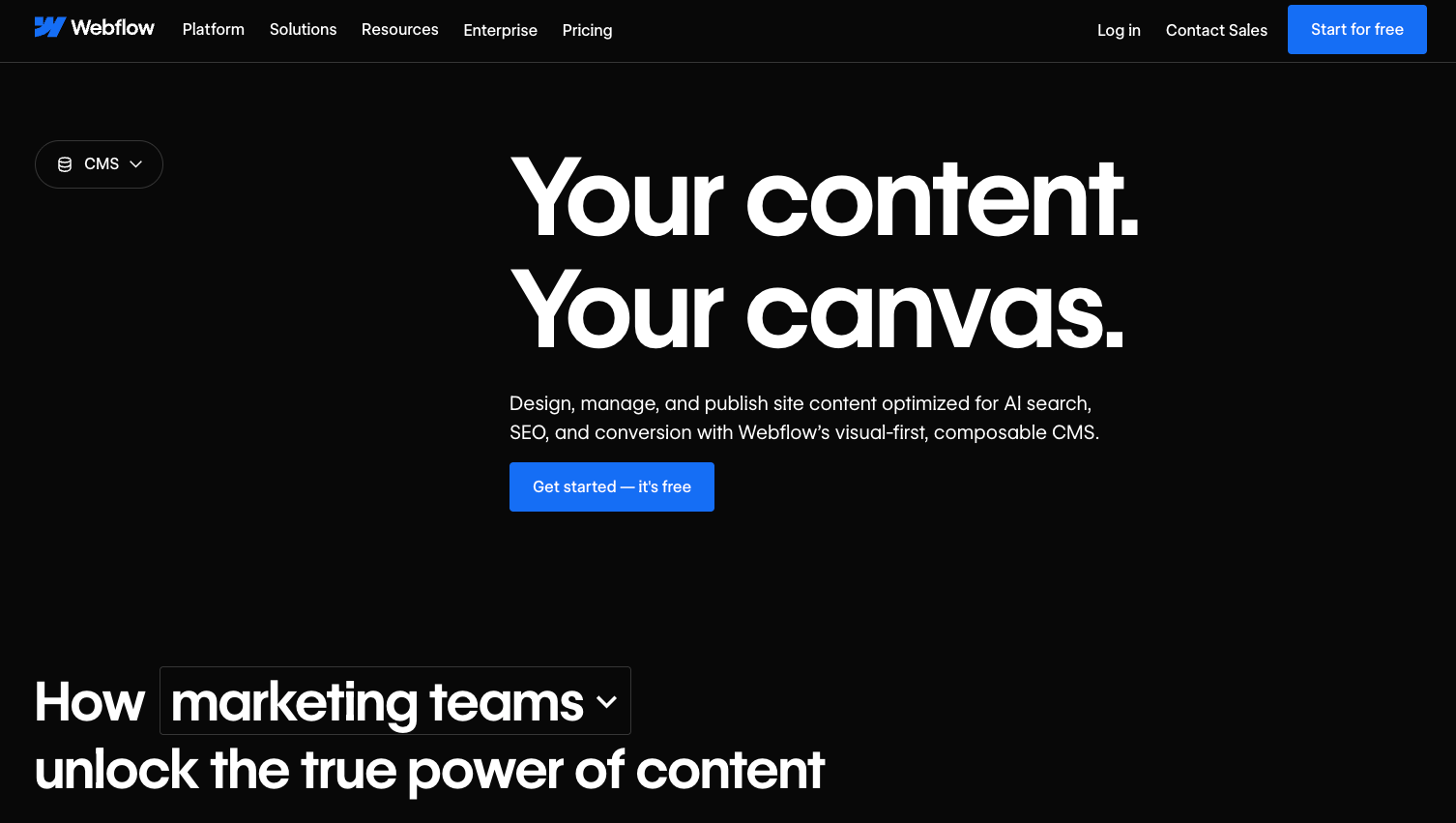
Webflow is a visual-first CMS that combines design, content, publishing, and hosting in one place. This platform lets you build pages visually and structure collections for easier site management.
Key features:
- Visual design environment for creating web pages and styling content
- Managed hosting with SSL, a global content delivery network, and automatic backups
- Advanced design features, such as interactions and animations
- Next-gen AI for site building and optimization workflows
Pros:
- Fast content cycles and few tools to manage
- Strong collaboration roles with real-time editing and updates for teams
- One scalable platform for designing, hosting, and publishing
Considerations: Less control over hosting than with a self-hosted platform such as Strapi
Best for: In-house teams that want speed and customization without reliance on third-party developers
Why choose it over Strapi: As a visual platform, Webflow generates code in the back end while you design, allowing you to focus on your branding and the visitor experience.
2. Sanity
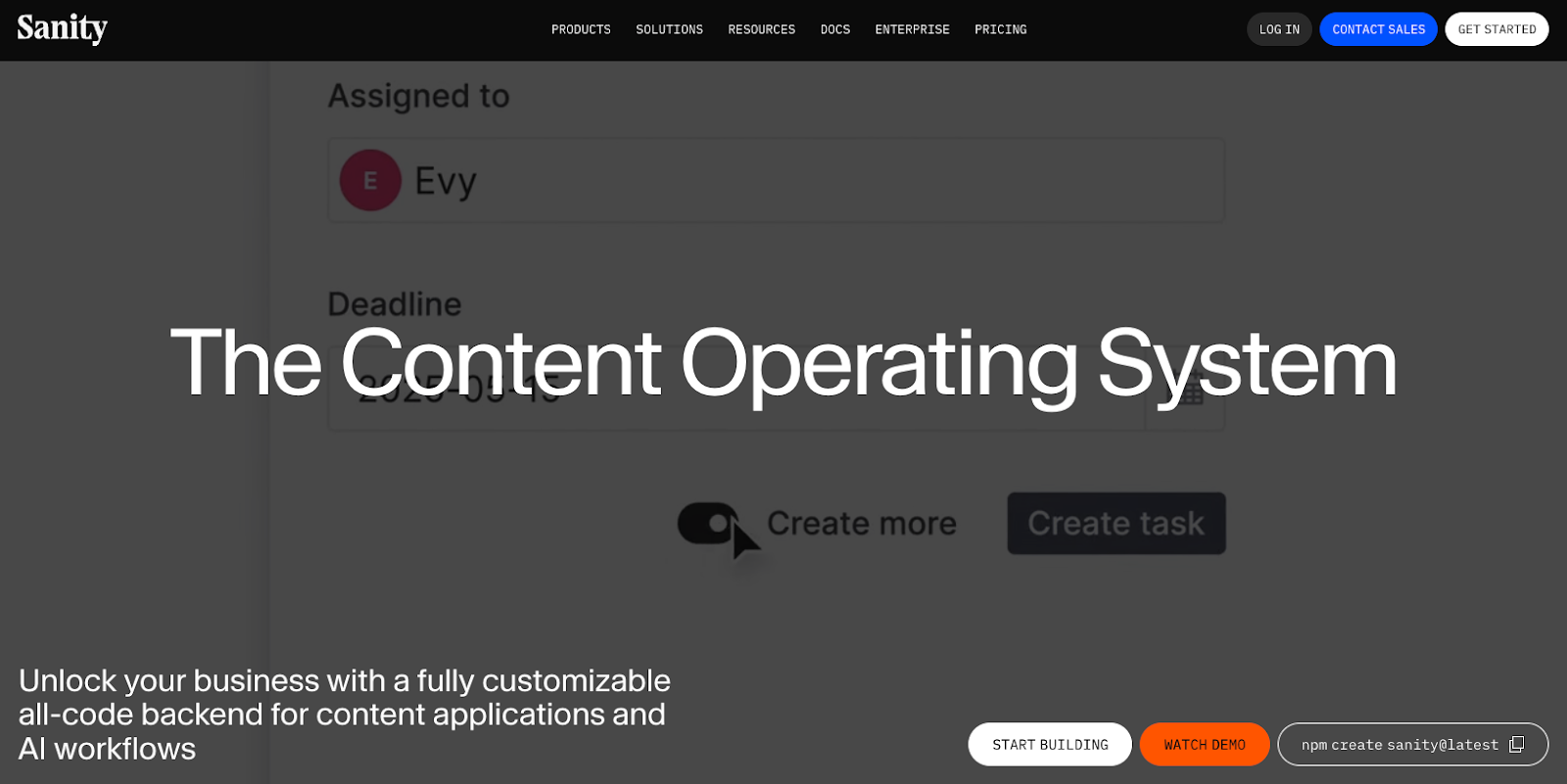
Sanity is a flexible, headless CMS with a customizable workspace. You can shape workflows to match how your team creates and reviews content.
Key features:
- Real-time, collaborative design studio
- Structured storage and APIs for content delivery
- Focus on AI and automation features
Pros:
- Customizable UI workflows
- Visual editing and preview experience
Considerations: Typically needs developer setup and ongoing ownership for regular updates
Best for: Developer-led or hybrid teams that want a flexible editing experience
Why choose it over Strapi: Sanity focuses on visual editing, making publishing more accessible.
3. Hygraph
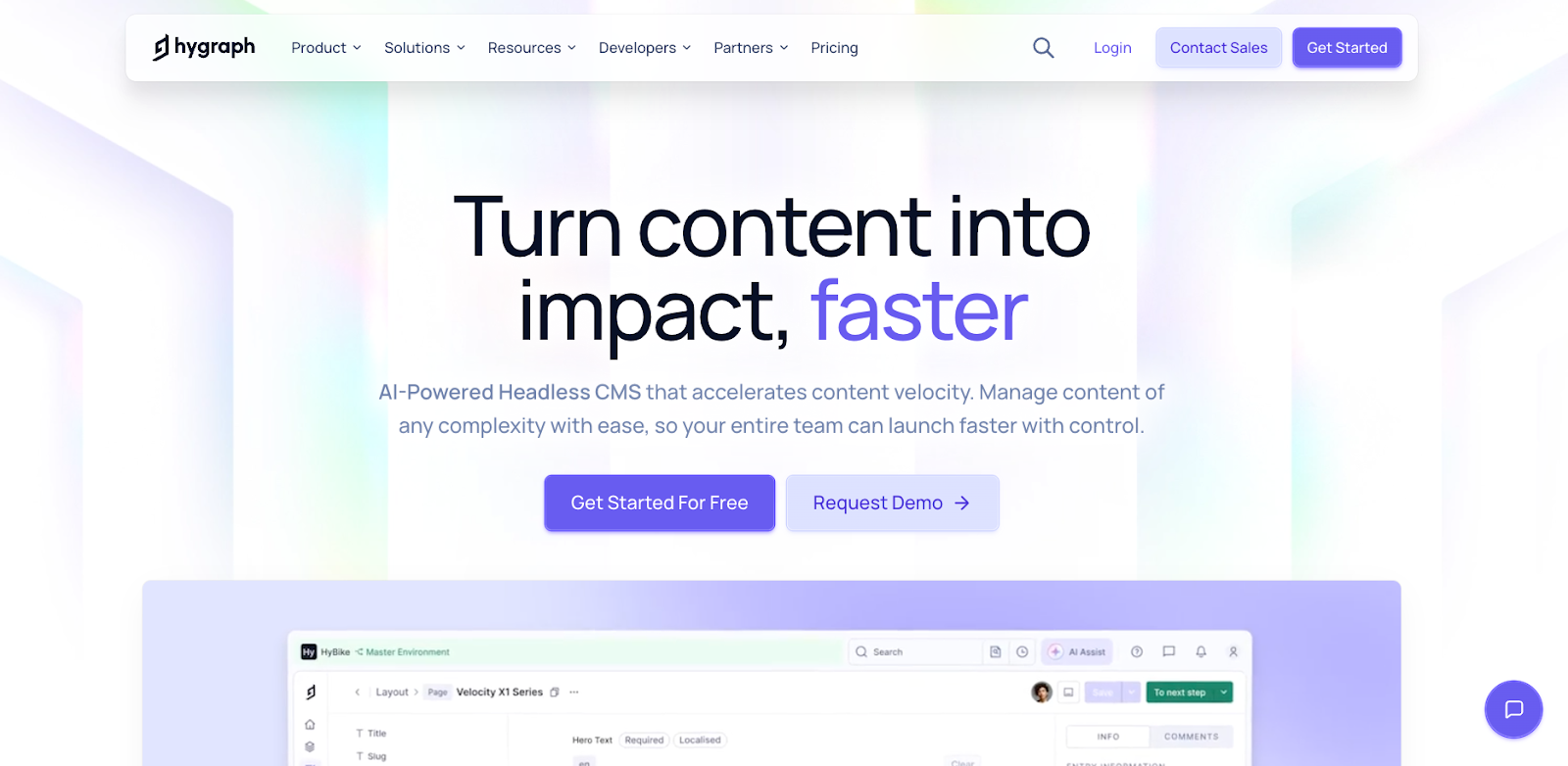
Hygraph is a GraphQL-native headless CMS that offers a structured content layer designed to handle multiple sites and apps.
Key features:
- Native GraphQL content API
- Structured content stages from drafting to publishing
- Editorial workflows with assigned permissions and visibility
Pros:
- Unifies content from multiple sources
- Clear governance and accountability built into workflow stages
Considerations: May require specialized GraphQL input and need custom integration work
Best for: Developer-led and enterprise teams that use GraphQL and manage content across multiple channels
Why choose it over Strapi: Hygraph pulls data from other systems into one GraphQL API without forcing you to migrate everything manually.
4. Contentful

Contentful is a composable CMS that allows you to create structured content once then reuse it across multiple websites and marketing campaigns.
Key features:
- REST and GraphQL content APIs
- Live previews and real-time editing
- Reviews and publishing rules
- Marketplace and app framework for integrations
Pros:
- Flexible API delivery for multi-channel builds
- Strong governance and scaling capabilities
Considerations: Structured modeling and previews usually need developer setup and input, plus no self-hosting control
Best for: Enterprise companies and growing teams that need reliable content operations and integrations across large stacks
Why choose it over Strapi: This platform is useful when you need enterprise-grade content governance, such as clear roles and safe ways to ship changes across environments.
5. Directus
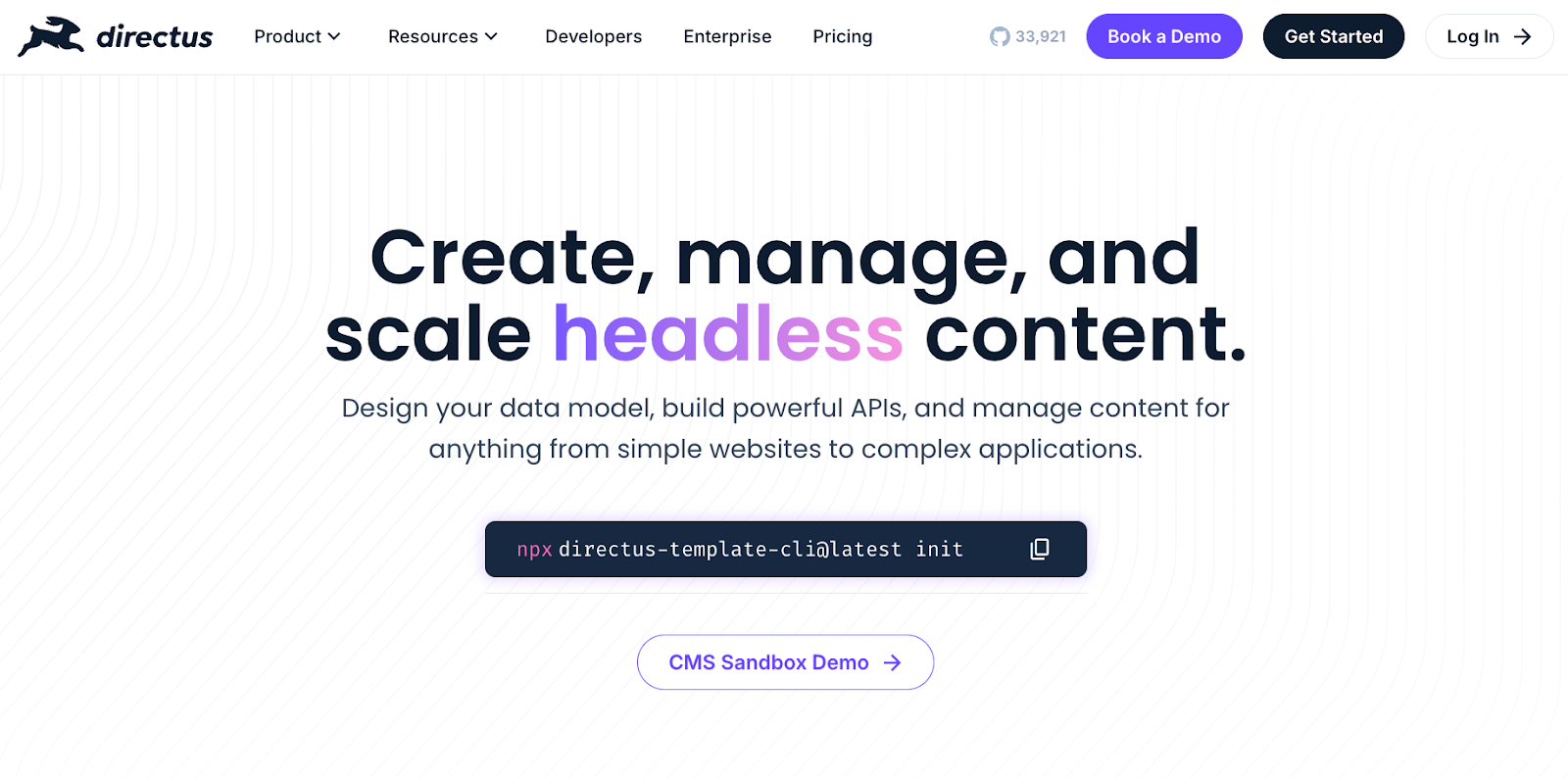
Directus is a database-first CMS that sits on top of your existing SQL database and gives you an admin app with APIs. This CMS is available in self-hosted and managed cloud versions.
Key features:
- Works with new and existing SQL databases
- Granular, policy-based permissions
- Visual building and automation
Pros:
- No content migration needed for your current database
- Flexible delivery via REST or GraphQL
Considerations: Not as effective if you don’t already have a database or solid database modeling practices
Best for: Operational teams and agencies that want a flexible back-end layer with structured access controls
Why choose it over Strapi: With this tool, you can manage content and ship it to any front-end interface without having to migrate your data into a CMS-first schema.
6. DatoCMS
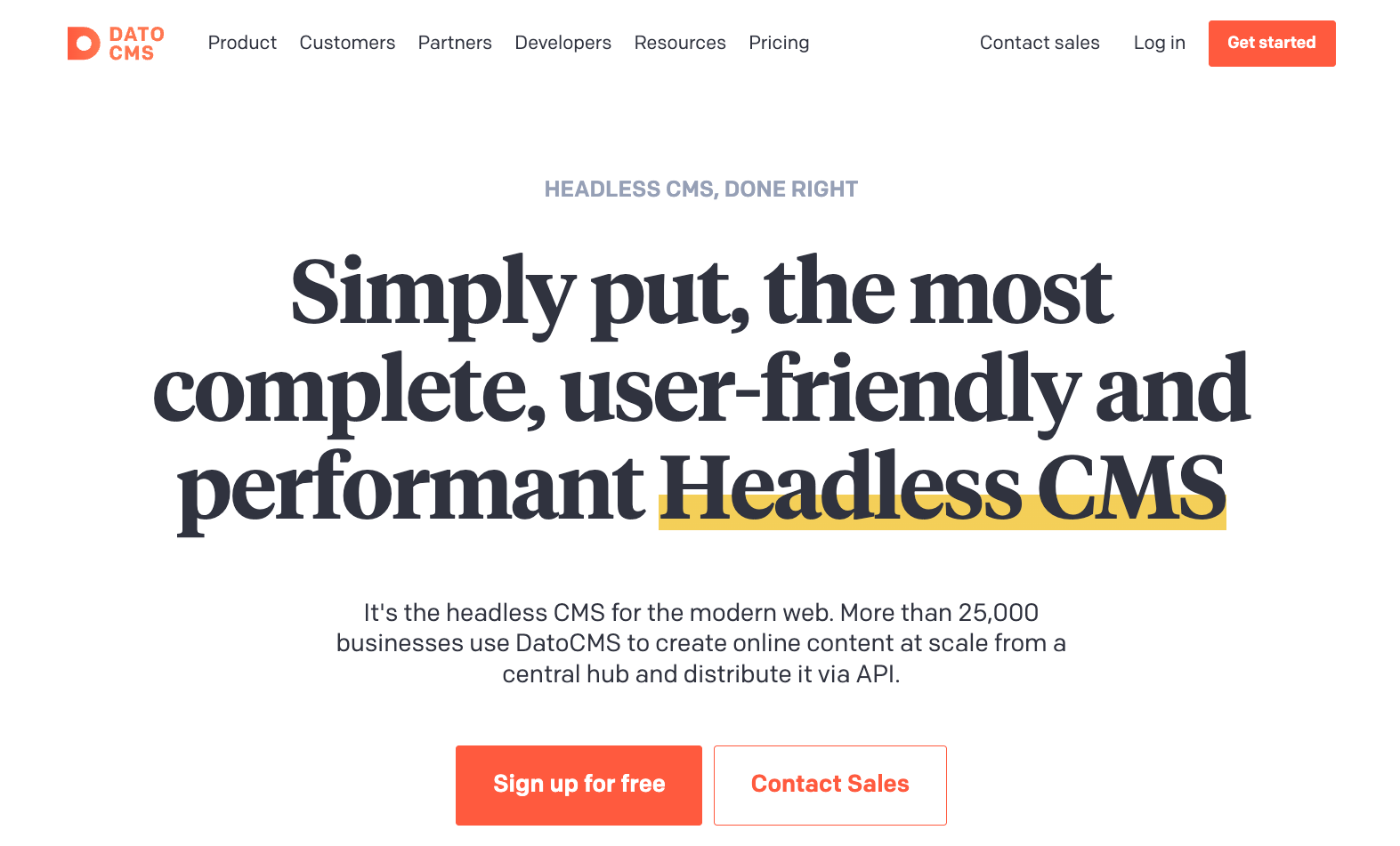
DatoCMS is a headless CMS that offers fast, structured content delivery, with a focus on GraphQL and media handling.
Key features:
- Dedicated image API to generate responsive multimedia content
- Webhooks and build triggers facilitate automated interactions
- Real-time API allows for instant previews and live updates
Pros:
- Media pipeline for responsive designs with less custom input needed
- Preview experience lets you view changes without constantly refreshing
Considerations: You’ll need developer input or GraphQL-first experience
Best for: Developer and marketing teams that ship content-rich websites and need reliable previews
Why choose it over Strapi: DatoCMS is one of the best headless CMS platforms for content-heavy websites where image and video performance matter.



















Content management, meet visual design
Create the content structures you need, add content (by hand, from a CSV, or via our API), then design it visually. Finally, a content management system that works for editors, designers, and developers.
7. Builder.io

Builder.io lets you visually build and update pages on existing websites, using reusable components instead of one-off layouts or templates.
Key features:
- Visual editor for drag-and-drop page building
- AI that creates, edits, styles, and adds content and interactive elements
- Turns Figma designs into code using one-click conversions
Pros:
- Drag-and-drop builder is accessible for non-technical users
- AI reduces manual content work
Considerations: Initial setup requires developer input to register components and enable on-site editing and preview functionality
Best for: Hybrid teams that want marketing to ship pages using the same components developers already maintain
Why choose it over Strapi: This platform has built-in AI that can generate or edit content, add interactivity, and turn designs into code.
8. Prismic

Prismic is a headless page builder for marketers who want to design and publish on-brand pages quickly.
Key features:
- Reusable page sections that editors can group
- Lets developers build page sections alongside the codebase so editors can mix and match elements in the front end
- Native integrations with Next.js, Nuxt, and SvelteKit
Pros:
- Fast page building without creating clashes between back and front ends
- Focus on clear developer-to-editor workflows
Considerations: Involves pairing the back end with a separate front end and hosting setup
Best for: Hybrid teams that want a marketer-friendly interface alongside developer input
Why choose it over Strapi: Prismic lets you keep the back and front ends aligned using reusable content sections.
9. Ghost
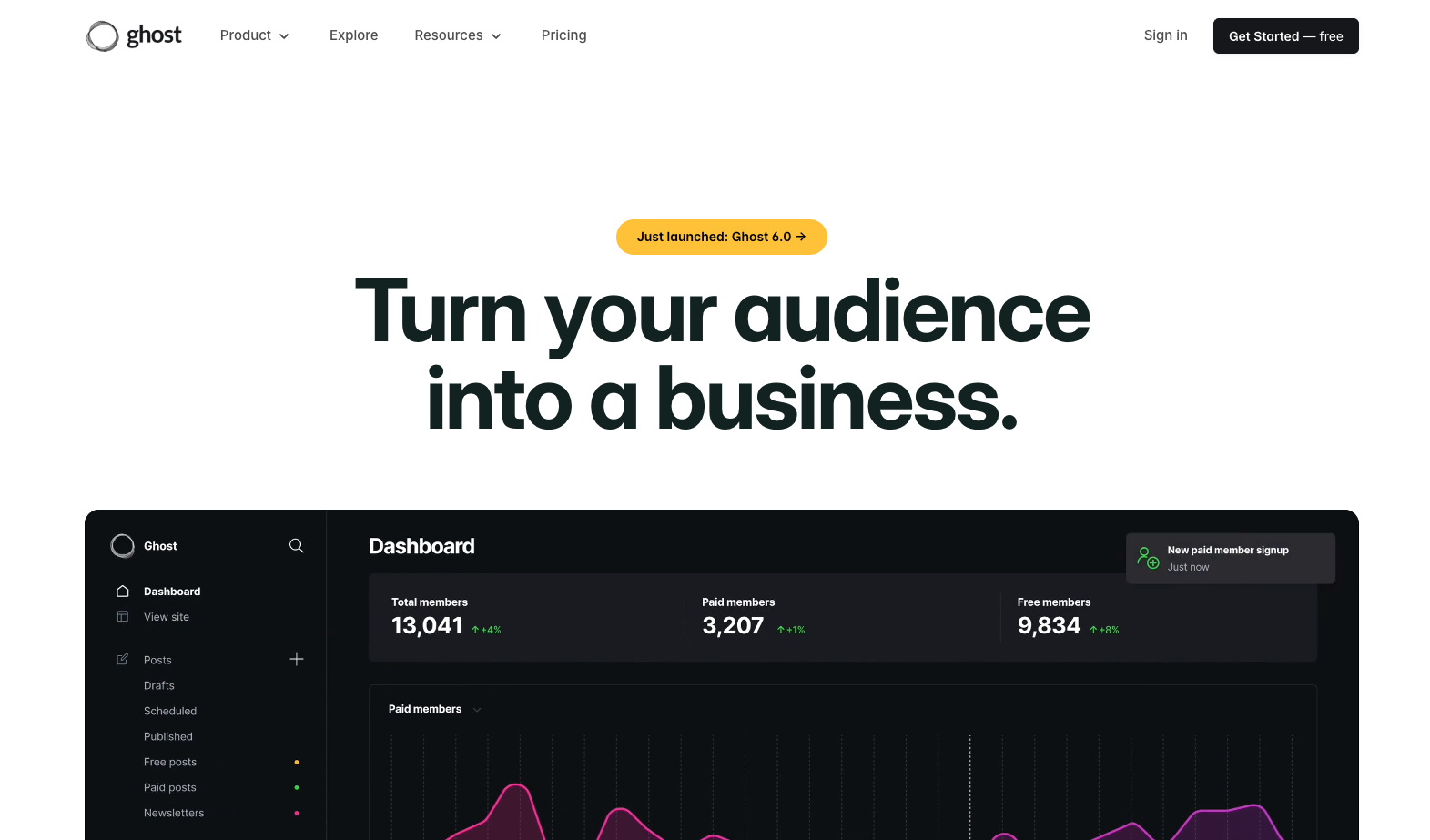
Ghost is an open-source publishing platform designed for building blogs and newsletters.
Key features:
- Built-in newsletter and email functionality
- Membership models and paid subscriptions
- Option to self-host or use a managed hosting service
Pros:
- Publish on and off-site content and manage subscriptions in a single platform
- Use an open-source, headless CMS alongside in-house managed hosting
Considerations: Specific to publishing, so less ideal for other content-based experiences
Best for: Marketing and content teams running publication-style sites that want built-in subscriptions
Why choose it over Strapi: Built-in features help you create revenue-driven content.
10. Umbraco Heartcore
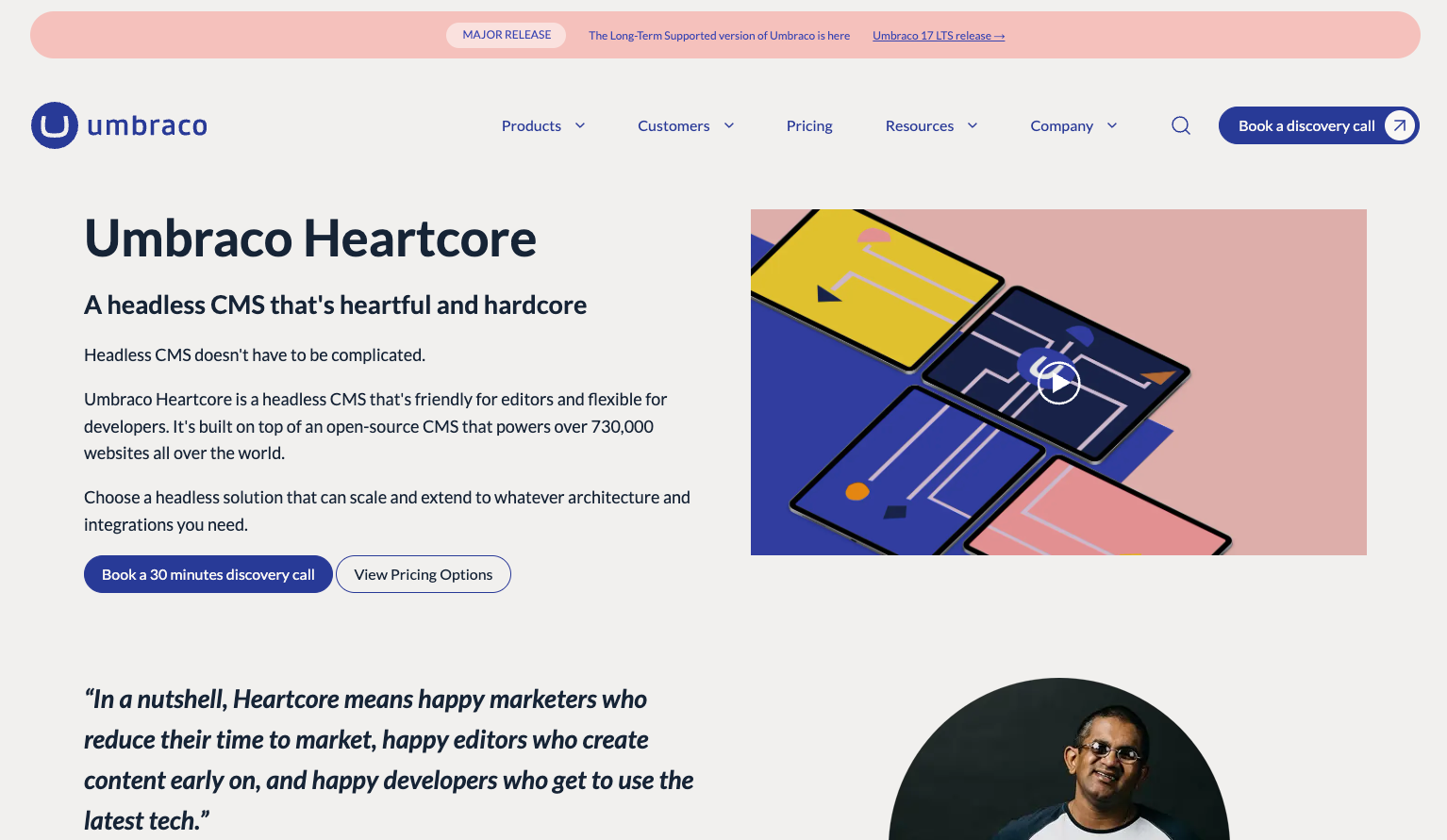
Umbraco Heartcore is a managed, headless CMS that uses the Umbraco editing experience while the front end pulls content through built-in APIs.
Key features:
- REST and GraphQL APIs
- Editor designed for day-to-day content publishing
- Separate APIs for content management and delivery
Pros:
- Automatic upgrades
- Less self-hosting and maintenance work
Considerations: No built-in front end or presentation layer means you must build those separately
Best for: Enterprise or hybrid teams that want an editor-friendly CMS experience
Why choose it over Strapi: This platform streamlines the process of pulling in and unifying content from multiple sources.
How to choose the right Strapi alternative
Consider the following factors to find a platform that suits your editing needs and technical bandwidth:
- Visual editing features. A platform with on-page previews and edit-on-the-page workflows lets your team see changes in real time.
- Back-end development. Some platforms require technical expertise. Your team might have to model content, wire APIs, and maintain the content layer through REST or GraphQL.
- Hosting options. Self-hosted platforms offer control, but you’re responsible for uptime, security, and deployment. Managed hosting shifts that workload to the vendor so you can invest more time in creating content and designing the user experience.
- API-first vs. hybrid models. If you want to build pages visually with a built-in presentation layer, consider a hybrid approach that offers API delivery and a more traditional editing environment.
- AI and automation. If you produce lots of content, look for a CMS with AI built into its workflows. AI can generate or rework copy and automate repetitive tasks such as assignments and comment moderation.
Streamline your content workflows with Webflow
If you’re developer-led and comfortable owning infrastructure, an API-first CMS can be a great fit. But if you want non-developers to create and publish quickly without sacrificing quality and branding, you may prefer a platform with visual editing and collaboration features.
Webflow brings you the best of both worlds, thanks to its visual design environment, integrated hosting, built-in interactions, and composable CMS. With Webflow, you can build workflows that support your in-house teams as they scale content production.
Create content visually and launch it fast with Webflow.
Get started for free
Create custom, scalable websites — without writing code. Start building in Webflow.



















