All updates

Enhancement

Designer

Color swatches now global by default

Now when you create a color swatch, it’ll be a global swatch by default. This should make it easier to keep your palette consistent across your site.
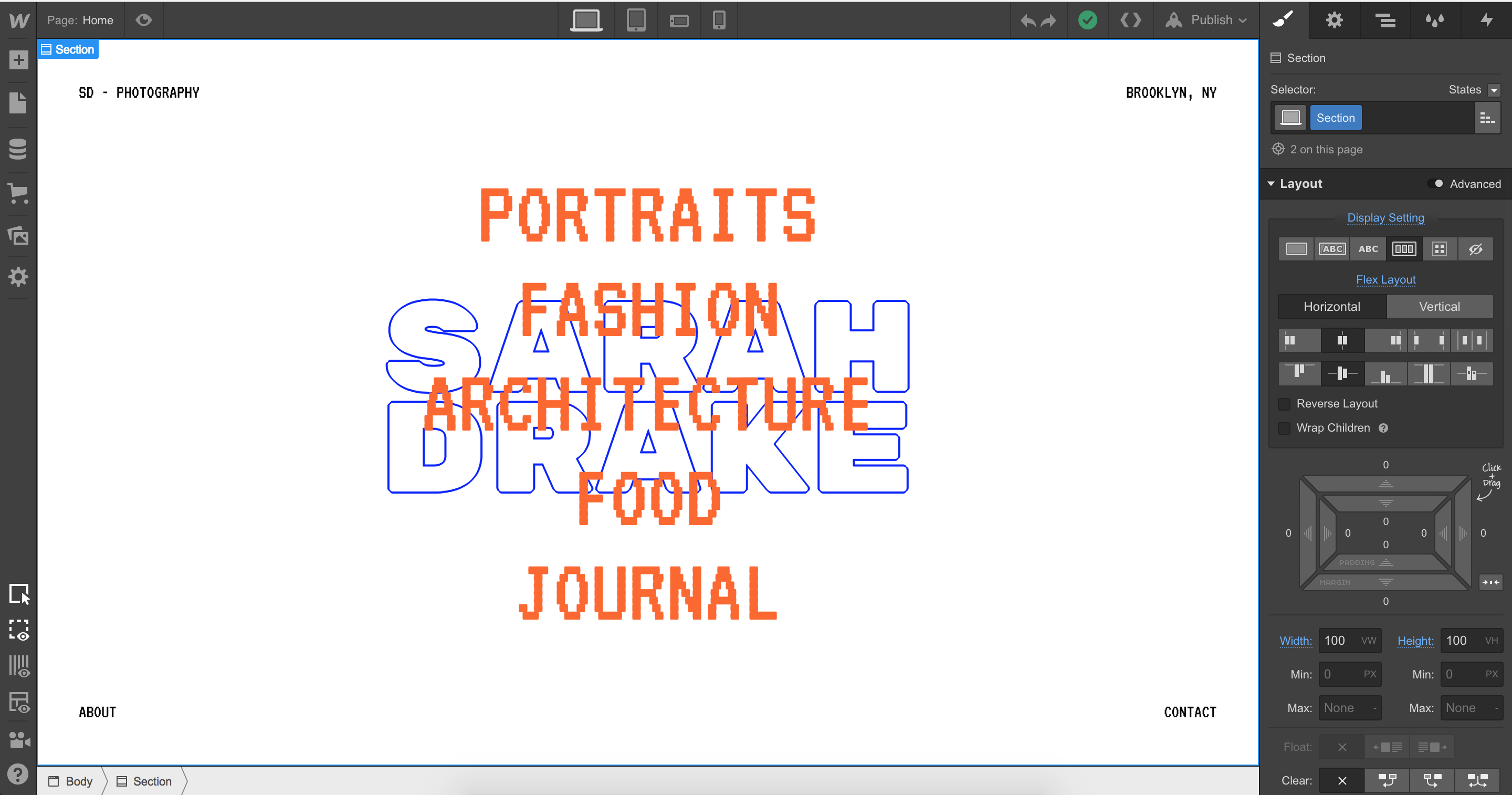
Color swatches now global by default

Keeping things consistent across your site can be hard. So we’re making that a bit easier today by making color swatches global by default, so that a change to that color swatch in one place affects all instances. This should also make applying and changing colors a bit faster.
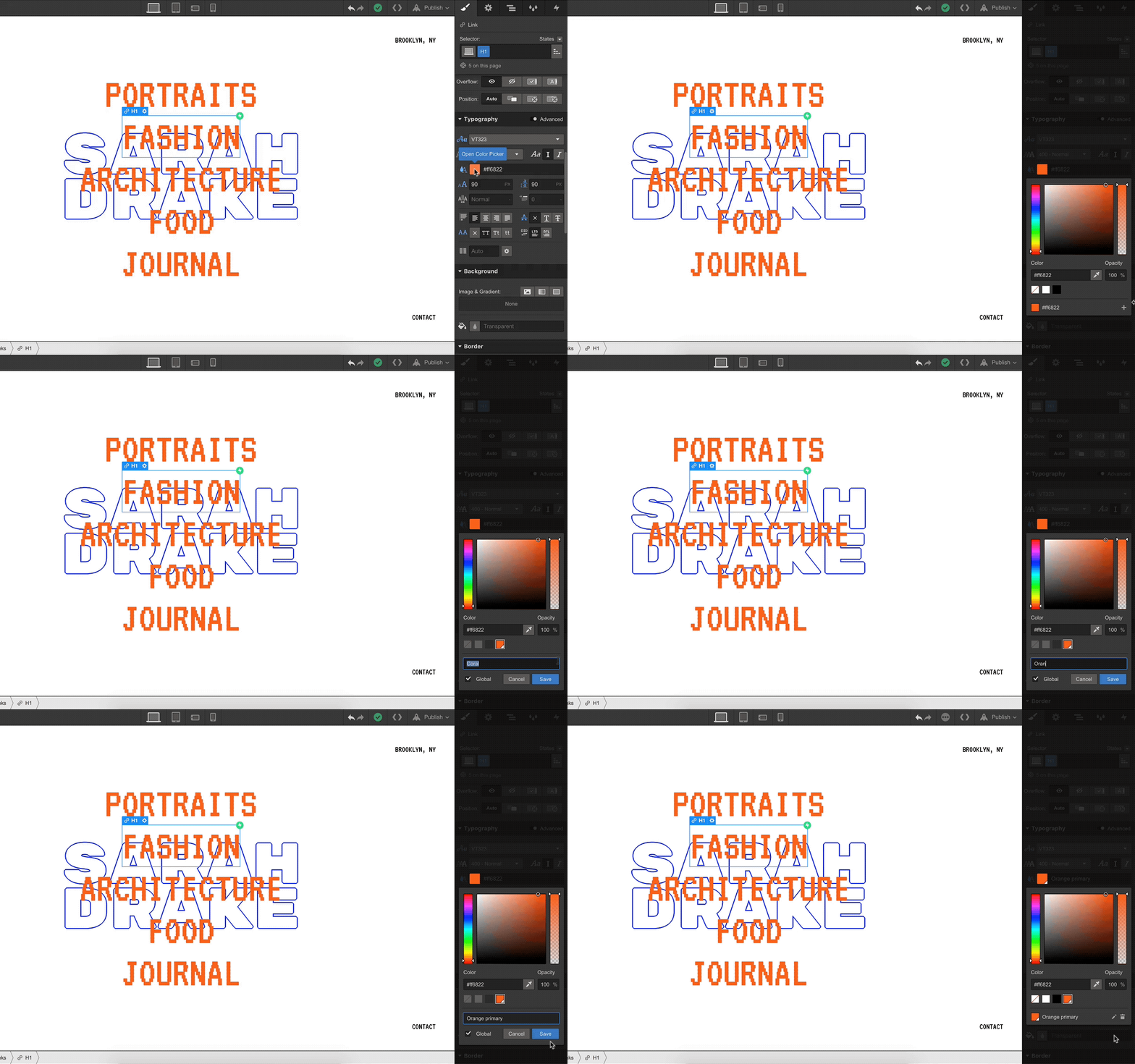
Color swatches: now global by default.

Prefer to keep your swatches static? Simply uncheck the “global” checkbox and keep on keeping on.


Launched on
August 28, 2018
Category
Designer

Related updates

Modern devices for the canvas

Modern devices for the canvas

Learn more
Reuse page settings on the canvas

Reuse page settings on the canvas

Learn more
Control content with conditional logic

Control content with conditional logic

Learn more
Component Canvas is now available

Component Canvas is now available

Learn more
Create more flexible components and CMS pages

Create more flexible components and CMS pages

Learn more
Updates to in-product navigation

Updates to in-product navigation

Learn more

verifone logomonday.com logospotify logoted logogreenhouse logoclear logocheckout.com logosoundcloud logoreddit logothe new york times logoideo logoupwork logodiscord logo

Get started for free

Try Webflow for as long as you like with our free Starter plan. Purchase a paid Site plan to publish, host, and unlock additional features.

Get started — it’s free
Watch demo

Try Webflow for as long as you like with our free Starter plan. Purchase a paid Site plan to publish, host, and unlock additional features.