











If you’re struggling with Contentful’s limitations, there are many other platforms to try, each with unique feature sets and use cases.
Contentful is common in modern stacks, especially for teams going all-in on headless architecture. But when content starts to pile up and small changes take longer than expected, it gets harder to justify that setup’s costs and complexities.
Many teams end up looking for Contentful alternatives, particularly in the hybrid content management system (CMS) space. This approach offers several benefits, including more visual content tools and less dependence on developers.
Let’s look at 11 of the most popular Contentful competitors, and see how each might support your content workflows.
Contentful alternatives for 2026: 11 platforms
This CMS comparison includes a mix of headless CMS alternatives and more visual, hybrid platforms.
1. Webflow
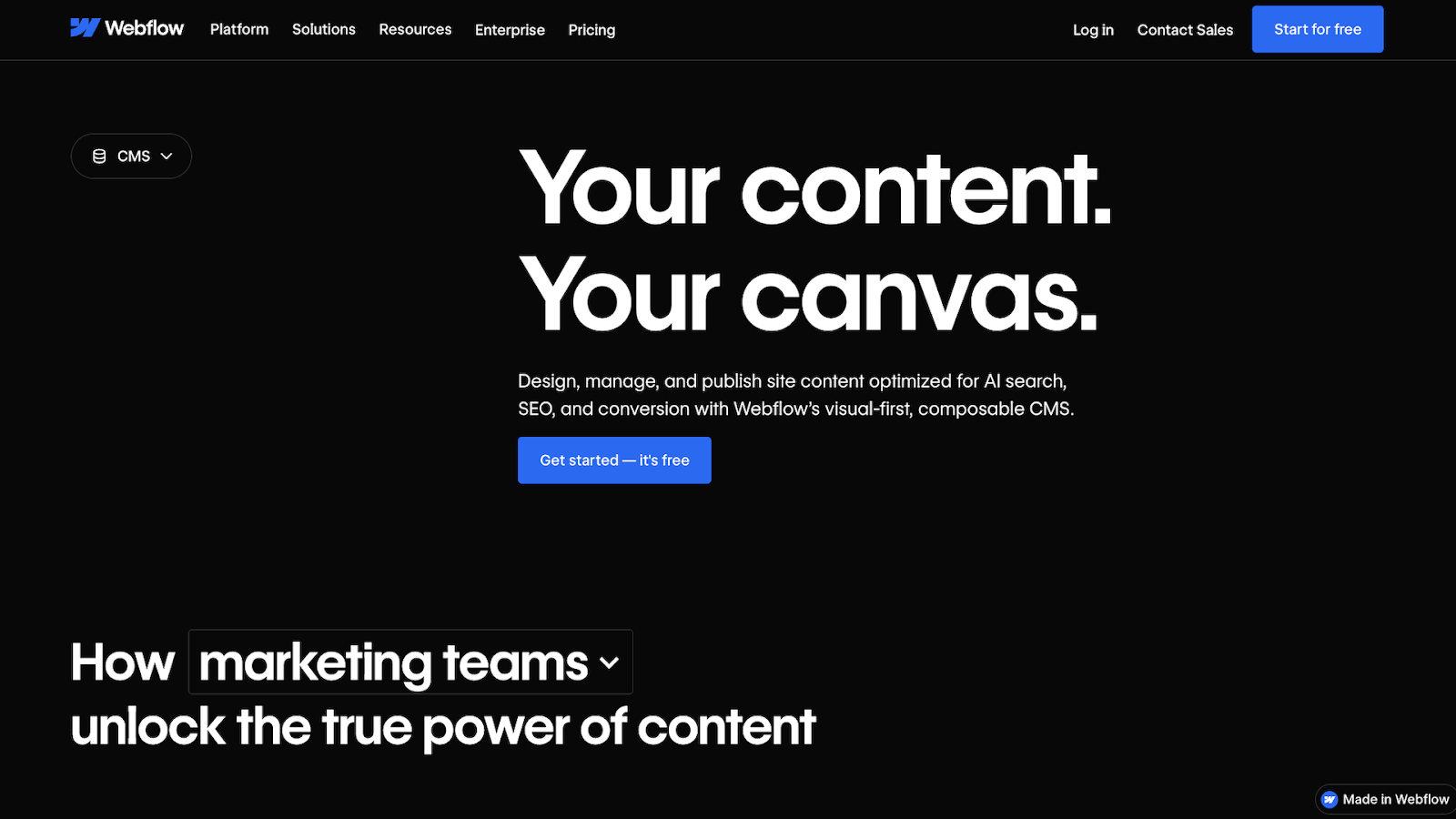
Webflow is a website experience platform, with a visual-first composable CMS that gives your team complete control over content and presentation, along with powerful search engine optimization and answer engine optimization capabilities.
Key features:
- Visual editing directly on the page
- CMS collections for building structured content
- Ability to design and manage content in the same environment
- Built-in hosting and publishing tools
Pros:
- Allows for content updates that don’t require switching between multiple tools
- Helps teams work together to align design and content changes
- Lets you move faster without adding extra steps to your workflows
Considerations:
- Focused on website content rather than complex multi-channel delivery
- Best suited for teams managing content tied closely to page layout and design
Why choose Webflow over Contentful?
Webflow offers a visual way to build content, which is useful for teams that prefer editing and publishing directly on the site rather than through API-first workflows or third-party developers.
2. Sanity
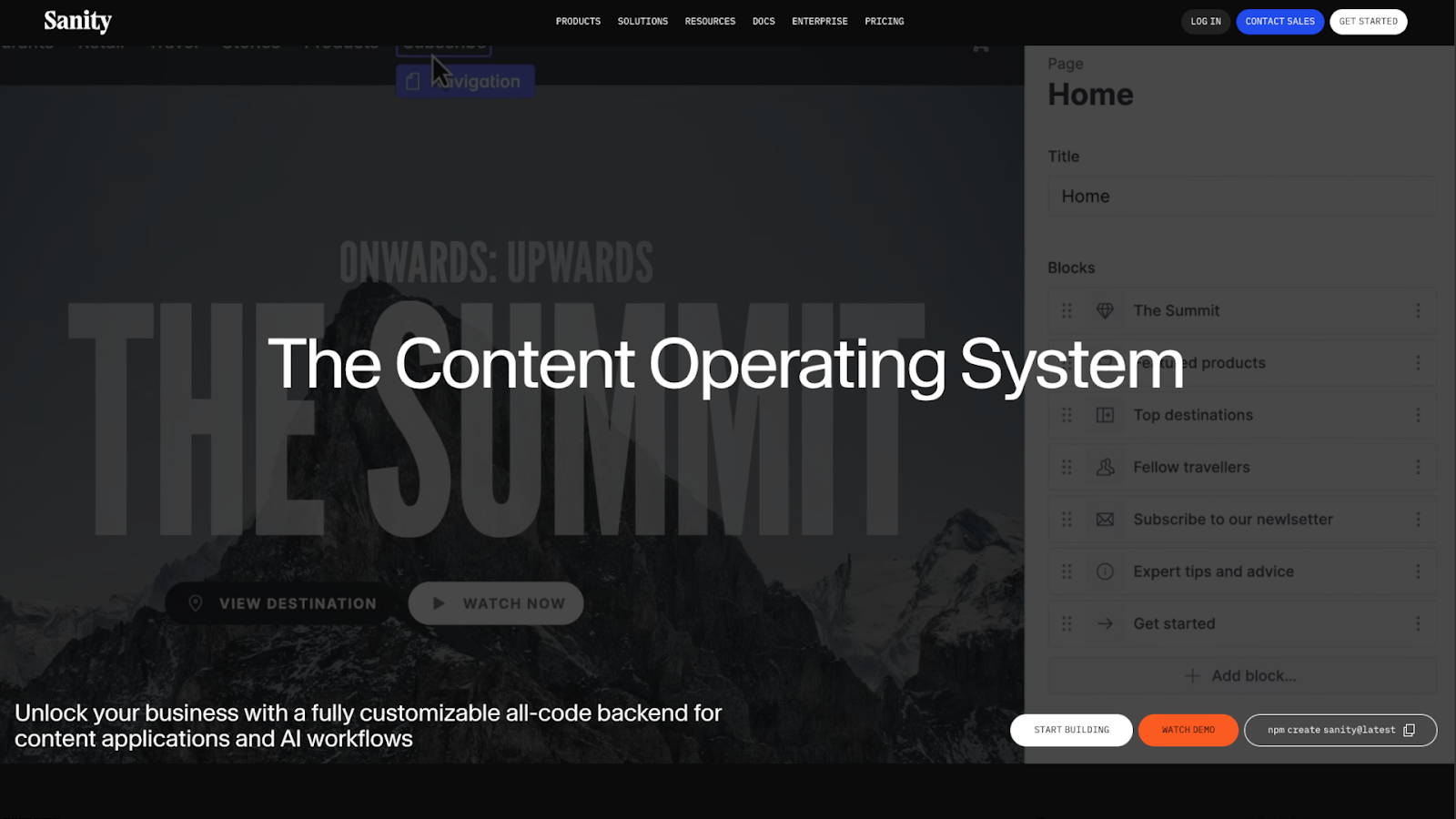
Sanity is a headless CMS built around structured content. It’s suitable for teams that want more flexibility and customization than Contentful offers.
Key features:
- Schema-based content modeling using JavaScript
- API-first architecture with flexible querying
- Customizable editing interfaces
Pros:
- Versatile content models for complex use cases
- Helpful for teams that work closely with developers
- Allows real-time collaboration across content teams
Considerations:
- Requires technical setup and ongoing developer involvement
- Editing ease and flexibility depend on how much work you devote to configuring the studio
Why choose Sanity over Contentful?
Sanity offers greater control over content structure and integrates well with highly technical workflows.
3. Strapi
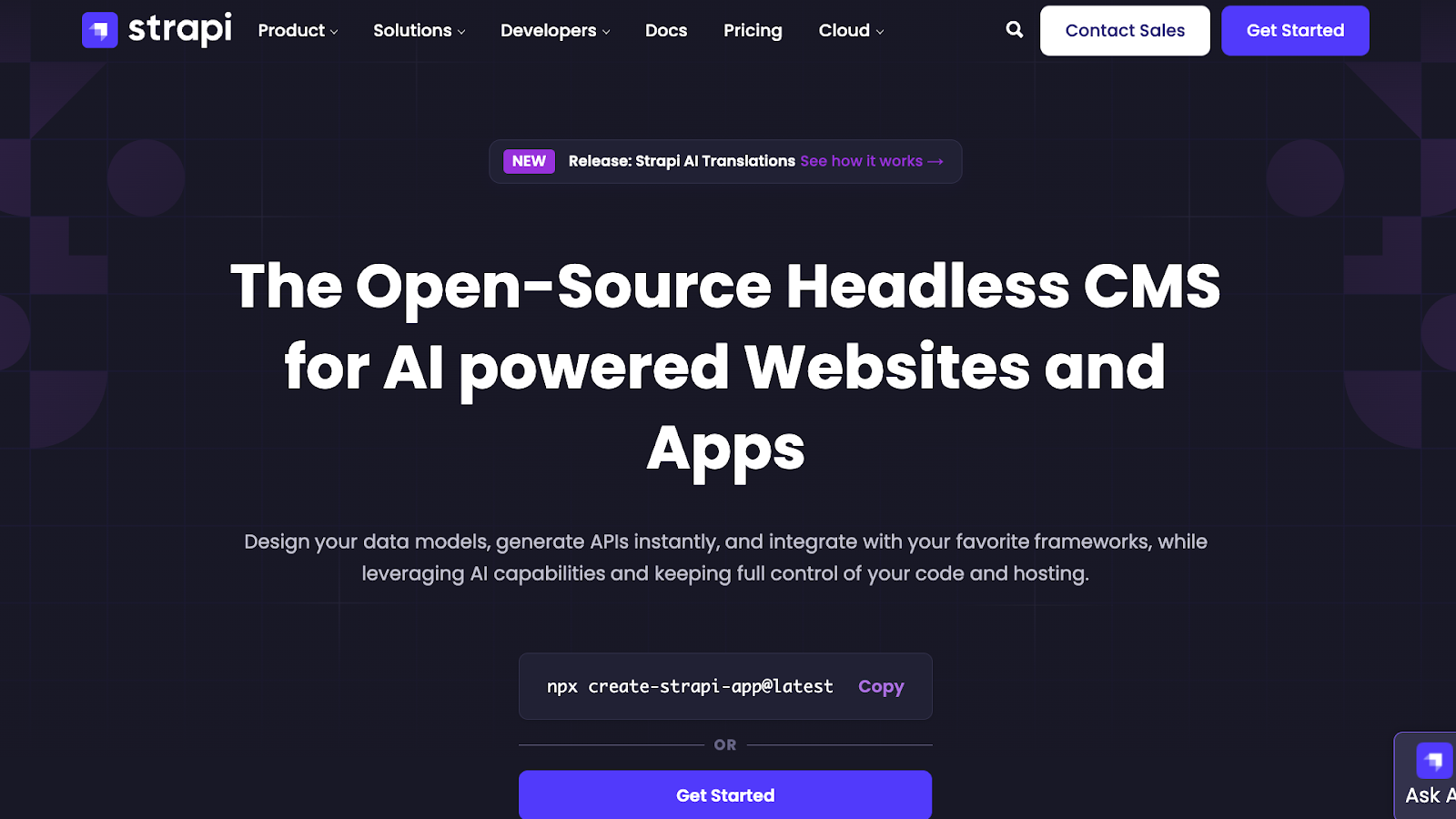
Strapi is an open-source headless CMS that gives teams full control over content models and infrastructure.
Key features:
- Headless architecture with API-based delivery
- Custom content models tailored to different project needs
- Flexible deployment options
Pros:
- Appeals to teams that want ownership over their CMS setups
- Fits a wide range of front-end stacks
- Works well for teams building their own back-end workflows
Considerations:
- Requires technical setup and ongoing maintenance
- Not focused on visual site editing
Why choose Strapi over Contentful?
Strapi is a solid option when teams want to customize infrastructure and are already set up for regular development and maintenance.
4. DatoCMS
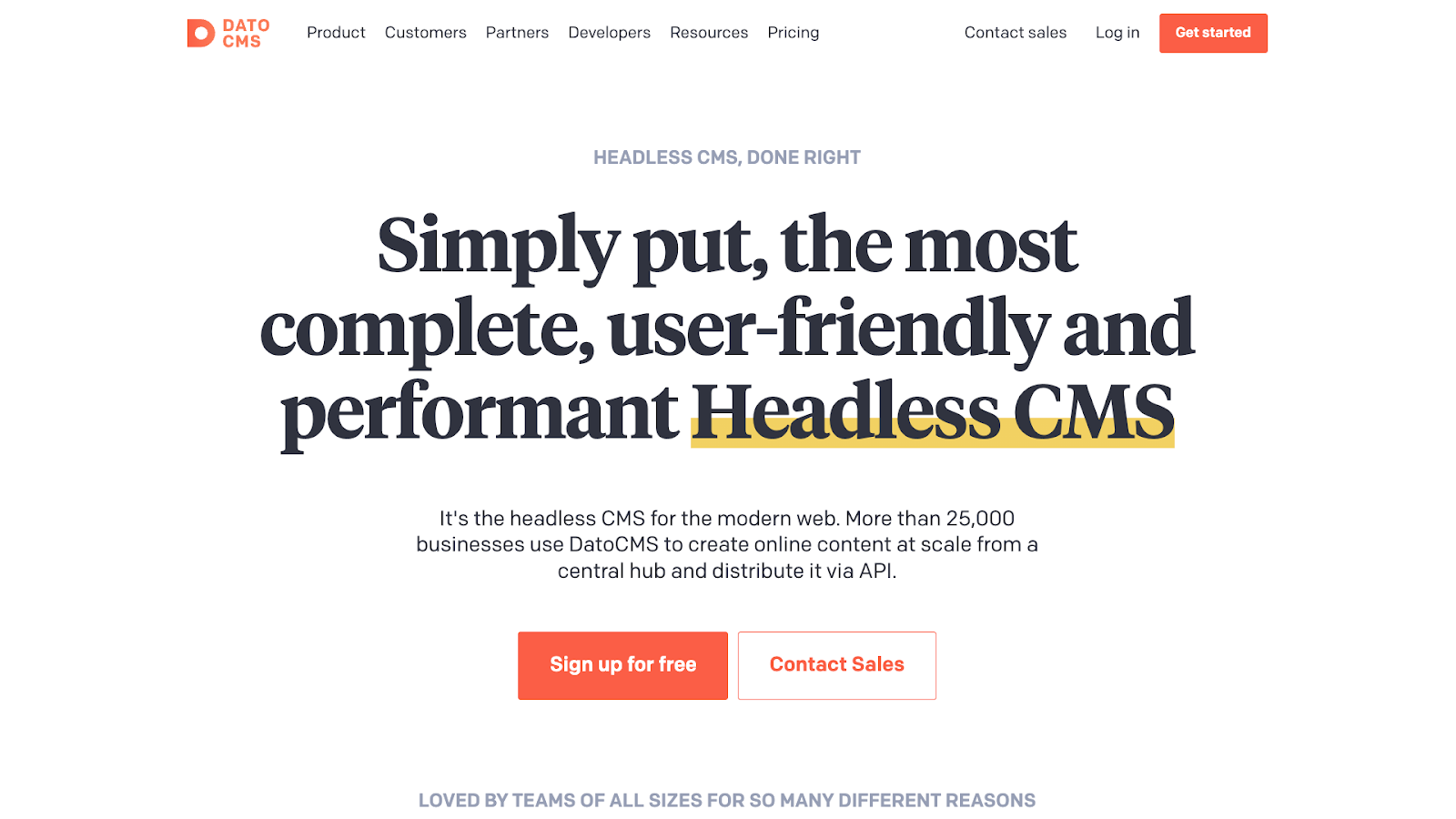
DatoCMS is a cloud-based headless CMS focused on structured content and flexible delivery across websites and apps.
Key features:
- Structured content models and blocks for content organization
- GraphQL API and content delivery tools for multiple platforms
- Localization support to create content in various languages
- Built-in editing tools for working with media and assets
Pros:
- Editor-focused features that help teams manage content across projects
- Central content hub for web, mobile, and other digital experiences
- Modular content and structured models for scaling complexity without breaking workflows
Considerations:
- Doesn’t provide a visual page builder
- May still need coordination with technical resources for custom workflows and delivery setups
Why choose DatoCMS over Contentful?
DatoCMS combines structured content modeling with an editing environment, allowing complex headless setups that are more accessible than what Contentful provides.
5. Storyblok
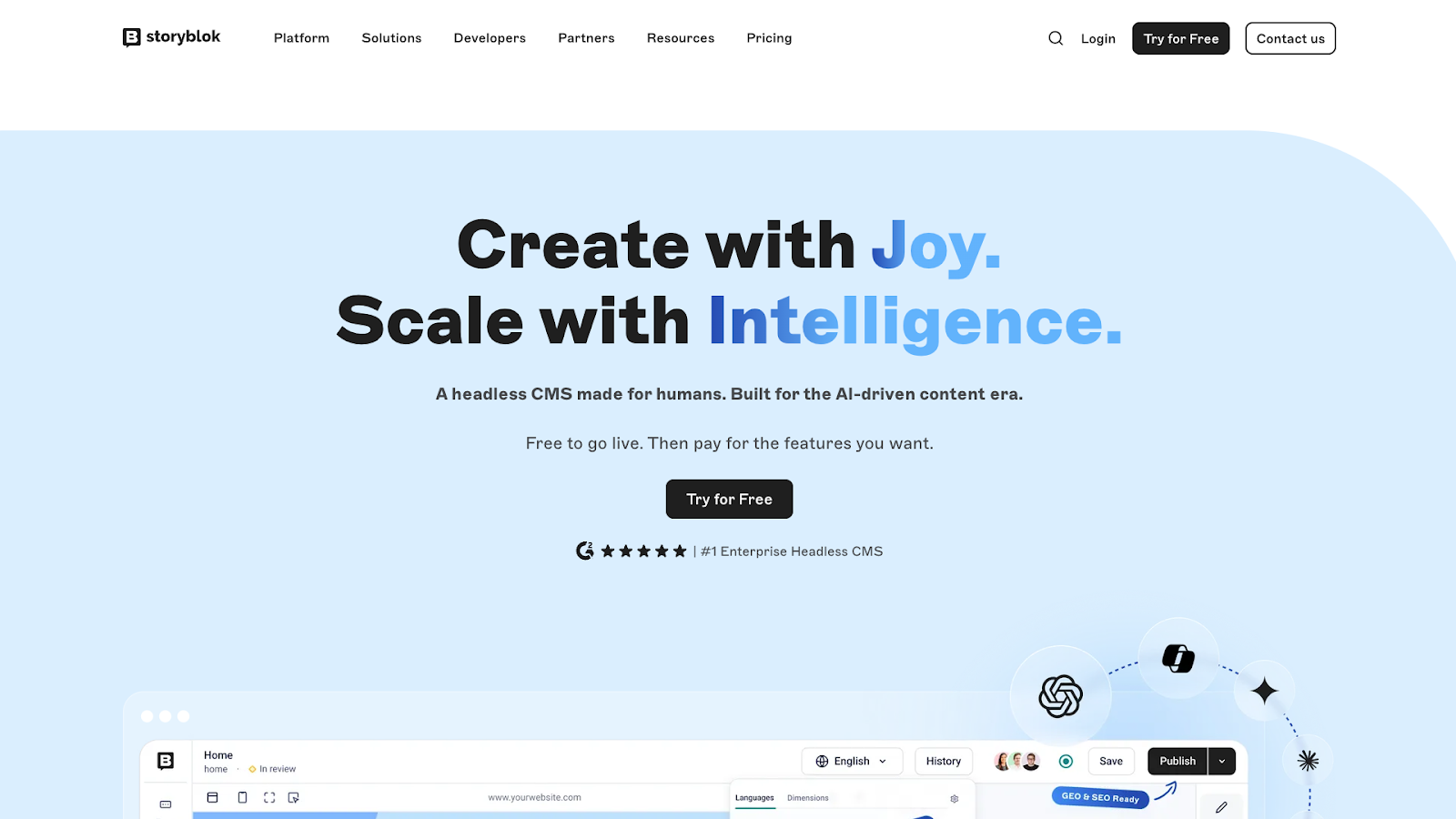
Storyblok is a headless CMS that combines structured content with a visual editing experience.
Key features:
- Visual editor that lets teams preview content changes in context
- Component-based content blocks designed for reuse
- Headless architecture with API-based content delivery
Pros:
- Balances developer flexibility with a more approachable editing experience
- Content blocks for reusing and scaling content
Considerations:
- Requires upfront setup to define components and structure
- Visual editing experience depends on how the front end is implemented
Why choose Storyblok over Contentful?
Storyblock offers a more visual way to work with structured content when editor-friendly workflows and headless flexibility matter.
6. Prismic
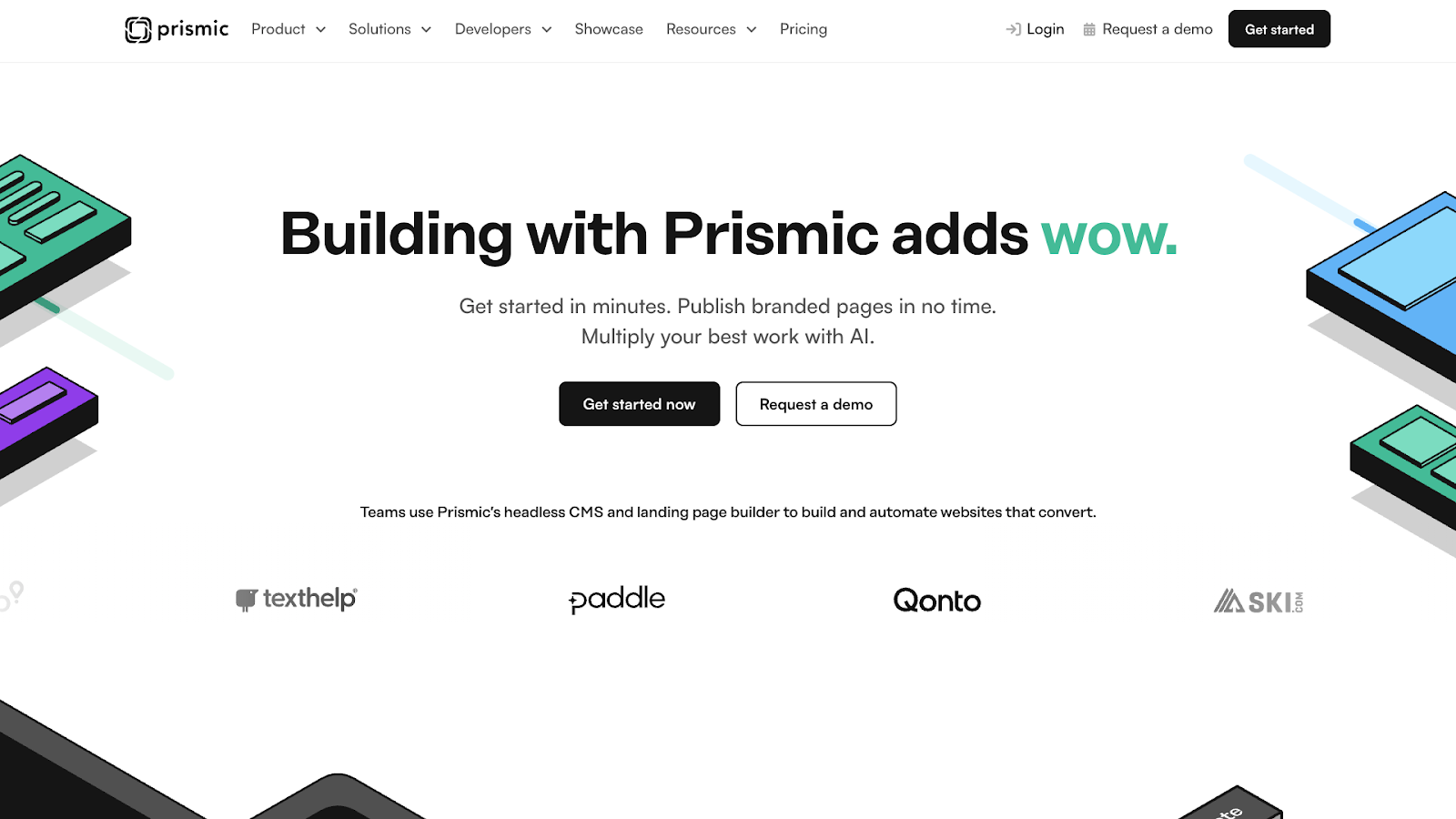
Prismic is a headless CMS with a user-friendly editor that’s designed to help teams manage structured content.
Key features:
- Slice-based content blocks for building page layouts
- Editing interface designed for content teams
- Content reuse across pages and projects
Pros:
- More accessible than technical headless CMSs
- Reduces dependency on developers for everyday content updates
Considerations:
- Less customizable at the infrastructure level than developer-first platforms
- Advanced use cases may require developer support
Why choose Prismic over Contentful?
Prismic is designed for teams that want headless content management without the overhead of highly customizable setups.
7. Ghost
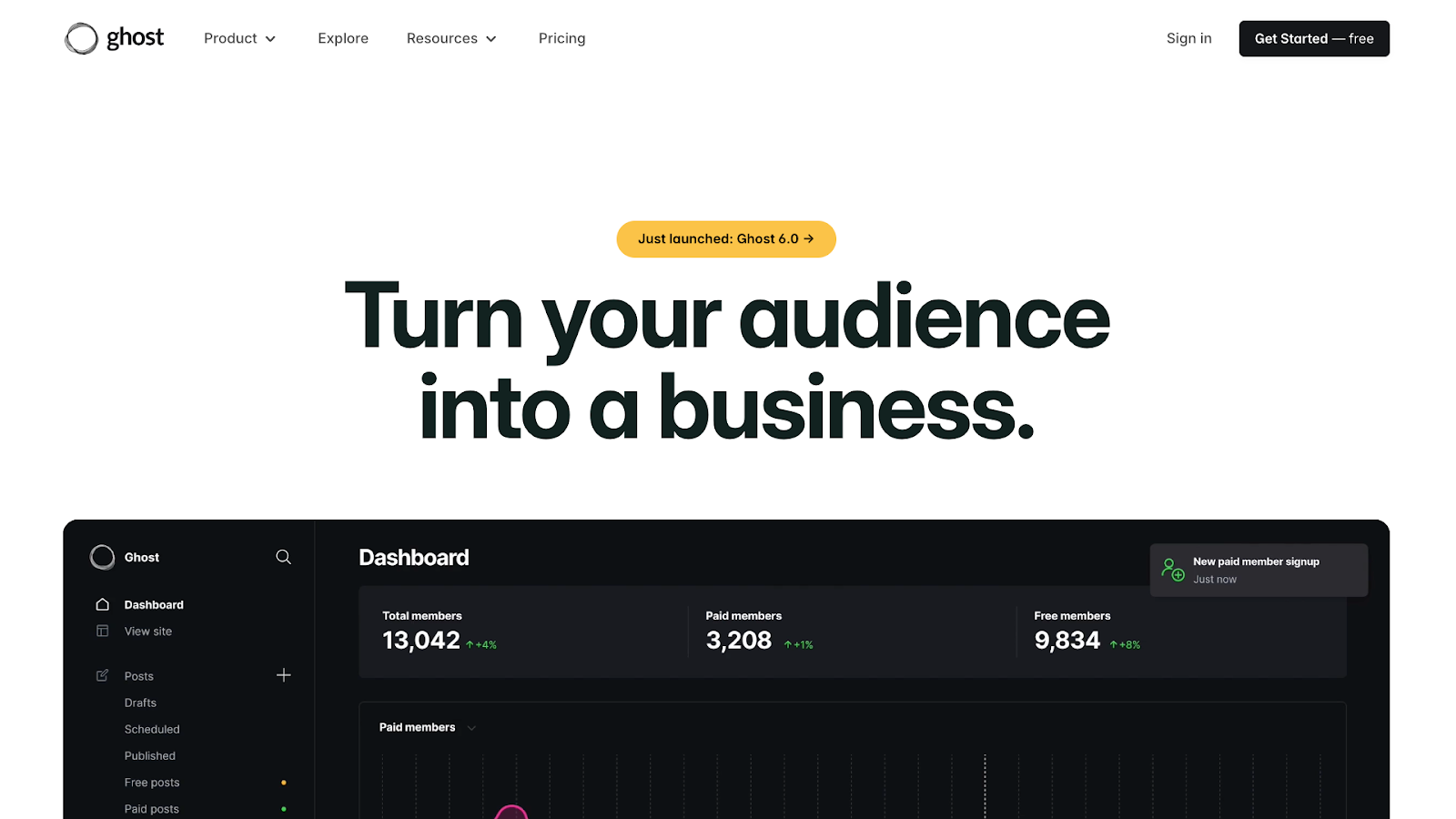
Ghost is a content-focused platform built for publishing, with a strong emphasis on writing and editorial workflows.
Key features:
- Editor designed for long-form content
- Straightforward content management without complex content models
- Hosting and distribution are handled within the platform
Pros:
- Minimal setup compared to other CMS platforms
- Works well for blogs and publication-style websites
Considerations:
- Limited flexibility for highly structured or multi-channel content
- Not designed for complex content models or custom workflows
Why choose Ghost over Contentful?
Ghost is a good fit when the primary need is content publication, offering a more focused experience than a general-purpose headless CMS.



















Content management, meet visual design
Create the content structures you need, add content (by hand, from a CSV, or via our API), then design it visually. Finally, a content management system that works for editors, designers, and developers.
8. Umbraco Heartcore
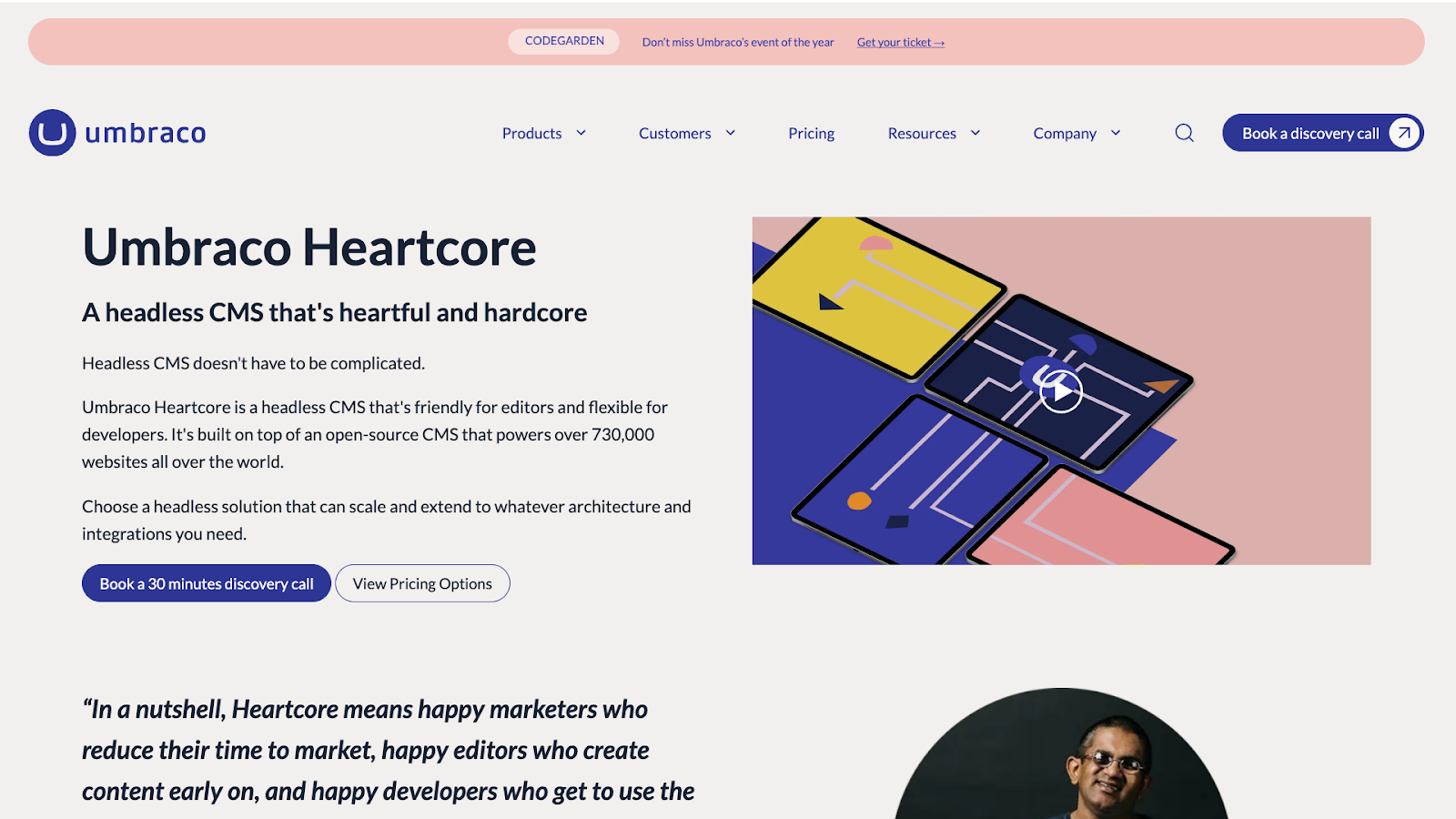
Umbraco Heartcore is a headless CMS built on Umbraco. It’s intended for teams that need a structured, enterprise-ready content setup.
Key features:
- Headless content delivery built on Umbraco’s CMS foundation
- Structured content models suited for complex websites
- API-based delivery for front-end applications
Pros:
- Useful for larger teams and enterprise environments
- Content structures that support complex site architectures
Considerations:
- More setup and governance when compared to lighter CMS options
- Less focused on visual and editor-first workflows
Why choose Umbraco Heartcore over Contentful?
Umbraco Heartcore appeals to organizations that prioritize content structure and governance and that already work within the Umbraco ecosystem.
9. Drupal
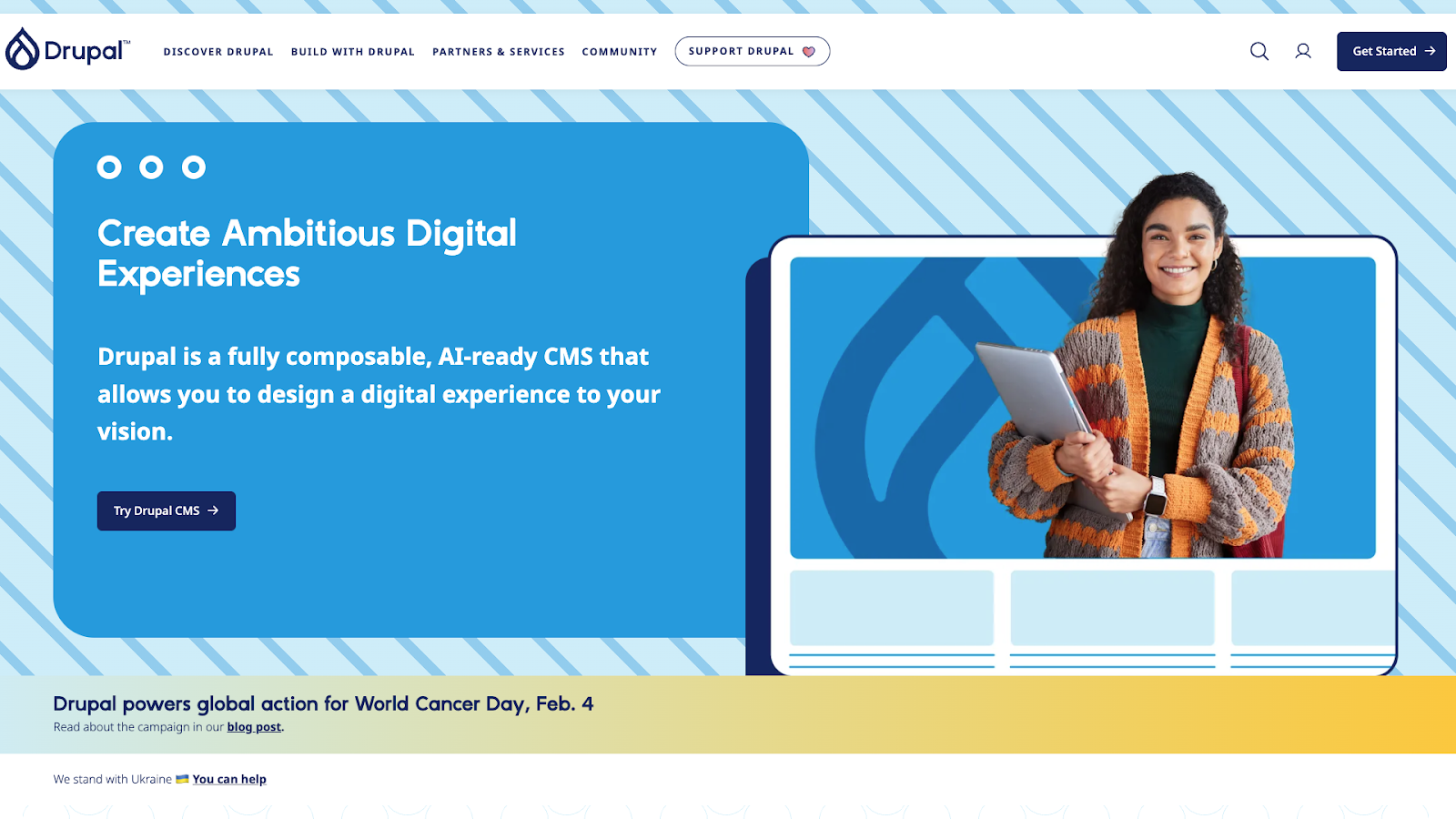
Drupal is an open-source CMS built for organizations that need advanced control over content structure and governance.
Key features:
- Content modeling for complex sites and applications
- Advanced roles, permissions, and editorial workflows
- Supports headless and decoupled architectures
Pros:
- Strong governance for large teams and regulated environments
- Handles complex content structures at scale
Considerations:
- Steep learning curve for non-technical users
- Requires significant setup and ongoing maintenance
Why choose Drupal over Contentful?
Drupal is best for organizations that prioritize deep control and governance over ease of use. This is particularly useful in large or regulated industries.
10. WordPress
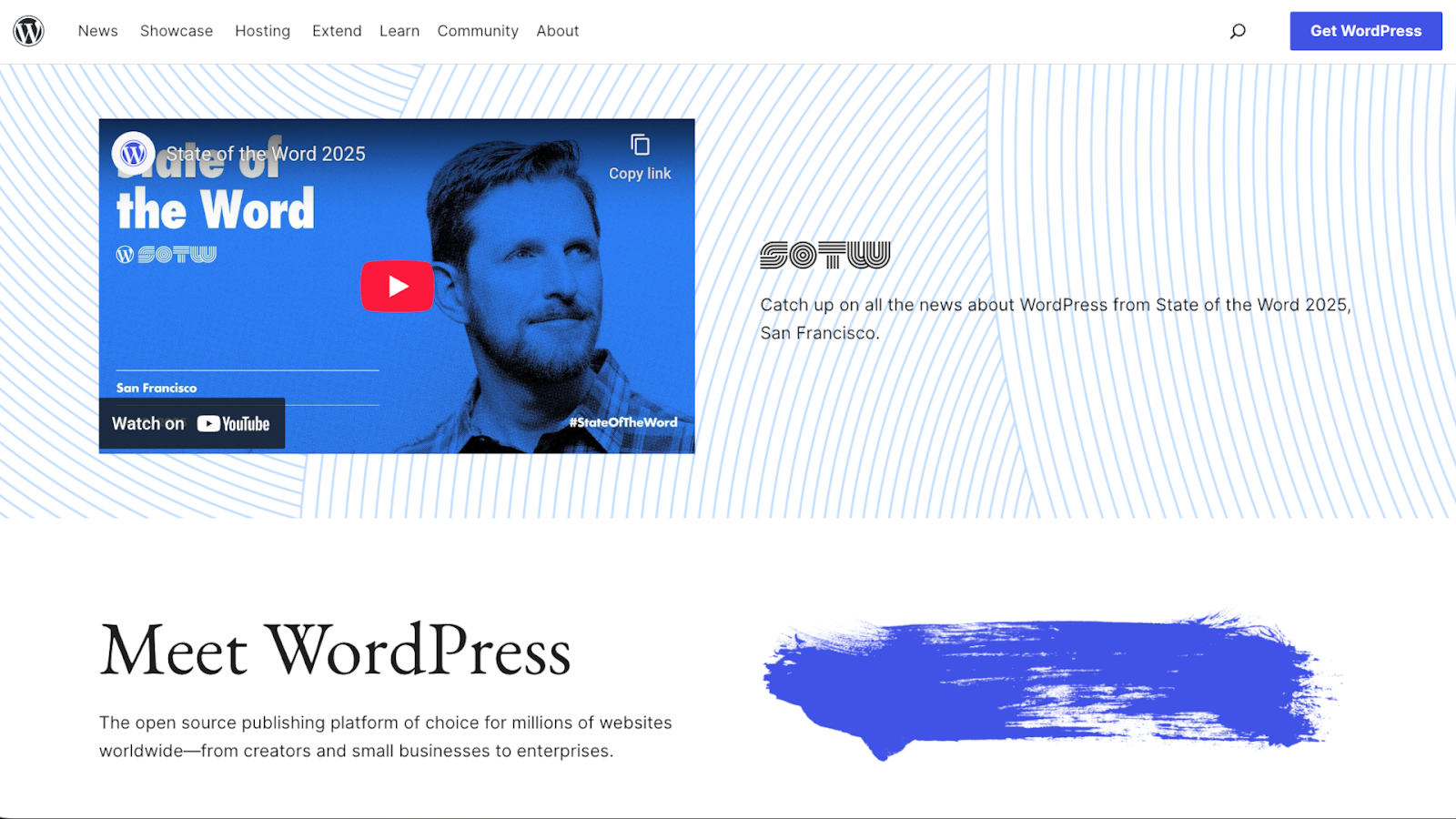
WordPress is a well-known CMS that can be used in a headless setup, separating content management from presentation.
Key features:
- Uses the WordPress software as a content back end with API-based delivery
- Flexible content modeling through custom post types
- Extensive plugin and integration options
Pros:
- Familiar editing experience for many content teams
- Broad ecosystem and community support
Considerations:
- Requires additional setup to function well as a headless CMS
- Performance and maintenance depend heavily on configuration
Why choose Headless WordPress over Contentful?
Headless WordPress works well for organizations looking to use a familiar CMS while adopting decoupled architecture.
11. Builder.io

Builder.io combines a headless CMS with a visual editor, letting teams compose and manage content while integrating with existing code and components.
Key features:
- Visual drag-and-drop editing
- Headless CMS foundation for structured content delivery via APIs
- Works with existing front-end stacks by integrating components into the visual editor
Pros:
- Helps non-technical teams update and preview content visually
- Balances developer ownership with a visual editing layer
Considerations:
- Requires initial setup to define components and structure before visual editing
- Not a standalone CMS in the traditional sense
Why choose Builder.io over Contentful?
Builder.io is a strong option when visual editing is needed on top of an existing headless setup.
Why teams look for Contentful alternatives
Here’s why some teams move away from Contentful to other CMS options:
- Difficulty making changes and customizations. Basic updates can require a lot of technical work, especially when content is tightly tied to predefined structures.
- Overreliance on developers. What begins as a flexible setup often turns into workflows where content changes need engineering time and even small tweaks involve handoffs.
- Unstable pricing. As teams and content libraries grow, costs can rise quickly.
- Lack of design and AI support. Less technical teams might feel constrained by the lack of visual editing and design tools, or they may want to integrate AI technologies into their content workflows.
How to choose the right Contentful alternative
To choose the best CMS platform for your needs, consider these questions:
- Do you need visual editing? Some teams prefer interacting with content directly on the page, while others are comfortable working entirely in structured fields.
- How much headless flexibility do you need? Full API control offers power but requires more setup and coordination.
- Do you want hosting included? Built-in hosting can simplify ownership, while decoupled setups give teams more control.
- What level of governance or workflow control do you want? Large, regulated teams often require stricter permissions and review processes.
- Is AI part of your content workflows? Some platforms natively support AI-assisted content creation and optimization, while others require you to add those features through third-party tools.
Create and manage all your digital content with Webflow
Each CMS fits certain workflows better than others, so carefully consider what your content creation looks like now and how you expect it to evolve. For best results, choose a platform your team can use without relying on external developers or extra toolsets, and make sure it provides everything you need to produce content, such as editing, hosting, publishing, and AI tools.
Webflow gives you the structure and features to start producing fast and the flexibility to create content however you want. Visual editing lets you manage and design content in-house while retaining full control over page structure and optimization.
Build visual-first, flexible content workflows with Webflow.
Get started for free
Create custom, scalable websites — without writing code. Start building in Webflow.



















