






Enhancement
Accessibility
Customize your Dashboard with Light and Dark themes
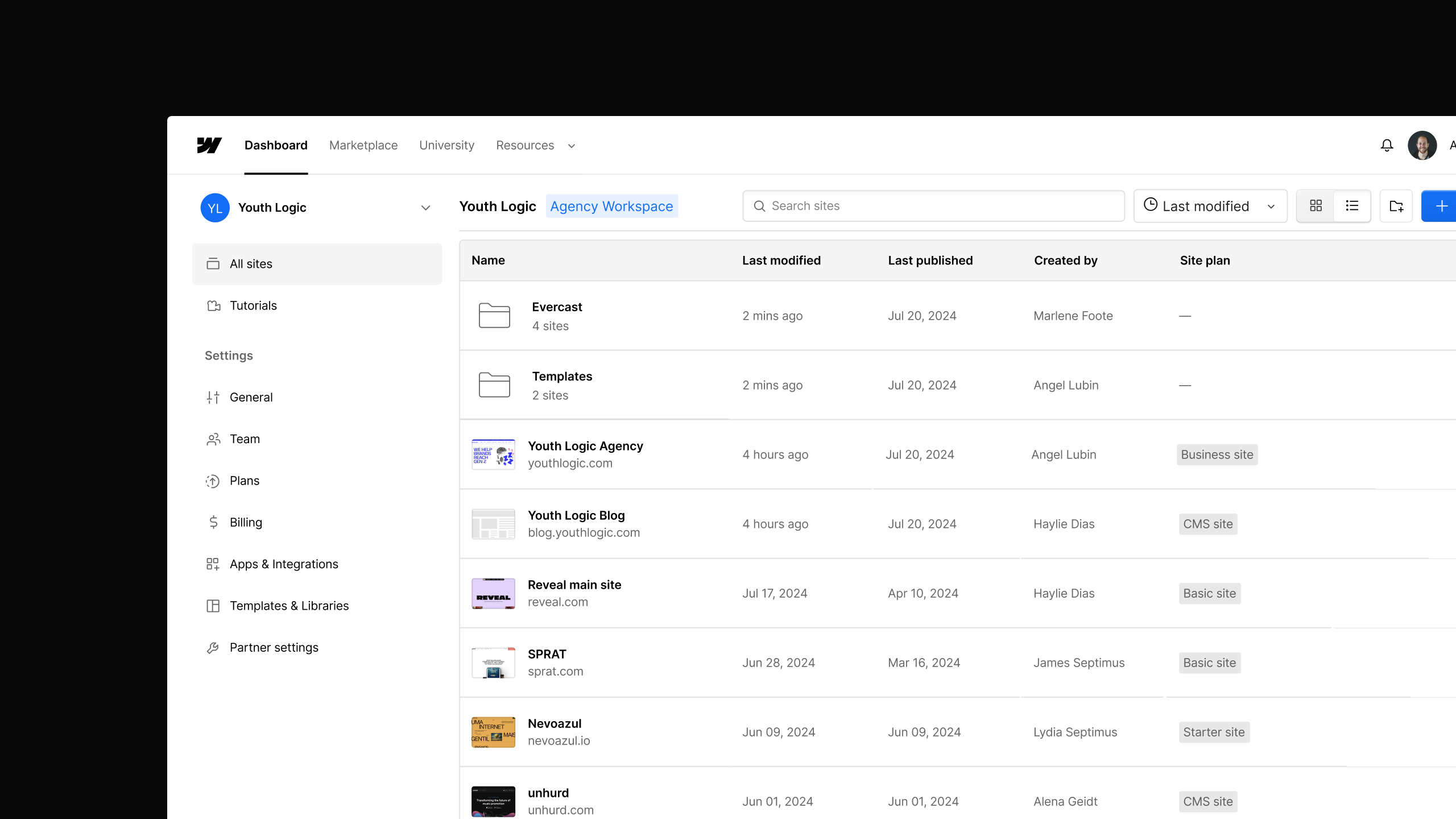
Webflow now supports a Light or Dark theme for the Dashboard. Choose your preferred interface — it applies instantly and persists across all your workspaces.
.png)
You can now choose between a Light or Dark theme for the Webflow Dashboard.
Head to your Account menu, select Dashboard theme, and pick the mode that works best for you. Your preference saves automatically — it applies instantly across your Dashboard and stays consistent every time you log in, across all your workspaces.
Related updates




















Get started for free
Try Webflow for as long as you like with our free Starter plan. Purchase a paid Site plan to publish, host, and unlock additional features.
Try Webflow for as long as you like with our free Starter plan. Purchase a paid Site plan to publish, host, and unlock additional features.