











While Storyblok offers flexibility, other platforms might help you build high-performing websites more efficiently.
Storyblok is a headless content management system (CMS) known for its back-end visual editor. That editor offers live, in-context previews where you can create and update pages with reusable content blocks, while developers fully control the front end.
Under the hood, Storyblok is an API-first and component-based platform. You can model content as components and deliver them to any site or app through APIs. Therefore, the presentation layer stays decoupled from the content layer.
But this setup isn’t ideal for every team, and Storyblok can be too complex for some users. You’ll need to rely on developers for updates, and the headless approach often expands into a multi-tool stack that adds significant overhead.
If you want to save on costs or you prefer a more design-forward workflow, read on to explore 10 Storyblok alternatives.
10 Storyblok alternatives for 2026
From lightweight site builders to enterprise-grade platforms, here are 10 of the best CMS platforms worth considering.
1. Webflow
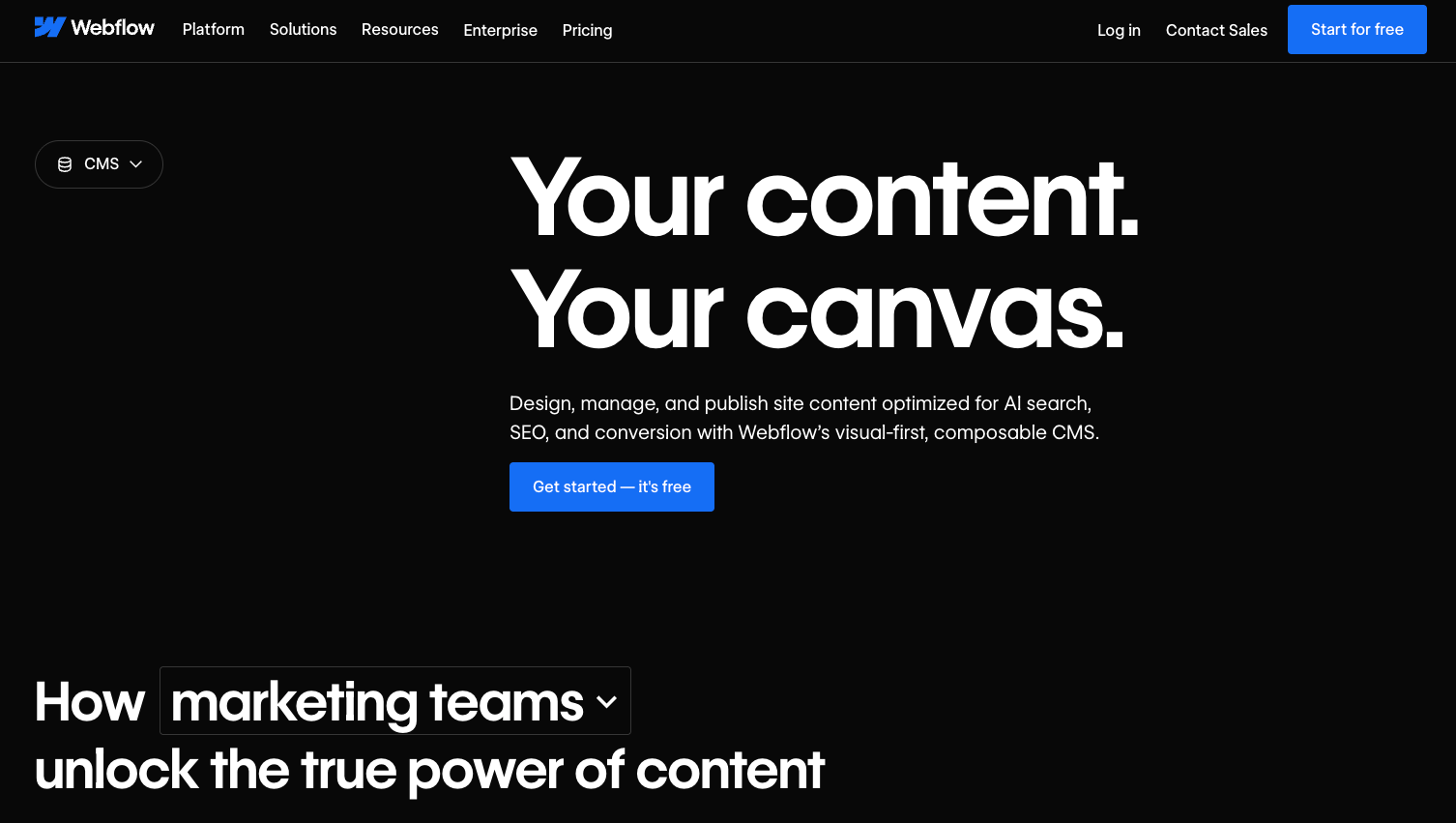
Webflow is a visual site-building platform that offers robust design tools, a fully composable CMS, interactions and animations, and managed hosting all in one place. Unlike headless-only systems like Storyblok, Webflow connects everything content teams need in a single environment, so teams can visually build, style, and launch responsive sites without stitching together separate tools.
Key features:
- Next-gen CMS with reusable content structures
- User-friendly design interface with pixel-level visual control
- GSAP-powered interactions and animations
- Managed hosting with a global content delivery network (CDN), SSL certificates, and backups
- Built-in AI tools and automated workflows
- Thousands of ready-made templates and cloneable community sites
Pros:
- Single platform with everything you need to build, manage, and optimize your site
- Fast iterations for content and design changes
- Real-time team collaboration features
Considerations:
- Less back-end flexibility than with open-source headless platforms
Best for: Modern teams that want a single platform spanning from design and launch to maintenance and optimization, with minimal handoffs needed.
2. DatoCMS
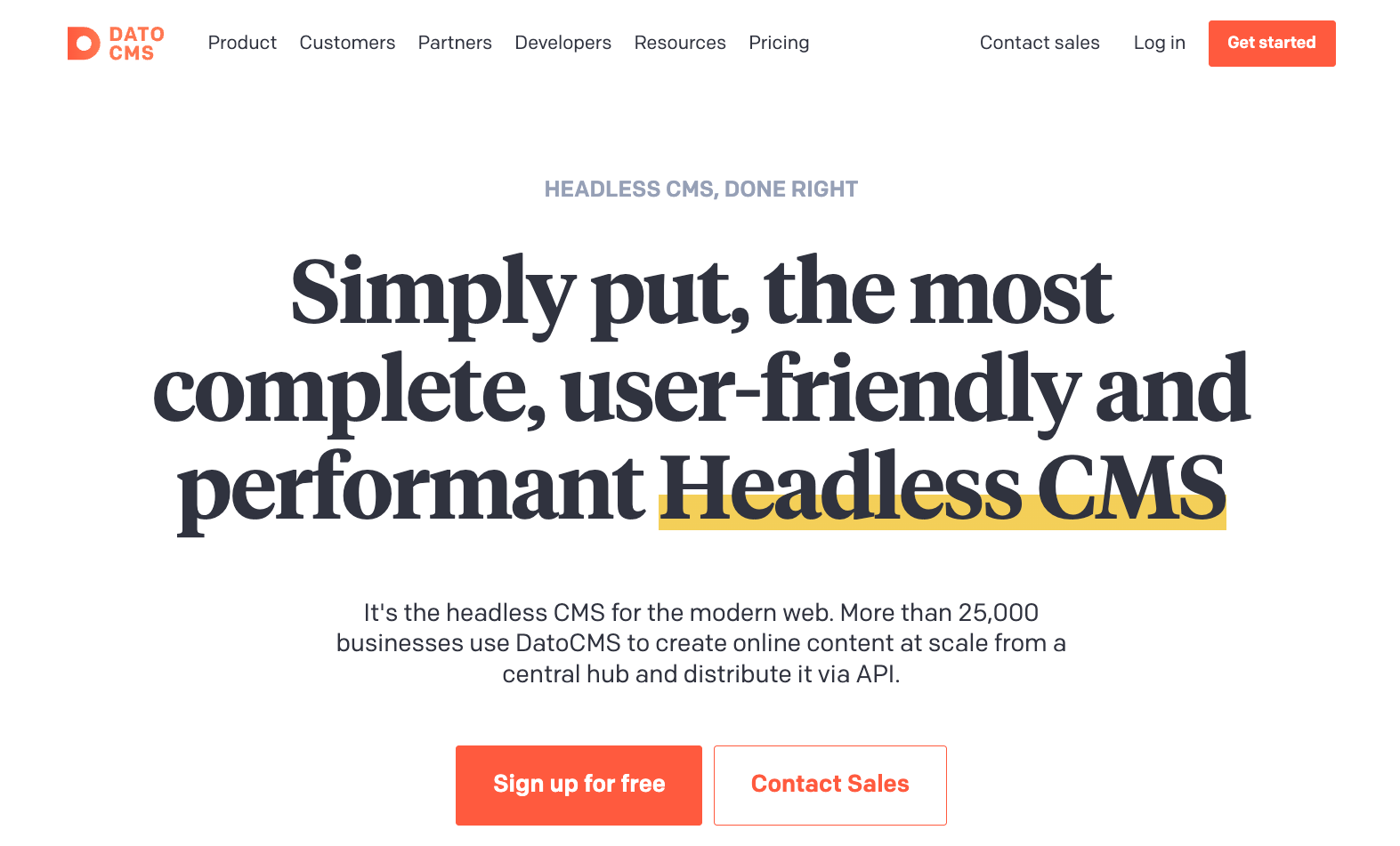
DatoCMS is a hosted headless platform with fast global CDNs and a built-in media pipeline for shipping content-heavy pages. You might choose DatoCMS if media performance and automated asset optimization are top priorities for your projects, as its built-in image and video-handling can reduce the need for custom processing workflows.
Key features:
- Images API for on-the-go updates via Imgix
- Video handling with Mux streaming support
- Real-time updates for instant previews while editing
Pros:
- The default asset workflow is approachable for most users
- Instant previews save time and work for pages with lots of multimedia content
Considerations:
- Less emphasis on design and page building than other Storyblok competitors
Best for: Marketing teams that want to build content-rich and high-performance websites
3. Builder.io

Builder.io is a CMS with reusable components and a visual editor, plus AI tools for building and updating content. Its visual, component-driven editing layer sits on top of a headless back end, letting teams assemble pages from pre-built components. This can make page creation more approachable, since much of the layout work happens visually rather than directly in front-end code — once the component system is set up.
Key features:
- Streamlined drag-and-drop editor for building pages fast
- Customizable editing modes and user permissions
- AI editor and AI copilot
Pros:
- Fast updates for content, such as landing pages
- Support for A/B testing and development environments
Considerations:
- Steep learning curve
- May require developer input to match code generation to front-end design
Best for: Hybrid teams where marketers want to ship content quickly on a custom front end
4. Strapi
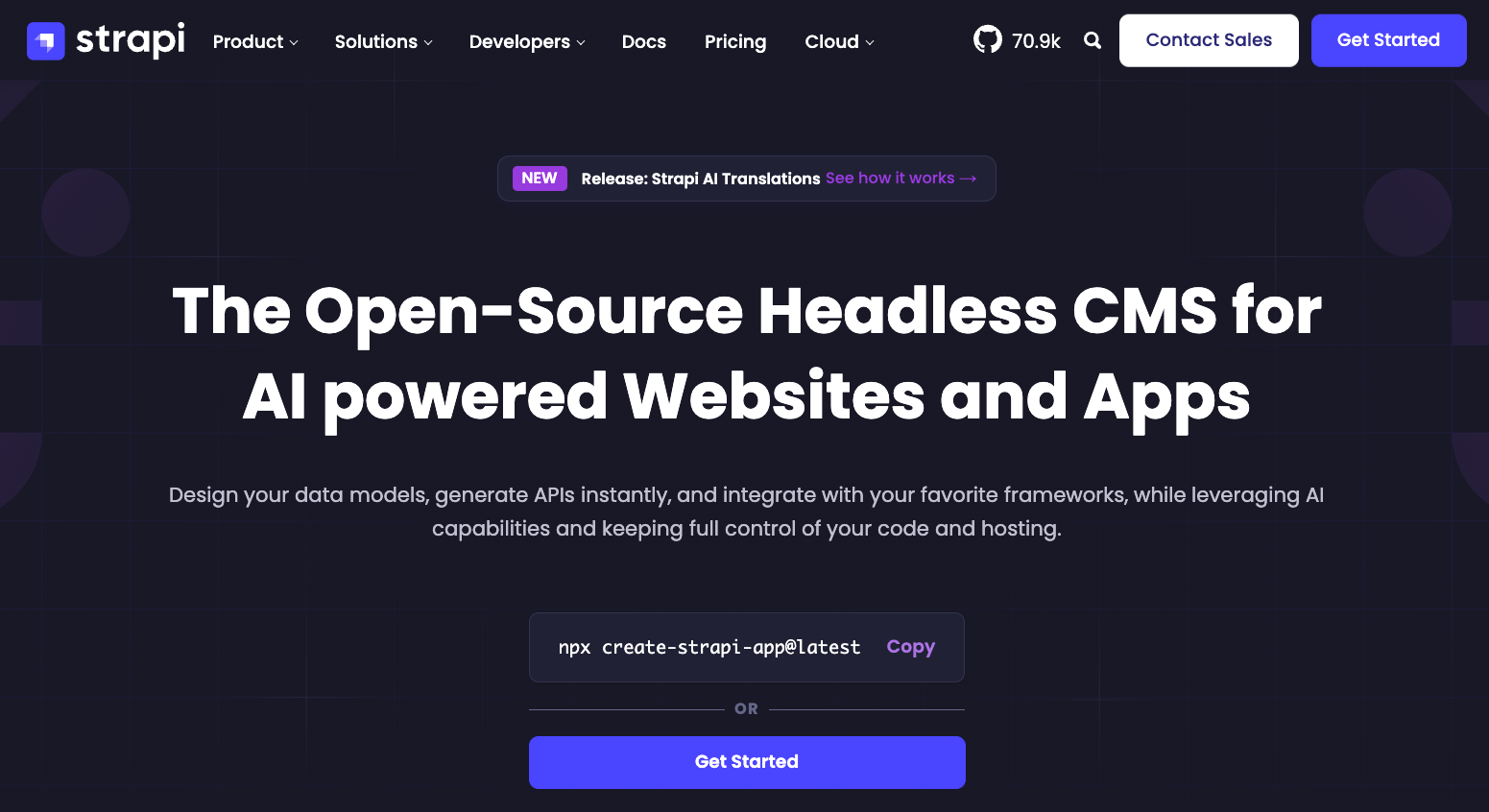
Strapi is an open-source, API-powered CMS that lets you self-host your website or manage it through the cloud with a user-friendly app. It’s a strong choice if you care more about back-end extensibility and hosting flexibility than having a visual editing experience, because it lets you define custom APIs and plugins with minimal vendor lock-in.
Key features:
- REST and GraphQL APIs
- Plugin ecosystem with admin customization
- Role-based permissions
Pros:
- Choice between self-hosting and managed hosting
- Flexible setup that works well for custom builds
Considerations:
- Self-hosting adds maintenance costs and extra responsibilities
- No built-in visual editor
Best for: Dev teams that want back-end ownership and a CMS they can extend to fit their stacks
5. Contentful

Contentful is a composable, API-centric CMS that lets you create content and repurpose it for multiple sites and apps. This CMS is suitable for enterprises managing multiple workflows, complex content models, and omnichannel delivery, where robust API tooling and governance across teams are critical.
Key features:
- Customizable user roles and permissions
- Integrations and in-house marketplace
- Real-time editing with previews
Pros:
- Reuse content across various channels
- Separate environments where you can test changes before going live
Considerations:
- Complex setup and steep learning curve for non-developers
- Visual editing is preview-based and not a live, on-page experience
Best for: Enterprises and organizations handling lots of pages, markets, and approvals
6. Sanity
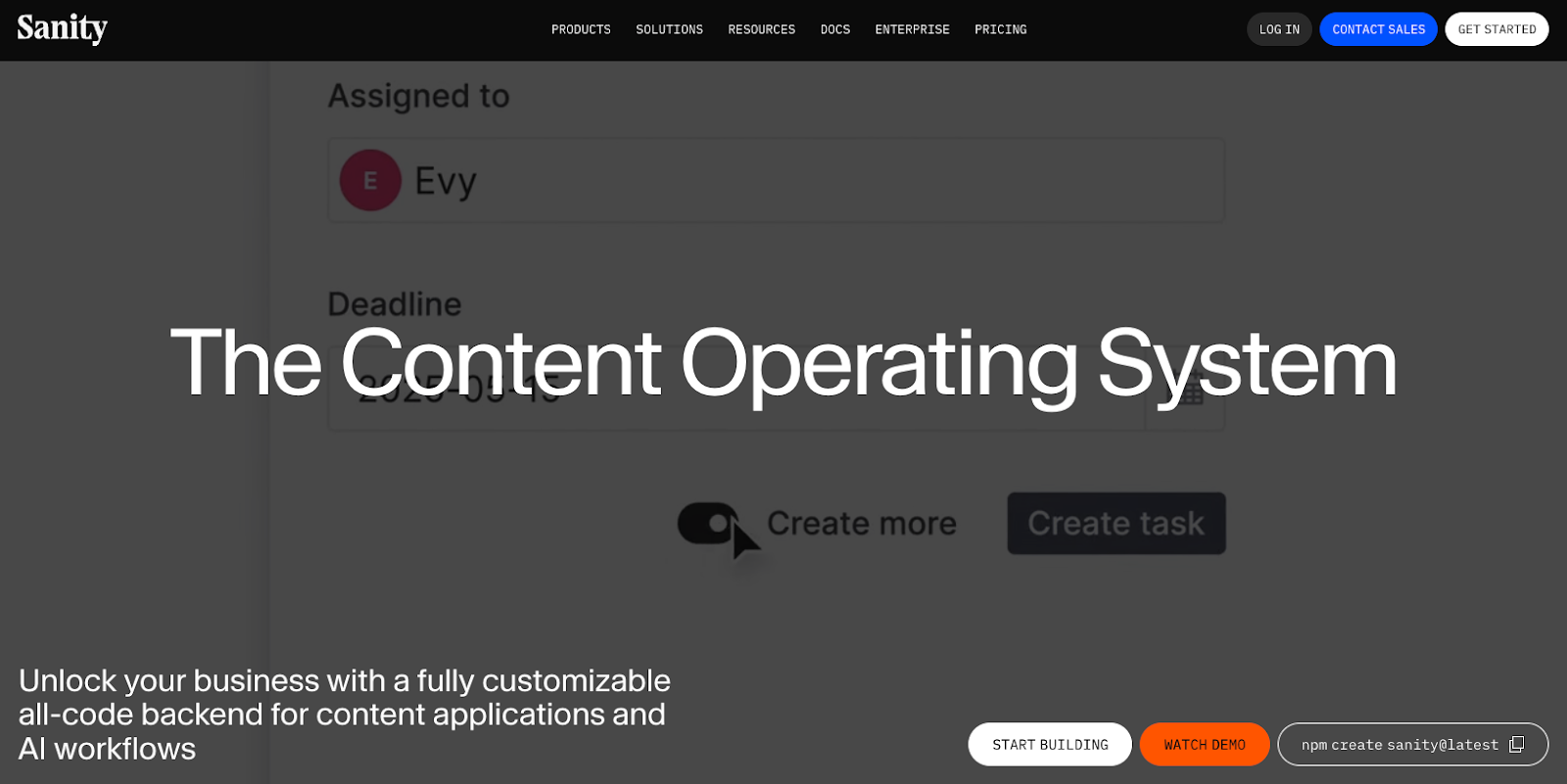
Sanity is a headless CMS with a customizable, schema-as-code workspace where you can configure the editor to match how your team creates and approves content. It emphasizes flexibility and collaborative editing, which can be especially valuable when you need to tailor content models and tooling to your team’s needs.
Key features:
- Structured content storage and APIs
- Ability to generate editing fields by defining content structures in JavaScript or TypeScript
- Custom dashboard and apps for building complex workflows
Pros:
- Versatile editing experience
- Lots of developer tools for building structured content
Considerations:
- Requires developer input
- Custom setups increase training and deployment times
Best for: Developers and hybrid teams that want highly structured content and an editor they can tailor to match existing workflows



















Content management, meet visual design
Create the content structures you need, add content (by hand, from a CSV, or via our API), then design it visually. Finally, a content management system that works for editors, designers, and developers.
7. Hygraph
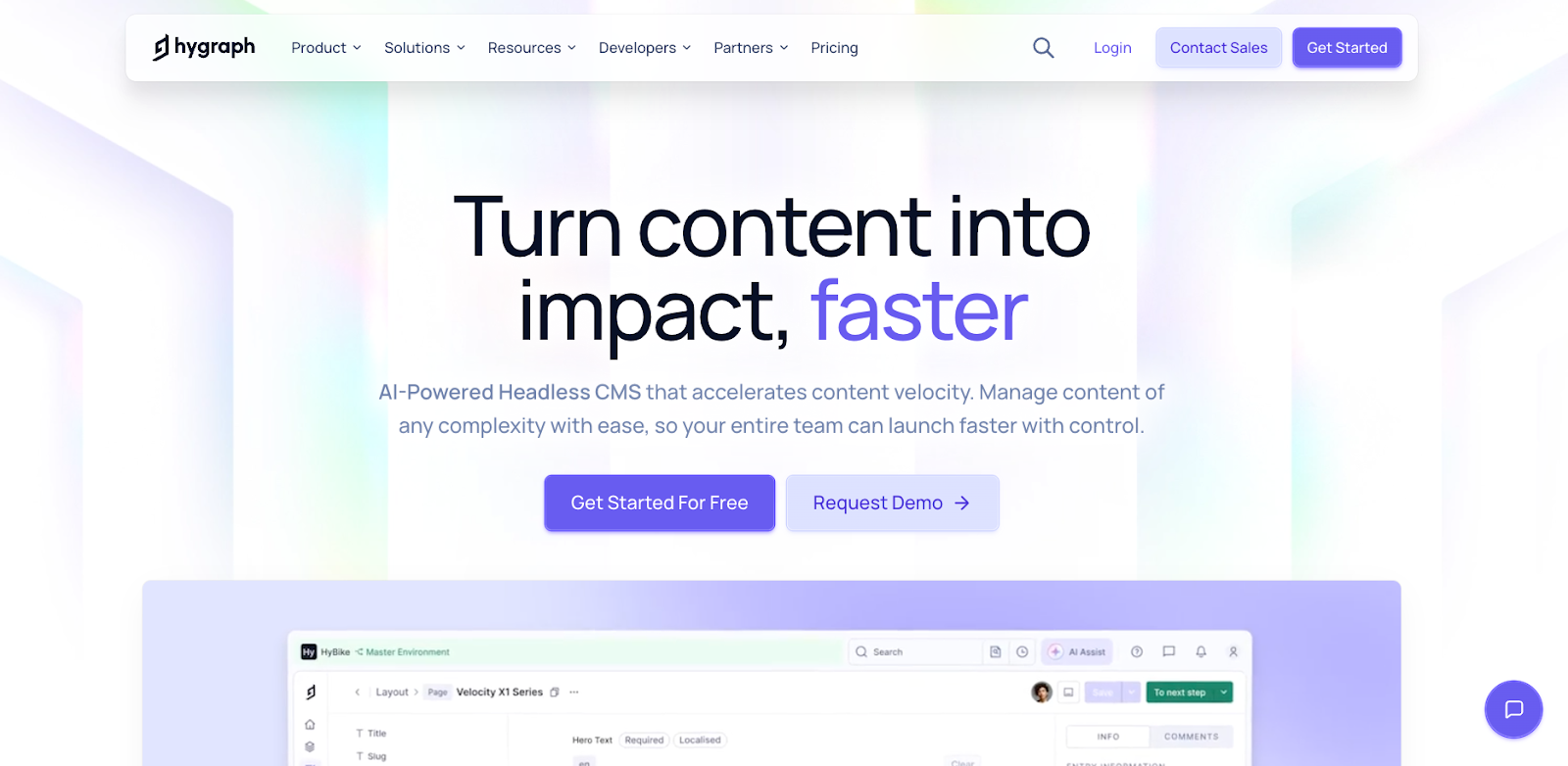
Hygraph is an alternative headless CMS that separates your back-end content from how it appears on your website, and lets developers query that content using GraphQL. Because it’s built around GraphQL from the start, teams can request exactly the data they need for their website — which can improve performance and give developers more precise control compared to traditional REST-based setups.
Key features:
- GraphQL content API
- Content Federation pulls data from other systems
- Clear content stages from drafting to publishing
Pros:
- One endpoint for mixed, multichannel systems
- Flexible and connected content models
Considerations:
- Requires GraphQL ownership
- Needs developer setup to bring in content from external sources
Best for: Developers and enterprises with GraphQL stacks that manage complex, multichannel content
8. Ghost
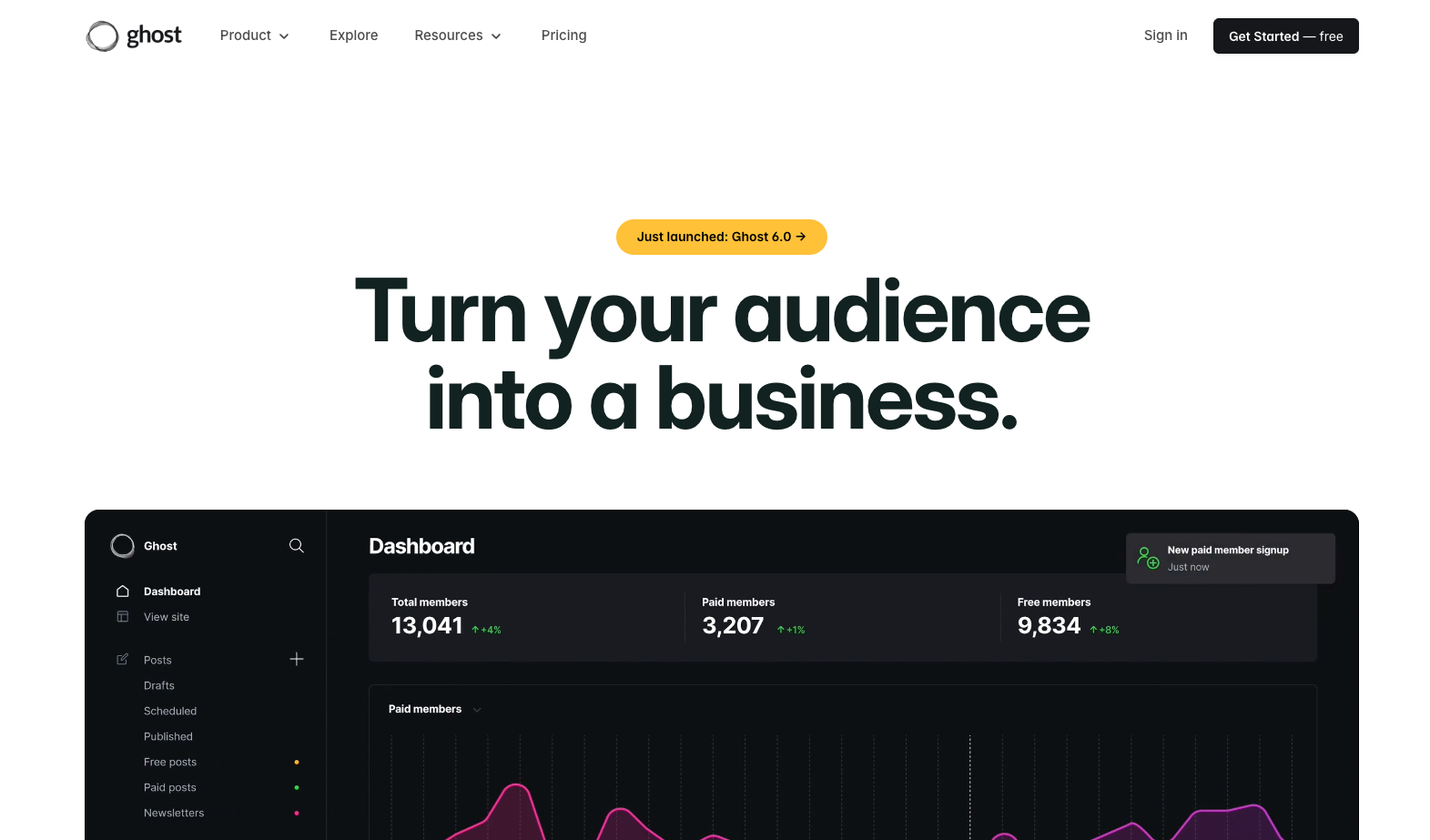
Ghost is an open-source publishing platform built for blogs, newsletters, and membership sites, with built-in monetization tools like subscriptions and paid newsletters. It’s a compelling alternative when you want integrated membership and newsletter capabilities without assembling separate plugins or external paywall services.
Key features:
- Built-in newsletters that are sent directly to subscriber inboxes
- Memberships and subscriptions via Stripe
- Option to self-host or use managed hosting
Pros:
- Monetization tools for paid content
- Streamlined interface for publishing workflows quickly
Considerations:
- The basic toolset is only suitable for a few types of websites
Best for: Companies with publication-style sites that want a user-friendly CMS
9. Prismic

Prismic is a headless CMS targeted at marketing teams who want to assemble web and landing pages from reusable sections — called slices — so their updates stay on-brand without constant handoffs. Its Slice Machine workflows streamline building and repurposing content blocks, which can simplify collaboration between developers and non-technical editors.
Key features:
- Slices let you build sections locally and share them for reuse
- Scheduled releases
- Real-time previews
Pros:
- Consistent page-building at speed
- Options for technical and non-technical users
Considerations:
- Slices need ongoing developer upkeep
- Requires separate front-end and hosting tools
Best for: Hybrid teams that want fast marketing workflows and don’t mind building a full tech stack
10. WordPress
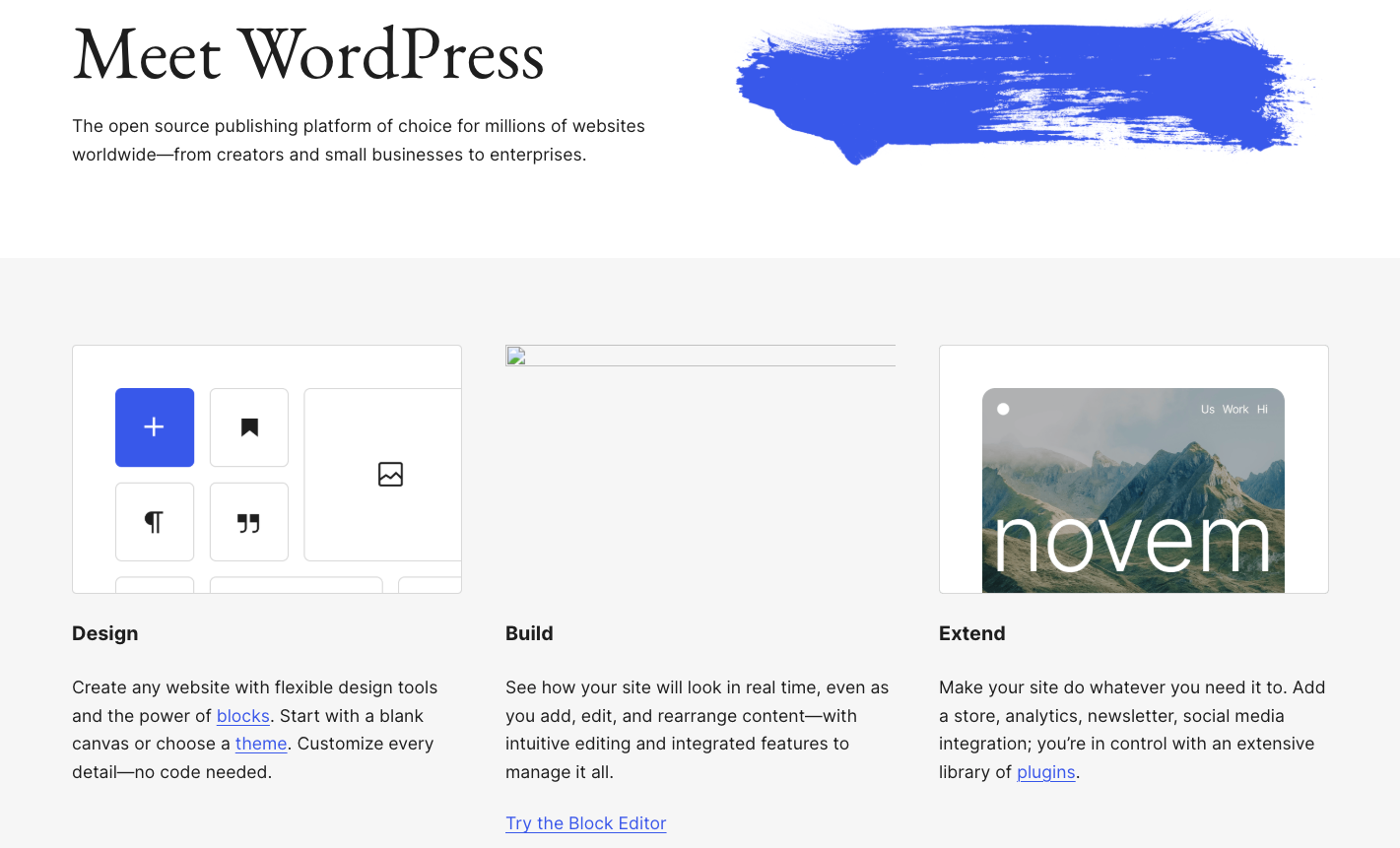
WordPress is an open-source CMS with a large theme and plugin ecosystem. It can also run headless via its REST API. It offers traditional, highly customizable website building with a relatively shallow learning curve, and one of the broadest integration ecosystems in the web platform space, making it a versatile choice for teams who want extensibility or familiar tooling.
Key features:
- Block editor for building web pages visually
- REST API for headless content delivery
- Third-party extensions to add new features and design elements
Pros:
- Flexibility to choose a traditional or headless CMS setup
- Shallow learning curve and streamlined default interface
Considerations:
- Plugins and themes add cost, plus maintenance and security overhead
- Headless setups typically require developer input
Best for: Teams that want a familiar publishing workflow now, with the option to modernize the front end later
How to choose the right Storyblok alternative
There are many headless CMS alternatives out there. To pick the platform that suits your needs, prioritize the following areas:
- Visual editing options: If marketers and other non-technical users want to build and update pages, choose a CMS with visual editing features, like real-time, in-context previews.
- Level of developer involvement: Some platforms assume developers will create components and previews, while others reduce that dependency. Decide if you need an all-in-one tool or plan to create a more complex hybrid or API-first setup.
- Search engine optimization and performance needs: Consider how the platform supports metadata, redirects, structured data, and multimedia optimization. A powerful CMS will load pages fast without compromising performance or search rankings.
Build fast, professional content with the Webflow CMS
Storyblok is a popular choice for component-based and headless builds, but it doesn’t suit everyone’s goals and workflows. If you want a developer-focused experience, choose an API-based tool. However, if you want approachable tools that allow your entire team to contribute, look for a visual CMS platform.
For teams that want fewer moving parts without sacrificing flexibility, Webflow is the top all-in-one CMS. Webflow lets you build a website, host and launch it, and manage its content, all in one place. You can build a branded site that reflects your design priorities and create custom update workflows that fit your team’s preferences.
Choose Webflow to build a high-quality, professional website for your business.
Get started for free
Create custom, scalable websites — without writing code. Start building in Webflow.



















