









Pair Adobe Experience Manager’s flexibility with better convenience and speed by trying one of these top six alternatives.
Adobe Experience Manager is a powerful enterprise platform for managing website content and assets. But it can be expensive to run and complex to maintain, especially when you need to rely on developers for changes and upgrades. So it’s worth considering other options that offer the flexibility and feature set you need with less cost and hassle.
In this article, we’ll explore six Adobe Experience Manager alternatives, and explain how to choose the best one for your team.
What’s Adobe Experience Manager?
If your website spans multiple industries, brands, regions, and/or channels, you’ll need a system that keeps content and resources aligned. Adobe Experience Manager (AEM) is an enterprise-level digital experience platform (DXP) designed to address that need, with a connected set of tools for managing and delivering digital experiences at scale.
AEM offers:
- A content management system (CMS). CMSs let you create, publish, and maintain websites through single multi-user hubs.
- Personalization options. You can tailor content to different audiences, so the same site delivers specific messaging depending on the visitor’s type and history. This helps the experience feel more relevant and improves user journeys.
- Digital asset management (DAM). You get a centralized library for images, videos, documents, and brand designs, so you can quickly find assets and avoid duplicates.
Despite these capabilities, some teams find that their needs exceed what AEM can currently offer. Let’s take a closer look at some of the reasons why.
Why enterprises look for AEM alternatives
Many enterprises are moving away from do-everything DXPs and rebuilding their stacks around modular workflows — composable and visual-first tools that let you build websites fast and pivot designs easily.
Here are a few reasons a team might move from AEM to an alternative (like those listed in the next section):
- High implementation and maintenance costs. Enterprise platforms like AEM often come with significant setup and ongoing operating costs.
- Slow iteration cycles. AEM’s cloud implementation and deployment rely heavily on structured back-end environments with code pipelines. While this offers lots of control, it makes quick updates and big changes more difficult.
- Limited creative control and developer dependance. Even small changes can be challenging for non-developers, and while you can work around the rigid templates and publishing permissions, the trade-off is less autonomy and a steeper learning curve. Visual-first platforms offer nearly as much design flexibility while lowering the skill bar.
- Difficulty adapting to modern content workflows. Many teams publish modular content for multiple channels and collaborate in real time for faster releases. Platforms built for older web technologies can struggle with this modern complexity.
6 best Adobe Experience Manager alternatives
Here are six AEM alternatives, each with a unique balance of power and usability.
1. Webflow
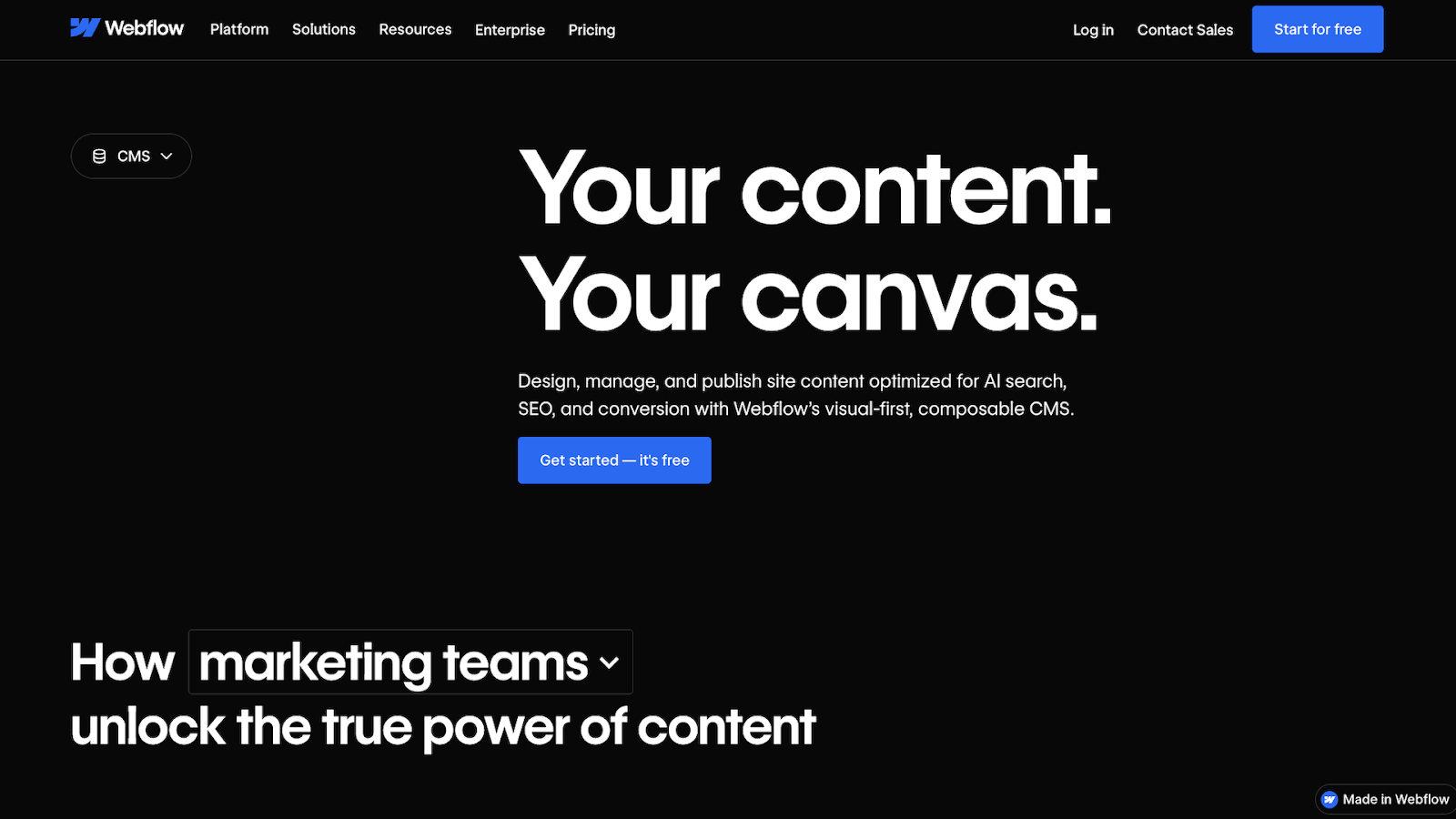
Webflow is a modern website experience platform with a visual-first, enterprise-ready CMS. This all-in-one solution offers the creative control you expect from quality front-end tools, while providing the governance and cross-team collaboration features large organizations need.
Key features:
- Visual, composable CMS
- SEO and AEO functionality
- Enterprise workflows, including branching, approvals, staging environments, and publishing controls
- Custom roles to match permissions
Pros:
- Many updates don’t need developer handoff, leading to faster content iterations
- Built-in previews during real-time editing for seamless collaboration
- AI helps you build sites faster without compromising quality
Considerations: Trades infrastructure-level control for a more integrated, visual-first platform.
Best for: Anyone — be it a freelancer or enterprise team — who wants extensive creative control, baked-in SEO/AEO features, and minimal-to-no developer reliance.
Why choose it over AEM: If you’re struggling to quickly ship changes live, Webflow’s visual design environment and CMS let you build and update layouts without giving up enterprise controls.
2. Sitecore
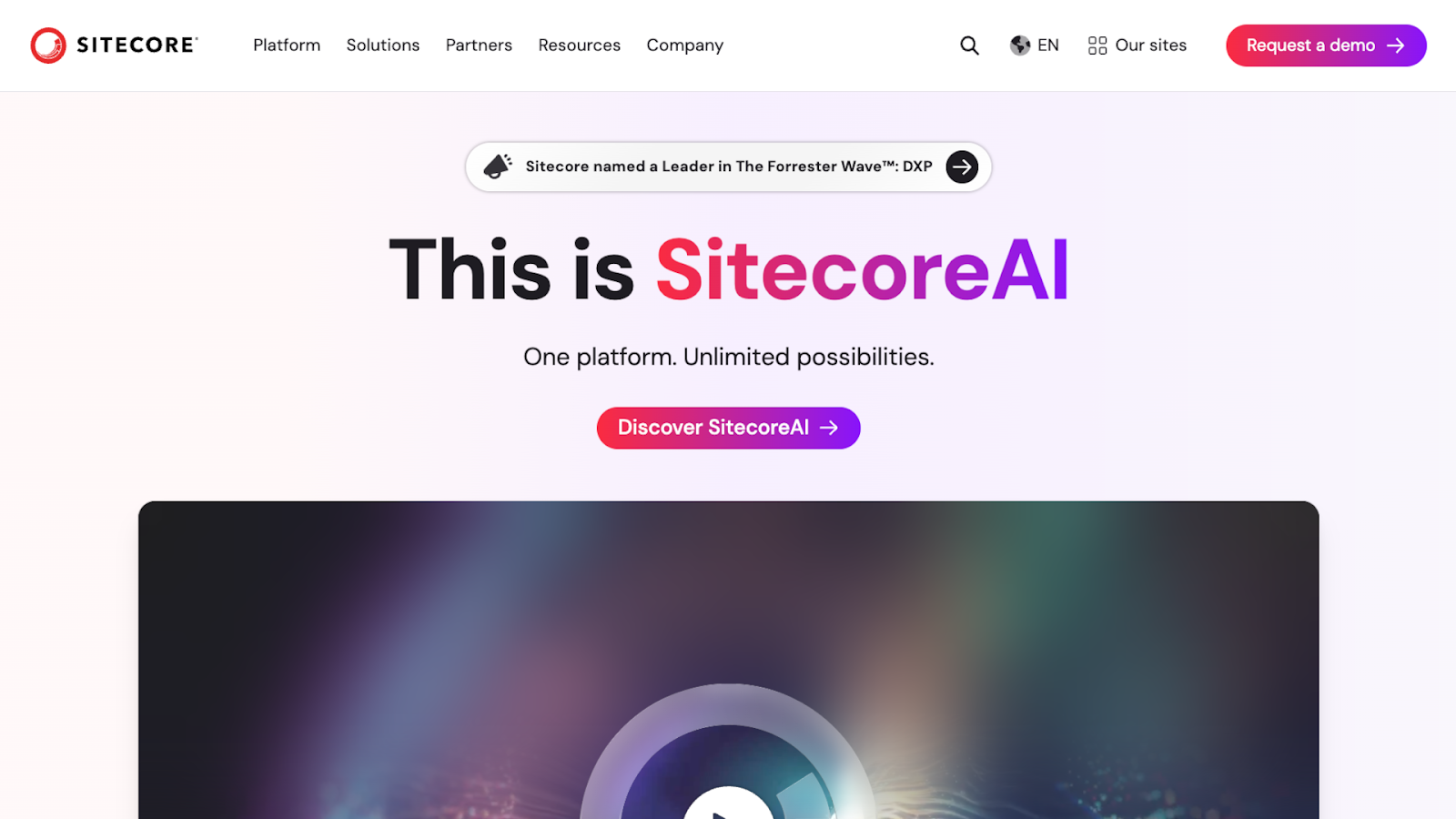
Sitecore is designed for enterprises that want content and personalization in the same stack. This platform focuses on analytics and automation, making it a good fit for marketing-centric workflows. There’s also a fully managed, headless CMS option for cloud deployments.
Key features:
- Embedded personalization
- A/B testing
- Real-time analytics and insights
Pros:
- Focus on testing and personalization for better site optimization
- Clear path for shifting toward headless content delivery
Considerations: Sitecore’s functionality depends on how you assemble and operate the stack.
Best for: Enterprises that want a composable DXP and optional DAM.
Why choose it over AEM: If you want a headless SaaS CMS and connected testing capabilities, Sitecore offers a more modular route than a traditional DXP.
3. Liferay
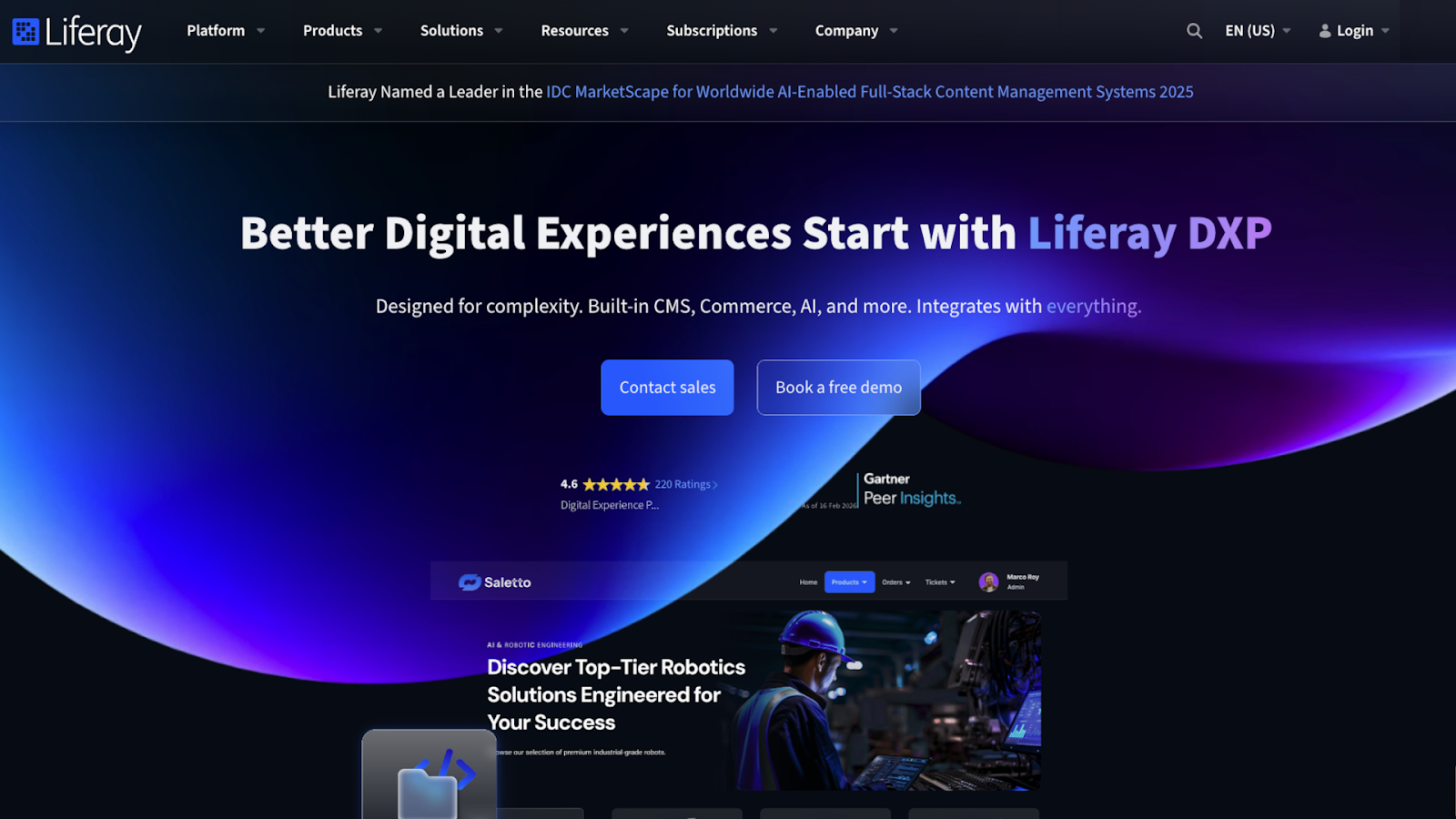
Liferay is an open-source DXP for building and running connected online experiences. You can unify your website and apps using Liferay’s portal, and integrate everything with complex back-end systems. This platform is most often used for customer and employee portals, thanks to its flexibility and customizable user experiences.
Key features:
- Integrations connect to existing tools and systems
- Open-source DXP allows for deeper customization
- Portal building for customer and partner experiences
Pros:
- Works as a single gateway to multiple systems
- Suits complex environments where integration matters as much as content
Considerations: Best as a portal platform and not as a marketing suite or CMS replacement.
Best for: Companies building customer, partner, and employee portals that already sit on top of many internal systems.
Why choose it over AEM: Liferay is a better fit than a web-first content stack if you prioritize authenticated portal experiences and not page publishing.
4. Contentful
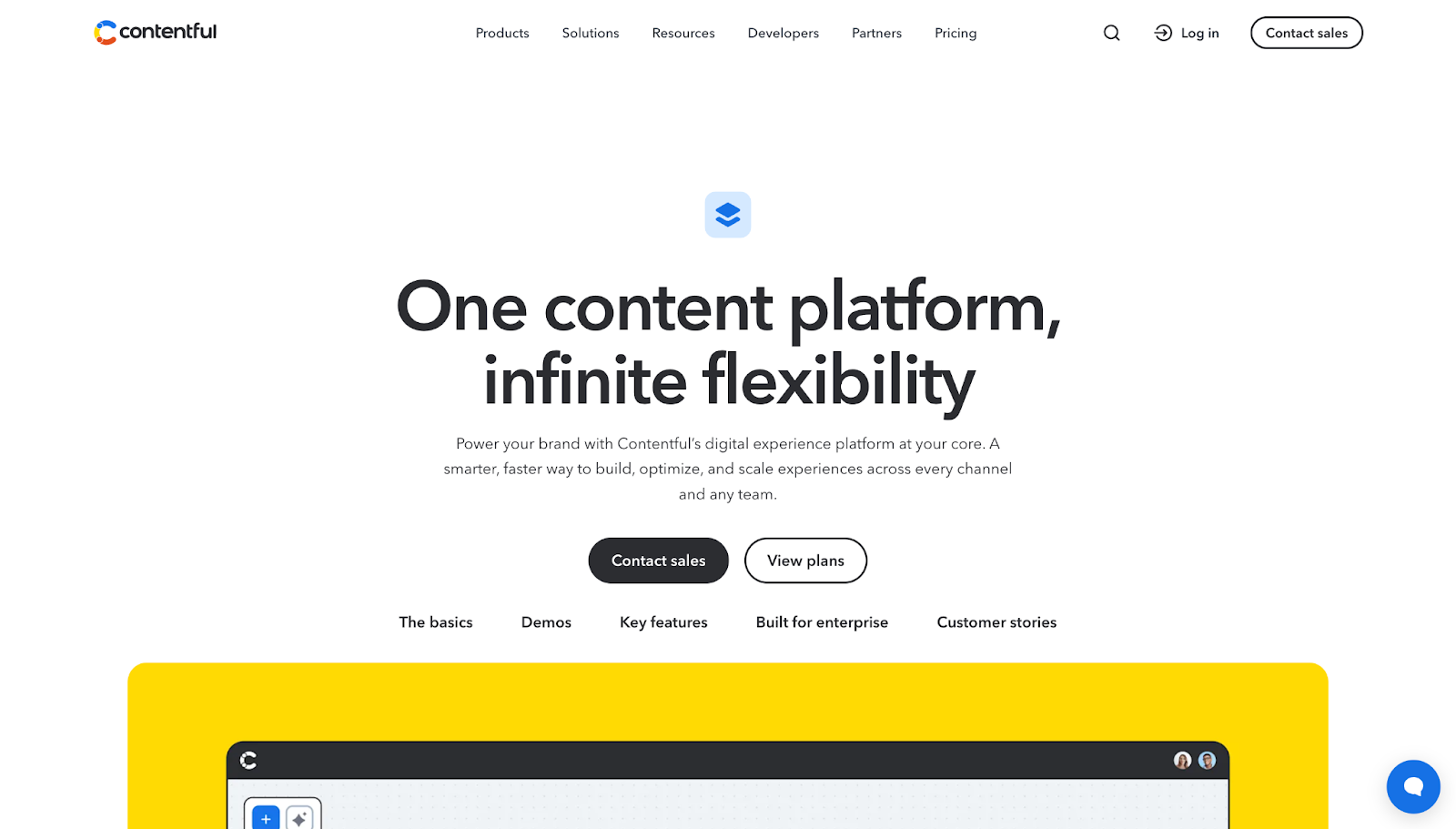
Contentful is an API-first platform for teams that want to reuse structured content across channels. As a headless CMS, Contentful separates the back end from the presentation layer, so you can deliver content to any touchpoint and pair it with the front end. This solution is suitable for enterprises that want to move from a suite approach toward a more composable workflow for faster multichannel publishing.
Key features:
- Live Preview and Inspector Mode for real-time review and faster feedback loops
- Extended functionality via Marketplace apps and integrations
- Custom roles and permissions for editing and publishing
Pros:
- You can reuse structured content for multichannel publishing
- Marketplace app extensibility lets you customize workflows without rebuilding the CMS
Considerations: Needs ongoing developer support to maintain the front-end site experience.
Best for: Companies moving toward a modular, multichannel content setup.
Why choose it over AEM: With an API-first backbone, integrations, and preview tooling, Contentful is easier to build a composable stack around than a monolithic suite like AEM.



















Webflow Enterprise
Trusted by over 300,000 of the world’s leading brands, Webflow Enterprise empowers your team to visually build, manage, and optimize sophisticated web experiences at scale — all backed by enterprise-grade security.
5. Storyblok
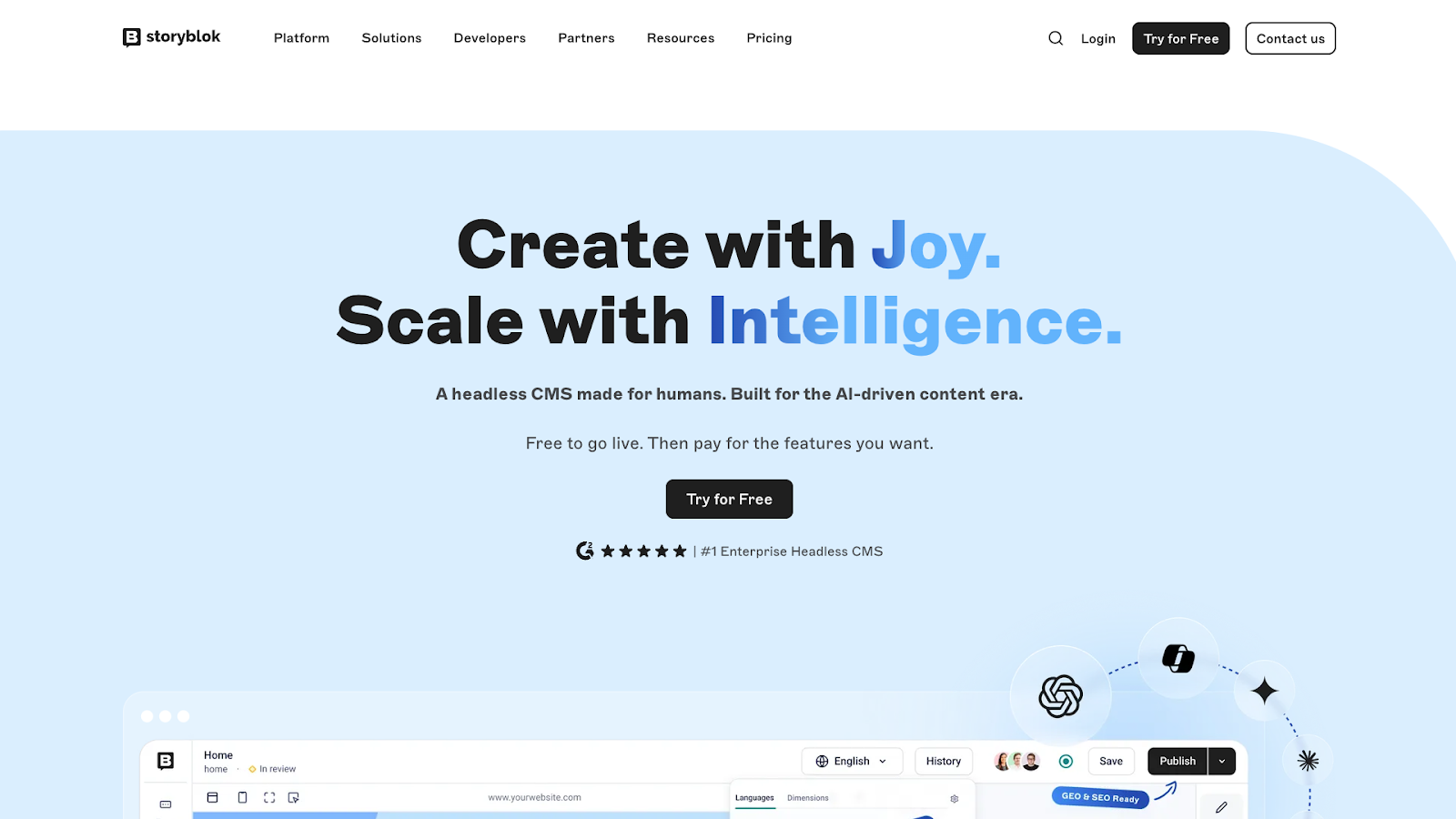
Storyblok combines a headless CMS with a visual editor, so non-technical team members can preview and assemble web pages using components. This platform also has 99.99% uptime for enterprises and ISO 27001 certification, helping you stay compliant without compromising speed or site availability.
Key features:
- Visual website editor with live preview
- Headless API delivery through GraphQL and REST API
- Role-based permissions
Pros:
- Faster publishing thanks to real-time previews and quick changes
- Headless delivery gives non-technical teams a more usable workflow
Considerations: Needs developer support to set up the component-based blocks and content structure.
Best for: Hybrid teams that want headless architecture without the editing experience feeling developer-centric.
Why choose it over AEM: The visual editor feels lighter and more user-friendly, making day-to-day publishing more straightforward.
6. Hygraph
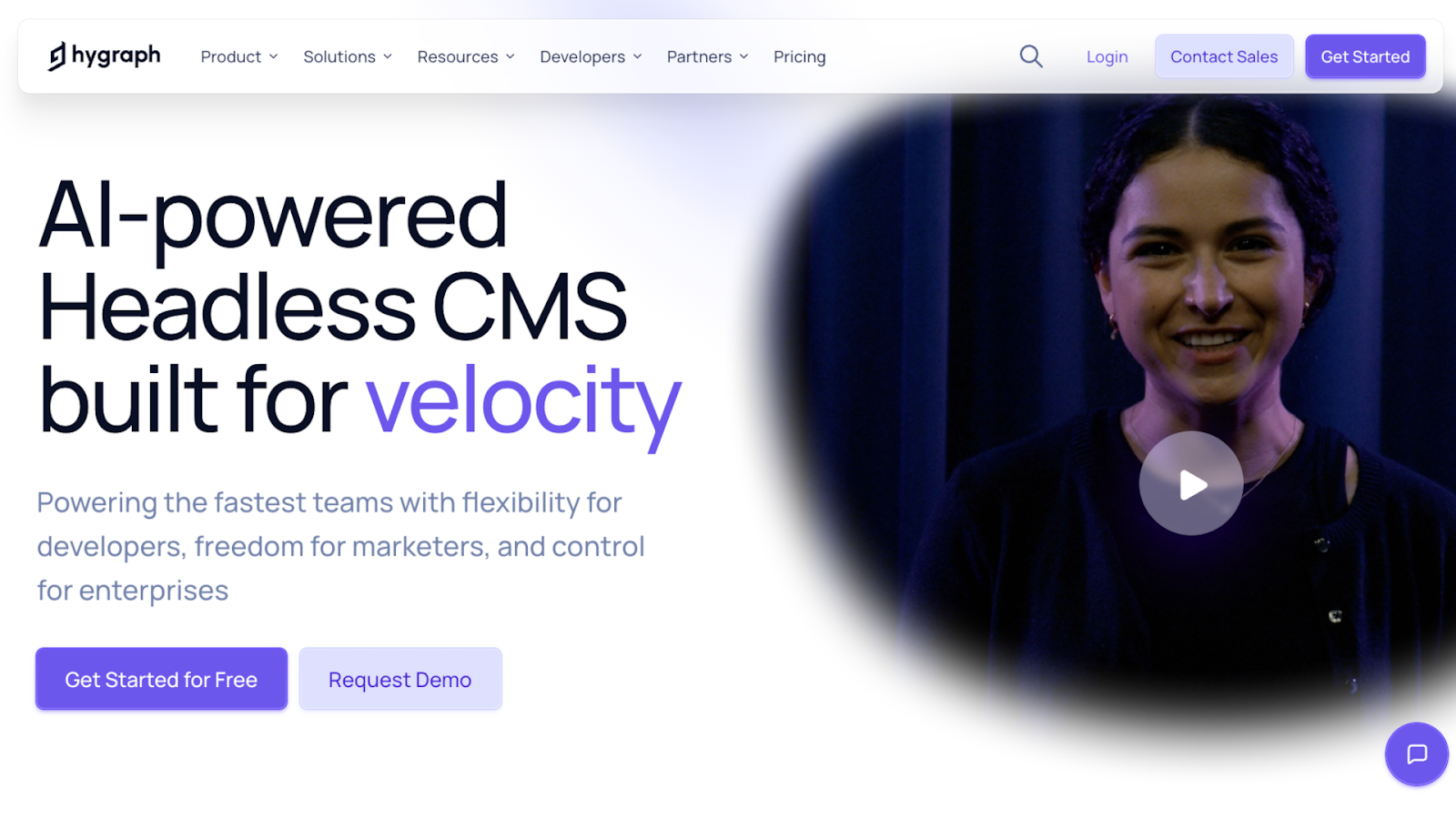
Hygraph is another headless CMS built around native GraphQL APIs, making it easier for developers to query exactly the content they need and evolve schema over time. The main feature, Content Federation, pulls content from other systems and presents everything as one unified GraphQL API. If you have content spread across multiple tools, Hygraph can reduce duplication while keeping delivery on time.
Key features:
- Content Federation unifies content from multiple sources
- Content API through GraphQL
- Role-based permissions
- Support for localized content
Pros:
- Provides a single content layer with multiple channels without migrating everything into one system
- Native GraphQL makes content delivery faster
Considerations: Works best if you’re comfortable with GraphQL, while connecting remote systems requires developer input.
Best for: Developers and enterprises that are familiar with GraphQL and want to merge content across multiple systems.
Why choose it over AEM: Hygraph’s Content Federation is more suitable for integrating content from multiple sources than a suite-centered DXP.
How to choose the right AEM alternative
The best AEM alternative depends on your company’s size, internal setup, and creative priorities. For example, a global brand with strict governance requirements needs a different solution than a marketing-heavy team that ships monthly campaigns.
Here are a few criteria to consider when making your selection.
Scalability and performance
If you’re planning to add multiple sites or lots of distinct landing pages, your CMS must stay reliable as you scale. Performance impacts your search rankings, and it also affects how people experience your brand. So look for a platform with caching, content delivery networks (CDNs), reliable uptime, and the capability to manage large content volumes without slowing down.
Integrations and extensibility
Make a list of the tools you already use for:
- Analytics
- Customer relationship management
- Forms
- Marketing automation
- Product data
- Customer support
- Payment gateways
The right AEM alternative for your team will be compatible with your existing integrations. Prioritize platforms with reliable APIs and app marketplaces so you can extend features without rebuilding the site.
Creative bandwidth
If you frequently run campaigns, test new layouts and messaging, or refresh pages to keep up with product updates, you need creative flexibility. Platforms that allow for fast iterations let you respond to what’s working and what isn’t in real time. Plus, designers and marketers can make meaningful changes without waiting on engineers to implement every variation.
Cost efficiency
Instead of comparing licensing numbers or monthly prices, look at the total cost of ownership for your preferred tools. A platform can seem cheaper at surface level and still charge more due to hidden costs like developer support and paid add-ons. Estimate the total cost of ownership across a month or year, including platform fees and internal resources spent on operation.
User experience and content workflows
Inefficient workflows encourage your team to avoid updates and work around the system rather than within it. So opt for an editorial experience that supports fast, customizable workflows. Reusable components and clear roles keep content flowing smoothly, and staging environments let you preview your site and publish new versions with confidence.
Why Webflow is a top AEM alternative
Here’s how Webflow delivers on the above criteria:
- Visual editing and dynamic CMS. You can build and update website layouts visually, and power your site with a CMS that uses structured, reusable components. Plus, Webflow is easy to integrate with a wide range of popular tools. All of this helps you quickly scale content, even without developer input.
- Enterprise-grade hosting and uptime. Webflow includes managed hosting with 99.99% uptime, keeping your site running smoothly during peak hours like product launches and campaign spikes. You also benefit from a global CDN that delivers content worldwide with minimal lag.
- Integrated security and compliance. Webflow offers enterprise features like custom SSL certificates and permission-based roles for accessing site designs.
- Design and marketing collaboration. Webflow helps you collaborate at scale by putting governance inside the publishing workflow. Page branching lets team members collaborate on changes without touching production, while design approvals add review checkpoints so updates don’t go live accidentally.
- Simple and flexible pricing. There’s a basic free plan so you can try Webflow to see if it fits, and premium tiers with transparent pricing and carefully chosen core features. Or you can opt for Webflow Enterprise and get cost and power tailored to your needs.
Experience the future of enterprise content management with Webflow
Today, quality enterprise digital experiences rely on agility and control. The right AEM alternative will support faster launches and frequent, reliable updates, while enabling tighter collaboration across all your teams.
Webflow Enterprise brings the balance many teams need: front-end creative freedom with deep control over security and compliance. By pairing a managed platform with enterprise-grade security and hosting, Webflow helps you offer high-performance and reliable experiences at scale.
Choose Webflow Enterprise and take your digital presence to the next level.
Get started for free
Create custom, scalable websites — without writing code. Start building in Webflow.



















