






Enhancement
Collaboration
Site access default setting
Control site access with new default open or restricted settings

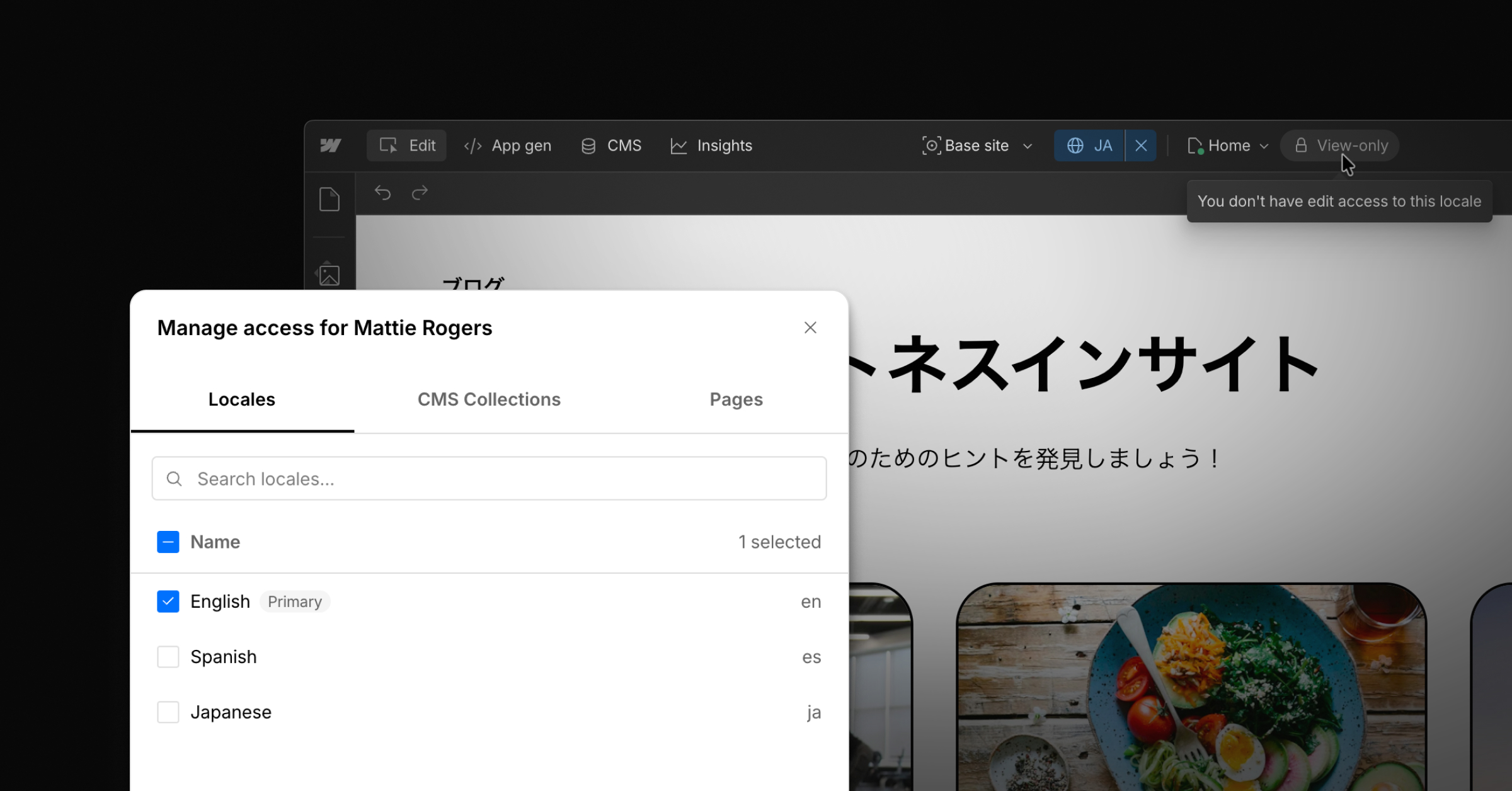
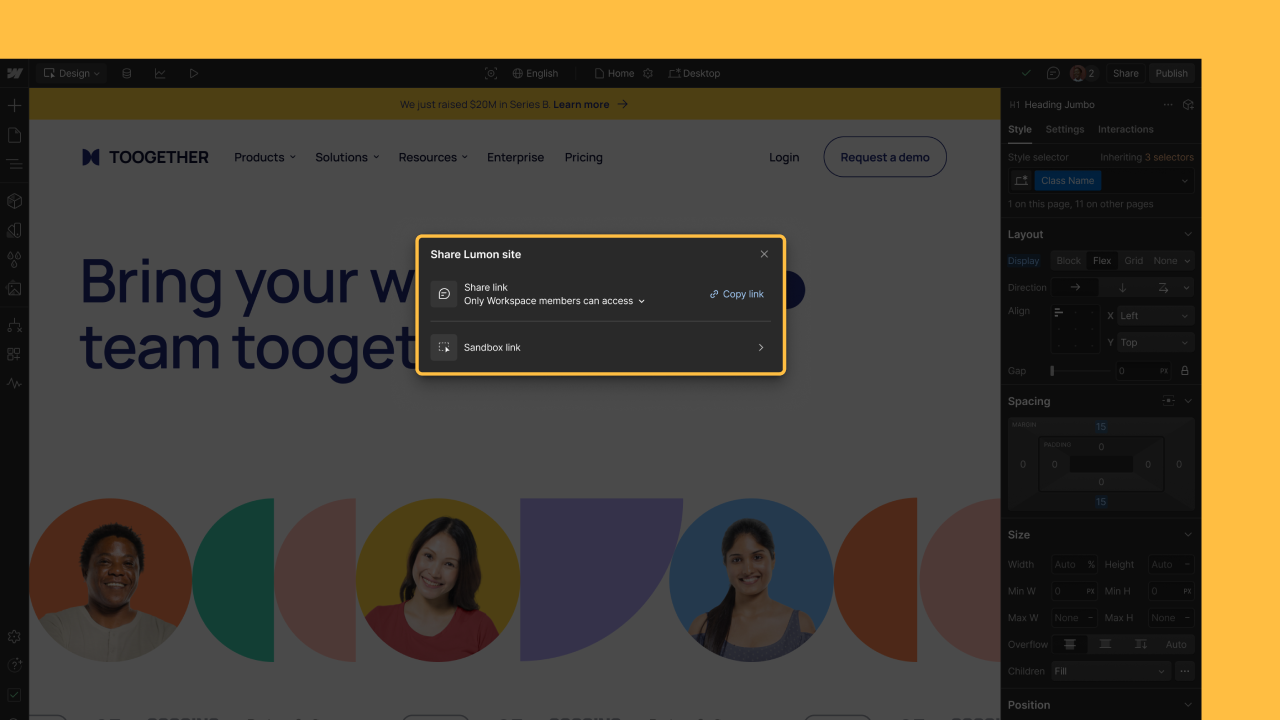
Earlier this year we launched site-specific access to give Workspace Owners and Admins the ability to control which sites their teammates, guests, and clients have access to. This added a layer of security and simplicity when managing your web team across multiple sites in your Workspace.
Today, we’re adding more flexibility to enable you to set your own defaults for site access:
- For teams prioritizing security and privacy, you can have all new sites be restricted by default
- For teams prioritizing collaboration and transparency, you can have all new sites open by default
As a reminder, site-specific access is available on Freelancer, Agency, and Enterprise Workspace plans. For more on how site-specific access works in Webflow, take a look at our Webflow University documentation.
Related updates




















Get started for free
Try Webflow for as long as you like with our free Starter plan. Purchase a paid Site plan to publish, host, and unlock additional features.
Try Webflow for as long as you like with our free Starter plan. Purchase a paid Site plan to publish, host, and unlock additional features.