










If you’re not happy with Prismic’s developer reliance, one of these platforms might be a better match for your content workflows.
As a headless content management system (CMS), Prismic’s standout feature is its “slices”: reusable page sections, like FAQs and calls to action (CTAs), that designers can mix and match to build web pages and digital experiences. However, developers still need to define the underlying structure and slice components. This adds a layer of complexity that makes the platform harder for less-technical teams to use.
If you’re looking for more visual control and collaboration features from your CMS, read on to explore 10 of the best Prismic alternatives, and get some tips for choosing the right one.
10 best Prismic alternatives in 2026
Here are 10 excellent Prismic competitors with headless capabilities.
1. Webflow
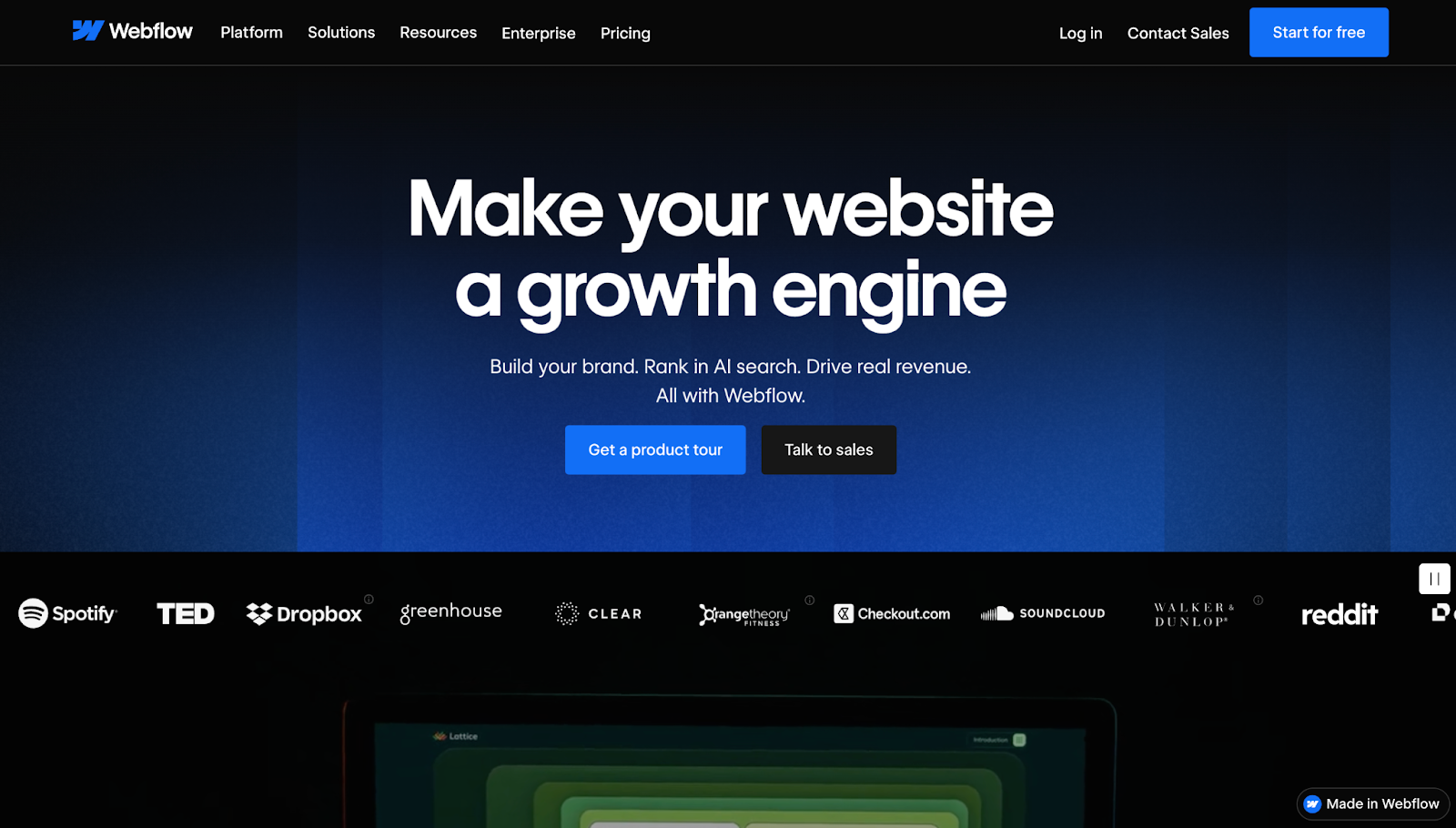
Webflow is a visual website experience platform with a composable CMS, publishing capabilities, and built-in hosting. Instead of modeling content in one platform and creating the front end somewhere else, you can build structured CMS Collections and edit pages directly. Non-technical teams can move faster with Webflow compared to Prismic, since you don’t have to rely on developers and can instead design content in an approachable, repeatable way.
Key features:
- Built-in search engine optimization (SEO) and answer engine optimization (AEO)
- Managed hosting with SSL certificates, a global content delivery network, and automatic backups
- Interactions and animations
- AI tools like Webflow’s AI Site Builder and AI Assistant
- Template library with over 7,000 free and premium templates to kickstart your designs
Pros:
- Faster workflows, as design and content changes happen in the same place
- Real-time collaboration with feedback features and access-based permissions
- Integrated hosting and publishing means fewer moving parts
- Made in Webflow offers a large community of creators and cloneable sites
Considerations: Doesn’t support custom back ends and self-hosting the way code-first headless CMS alternatives do.
Best for: In-house web dev and marketing teams who want visual control and speed, along with fewer tools to switch between during workflows.
Why choose it over Prismic: Choose Webflow if you want a site builder, a CMS, and hosting in one platform instead of pairing a content tool with a separate front-end and hosting setup.
2. Sanity
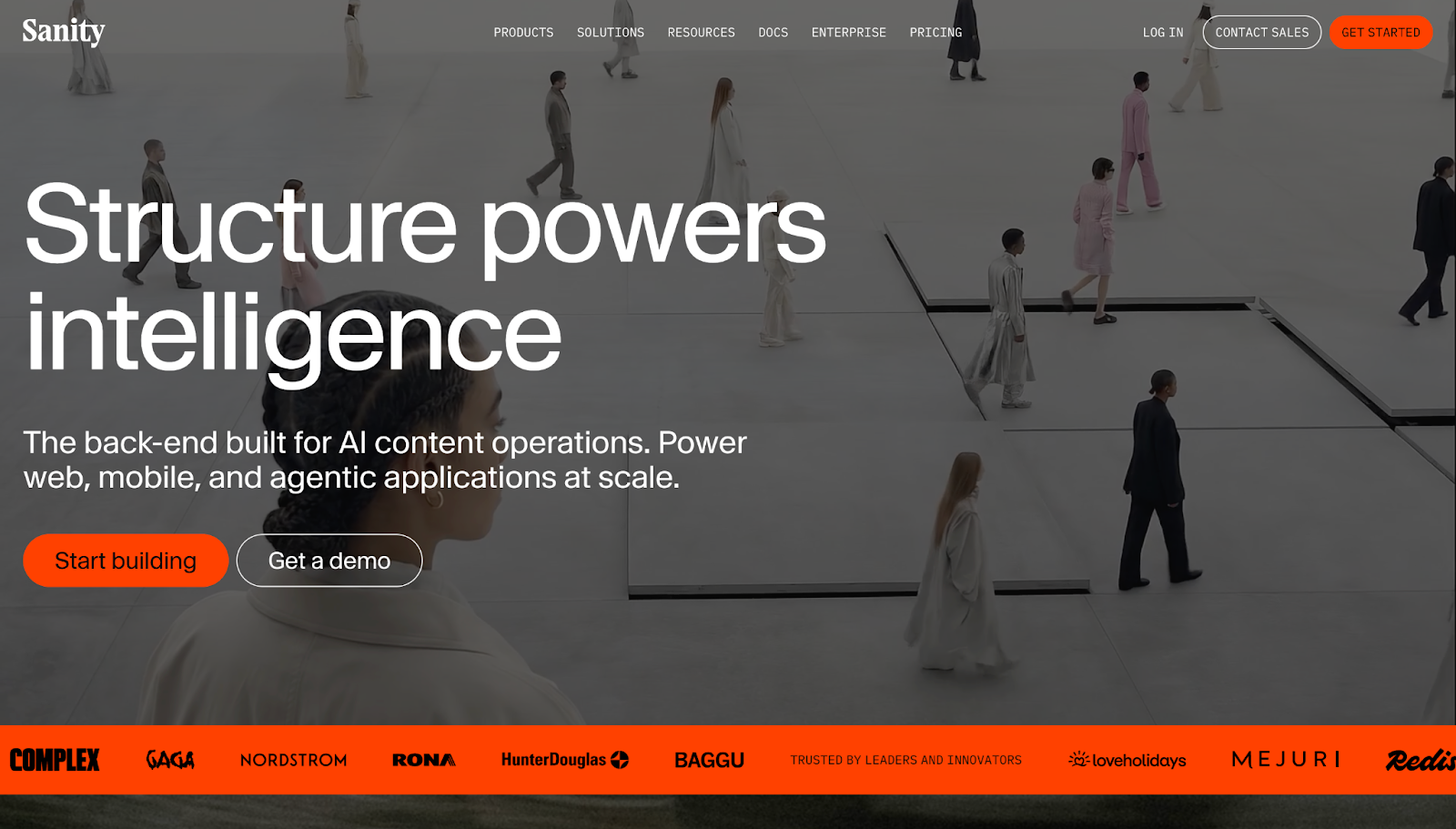
Sanity is a headless CMS with custom apps, AI-based automation, and a flexible editing studio that lets you model content around your site and product.
Key features:
- Configurable Sanity Studio that you can customize to match your workflows
- Schema-based content modeling for defining content structures
- Visual editing and preview options
Pros:
- Flexible editing experience
- Real-time collaboration features
Considerations: Usually requires developer input for schema and maintenance.
Best for: Engineering-heavy teams who want control and customizable content structures.
Why choose it over Prismic: Choose Sanity for real-time collaboration, as multiple teammates can see document changes live as they happen inside Sanity Studio.
3. Contentful
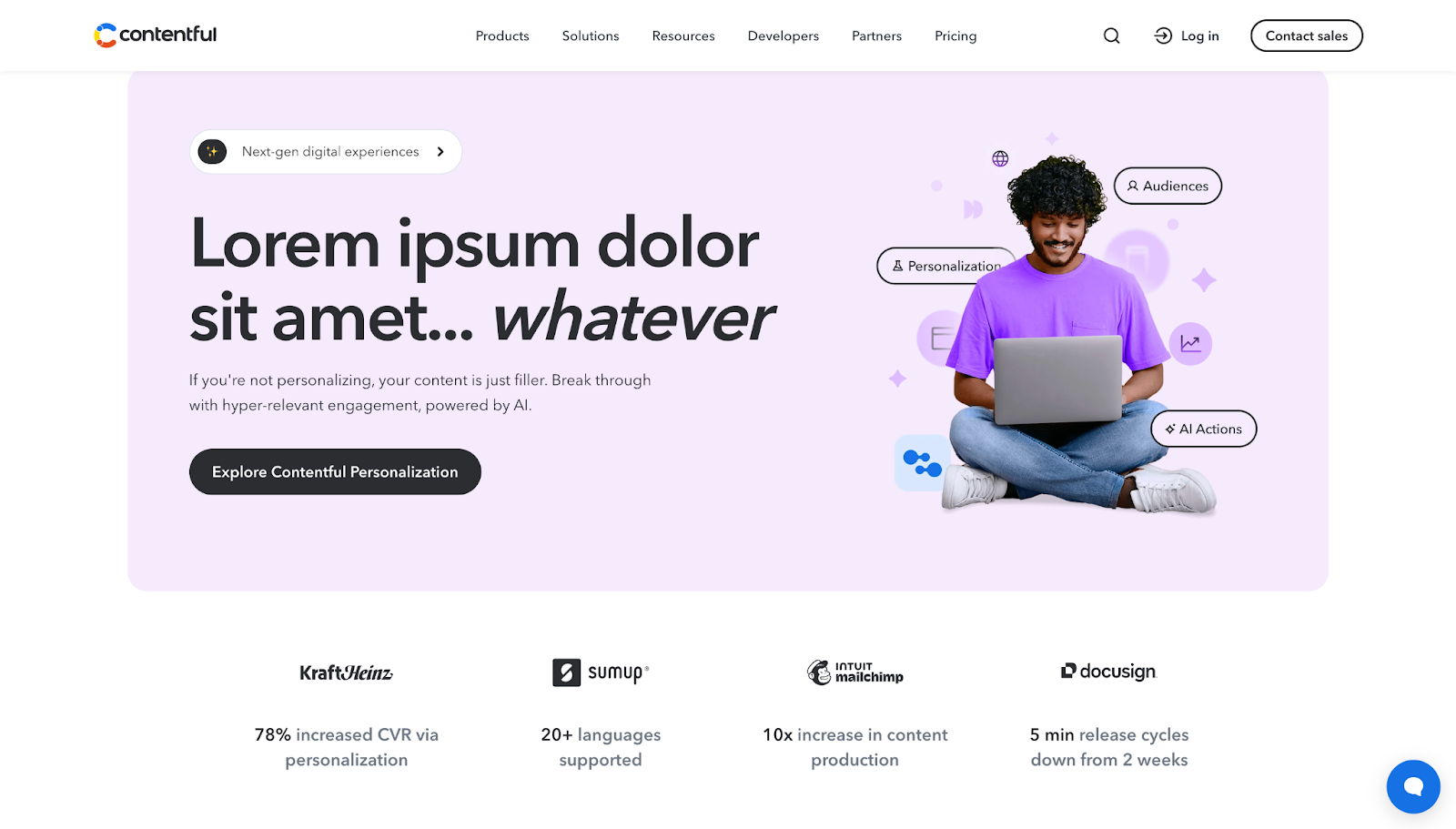
Contentful is an API-based CMS. Like Prismic, it models content as reusable building blocks so you can repurpose them for websites, apps, and marketing campaigns.
Key features:
- Visual building via the Contentful Studio
- App ecosystem for extending functionality
Pros:
- API-first content platform that offers multichannel delivery
- Handles complex organizational structures and permissions well
Considerations: Contentful can be too complex for some teams, especially if you don’t need enterprise-level features.
Best for: Enterprises and multi-team companies running content-heavy operations.
Why choose it over Prismic: Contentful makes more sense for larger organizations that need stronger workflow controls, permissions, and governance across products and markets. It works better over Prismic’s page-builder approach.
4. Storyblok
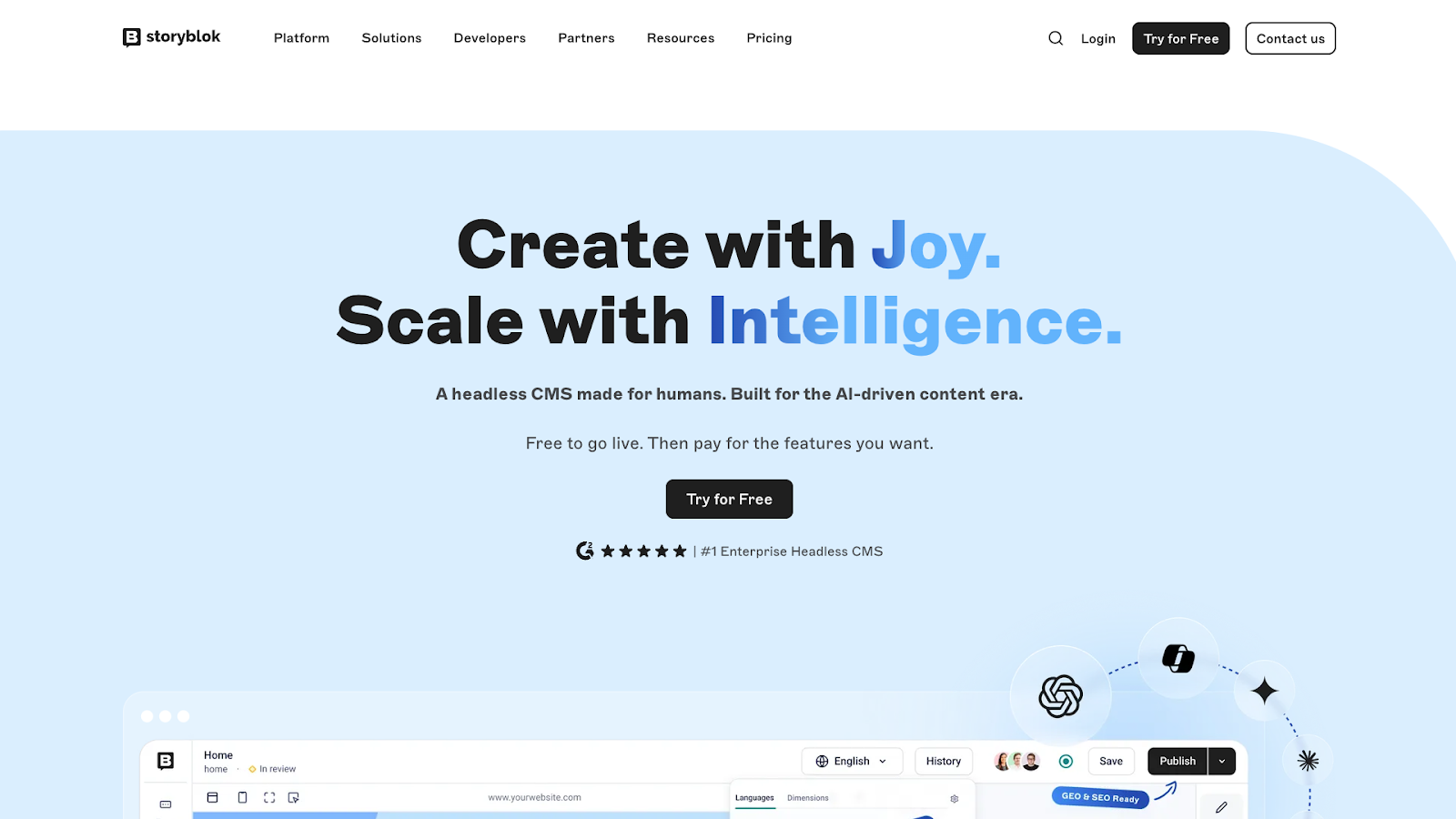
Storyblok is a headless CMS built around an on-page visual editor, letting marketers and other content creators design pages from reusable blocks while seeing their changes in context.
Key features:
- Live preview while building and editing web pages
- Component-based content blocks for reusable layouts and sections
- API delivery options through REST API and GraphQL
- Workflow and permission features
Pros:
- Visual editing makes workflows faster
- Components improve consistency across pages and campaigns
- API capabilities support multichannel delivery
Considerations: Requires developers to set up the block library and content structure.
Best for: Hybrid teams who want visual previews for editors with headless flexibility for developers.
Why choose it over Prismic: Storyblok is a great alternative for marketers who need to preview and collaborate on content while developers control the front end.
5. Strapi
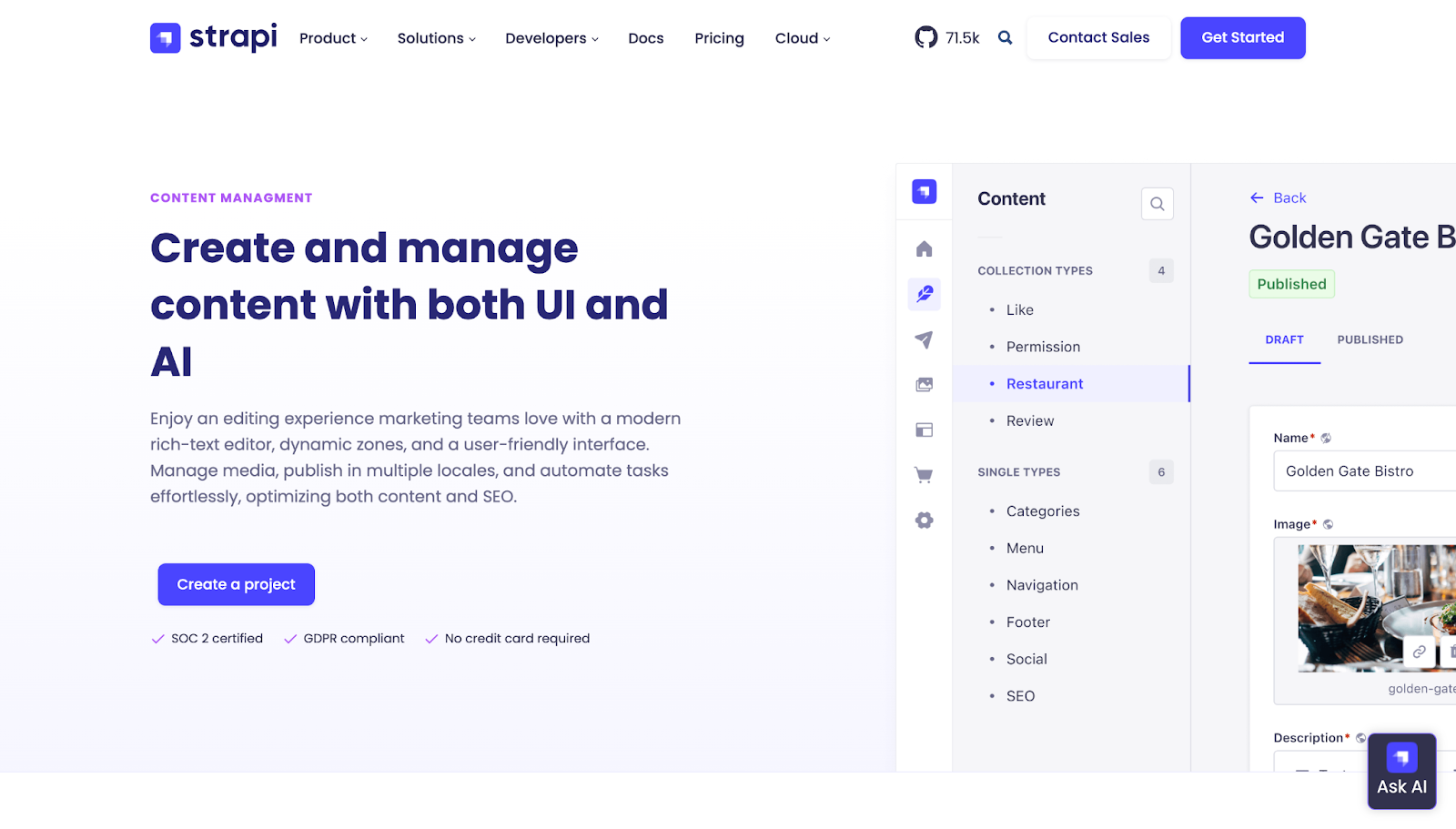
Strapi is an open-source headless CMS with back-end flexibility for shaping APIs and admin roles. Developer-focused workflows allow you to define content types and manage them in a central admin hub.
Key features:
- Open-source, self-hostable headless CMS
- API supports REST and GraphQL
- Admin roles and permissions
- Plugin and integration marketplace
Pros:
- Open-source design lets you adapt the platform and integrate it into custom stacks
- Solid foundation for building your own APIs
Considerations: Requires more operational work for hosting, maintenance, and upgrades when compared to fully managed platforms.
Best for: Developer-led teams who want more back-end flexibility and self hosting.
Why choose it over Prismic: Pick Strapi if your developers want to shape the CMS around your stack and API layer rather than working within a more fixed platform. It’s open source, and you can self-host instead of using a vendor-managed SaaS CMS.



















Content management, meet visual design
Create the content structures you need, add content (by hand, from a CSV, or via our API), then design it visually. Finally, a content management system that works for editors, designers, and developers.
6. Hygraph
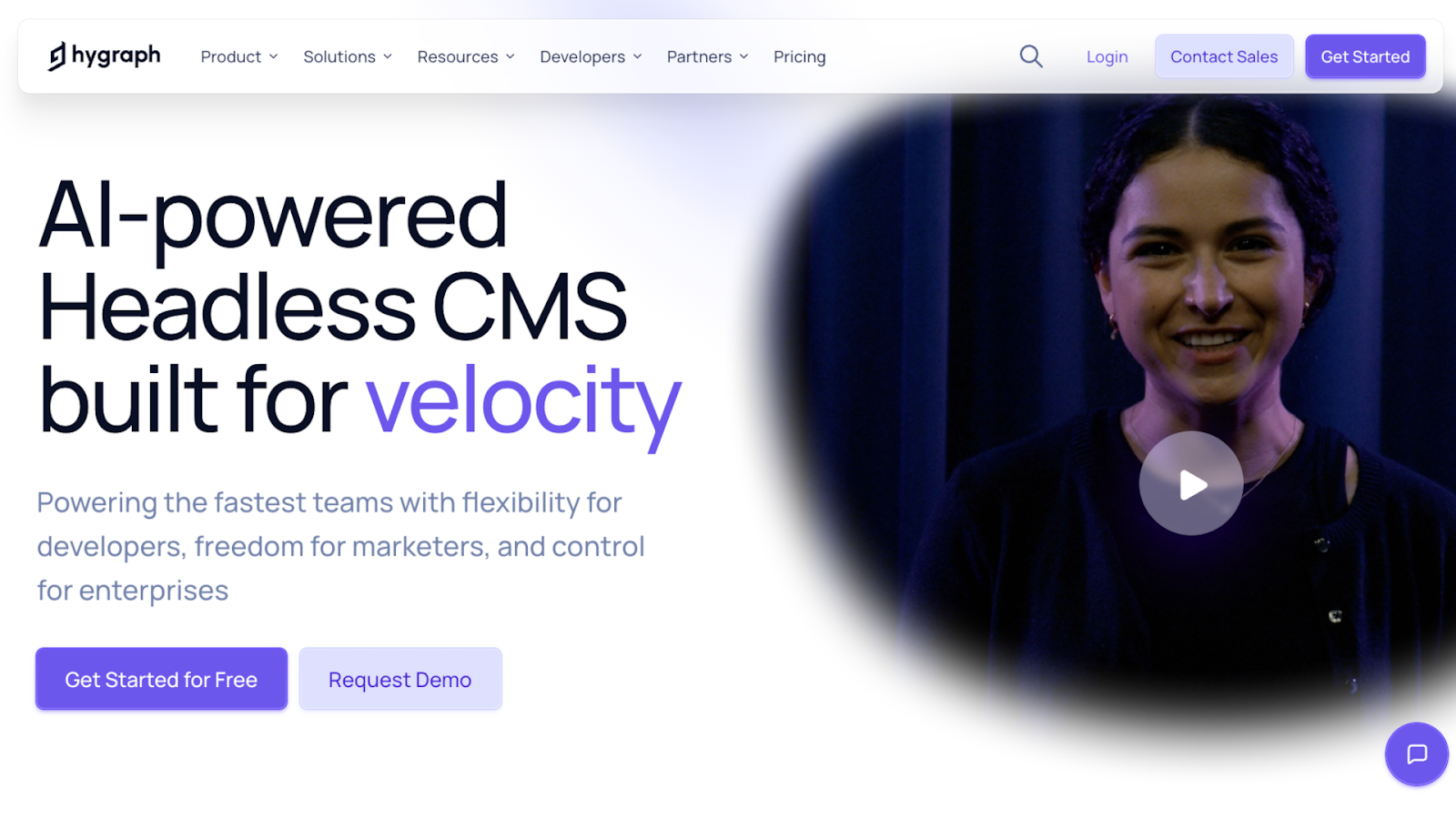
Hygraph is a headless CMS built around GraphQL, so you can structure content and deliver it to any site or app through a single GraphQL API.
Key features:
- Content Federation feature that pulls data from external channels
- Defined content stages during site builds
- Localization support
Pros:
- Native GraphQL delivery makes workflows fast and predictable
- Strong scalability for large organizations
Considerations: Connecting remote systems adds setup work, while REST-based teams need time to adjust to GraphQL.
Best for: Teams building composable stacks who want to invest in the GraphQL ecosystem.
Why choose it over Prismic: Choose Hygraph if GraphQL is central to your stack.
7. Ghost
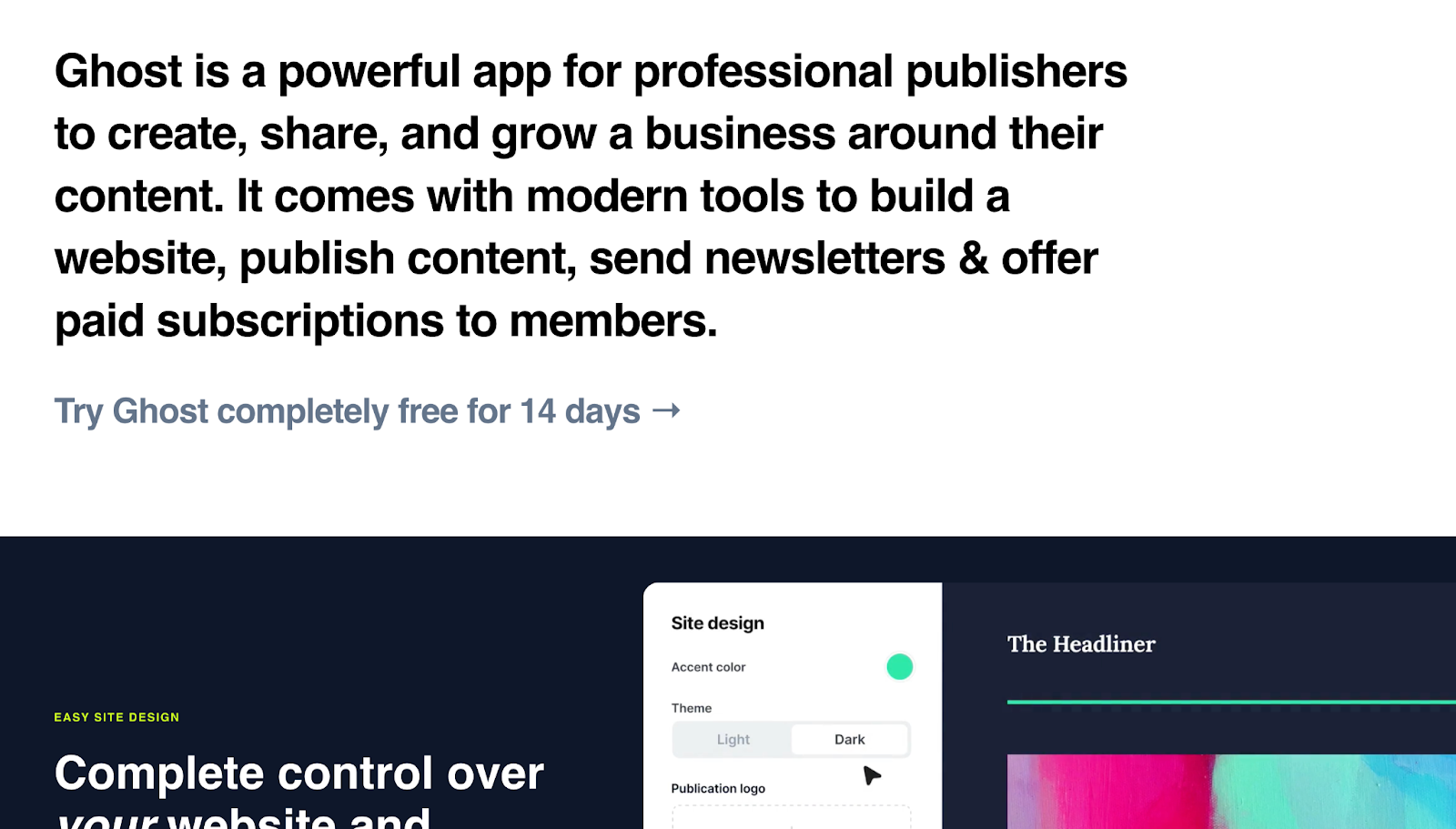
Ghost is an open-source CMS designed primarily for publishing newsletters, blogs, and other text-based digital content.
Key features:
- Built-in newsletters for email publishing alongside website content
- Memberships to support paid or gated content experiences
- Library of pre-built themes you can customize to match your branding
Pros:
- Editorial teams own content and distribution
- All-in-one panel for newsletters and memberships reduces tool switching
Considerations: Not a general-purpose CMS, but a tool specifically built for publishing and subscriptions.
Best for: Editorial and marketing teams who focus on written content and publishing and want built-in memberships and subscriptions.
Why choose it over Prismic: Ghost’s subscription model works better than Prismic’s website builder if you want to grow a publication or newsletter business.
8. WordPress
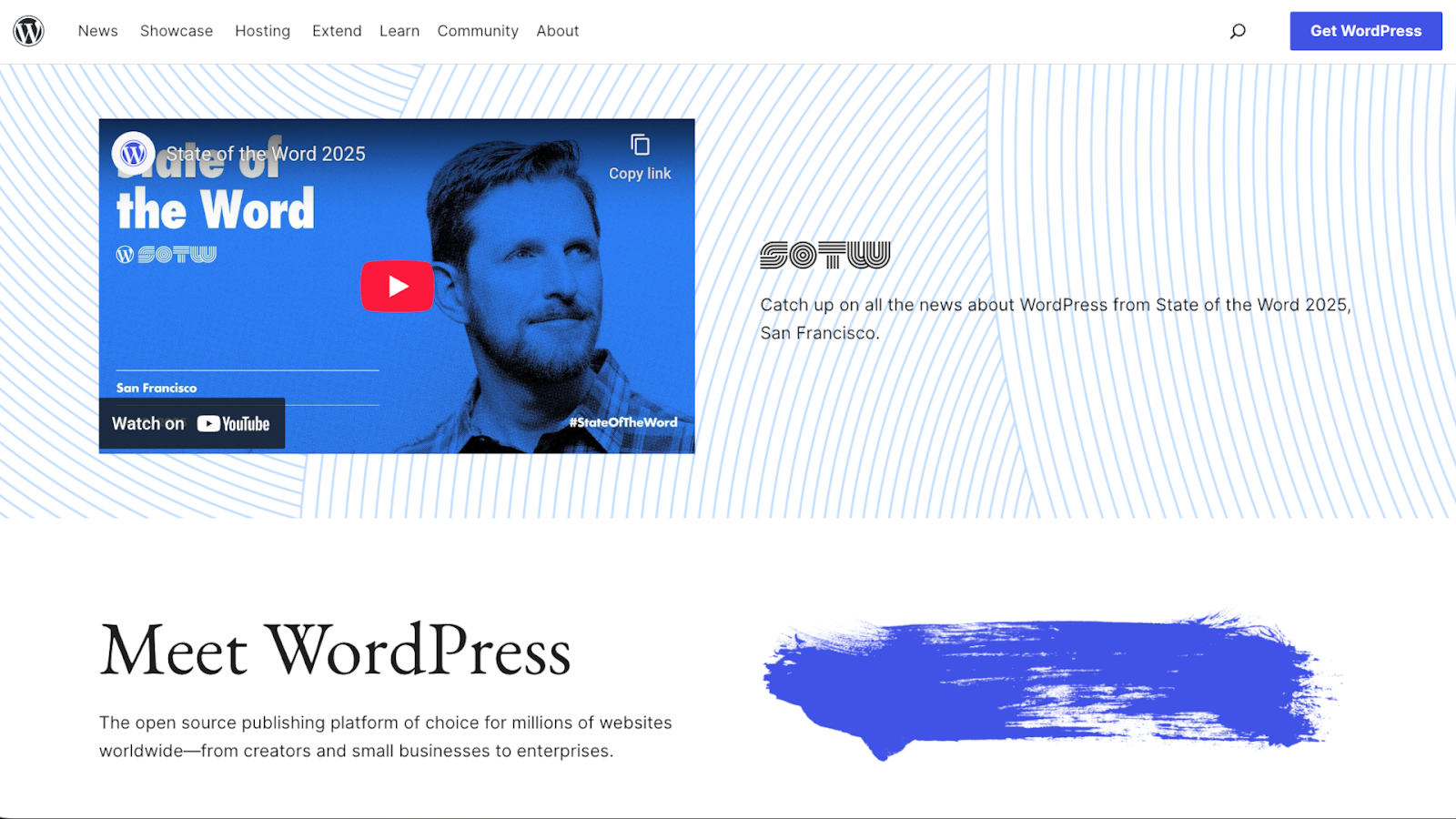
WordPress is a headless-capable, open-source CMS for creating and managing websites, with a vast library of plugins and themes to customize your site's design and functionality.
Key features:
- Open-source platform with a large creator community
- Visual editor for assembling pages from modular blocks
- REST API support for headless builds
Pros:
- Plugin ecosystem lets non-developers add a wide variety of features
- Relatively shallow learning curve
Considerations: Domains, hosting, themes, and plugins add overhead costs, and third-party tools impact your site’s security and performance.
Best for: Teams already invested in WordPress who want straightforward workflows and the ability to add new features quickly.
Why choose it over Prismic: Go with WordPress if a familiar ecosystem matters more than using a newer headless page builder.
9. Magnolia
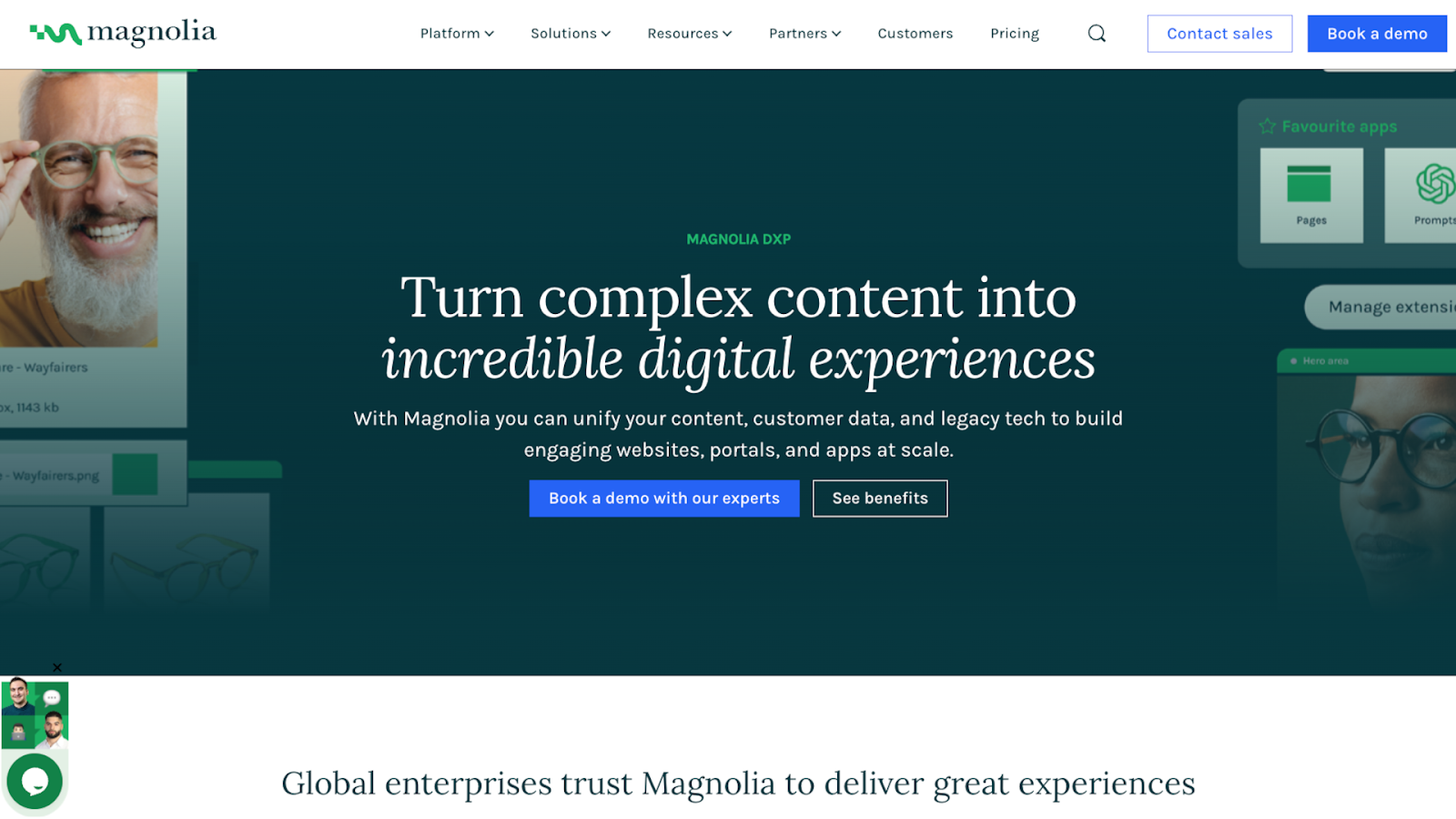
Magnolia is an enterprise digital experience platform that supports hybrid workflows, which means you can combine visual page building with headless delivery.
Key features:
- Visual, drag-and-drop editing
- A/B testing capabilities
- Governance workflows with approvals and permissions
Pros:
- Personalization and A/B testing allow for targeted content or product variants
- Hybrid model makes Magnolia accessible to both developers and non-developers
Considerations: As an enterprise-level CMS, Magnolia can be too complex and expensive for small to mid-sized teams.
Best for: Large organizations managing multiple sites with strict governance protocols.
Why choose it over Prismic: Magnolia works better for enterprises that want a hybrid headless approach with tools for A/B testing and personalization on top of page building.
10. Builder.io

Builder.io is a headless CMS for building and editing pages visually, with a heavy reliance on reusable components.
Key features:
- Visual editor with support for registering and using custom components
- A/B testing built into the platform
- Visual copilot AI for speeding up design-to-code workflows
Pros:
- Editors work visually while developers use REST or GraphQL
- Developers can limit access to specific components through permissions and approvals
Considerations: Relatively steep learning curve and high costs when compared to alternatives.
Best for: Hybrid teams with established design systems who want visual content production on top of modern front-end codebases.
Why choose it over Prismic: Choose Builder.io if you want a more AI-driven visual editor, where you can assemble pages from registered code components inside a drag-and-drop interface.
How to choose a Prismic alternative for your team
When comparing the top CMSs for 2026, start by considering these factors:
- Content authoring and user experience. Check to see how user-friendly platforms are, especially if you want your whole team to be able to draft, preview, and publish without developer input.
- Developer experience and flexibility. API-based setups should be straightforward to maintain over the long term and flexible enough for new content and integrations.
- Performance and SEO. Your CMS influences how quickly pages and assets load. Faster content gives users a better experience and improves search rankings.
- Scalability and cost. Look beyond base pricing and see what platforms cost when you add more editors and scale into complex workflows.
- Content governance. Customizable user roles and approvals prevent unwanted changes and keep team members accountable.
- Advanced features. Identify the extra features you need, such as localization, A/B testing, or analytics. The right premium features reduce dependency on other tools and make workflows faster as you operate on one platform.
- Market fit and support. Consider the CMS’s ecosystem and how many integrations and third-party vendors are available.
Enhance your digital content with Webflow
Teams often move away from Prismic’s slice-based component system because it can slow down the process of creating and updating content. Instead of waiting on developers, you can choose an alternative like Webflow that houses all your content while giving your teams powerful, flexible editing tools.
You can update content visually and collaborate in real time, which makes the design process more accessible to every member on your team. With performance and SEO controls built in, your site will be fast for users and discoverable for search engines. And on the business side, clear roles and permissions help you scale without sacrificing security.
See how Webflow offers a next-gen CMS experience.
Get started for free
Create custom, scalable websites — without writing code. Start building in Webflow.



















